How to Keep Your Online Menu and In-House Menu Perfectly in Sync
Updated:
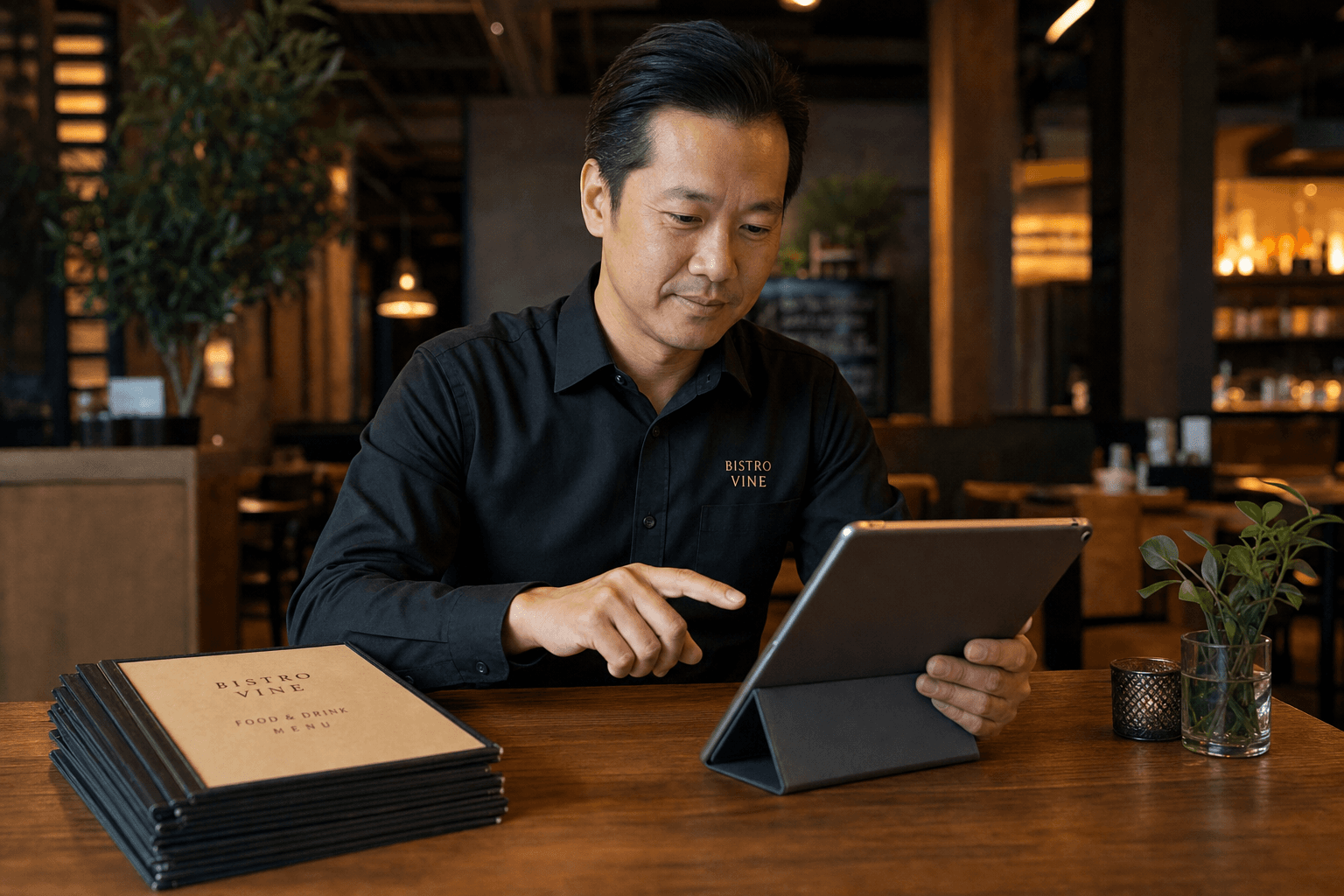
A guest pulls up your menu on Google before heading out. They see the lamb chops for $28. They arrive, sit down, open the table menu, and find the lamb chops are now $34 — or gone entirely. That moment of friction is small, but it chips away at trust. Multiply it across dozens of guests a week and you have a real problem.
Keeping your online menu and your in-house menu saying the same thing at the same time is one of the most overlooked operational challenges in independent restaurants. It sounds simple. In practice, it breaks down constantly — because menus change often, the people who update them are usually different people, and the tools don't always talk to each other.
This guide lays out a practical, repeatable system for staying in sync, whether you're running a single-location café or a multi-concept restaurant.
Why Menus Fall Out of Sync
Before fixing the problem, it helps to understand exactly where the breakdown happens. In most restaurants, menu changes originate from one of a few triggers:
- Price increases — food costs rise, so you adjust margins.
- Seasonal rotations — dishes come on and off based on ingredient availability.
- 86'd items — something runs out mid-service or gets permanently dropped.
- New additions — a dish gets tested, approved, and added.
- Promotions and specials — limited-time offers that appear and disappear.
In most kitchens, the chef or owner decides on the change. The printed menu gets updated eventually — sometimes after a delay, sometimes not at all if it's "just temporary." The online menu, meanwhile, might live on a website, a Google Business Profile, a third-party delivery platform, and a QR code. Each of those is a separate update. If there's no system, some get done and some don't.
The result: a guest sees one thing online and another thing in person. Or your delivery platform is still selling a dish you stopped making three weeks ago.
Make One Source of Truth
The single most effective thing you can do is establish one master menu document that every other version is derived from. This sounds obvious, but most restaurants don't actually have it. They have a Word doc someone made in 2021, a PDF that got emailed to the web designer, a slightly different version in the POS, and a delivery platform that nobody's touched in months.
Your master menu should be:
- A single file or platform — not multiple spreadsheets or email threads.
- Owned by one person — usually the owner, GM, or head chef.
- Updated first, before anything else changes — every other version flows from it.
- Version-controlled — so you can see what changed and when.
A simple Google Sheet works well for this. Columns for item name, category, description, price, availability (yes/no), and any dietary flags. Every time anything changes, that sheet gets updated first. Then — and only then — do you push changes out to your other menu surfaces.
If you're using a digital menu platform, your online menu can effectively become the master. When your live digital menu is the authoritative version, you update it once and it's immediately accurate for every guest who scans a QR code or visits your menu page. That's a much tighter loop than maintaining a spreadsheet and then manually updating five other places.
Map Every Place Your Menu Lives
You can't sync what you haven't accounted for. Take 20 minutes to list every single place your menu currently appears. For most independent restaurants, that list looks something like this:
- Physical printed menus (dine-in)
- Printed specials boards or chalkboards
- Your website (if you have one)
- Google Business Profile
- QR code menus at tables
- Third-party delivery platforms (DoorDash, Uber Eats, Grubhub, etc.)
- Social media bios or pinned posts with menu links
- Any printed takeout menus or flyers
Once you have the full list, you can see the scope of the problem. Some of these are easy to update instantly (a digital menu, a website). Others take time and cost money (reprinted physical menus). That asymmetry is where most sync problems live.
Separate What Needs to Match Exactly
Not every surface needs to be identical, but the critical details must align. Here's how to think about it:
Must match exactly
- Prices — a guest who sees $18 online and pays $22 in person feels deceived, even if the change was legitimate.
- Item availability — don't list items online that you no longer serve.
- Allergen and dietary information — incorrect allergy info is a legal and safety issue.
Can vary by surface
- Item descriptions — your online menu might have longer, more SEO-friendly descriptions than your printed menu.
- Photography — your digital menu can show photos; your printed menu may not.
- Specials — your in-house board might list daily specials that don't appear online, and that's fine as long as it's intentional.
Knowing this distinction helps you prioritize. Price and availability accuracy are non-negotiable. Description variations are fine. Build your update process around the non-negotiables first.
Build a Change Management Workflow
Sync problems are almost always process problems, not technology problems. Even the best tools fail if nobody follows a consistent workflow. Here's a simple one that works for small teams:
Step 1: Decide and document
Any menu change — price, item, availability — gets written down in the master document first. No exceptions. If the chef wants to 86 something mid-service, they tell the front-of-house and it gets flagged in the master doc to be formally removed at the next update window.
Step 2: Update the digital menu immediately
Your online menu should be updated the same day a change is decided, especially for price changes and item removals. If you're using an online menu maker that lets you edit in real time, this takes minutes. There's no reason for a guest to see yesterday's prices online today.
Step 3: Update third-party platforms
Delivery platforms are the most commonly neglected. Set a standing reminder — weekly or bi-weekly — to log into each platform and verify that prices and item availability match your master. Some platforms have bulk upload or API options; use them if your volume justifies it.
Step 4: Schedule physical reprints
Printed menus can't be updated instantly, so batch your physical changes. Collect all pending changes over a set period (monthly works for most restaurants) and reprint at once. In the meantime, use table inserts or a brief verbal note from servers to bridge any gaps.
Step 5: Verify
Once a month, do a quick audit. Open your menu on your phone as a guest would. Compare it to the printed menu. Compare it to your delivery platform. Look for anything that doesn't match. This takes 15 minutes and catches problems before guests do.
Use Digital Menus to Reduce the Sync Burden
The more you shift guests toward your digital menu, the less often you need to reprint and the fewer surfaces you need to manage. A QR code at every table pointing to a live restaurant menu page means that when you update the digital version, every guest who scans a code sees the current menu instantly — no reprints, no outdated PDFs.
This is especially valuable for:
- Seasonal menus — swap items without touching a printer.
- Daily specials — add and remove specials in real time without reprinting anything.
- Price adjustments — update prices across your entire menu in one edit session.
- Item availability — mark items as temporarily unavailable without removing them from the menu entirely.
If you're still distributing a static PDF as your "online menu," you're creating unnecessary work for yourself every time something changes. A live digital menu page eliminates that problem entirely. And if you're converting from a PDF setup, it's easier than you think — you can go from a PDF to a QR code menu in a single session.
Handle Delivery Platforms Separately
Third-party delivery platforms deserve their own section because they're where sync problems cause the most direct financial damage. A guest orders a dish that's been removed from your menu. Your kitchen doesn't have the ingredients. You cancel the order. The guest leaves a bad review. The platform may penalize your account for the cancellation.
To avoid this:
- Assign ownership — one person is responsible for keeping delivery platforms updated. Not "whoever has time."
- Use platform pause features — most delivery apps let you temporarily pause or hide items. Use this instead of leaving unavailable items live.
- Sync prices proactively — delivery platforms often add their own markup, but your base prices still need to reflect your current pricing strategy. Review them whenever you update your main menu.
- Check photos and descriptions — if you've renamed or reformulated a dish, the description and photo on the delivery platform should reflect that too.
Staff Communication Is Part of Sync
Your team is a menu surface too. If a guest asks a server about a dish they saw online, the server needs to know whether it's still available and at what price. That means menu changes need to be communicated to staff as part of the same workflow, not as an afterthought.
A few practical habits:
- Include menu changes in pre-shift briefings on the day they go live.
- Post a change log somewhere staff can reference — a shared notes app, a whiteboard in the back, a group chat.
- Train servers to check the digital menu on their phone if a guest asks about something they're unsure of. The live menu is always more current than memory.
What to Do When You Can't Sync Immediately
Sometimes you can't update everything at once. A supplier falls through at 4pm on a Friday. A dish sells out unexpectedly at 7pm. You can't reprint menus mid-service. Here's how to handle the gap gracefully:
- Update your digital menu first — it's the fastest and reaches the most people. Guests checking their phones at the table will see the accurate version immediately.
- Brief your staff — a 30-second announcement to the floor covers the in-person experience.
- Use a table card or verbal note — "We're out of the halibut tonight" is a simple, honest bridge.
- Pause the item on delivery platforms — do this before the end of service so overnight orders aren't affected.
- Update the printed menu at the next reprint cycle — flag it in your master doc so it doesn't get forgotten.
The key is having a clear priority order. Digital first, staff second, physical third. That sequence gets the most guests accurate information the fastest.
Frequently Asked Questions
How often should I audit my menu for consistency across all platforms?
Once a month is a reasonable baseline for most independent restaurants. If you change your menu frequently — seasonal rotations, weekly specials, frequent price adjustments — do a quick check every two weeks. The audit itself takes 15–20 minutes: open each menu surface side by side and compare prices and item availability against your master document.
What's the easiest way to update all my menus at once?
The closest thing to a "one update, everywhere" solution is using a live digital menu as your primary guest-facing menu and pointing all your QR codes, website links, and social profiles to that single URL. When you update the digital menu, every guest who accesses it through any of those channels sees the current version immediately. You still need to update delivery platforms separately, but that's a much shorter list.
Should my online menu and delivery platform menu be identical?
Not necessarily. Many restaurants offer a simplified menu on delivery platforms — fewer items, no dishes that don't travel well — while keeping a fuller menu for dine-in guests. That's a legitimate strategy. What matters is that whatever you list on each platform is accurate and available. The problem isn't having different menus for different channels; it's having inaccurate information on any of them.
How do I handle price differences between dine-in and delivery?
Be transparent about it. Most guests understand that delivery prices include platform fees. If your delivery prices are higher, make sure those higher prices are accurately reflected on the delivery platform — don't list dine-in prices and then charge more at checkout. Some restaurants add a note to their delivery menu explaining the difference. Clear communication prevents bad reviews.
What's the biggest mistake restaurants make with menu sync?
Treating it as a one-time task rather than an ongoing process. Restaurants update their menu when they launch and then let it drift. The fix is building a simple, consistent workflow — update the master, update digital, update delivery, flag for reprint — and making it a habit rather than an event. The restaurants that do this well aren't doing anything complicated; they're just doing it consistently.
Keeping your menus in sync is fundamentally about building a habit and picking the right tools. MenuHoster makes the digital side of that equation simple — update your menu once, and every guest who scans your QR code or visits your menu page sees the current version instantly. No reprints, no stale PDFs, no confused guests. Try MenuHoster free and see how much easier menu management gets when your digital menu is always accurate.
MenuHoster Team
Helping restaurants go digital