Bar & Cocktail Menu
Bar menu with QR code for pubs & cocktail lounges
Your dimly lit bar is actually the perfect environment for a digital menu — phone screens glow. Create a stunning drinks menu with photos, descriptions, and prices that customers access by scanning a QR code. Update tap lists and specials in real time.
Drop it anywhere — the file is kept on this device and the uploader opens with it.
Preview before you sign up · PDF up to 20MB, photos up to 10MB. Reading a menu automatically can need corrections, so check names and prices before you publish.
Free plan · No credit card · Preview before you publish
89,000+ menu views · 18,000+ QR scans served for real restaurants
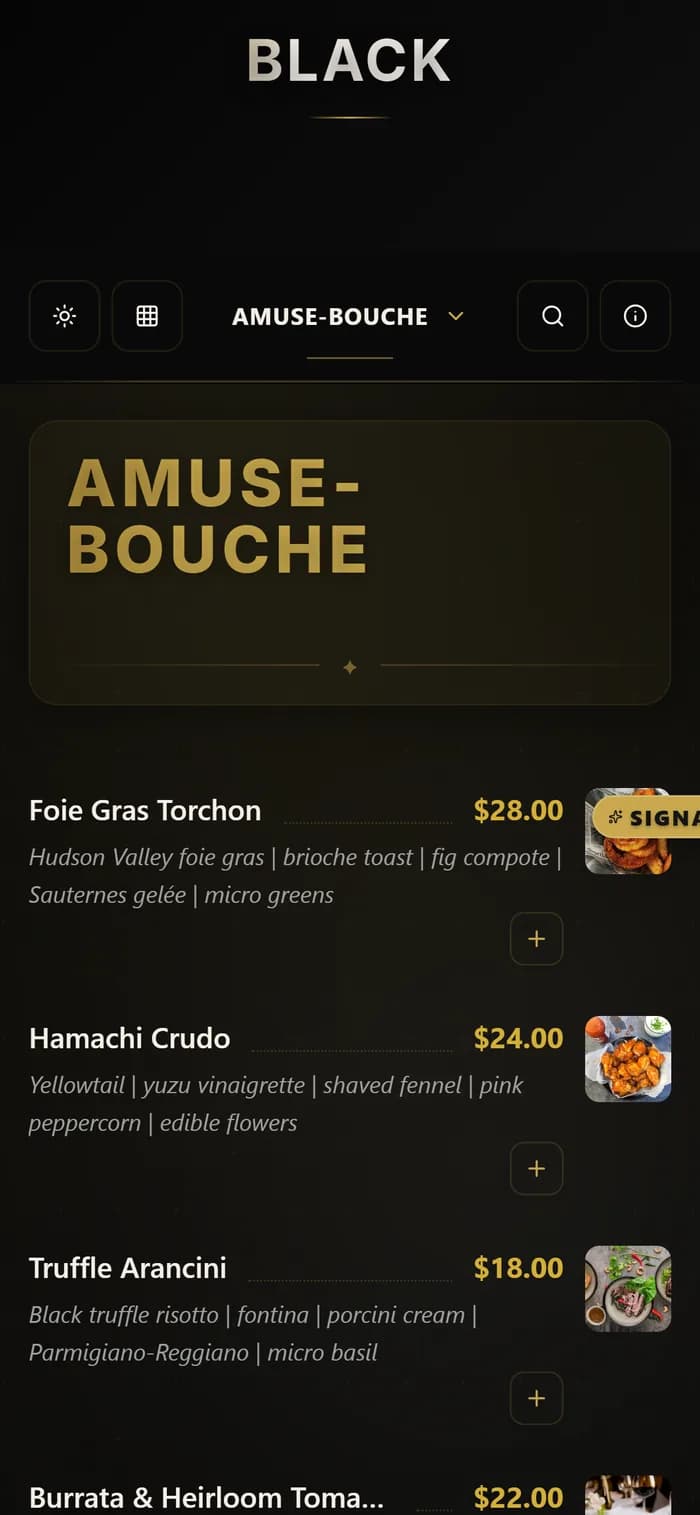
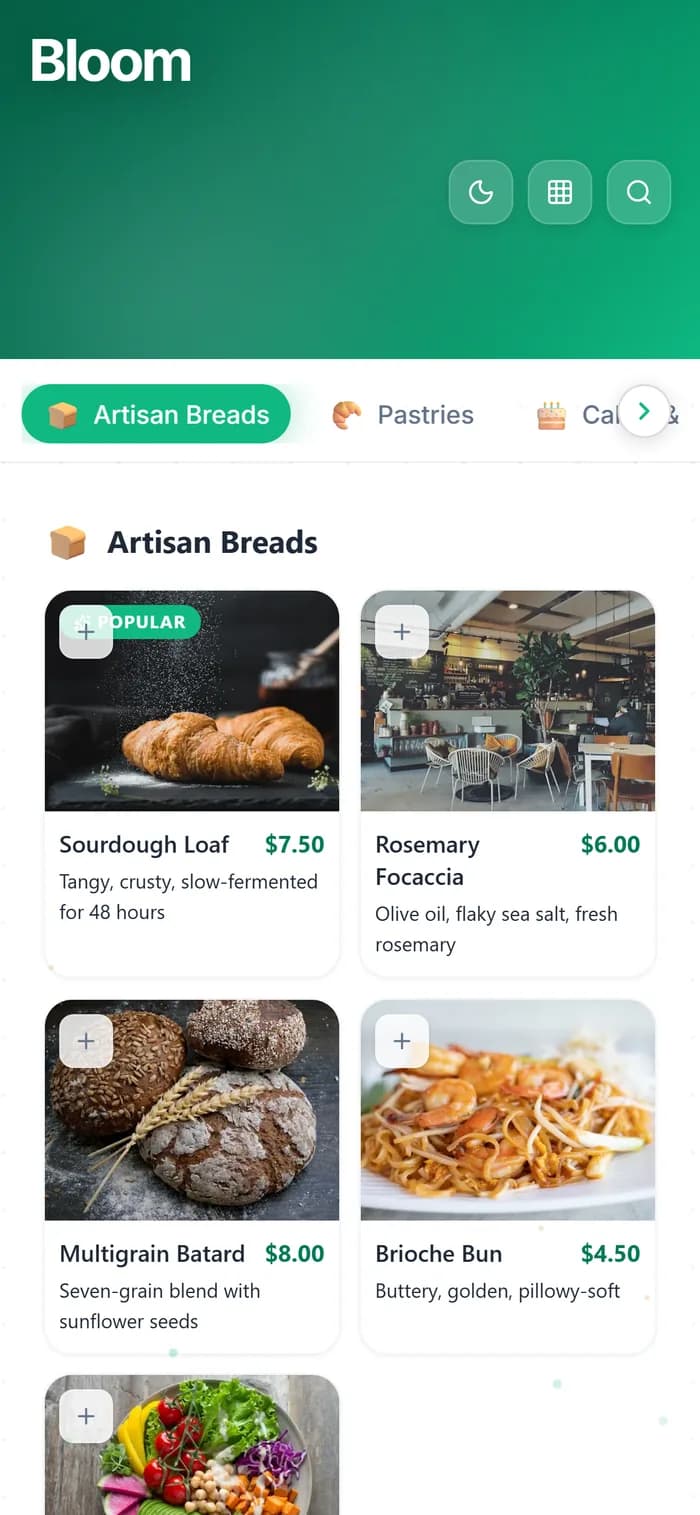
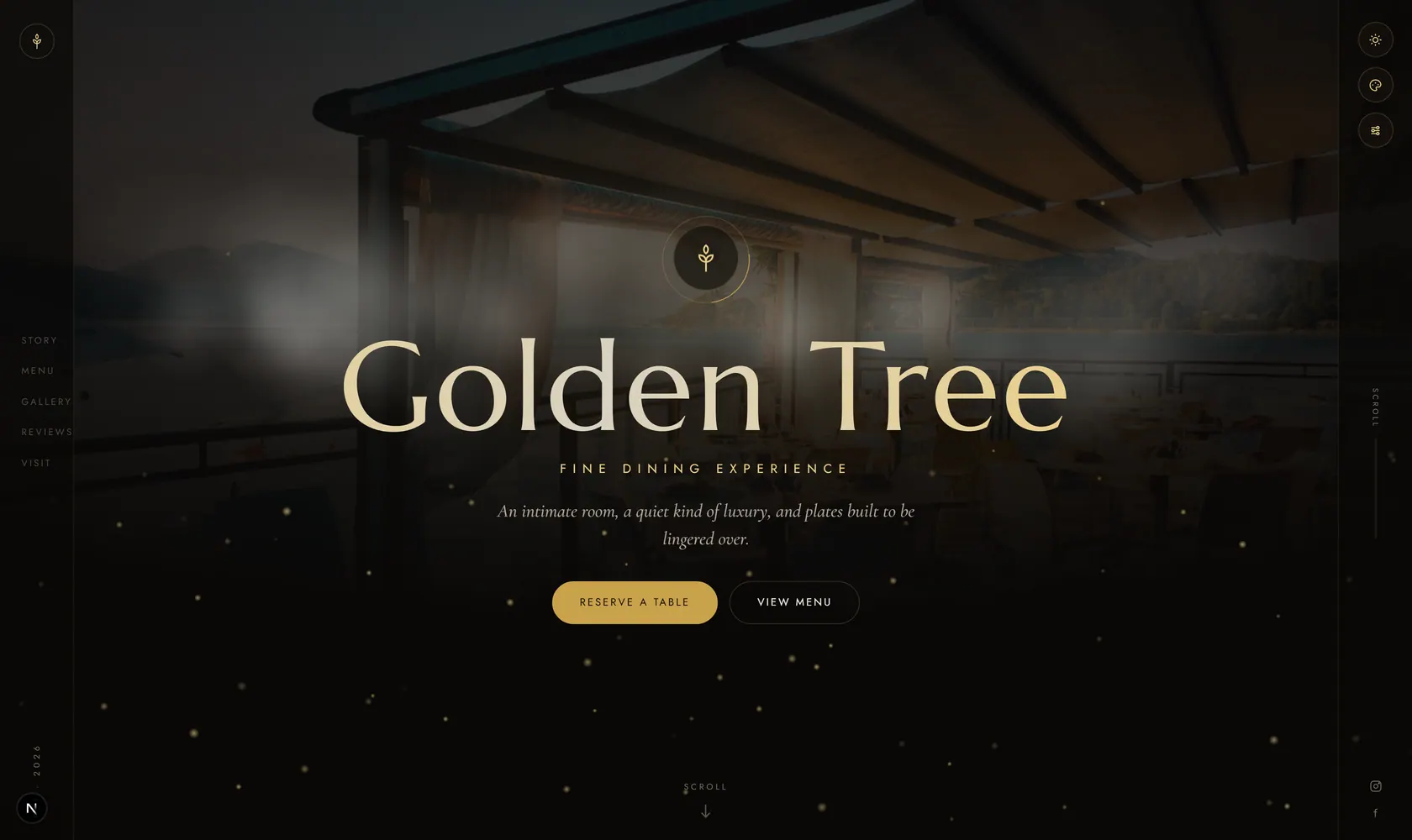
See it live, before you build a thing.
Every template is a real demo business. Switch the device, scan it onto your phone, then make it yours.
Real demo menus, real prices. Your QR follows the design you pick.
Why Bars & Pubs Use Digital QR Code Menus
A digital drinks menu built for the fast, low-light world of bars and nightlife.
Perfect for Dark Environments
Customers can’t read a paper menu in dim bar lighting. A phone screen is its own light source. Your QR code menu is always readable — no squinting, no asking the bartender.
Rotating Tap Lists, Instantly Updated
New keg tapped? Seasonal brew just arrived? Update your digital menu from your dashboard. Customers always see what’s actually available — no more ordering something that’s already kicked.
Happy Hour Automation
Create a separate happy hour menu or add a ‘Happy Hour Specials’ section to your main menu. Activate it during happy hour, deactivate after. Or keep it visible all the time to drive off-peak traffic.
Cocktail Menus with Photos & Descriptions
Craft cocktails deserve more than a name and a price. Add photos, ingredients, flavor profiles, and even the story behind each drink. A visual menu sells premium cocktails.
Reduce Wait Times
When customers can browse the full menu from their phone before flagging the bartender, they order faster and more confidently. Less back-and-forth, more drinks served per hour.
Event & Live Music Promotion
Add an ‘Events’ section to your menu — tonight’s DJ, upcoming trivia night, live band schedule. Your menu becomes a marketing channel that every customer sees.
How Bars Use MenuHoster
Real scenarios showing how a digital menu fits behind the bar and at every table.
The Craft Cocktail Bar
A couple sits down at your cocktail lounge. In the low lighting, they scan the table QR code. Your menu appears on their phones — gorgeous photos of each signature cocktail with ingredient lists and flavor notes. They each order a $16 cocktail instead of asking ‘what’s good?’ and getting a $9 beer. Your average ticket just went up 40%.
The Sports Pub
It’s game day. The bar is packed. Your QR code is on every table, at the bar, and on the wall by the entrance. Customers scan, order what they want, and flag the server when ready. No menus to hand out, collect, sanitize, or lose. Your team focuses on speed, not menu logistics.
The Rotating Tap Room
You have 24 taps and the lineup changes weekly. Instead of reprinting a paper menu or hand-writing a chalkboard, you update your MenuHoster list from your phone as new kegs are tapped. The QR code on the bar counter always shows the live lineup with ABV, style, and brewery info.
Where to Place Your QR Code in Your Bar
Maximize visibility with these high-impact placement ideas.
Embedded sticker
On every table
Behind the bartender
Host stand / door
Captive audience
Custom printed QR
Sidewalk seating
Social & online profiles
Get Your Bar Menu Online in 3 Steps
Upload or Build
Upload your existing drink list as a PDF or photos. Or use our menu builder to create a cocktail, beer, and wine menu from scratch.
Get Your QR Code
We generate a sleek, mobile-optimized drinks menu and a downloadable QR code. Print it for your bar top, tables, and coasters.
Update Anytime
Swap out a kicked keg, add tonight’s special, or launch a happy hour menu — all from your phone. Your QR code and link never change.
Trusted by Bars, Pubs & Lounges
Upload to publish
Free plan
Free scans/month
No credit card requiredNo app downloadWorks on any phone
Plans
Pricing fit
The Free plan works for one active menu. Pro and Max fit bar businesses that need separate menus, custom QR branding and higher traffic.
We notify you before limits are reached - your menu does not suddenly disappear.
Customers Order From Their Phone — No Waving Down the Bartender
Customers scan your QR code, browse your cocktail menu, and place their order directly from their phone. Orders land in your real-time dashboard. Less waiting, more drinks served, zero commission fees.
Learn About Online OrderingBar & Pub Menu FAQ
Common questions about using MenuHoster for your bar, pub, or lounge.
Can I show different sections for cocktails, beer, wine, and food?
Yes. Organize your menu into as many sections as you need — Signature Cocktails, Draft Beer, Wine by the Glass, Bottle Service, Bar Bites, etc. Customers can scroll through or jump to sections.
Can I update the menu when a keg kicks?
Instantly. Log into your dashboard from your phone, remove or replace the item, and it’s updated in real time. Customers scanning the QR code will see the change immediately.
Does it work in low lighting?
Perfectly. Customers view the menu on their phone screen, which provides its own backlight. In fact, QR code menus work better in dark environments than paper menus.
Can I add event info or specials to my menu?
Yes. Add an ‘Events’ or ‘Specials’ section to your menu. Promote happy hours, live music, trivia nights, or seasonal events. Every customer who views your menu sees them.
Can I create a separate happy hour menu?
On the Pro plan, create separate menus (plan limits apply) — a full menu, a happy hour menu, a brunch menu, a late night menu. Each gets its own QR code and link.
Your Drinks Menu, On Every Phone
Publish your menu free and share one link everywhere — Google, Instagram, your tables. Update tap lists, promote events, and sell more cocktails — all from a single QR code.
Free plan · No credit card · Preview before you publish
Free plan for small businesses \u00b7 No credit card required
MenuHoster is a QR code menu generator that lets you build a digital menu from scratch or upload your menu as a PDF. It's the easiest way to host your menu online — perfect for bars, pubs, and cocktail lounges. Now with free online ordering built in. Learn about digital menus or see full pricing. Compare MenuHoster to iMenuPro and more.