Free QR Code Menu Generator for Restaurants
Upload your menu PDF or images and get a scannable QR code with a mobile-friendly menu link — live in under 2 minutes. No app required for your customers.
Free forever · No credit card · Takes 2 minutes
Last updated:
QR code menu generator at a glance
- Tool purpose
- Create a QR code that opens a hosted menu page in a phone browser.
- Input formats
- PDF, PNG, JPG, manual builder, and structured menu content.
- Customer experience
- Customers scan the QR code and view the menu without downloading an app.
- QR code updates
- The QR code remains the same when menu content changes.
- Analytics
- MenuHoster tracks menu views and QR scan activity from the dashboard.
- Free plan
- A free plan is available with one active menu, QR code, and monthly usage limits.
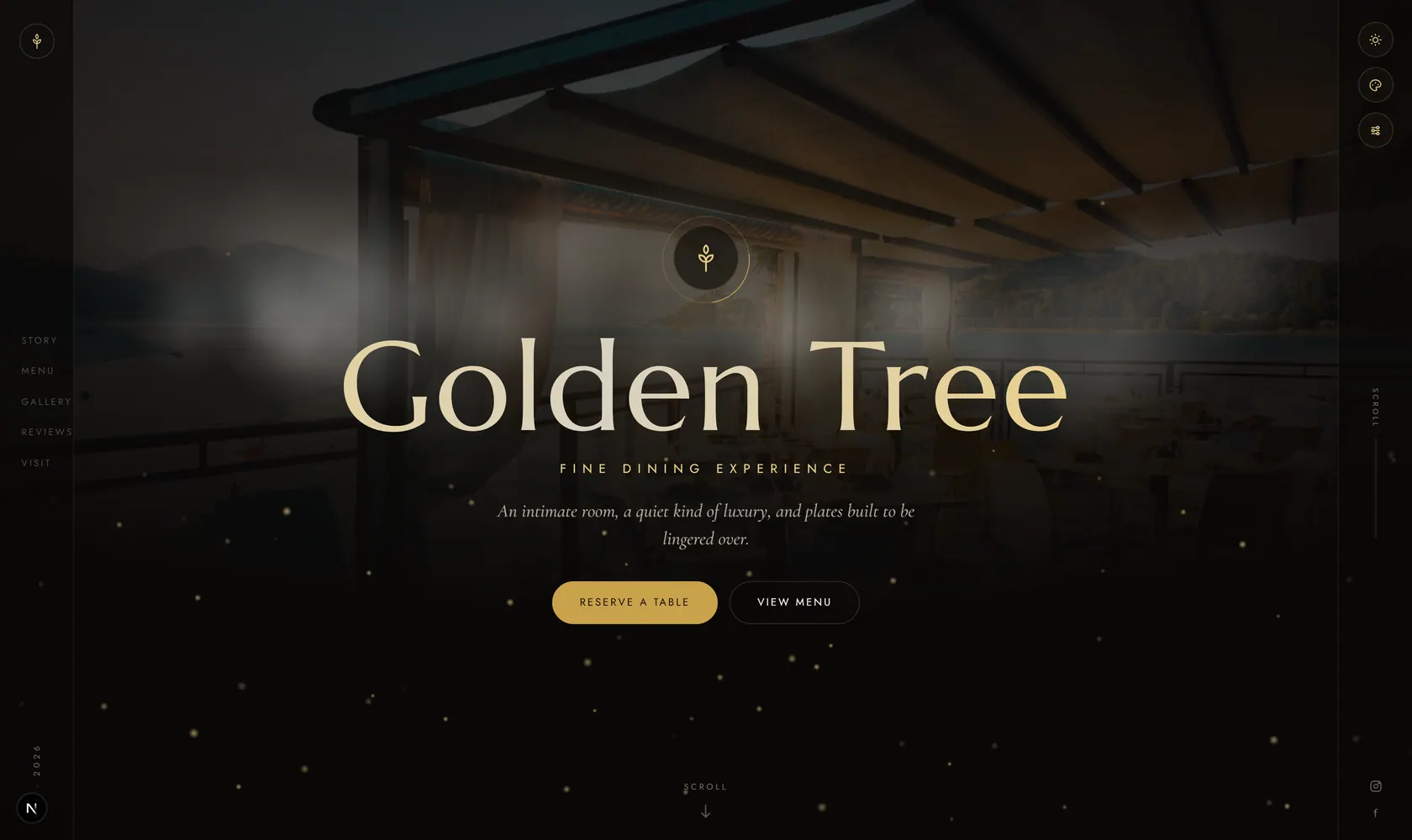
See it live, before you build a thing.
Every template is a real demo business. Switch the device, scan it onto your phone, then make it yours.
this demo on your phone
How to Create a QR Code Menu
Three simple steps to host your menu online with a scannable QR code. No technical skills required.
Upload Your Menu
Drag and drop your existing menu as a PDF, PNG, or JPG. Multi-page documents supported. Or build a digital menu from scratch with our menu builder.
Get Your QR Code
We instantly generate a unique QR code linked to your mobile-optimized menu page. Download it as a high-resolution PNG for printing.
Print & Share
Place the QR code on table tents, flyers, window stickers, receipts, or social media. Customers scan and view your menu instantly — no app download needed.
Why Use a QR Code Menu Generator?
Powerful features to modernize how your customers discover your menu.
No App Required
Customers scan your QR code and view your menu directly in their phone’s browser. Zero friction, zero downloads.
Update Without Reprinting
Change prices, add seasonal specials, or swap images anytime. Your QR code stays the same — customers always see the latest menu.
Track QR Code Scans
Built-in analytics show how many people scan your QR code, when they view your menu, and peak traffic times.
Works on Any Smartphone
Your QR code menu works on every iPhone and Android device. Compatible with all camera apps and QR readers.
Multiple Menus, One Platform
Create separate QR codes for breakfast, lunch, dinner, drinks, or specials. Manage them all from one dashboard.
Mobile-Optimized Display
Your menu loads fast and looks beautiful on any screen size. Pinch-to-zoom PDF viewers are a thing of the past.
QR Code Menu vs. Traditional Paper Menu
See why thousands of restaurants are switching to QR code menus.
| Feature | QR Code Menu | Paper Menu |
|---|---|---|
| Update prices | Instant, free | Reprint required |
| Cost | Free to start | $200–500+ per print run |
| Hygiene | Contactless | Handled by every customer |
| Analytics | Track views & scans | No data |
| Eco-friendly | Paperless | Paper waste |
| Photo quality | Full HD images | Expensive to print |
| Availability | 24/7 online | Only in-restaurant |
Who Uses QR Code Menus?
From fine dining restaurants to food trucks — any business with a menu can benefit from a QR code. MenuHoster makes it easy to share your menu instantly.
Restaurants
From fine dining to casual eateries — let customers view your full menu by scanning a QR code at the table.
Cafés & Coffee Shops
Display your seasonal drinks and pastries digitally. Update specials without reprinting counter cards.
Food Trucks
Share your menu from anywhere. Customers scan a sticker on the truck window — no paper menus blowing away.
Bars & Pubs
Keep your cocktail and beer list always up to date. Rotate seasonal drinks without any hassle.
Hotels & Resorts
Room service, poolside menus, spa services — put a QR code on every surface to offer contactless ordering.
Bakeries & Dessert Shops
Showcase your pastries, cakes, and specials with full HD images. Customers see exactly what they’re ordering.
Trusted by Businesses Worldwide
Restaurants, cafés, bars, and food trucks around the world use MenuHoster every day.
Menus Created
QR Scans
Countries
Simple, Transparent Pricing
Start free. Upgrade when you need more menus or higher traffic limits.
Free
- 1 active menu
- 10K views/mo
- 10K QR scans/mo
- Downloadable QR code
Pro
- Up to 15 menus
- 50K views/mo
- 50K QR scans/mo
- Remove branding
Max
- Up to 50 menus
- 100K views/mo
- 100K QR scans/mo
- Dedicated support
QR Code Menu Generator — Frequently Asked Questions
Everything you need to know about creating and sharing QR code menus.
Sign up for a free MenuHoster account, upload your menu as a PDF or images (or build one from scratch), and we’ll instantly generate a QR code linked to your mobile-friendly menu page. The entire process takes under 2 minutes.
Yes. MenuHoster’s free plan includes 1 active menu, 10K monthly views, 10K QR scans, and a downloadable QR code. No credit card required.
No. When customers scan your QR code, your menu opens directly in their phone’s web browser. It works on any smartphone — iPhone, Android, or tablet.
Absolutely. Update prices, add items, change images, or swap your entire menu anytime. Your QR code and menu link stay the same — no reprinting needed.
You can upload PDF, PNG, and JPG files. Multi-page PDFs are fully supported. You can also build a digital menu from scratch using our built-in menu builder.
You can download a high-resolution QR code image to use in your own designs — table tents, flyers, stickers, window displays, or social media posts.
Every MenuHoster plan includes built-in analytics. See total menu views, QR scan counts, peak viewing times, and traffic trends from your dashboard.
Yes. Pro and Max plans support multiple menus — create separate QR codes for breakfast, lunch, dinner, drinks, or specials.
Still have questions? We're here to help.
Contact SupportReady to Create Your QR Code Menu?
Join thousands of restaurants using MenuHoster to share their menus. Get started free — no credit card required.
Learn more: How to Create a QR Code Menu · 5 Steps to Create a QR Code Menu · QR Code Menu vs Paper Menu
See how MenuHoster compares: All comparisons · vs iMenuPro · vs QRMenu · vs Square · vs MustHaveMenus