Hotel & Resort Menu
Hotel menu & room-service QR code
Room service, restaurant, poolside bar, spa services — manage all your hotel menus from one dashboard. Place QR codes in guest rooms, lobbies, elevators, and amenity areas. Guests scan and view a polished, branded menu.
Drop it anywhere — the file is kept on this device and the uploader opens with it.
Preview before you sign up · PDF up to 20MB, photos up to 10MB. Reading a menu automatically can need corrections, so check names and prices before you publish.
Free plan · No credit card · Preview before you publish
89,000+ menu views · 18,000+ QR scans served for real restaurants
Hotel menu at a glance
- Best for
- Hotels, resorts, room service, lobby bars, poolside bars, spas, and multi-venue properties.
- Menu types
- Room service, breakfast, restaurant, drinks, spa services, poolside ordering, and local recommendations.
- QR placement
- Guest rooms, elevators, lobbies, table tents, pool areas, amenity cards, and printed guest guides.
- Updates
- Edit menus from one dashboard without replacing printed QR codes.
- Plan fit
- Pro and Max are useful when a hotel needs separate menus for multiple venues or departments.
- Guest access
- Guests scan and view the menu in their browser without downloading an app.
See it live, before you build a thing.
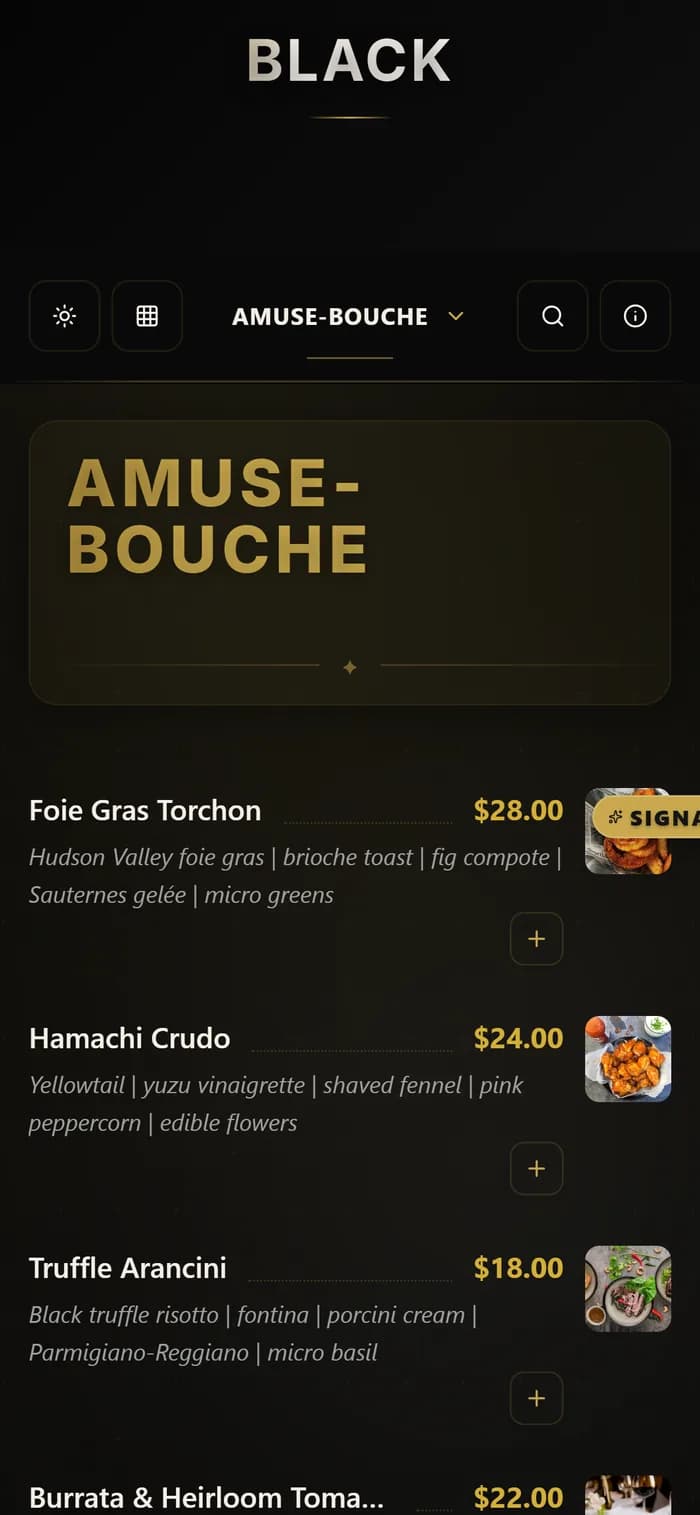
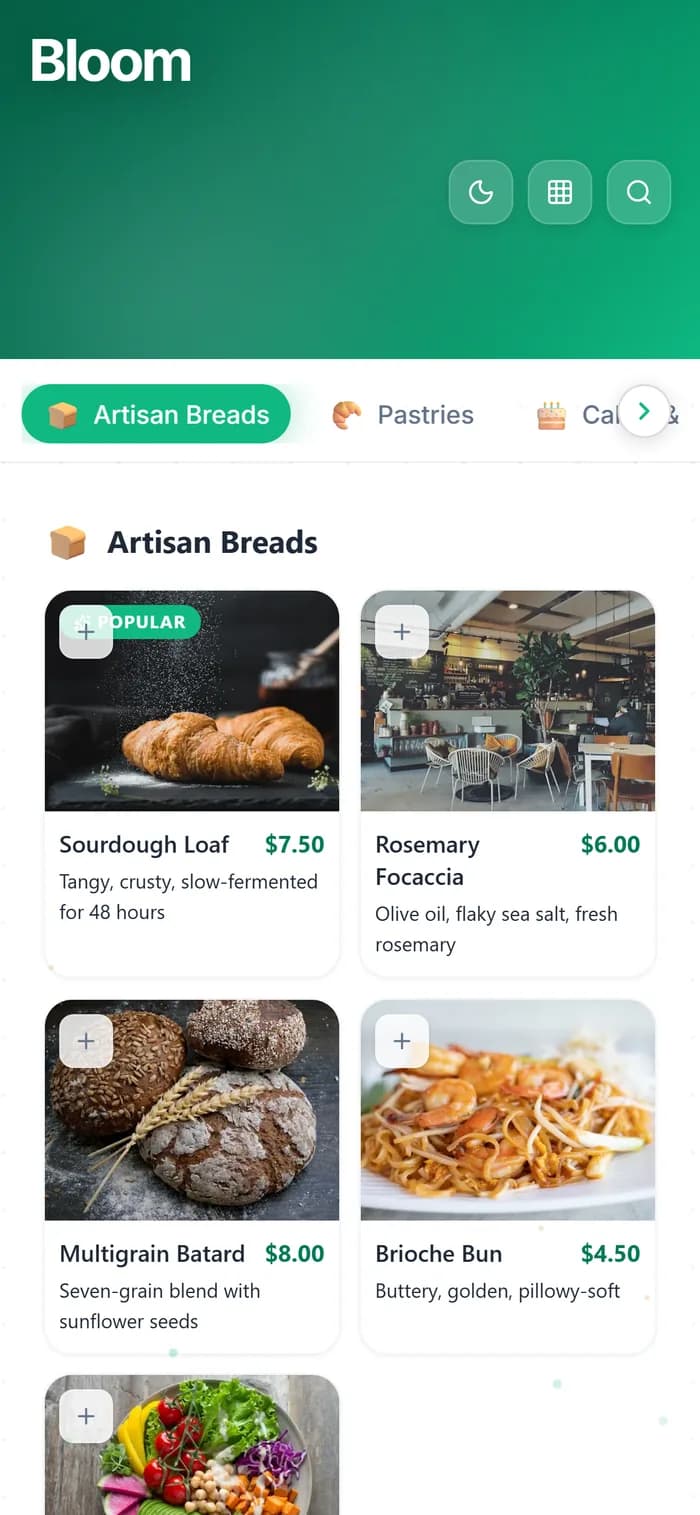
Every template is a real demo business. Switch the device, scan it onto your phone, then make it yours.
Real demo menus, real prices. Your QR follows the design you pick.
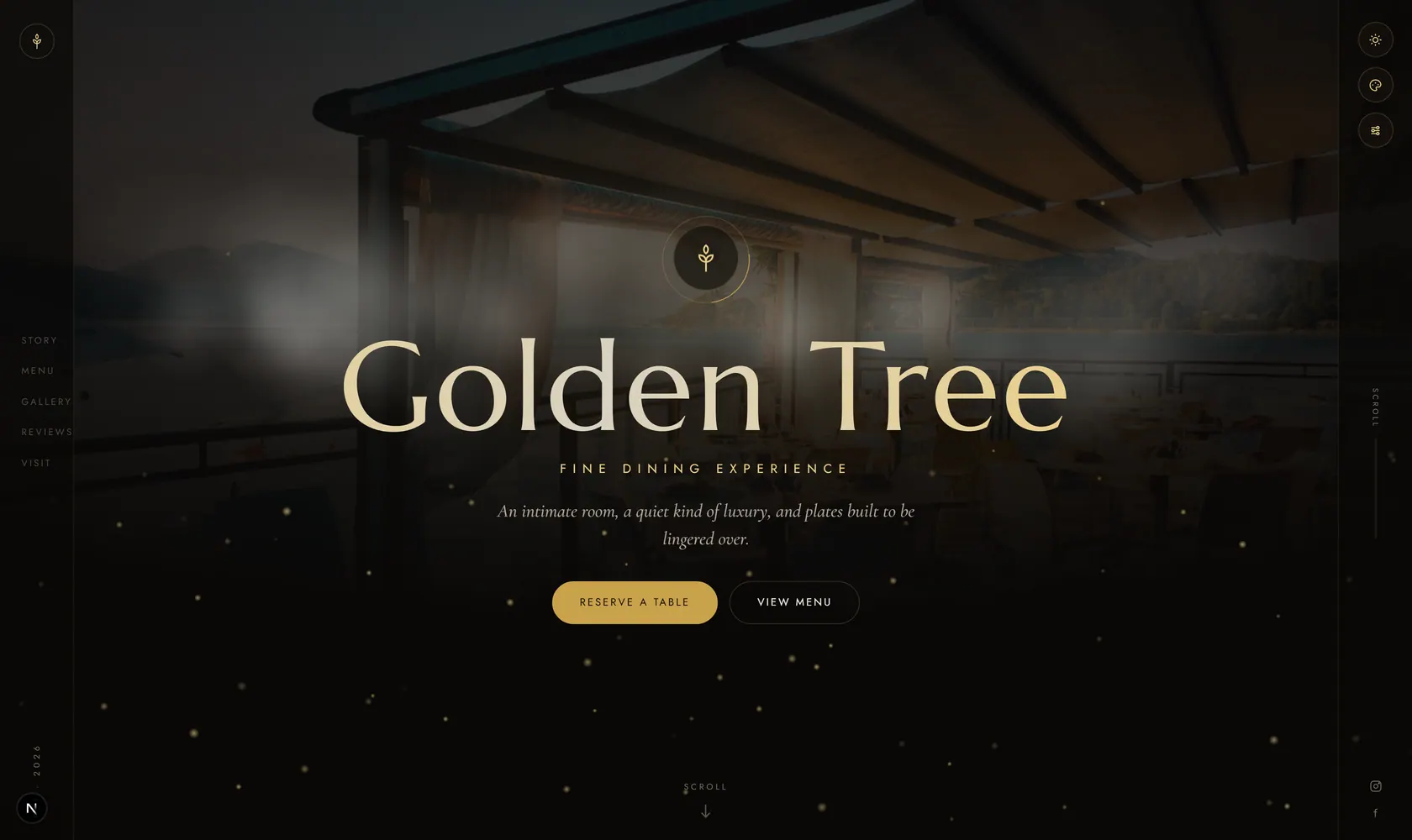
Why Hotels & Resorts Use Digital QR Code Menus
A complete digital menu solution designed for the hospitality industry.
Room Service, Reimagined
Replace outdated paper room service menus with a QR code in every room. Guests scan from bed and browse a beautiful, photo-rich menu. Update pricing and availability without sending staff to every room to swap menus.
Multiple Venues, One Dashboard
Hotel restaurant, rooftop bar, pool cabana, spa, minibar — create separate menus for each venue. Manage them all from a single MenuHoster dashboard. Each gets its own QR code.
Always Up to Date
Seasonal menu changes, out-of-stock items, price adjustments — update once across every room and venue. Never again have a guest order something unavailable.
Professional, Branded Presentation
Your digital menu reflects your brand. Clean, polished, mobile-optimized design that matches the quality of your hospitality. No more worn, stained, or outdated paper menus.
Guest Analytics
See which menus get the most views, peak ordering times, and which venues drive the most engagement. Use data to optimize staffing, inventory, and promotions.
Multi-Language Potential
International guests? Create menu versions in multiple languages, or let guests use their phone’s built-in translation. Digital menus are inherently more accessible than printed ones.
How Hotels Use MenuHoster
Real scenarios showing how digital menus elevate the guest experience.
The Room Service Card
A guest checks in at 10 PM, tired from travel. On the nightstand, a sleek card reads ‘Scan for Room Service.’ They scan the QR code, browse a photo-rich menu on their phone, and call down an order for a club sandwich and a bottle of wine. The old binder with laminated pages? Replaced with a better experience at zero printing cost.
The Pool Cabana
It’s 90°F and guests are lounging by the pool. A QR code on the cabana table lets them browse cocktails, light bites, and frozen treats without leaving their lounge chair. They flag a server who already knows the menu — the guest shows them their phone with the order ready.
The Multi-Restaurant Resort
Your resort has an Italian restaurant, a sushi bar, a breakfast buffet, and a beach grill. Each has its own QR code menu, managed from one dashboard. When the Italian restaurant changes to a winter menu, you update it once. Every QR code in the restaurant, in guest rooms, and at the concierge desk reflects the change on the next scan.
Where to Place QR Codes in Your Hotel
Strategic placement ideas to maximize guest engagement across your property.
Desk card or tent
Channel info card
Front desk display
Table tent or sticker
Poolside & beach
Wellness areas
Signage & displays
Event & meeting rooms
In-room minibar card
Booking & confirmation emails
Get Your Hotel Menus Online in 3 Steps
Upload or Build
Upload your existing room service or restaurant menu as a PDF. Or use our menu builder to create polished menus for each venue from scratch.
Get Your QR Code
We generate a professional, mobile-optimized menu page and a downloadable QR code. Print for guest rooms, lobbies, and every venue.
Update Anytime
Change seasonal menus, update availability, or adjust pricing from any device. Every QR code across your property reflects your changes on the next scan.
Trusted by Hotels, Resorts & Hospitality
Upload to publish
Free plan
Free scans/month
No credit card requiredNo app downloadWorks on any phone
Plans
Pricing fit
The Free plan works for one active menu. Pro and Max fit hotel businesses that need separate menus, custom QR branding and higher traffic.
We notify you before limits are reached - your menu does not suddenly disappear.
Room Service Ordering From the Guest's Phone
No phone calls, no paper forms. Guests scan the QR code in their room, browse your room service menu, and place an order. It appears in your kitchen's real-time dashboard. Modern hospitality, simplified.
Learn About Online OrderingHotel Menu FAQ
Common questions about using MenuHoster for hotels and resorts.
Can I create menus for multiple restaurants and venues?
Yes. On the Pro plan, create up to 15 separate menus - one for each restaurant, bar, spa, pool area, and room service. Each gets its own QR code and link.
Can I update room service menus without visiting every room?
That’s the whole point. Update your menu online from any device, and every QR code in every room shows the updated version on the next scan. No more room-by-room menu swaps.
Is the menu presentation professional enough for a luxury hotel?
Yes. MenuHoster generates clean, mobile-optimized menu pages with professional typography and layout. Add your logo, photos, and descriptions for a polished brand experience.
Can guests use it without downloading an app?
Correct. Guests scan the QR code and the menu opens directly in their phone’s browser. No app download, no login, no friction. Works on any smartphone.
Can I track which venue menus are most popular?
Yes. Built-in analytics show views and scans per menu. See which venue drives the most engagement, peak viewing times, and traffic trends.
Is there a way to handle multiple languages?
You can create separate menus in different languages, each with its own QR code. Or create a single menu and let guests use their phone’s built-in translation feature — digital menus are much easier to translate than paper ones.
Why Hotels Need Digital QR Code Menus
The hospitality industry is evolving fast. According to industry research, over 60% of hotel guests prefer digital interactions during their stay — from mobile check-in to contactless dining. QR code menus are no longer a COVID-era workaround; they're now a permanent fixture of modern hospitality.
For hotels specifically, digital menus solve unique pain points that restaurants don't face. A 200-room hotel with paper room service menus needs to print, distribute, and replace menus in every single room whenever prices change. That's every in-room menu to swap — a logistical nightmare that costs time, money, and staff hours.
With a QR code menu, you update once and every room reflects the change on the next scan. No staff deployment, no printing cost, no outdated menus confusing guests. Hotels using digital menus report saving $2,000–$5,000 annually on printing alone.
Beyond cost savings, QR menus improve the guest experience. Guests can browse room service from bed at midnight without calling the front desk. International travelers can use their phone's built-in translation. And your analytics dashboard reveals what guests actually look at — data that helps you optimize menus, pricing, and staffing.
6 Ways Hotels Use QR Code Menus
Beyond room service — every touchpoint where guests interact with food and beverages.
1. Room Service
Place a QR code on the nightstand, desk, or minibar area. Guests scan and browse your full room service menu with photos, descriptions, and prices — 24/7 without calling the front desk.
2. Hotel Restaurant
Replace bulky table menus with sleek QR codes. Update daily specials, wine pairings, and seasonal dishes without reprinting. Guests appreciate the modern, hygienic approach.
3. Poolside Bar & Cabana
Weatherproof QR codes at pool areas let guests order drinks and snacks without leaving their lounger. No wet, sun-damaged paper menus to replace.
4. Spa & Wellness Menu
Display spa treatments, packages, and pricing via QR code in the spa reception, locker rooms, or treatment rooms. Update seasonal promotions in real-time.
5. Minibar Menu
A small QR code card next to the minibar lets guests see item prices, descriptions, and availability. No more confusion about what that $8 charge was for.
6. Event & Conference Catering
QR codes at conference tables or buffet stations let attendees view the day's menu, dietary information, and beverage options without printed handouts.
How to Set Up Digital Menus for Your Hotel
Create Your Menus
Sign up for a free MenuHoster account and upload your room service menu, restaurant menu, and any other venue menus as PDFs. The AI extracts items automatically, or you can use the menu builder. On the Pro plan, create up to 15 separate menus - one for each venue.
Download & Print QR Codes
Each menu gets its own QR code. Download them as PNG or SVG and incorporate into table tents, nightstand cards, elevator signage, or pool area displays. Your hotel's design team can style them to match your brand.
Manage from One Dashboard
Update menus from any device — laptop, phone, or tablet. Season changes, price updates, and sold-out items reflect across all QR codes on the next scan. Track views and scans per venue with built-in analytics. Enable online ordering for room service with zero commission.
Elevate Your Guest Experience
Join hotels and resorts using MenuHoster to deliver polished digital menus across every venue. Room service, restaurants, poolside — all managed from one dashboard.
Free plan · No credit card · Preview before you publish
Free plan for small businesses \u00b7 No credit card required
MenuHoster is a QR code menu generator that lets you build a digital menu from scratch or upload your menu as a PDF. It's the ideal way to host your menu online — designed for hotels, resorts, and hospitality businesses. Now with free online ordering built in. See our contactless menu solution. Bar & pub menus and full pricing. See how MenuHoster compares to other platforms.