Free Online Menu Maker — Design Your Restaurant Menu
Create a beautiful, mobile-friendly digital menu from scratch. Add items, prices, photos, and descriptions. No design skills needed — live in minutes.
Free forever · No credit card · Takes 2 minutes
Last updated:
Online menu maker at a glance
- Primary use
- Build a mobile-friendly digital menu from scratch or imported menu content.
- Import options
- PDF, menu photos, images, pasted text, text files, URL import, or manual builder.
- Output
- Structured menu page, shareable URL, downloadable QR code, and editable dashboard.
- Accessibility
- Builder-created menus can be searchable and more screen-reader-friendly than flat PDF images.
- Free plan
- A free plan is available with one active menu and published usage limits.
- Edits
- Menu changes go live without changing the QR code or menu link.
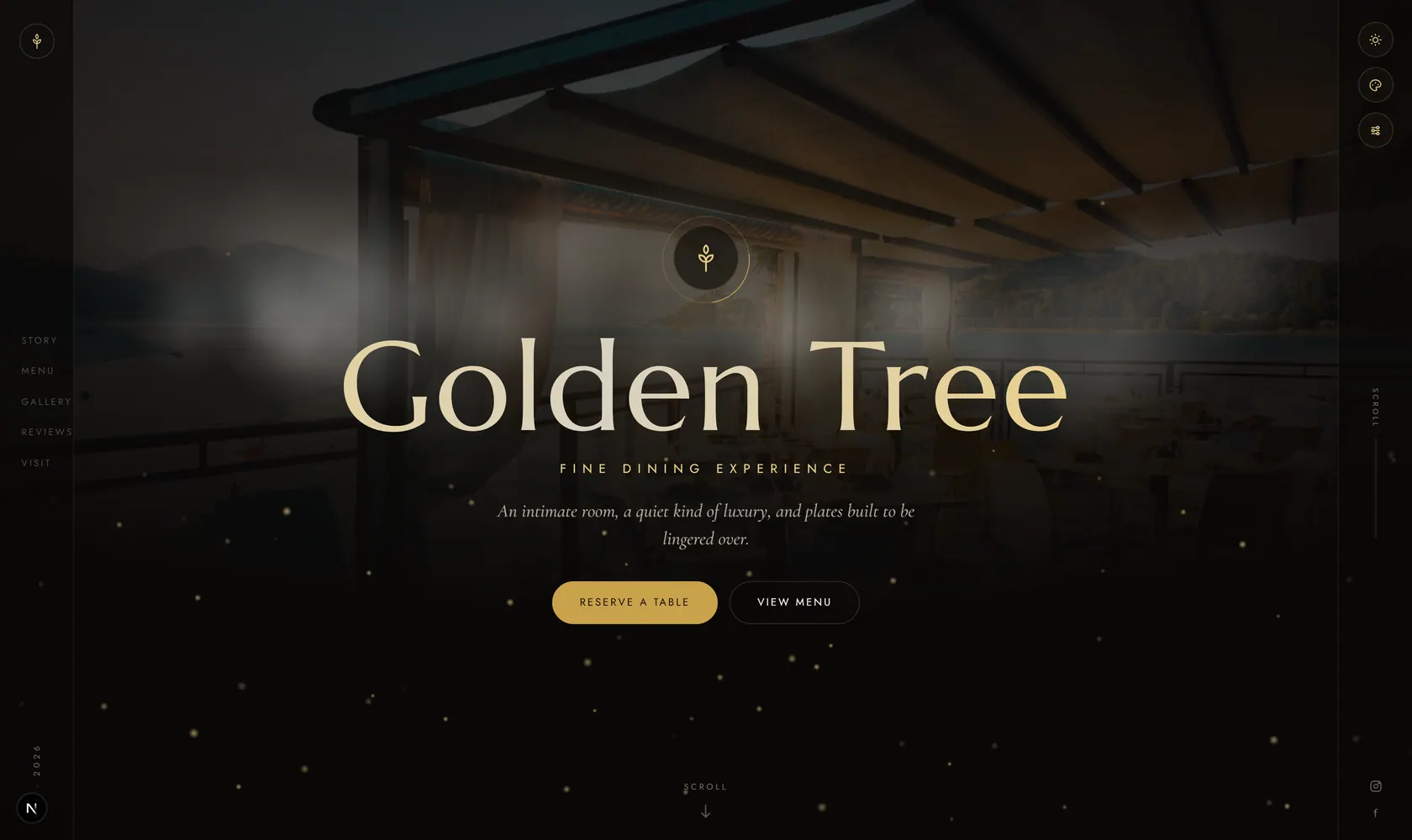
See it live, before you build a thing.
Every template is a real demo business. Switch the device, scan it onto your phone, then make it yours.
this demo on your phone
4 Ways to Create Your Menu
Whether you start from a PDF upload, photos, pasted text, a website, or a blank builder — MenuHoster adapts to your workflow.
Upload a PDF or Photos
Already have a designed menu? Upload a PDF, JPG, PNG, or WebP and MenuHoster can publish it as-is or extract items into an editable menu.
Paste Menu Text
Copy your menu from a document, email, or old website. Our importer detects sections, item names, prices, and descriptions for quick review.
Build from Scratch
Use our drag-and-drop menu builder to create sections, add items with prices, descriptions, and photos. No design software required.
Import from a Website
Provide a menu URL and MenuHoster pulls in readable menu content, with screenshot-based extraction as a fallback for visual menu pages.
Everything You Need to Build a Menu
Powerful tools that make creating a professional restaurant menu effortless — hosted for free on MenuHoster.
Drag-and-Drop Builder
Intuitively arrange menu sections and items with simple drag-and-drop. Reorder on the fly — no coding or design tools needed.
Custom Sections & Categories
Organize your menu into logical groups — Appetizers, Mains, Desserts, Drinks, Specials, or any custom category you need.
Add Item Photos
Upload high-quality images for every dish. Photos are automatically compressed and optimized for lightning-fast mobile loading.
Prices & Descriptions
Set prices, add detailed descriptions, mark allergens, or flag items as popular. Give customers all the info they need to order confidently.
Mobile-Optimized Output
Every menu you create is automatically responsive. Customers get a fast, beautiful experience on any phone, tablet, or desktop.
Instant QR Code & Link
The moment you publish, you get a shareable link and downloadable QR code. Print it on table tents, flyers, or share on social media.
Who Is the Online Menu Maker For?
Whether you're opening your first restaurant or managing a chain of 50 locations, our menu builder scales to your needs.
New Restaurants
Opening soon and don’t have a printed menu yet? Build your first digital menu in minutes and have it ready for day one.
Restaurants Without a PDF
No graphic designer? No problem. Our builder lets you type your menu items, set prices, and add photos — no design file needed.
Businesses Rebranding
Refreshing your look? Build a brand-new digital menu that matches your updated identity. No expensive reprints — update anytime.
Multi-Location Chains
Manage menus for every location from one dashboard. Create a master menu and customize pricing or items per branch.
Pop-ups & Events
Running a pop-up dinner or event? Create a one-off digital menu in minutes, share it with attendees via QR code, and archive it when you’re done.
Anyone Replacing Static PDFs
Tired of emailing PDF menus that look terrible on phones? Switch to a searchable, mobile-native digital menu your customers will love.
Digital Menu Builder vs. PDF Upload
Both options publish to a mobile-friendly page with a QR code. Here's how they compare.
| Feature | Menu Builder | PDF Upload |
|---|---|---|
| Editing | Edit any item, price, or section anytime | Must re-upload entire PDF |
| Mobile experience | Native, scrollable, fast | Image-based, pinch-to-zoom |
| Search & accessibility | Text is searchable & screen-reader friendly | Flat image — not searchable |
| Item photos | Upload per item | Only what’s in the PDF |
| Setup speed | 5–15 min (type your items) | < 2 min (drag and drop) |
| Best for | Full control & ongoing updates | Quick digitization of existing menus |
Trusted by Restaurants Worldwide
Thousands of businesses create and manage their menus on MenuHoster every day.
Menus Built
Monthly Views
Countries
Simple, Transparent Pricing
Start free. Upgrade when you need more menus or higher traffic limits.
Free
- 1 active menu
- 10K views/mo
- 10K QR scans/mo
- Downloadable QR code
Pro
- Up to 15 menus
- 50K views/mo
- 50K QR scans/mo
- Remove branding
Max
- Up to 50 menus
- 100K views/mo
- 100K QR scans/mo
- Dedicated support
Online Menu Maker — Frequently Asked Questions
Everything you need to know about building and publishing your restaurant menu online.
Sign up for a free MenuHoster account, then use our drag-and-drop menu builder to add sections, items, prices, descriptions, and photos. Your menu is published to a mobile-friendly page with a shareable link and QR code — all at no cost.
Not at all. MenuHoster’s menu builder is designed for non-technical users. Simply type your menu items, set prices, and optionally upload photos. The platform handles layout, typography, and mobile responsiveness automatically.
Yes. Create unlimited sections like Appetizers, Mains, Desserts, Drinks, and Specials. Drag and drop to reorder sections and items. Each section can have its own description and pricing structure.
Absolutely. Upload high-quality images for any menu item. Photos are automatically optimized for fast loading on mobile devices while maintaining visual clarity.
Building from scratch gives you a fully editable, searchable digital menu that looks native on mobile. PDF upload is faster if you already have a designed menu, but the result is an image-based display. Both options include a QR code and shareable link.
Yes — edit anytime from your dashboard. Changes go live instantly. Your QR code and shareable link remain the same, so you never need to reprint or redistribute.
Yes. The free plan includes 1 active menu with up to 10K monthly views and 10K QR scans. No credit card required. Upgrade to Pro or Max for multiple menus, higher traffic, and advanced features.
Yes. You can paste plain text, upload a text file, upload a PDF or menu photos, or import from a URL. MenuHoster parses the content and creates structured menu items you can review and edit before publishing.
Still have questions? We're here to help.
Contact SupportReady to Build Your Restaurant Menu?
Create a stunning digital menu in minutes — no design skills, no downloads, no fees. Just sign up and start building.
Learn more: How to Post Your Menu Online · Menu Design Tips · QR Code Menu Generator
See how MenuHoster compares: All comparisons · vs iMenuPro · vs MustHaveMenus · vs Menuzen