Smart TV
Open the built-in browser on a compatible Samsung, LG or Hisense/VIDAA TV. Open it again after power-on.
TV menu boards
A digital menu board is your restaurant menu on a TV. Upload your menu to build a board that keeps prices and sold-out dishes in sync.
Review your imported menu, then sign up free to save and publish it. Create the board from your menu.
Already have a menu? Open your menus
Seasonal plates · made to share
 The Copper Fig
One menu. Every screen.
The change starts in your menu. The board follows the source.
Change it in your menu. Your connected TV boards pick up the same price.
Mark a dish sold out in your menu. The TV row changes with it, so guests know what’s available.
Breakfast changes to lunch on your menu’s schedule. Automatic availability runs on Pro and Max.
Make it yours
Use a clear price list, lead with a dish, or bring them together. Start with your menu’s own style.
Clear price lists for counters and cafés.
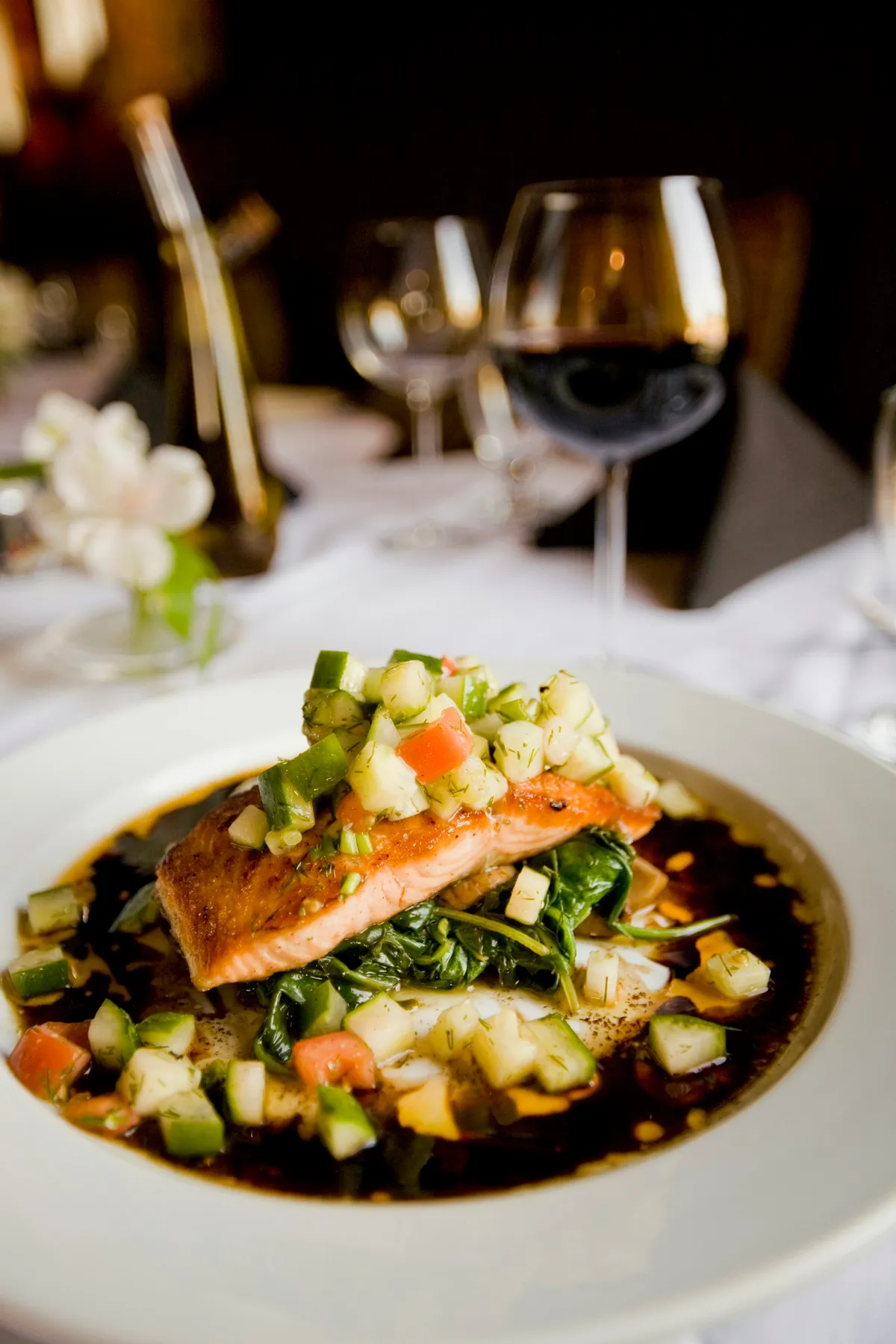
Lemon butter, seasonal greens
$27The Copper FigA signature dish, made the main event.
The Copper FigLemon butter, seasonal greens
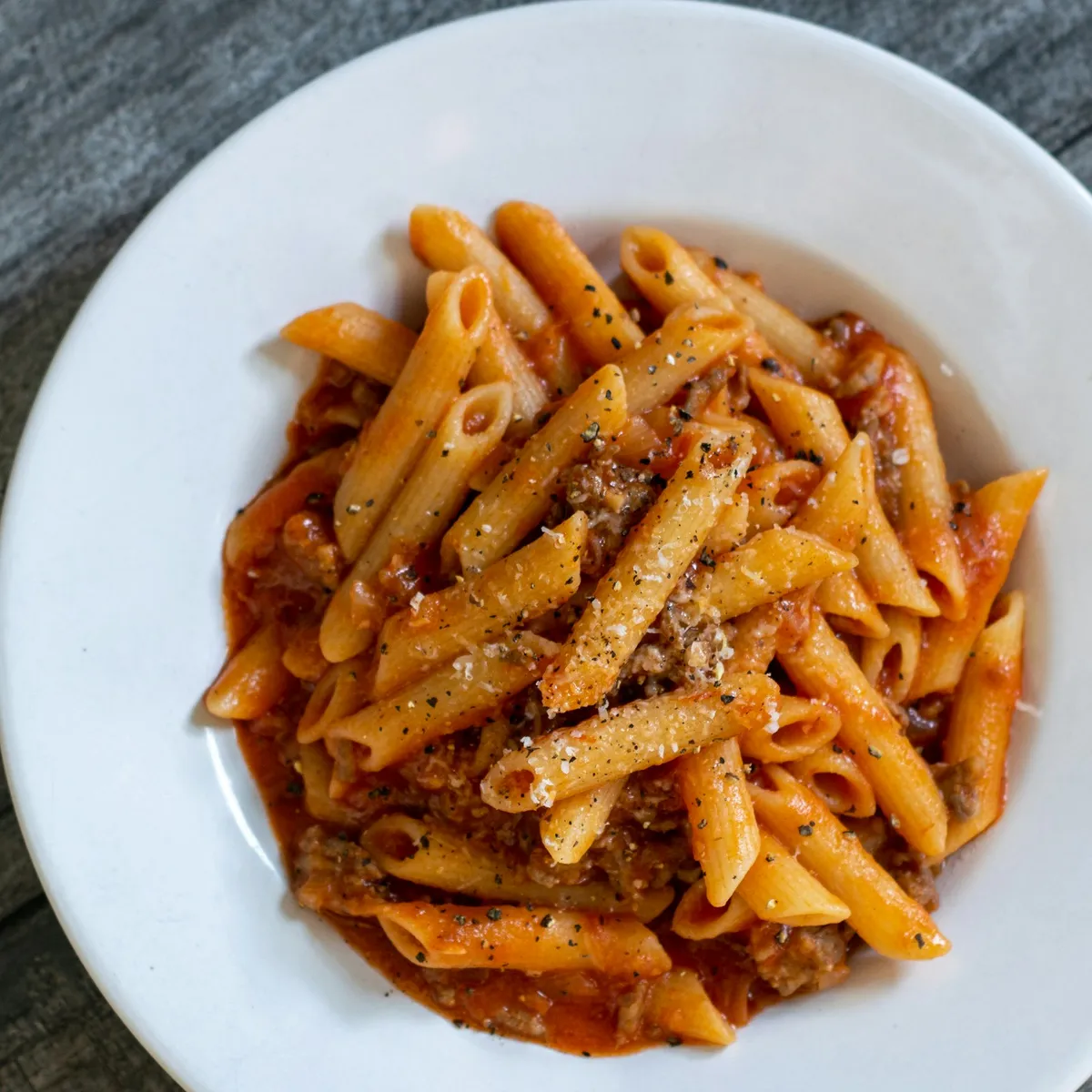
$27Fresh herbs, aged parmesan
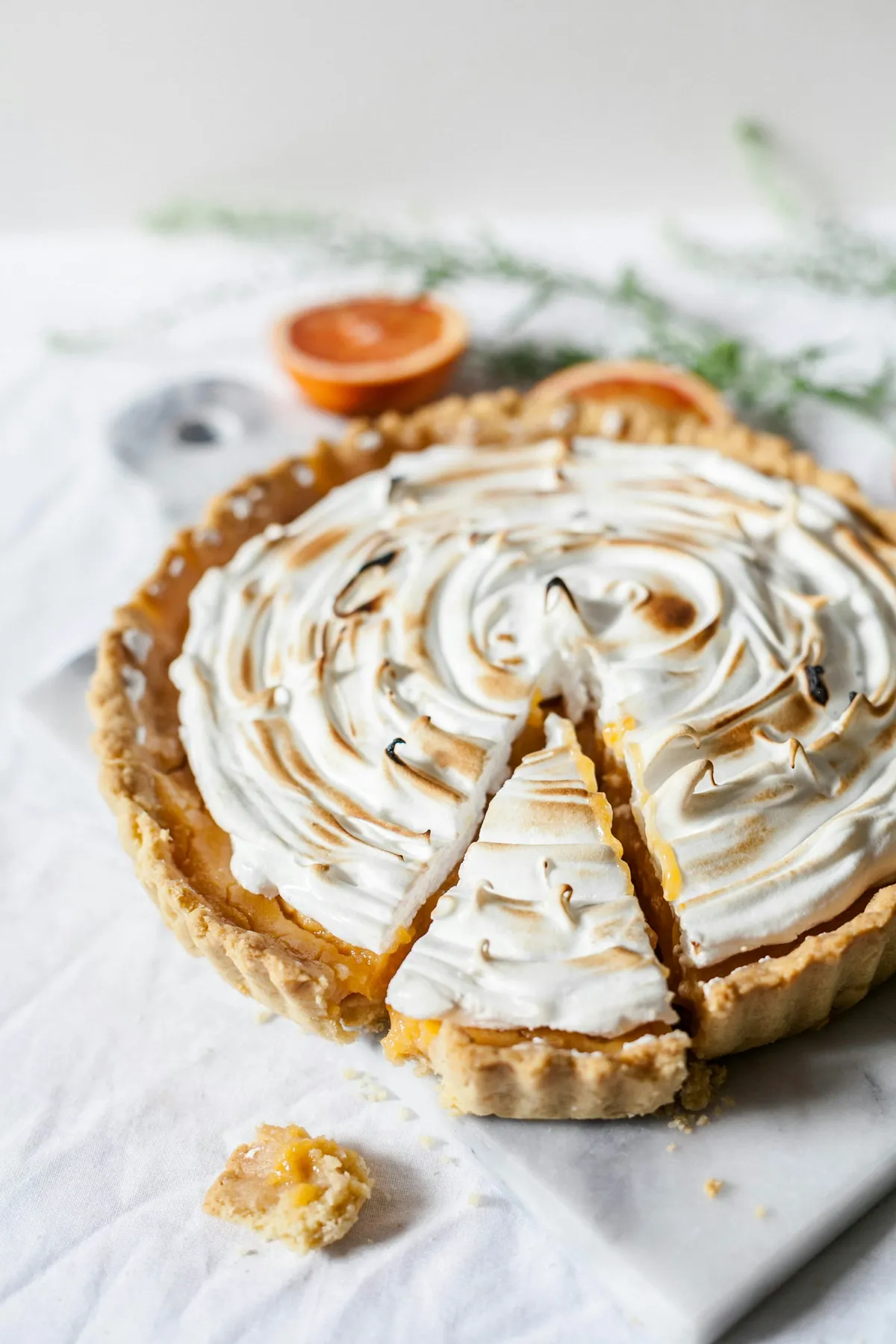
$21Citrus, cream and a crisp biscuit base
$8A visual menu for bakeries and casual dining.
The Copper FigRight on your phone.
menuhoster.com/demo
Promotions and QR links for bars and takeout.
Seasonal plates · made to share
The Copper FigA steady price list beside a featured dish.
Panel, Spotlight, Grid, Promo/QR and Split scenes.
Landscape and portrait layouts. Photos and your logo come from your menu.
From menu to screen
Playback in a compatible TV browser, stick or small PC. Find your device below and follow its setup guide.
Start with your PDF or menu photos. Review the imported dishes, photos and prices.
Create a TV board from your menu, choose a look, and open “Show on a TV” to find your board code.
Use the TV’s browser, a browser on a stick, or a small PC connected to the display.
Check sleep, eco and automatic power-off settings on both the TV and any connected device. Names vary by model and year.
Open the link. Enter your board code.
Sample code shown.
Open the built-in browser on a compatible Samsung, LG or Hisense/VIDAA TV. Open it again after power-on.
Install a compatible browser app from the store, then open your board link.
Open Silk and enter the link. Open Silk again after power-on or a power cut.
No built-in web browser for this route. Mirror a phone or laptop, or add a stick.
Run Chrome in kiosk mode and configure startup in the operating system for unattended use.
A web page cannot override your TV’s sleep timer. Turn off sleep, eco and automatic power-off settings that interrupt service. A reload can exit page fullscreen; you may need a new remote click to enter it again.
Saved playback when Wi-Fi drops after the board has loaded. Let media finish saving first. Updates catch up when the connection returns.
Included with your menu
Pro includes 3 boards. Max includes 5 boards. Both keep the MenuHoster band off your boards.
Paid prices depend on country, billing period, current offer and eligibility. Check both the introductory period and the renewal price before you upgrade.
Compare plans and TV boardsFree includes 1 TV menu board, clean for 30 days from first playback. After the trial, a MenuHoster band appears. It keeps playing. The board keeps syncing.
1 board on Free with 30 days without a MenuHoster band. Menu, website and ordering allowances follow your plan. View all plan limits
A connected menu
| The job | A separate signage workflow | MenuHoster |
|---|---|---|
| Retyping prices | A separate signage layout may need its own edits. | Uses the prices in your menu. |
| How you pay | Signage vendors commonly charge per screen. | Board allowances are part of your MenuHoster plan. |
| Sold-out dishes | Depends on a menu integration or a manual update. | Connected boards follow your menu’s sold-out status. |
| Breakfast → lunch | A separate playlist or schedule to maintain. | Follows menu availability on Pro and Max. |
| QR to order | Add a code and maintain its destination. | Points guests to ordering on your menu, when enabled. |
| Your published menu | Can be separate from your signage content. | The menu you already publish is the source. |
Signage vendors and their integrations vary. Compare the workflow you need; this table describes how MenuHoster uses your source menu.
A digital menu board is a restaurant menu displayed on a TV or another screen. Digital menu board software controls the layout and content. MenuHoster builds the board from your menu, so the dishes, prices, photos and logo come from the same source.
You need a display with a compatible browser, or a stick or small PC connected to it. A Samsung or LG smart TV with a browser can open the board directly. Check the guide for your device before buying anything.
Samsung, LG and Hisense/VIDAA models with a compatible browser can open the board URL. Fire TV uses Silk; Android TV and Google TV need a browser app from their store. Roku and Apple TV have no built-in web browser for this route, so mirror a phone or laptop, or connect a stick or small PC. Browser support varies by model and software version.
Plan to open the browser when you turn on a consumer TV or Fire TV Stick; automatic startup is not supported for this setup. The browser can remember your board if its saved data is retained. For unattended startup, use a small PC with Chrome in kiosk mode and configure the operating system to launch it at sign-in or boot.
After the board and its media have loaded and been saved, it keeps playing from that saved copy when Wi-Fi drops. Changes made while it is offline appear when the connection returns. A new device, cleared browser storage or media that has not finished saving still needs a connection.
Turn off the TV’s sleep timer and automatic power-off options, and review its eco or energy-saving settings. If you use a stick or PC, check that device’s sleep settings too. A web page cannot override the TV’s own power controls; setting names vary by model and year.
Yes. Boards use the photos and logo from your menu, with scenes for featured dishes, grids and promotions. Use images that stay sharp on a TV. A photo-free menu can use a clear text Panel, like the sample shown above.
Edit the source menu and connected boards pick up its prices and sold-out status. Automatic availability and timed prices run on Pro and Max, in your business timezone. On Free you can save a schedule, but it stays inactive. Marking an item sold out by hand works on every plan.
Yes. Choose portrait for a vertical display or landscape for a wider screen. The layout adapts to the orientation. Window visibility also depends on the display’s brightness and position.
Free includes 1 TV menu board, clean for 30 days from first playback. After the trial, a MenuHoster band appears. It keeps playing. The board keeps syncing. Pro includes 3 boards without the band; Max includes 5 boards. Paid prices depend on country, billing period, current offer and eligibility. Check both the introductory period and the renewal price before you upgrade.
Upload your menu, review the dishes and prices, then build your TV board.
Drop it anywhere — the file is kept on this device and the uploader opens with it.