How to Set Up a Pre-Order Morning Coffee Routine for Commuter Regulars
Updated:
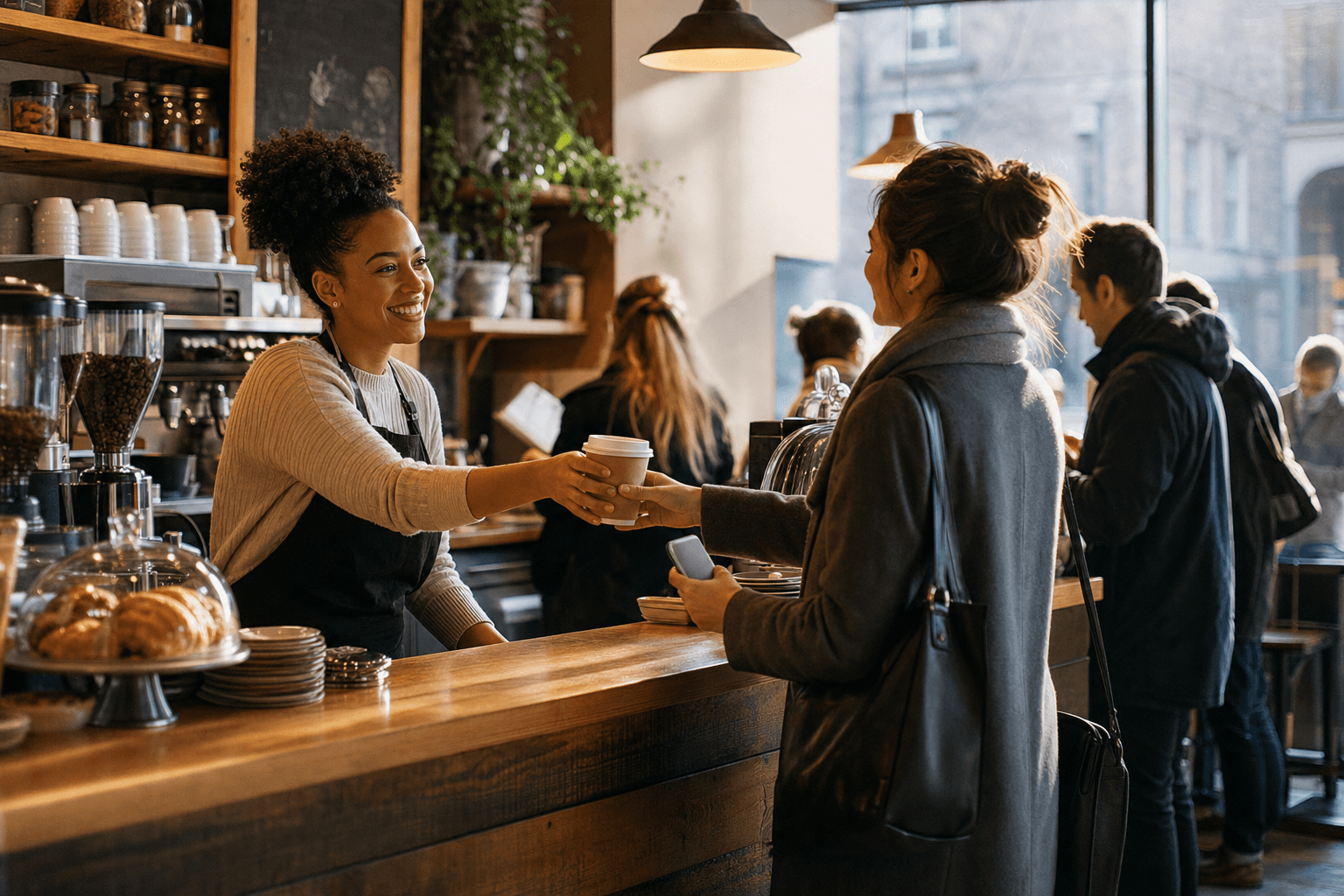
The morning rush is the most valuable — and most chaotic — hour of the day for an independent cafe. Commuters have a hard stop: they need their coffee and they need to catch their train, bus, or make it to the office by a certain time. If your line is too long, they'll skip you. Do it enough times, and they stop thinking of you as an option at all.
A pre-order routine flips this dynamic. Instead of commuters gambling on your line length, they order ahead, walk in, grab their drink, and leave in under 90 seconds. You get predictable demand, faster throughput, and — most importantly — a habit. Habits are the foundation of loyalty.
This guide walks you through exactly how to build that system, from choosing the right tools to training your staff and marketing the program to the commuters who are already walking past your door every morning.
Why Commuters Are Worth Targeting Specifically
Not all regulars are equal. Commuters who pass your cafe five days a week represent an extraordinary lifetime value opportunity. A customer who spends $5.50 on a latte and a pastry every weekday is worth over $1,400 per year — before you factor in the occasional weekend visit, the friend they bring in, or the coworker they tell about you.
The problem is that commuters are time-constrained by nature. Their loyalty is conditional: they'll be loyal as long as you don't waste their time. The moment a chain with a reliable mobile app becomes more convenient, you lose them — not because your coffee is worse, but because friction won. A pre-order system is your answer to that friction.
It also gives you a structural advantage over chains. A large chain's app is built for thousands of locations and can feel impersonal. Your pre-order system can be simple, fast, and feel like a direct line to a place that knows them. That's a competitive edge you should use.
Choose the Right Pre-Order Setup
You don't need a custom app or a complex POS integration to start. You need a system that's easy for customers to use and easy for your staff to manage. Here's how to think about your options:
Option 1: Online Ordering Page
The simplest and most accessible approach for most independent cafes is a dedicated online ordering page that customers can bookmark or access via a link you share. They pick their drink, customize it, choose a pickup time, and pay. You get a ticket. No app download required — which is a significant barrier you eliminate immediately.
Option 2: QR Code at the Door or Counter
Place a QR code at your entrance or on a small sidewalk sign. Commuters scan it as they approach, order while walking up, and by the time they reach the counter, their order is already in the queue. A QR code menu that links directly to your ordering page makes this seamless and costs almost nothing to set up.
Option 3: A Saved "Regular Order" Link
For your most loyal commuters, consider creating a shareable link that pre-fills their usual order. Some ordering platforms support this natively. Even if yours doesn't, you can set up a simple form or a pre-configured order link that a customer can bookmark and reuse every morning with one tap.
Whatever option you choose, keep the ordering flow under 30 seconds for a returning customer. Every extra tap is a reason to abandon.
Design Your Menu for Speed
A pre-order system is only as fast as the menu it's built on. If customers have to scroll through 40 items to find their usual latte, you've already lost. Your cafe menu for pre-ordering should be structured for repeat, quick decisions — not discovery.
- Lead with your top 8–12 items. Most commuters order the same thing every day. Put your most popular drinks at the top, clearly named and priced.
- Use a "My Usual" or "Quick Order" section. If your platform supports order history or favorites, make sure it's prominent.
- Keep customization options tight. Offer the important choices (milk type, size, shot count) but don't bury customers in modifiers. Every extra decision adds time.
- Name items clearly, not cleverly. "The Sunrise Blend" is charming on a chalkboard. In a pre-order dropdown at 7:14 a.m., customers want to see "Oat Milk Latte."
- Include food items, but keep them simple. A croissant, a banana bread slice, a breakfast sandwich. Pre-orders that include food increase average ticket size meaningfully.
You can always explore a more complete digital menu for in-store browsing, but your pre-order flow should be a curated, fast version of it.
Set Up Your Pickup Workflow
The pre-order system only works if the operational side is solid. A customer who pre-orders and still has to wait five minutes at the counter will not pre-order again. Here's how to build a pickup workflow that actually delivers on the promise:
Designate a Pickup Spot
Create a clearly labeled pickup area — a small shelf, a section of the counter, or a dedicated table near the door. Label it with a simple sign: "Pre-Orders / Mobile Pickup." This lets customers walk in, grab their order, and leave without having to interact with the line at all. That physical separation is the entire value proposition made visible.
Use Labeled Cups and Bags
Print or write the customer's first name and order time on every pre-order. If you're doing volume, consider a simple label printer. Customers should be able to identify their order at a glance without asking anyone.
Set Realistic Pickup Windows
Don't let customers order for "ASAP" during peak hours unless your kitchen can genuinely deliver. Offer specific pickup windows — 7:15, 7:30, 7:45, 8:00 — and cap each slot at a number your team can handle. This prevents bottlenecks and lets you staff appropriately.
Train Your Team on the Priority Queue
Pre-orders should be treated as committed orders that must be ready at the specified time, not as a secondary queue behind walk-ins. Train your baristas to treat a 7:30 pre-order the same way a restaurant kitchen treats a reservation: it's a commitment, and missing it has real consequences for customer trust.
Build in a Buffer
Add two to three minutes of buffer to every advertised pickup time. If a customer orders for 7:30, aim to have it ready by 7:27. Being early builds trust. Being late, even by two minutes, breaks it for a commuter who has a train to catch.
Market the Pre-Order Routine to Your Commuters
The best system in the world doesn't help if your regulars don't know it exists. Marketing a pre-order program to commuters requires reaching them at the right moment — which is usually just before or during their commute.
In-Store Signage at Eye Level
Put a small sign at the register, on the door, and at the pickup counter. Keep the message simple: "Skip the line. Order ahead at [link or QR code]." Include a QR code they can scan right there. Even if they don't use it that morning, the seed is planted.
A Sidewalk Sign or Window Cling
Commuters often make their coffee decision before they walk in. A sidewalk sign that says "Pre-order ready in 2 minutes — scan here" catches them at the decision point. A window cling with a QR code on the outside of your door works the same way.
Tell Your Regulars Directly
Your existing morning regulars are your best early adopters. Train your staff to mention it conversationally: "Hey, did you know you can order ahead? Next time you won't have to wait at all." Personal recommendation from a barista they trust is more persuasive than any sign.
Use Email and SMS
If you've been collecting customer contact information, a single well-timed email or text message announcing your pre-order program can drive immediate adoption. Keep it short: what it is, how to use it, and a direct link. If you haven't started building your list yet, this is a good reason to start — the ability to reach your regulars directly is one of the most underused tools an independent cafe has.
Promote It on Google Business Profile
Update your Google Business Profile to mention pre-ordering. Add your ordering link to the "Order Online" button. Many commuters search for cafes near transit stops — showing up with a clear pre-order option in your listing is a real differentiator.
Build the Habit With a Commuter Loyalty Mechanic
Pre-ordering is a behavior you want to become automatic. The goal isn't just convenience — it's building a morning ritual that's centered on your cafe. A simple loyalty mechanic tied specifically to pre-orders can accelerate habit formation.
- Offer a "5th pre-order free" punch card equivalent. Track it digitally or with a simple stamp card. The act of working toward a reward reinforces the behavior.
- Create a "Commuter Regular" status. After 10 pre-orders, a customer gets a small perk — a free size upgrade, a reserved spot on the pickup shelf, or a handwritten thank-you note. The recognition matters as much as the reward.
- Run a "Monday Morning" promotion. Offer a small discount on pre-orders placed before 8 a.m. on Mondays. It's a low-cost way to anchor the habit at the start of the week.
- Use order history to personalize. If your platform tracks what people order, have your staff occasionally note it: "Your usual oat latte is ready, Sarah." That's the kind of thing a chain can't do — and it's unforgettable.
Measure What Matters
Once your pre-order system is live, track a handful of metrics to understand whether it's working and where to improve:
- Pre-order volume by time slot: Which slots fill up? Which are underused? Use this to adjust your staffing and slot capacity.
- Average order value for pre-orders vs. walk-ins: Pre-orders often include food add-ons because customers have time to browse without pressure. If your pre-order AOV is higher, lean into it — feature food pairings prominently in your ordering flow.
- Repeat pre-order rate: What percentage of customers who pre-order once do it again within two weeks? This is your best measure of habit formation. If it's low, the friction somewhere — in ordering, pickup, or the experience — needs to be addressed.
- Peak slot utilization: Are your 7:30 and 7:45 slots consistently full while your 8:15 slot is empty? That tells you where your commuter demand actually clusters, and you can staff accordingly.
Common Mistakes to Avoid
A few pitfalls that can undermine an otherwise solid pre-order setup:
- Overpromising on wait times. If you advertise "ready in 5 minutes" but it takes 12, you've broken trust. Be conservative with your time estimates and over-deliver.
- Launching during your busiest week. Roll out your pre-order system during a slower period — mid-January, for example — so your team can troubleshoot without the pressure of a full rush.
- Ignoring walk-in customers during the transition. Pre-orders should complement your walk-in flow, not cannibalize it. Make sure your pickup area doesn't block the register or create confusion for customers who aren't pre-ordering.
- Letting the menu go stale. If you're sold out of something, update your ordering page immediately. A customer who pre-orders a croissant and finds out it's unavailable at pickup won't trust the system again.
- Not promoting it consistently. The first week of promotion isn't enough. Mention it in your email newsletter, on your social channels, and in-store for at least the first 30 days.
Frequently Asked Questions
Do I need a special app to offer pre-ordering at my cafe?
No. A web-based online ordering page that customers can access via a link or QR code works just as well — often better, since it requires no app download. Most independent cafes find that a simple, mobile-optimized ordering page converts better than asking customers to install another app.
How do I handle pre-orders when I run out of an item?
Update your digital menu in real time to mark items as unavailable. If someone has already placed an order for a sold-out item, contact them immediately (by phone or text if you have their number) and offer a substitute or a refund. How you handle the exception matters more than the exception itself.
What's a realistic pickup window to offer during morning rush?
For most cafes, 10–15 minute windows work well. Offer slots starting 15 minutes before your busiest period and cap each slot at a number your team can comfortably fulfill — typically 8–15 drinks per slot depending on your setup. Adjust based on your first few weeks of data.
How do I encourage commuters to actually try the pre-order system for the first time?
The most effective method is a direct, personal ask from your staff combined with a small first-use incentive — a free size upgrade or a discount on their first pre-order. Once a customer has used it once and experienced the convenience, adoption tends to be self-reinforcing.
Can pre-ordering work for a very small cafe with just one or two baristas?
Yes, and it may actually help more in that scenario. By controlling the flow of orders through time slots, you prevent the sudden rush that overwhelms a small team. Start with a low slot cap — 5–8 orders per window — and increase it as your team gets comfortable with the rhythm.
Ready to build a pre-order system that turns your morning commuters into true regulars? MenuHoster's online ordering tools are built for independent cafes — no monthly software fees, no complicated setup, and a clean mobile experience your customers will actually use. See our pricing and get your pre-order page live before next Monday's rush.
MenuHoster Team
Helping restaurants go digital