How to Use QR Codes for Restaurant Marketing Beyond the Menu
Updated:
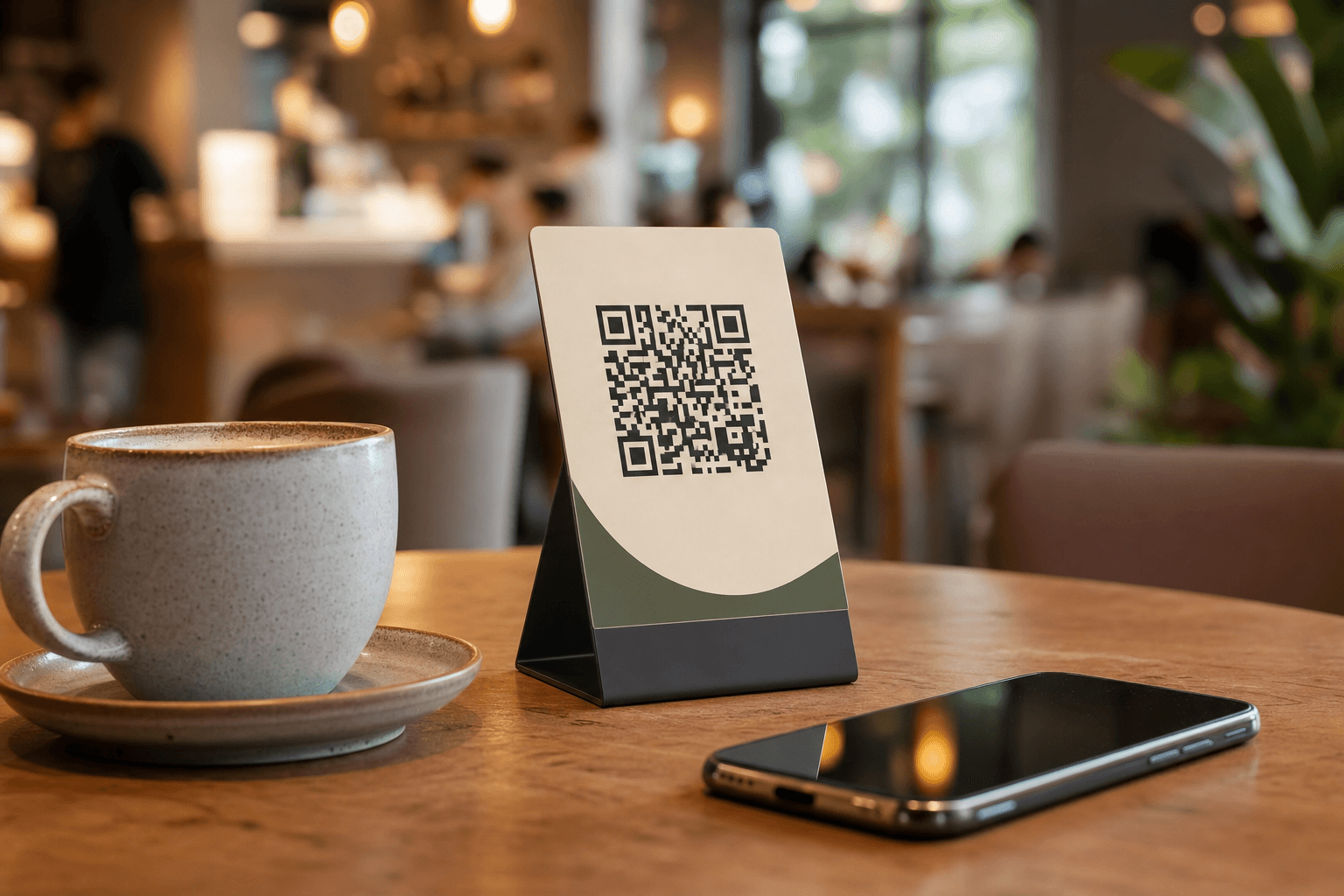
Most restaurant owners think of QR codes as a digital replacement for paper menus — scan, read, order. That's useful, but it barely scratches the surface of what a well-placed QR code can do for your business. For an independent operator running lean, QR codes are one of the cheapest, most versatile marketing tools available. They cost nothing to generate, nothing to update, and they work 24 hours a day without any staff involvement.
This guide covers ten concrete ways to put QR codes to work across your entire marketing operation — from pulling in more Google reviews to running loyalty programs and driving direct orders without paying third-party commissions.
Why QR Codes Work for Small Restaurant Marketing
Before diving into tactics, it's worth understanding why QR codes punch above their weight for independent restaurants:
- Zero friction: A customer with a smartphone can act on your message in two seconds. No app download, no typing a URL.
- Trackable: Most QR code generators let you see scan counts by date, location, and device type. That's real data for free.
- Updatable: Dynamic QR codes let you change the destination URL without reprinting the code. Run a new promotion, update the link — the code stays the same.
- Cheap to deploy: A printed table tent, a sticker on a takeout bag, or a graphic on your Instagram story — all cost next to nothing.
The key is to think of each QR code as a direct link between a physical moment and a digital action. Your job is to figure out which moments in your customer's experience are worth turning into digital touchpoints.
1. Drive Google Reviews at the Peak Moment
The best time to ask for a review is right after a great experience — not in a follow-up email two days later. A QR code on your receipt, on the table, or on a small card handed out with the check gives customers a frictionless path to your Google Business Profile review page while the meal is still fresh.
To set this up: go to your Google Business Profile, click "Get more reviews," copy the short review link, and generate a QR code pointing to it. Print it on a small card or add it to your receipt footer. A simple line like "Enjoyed your meal? Leave us a quick review — it means the world to us." is all the copy you need.
This single tactic, done consistently, can dramatically improve your local search ranking over a few months. More reviews mean more visibility on Google Maps, which means more walk-in customers — all from a sticker that costs a few cents to print.
2. Promote Direct Online Ordering and Cut Out the Middleman
Third-party delivery apps charge 15–30% commission on every order. A QR code that points customers directly to your own ordering page is one of the most profitable marketing moves you can make. Place these codes on your takeout packaging, your front window, your receipts, and your social media profiles.
When a customer scans the code and orders directly, you keep the full margin. You also own the customer relationship — their email, their order history, their preferences. That data is worth far more than any single order.
If you don't already have a direct ordering page, MenuHoster's online ordering tool makes it straightforward to set one up without a developer. Pair it with a zero-commission ordering setup so every direct order goes straight to your bottom line.
3. Build a Simple Loyalty Program Without Punch Cards
Paper punch cards get lost, forgotten, or abused. A QR-based loyalty system solves all three problems. The simplest version: create a form (Google Forms works fine) where customers enter their name and email to register, then scan a unique QR code each visit to log their visit. Free tools like Stamp Me or Loopy Loyalty offer more polished versions of this.
Place the "register here" QR code on your table cards and your takeout bags. Once someone is in your system, you have a direct line to them for promotions, new menu items, and slow-week specials. A loyalty program doesn't need to be complicated — even a simple "scan to earn your 10th coffee free" setup increases visit frequency and gives customers a reason to come back to you specifically rather than whichever café is closest.
4. Collect Email and SMS Subscribers In the Room
Your dining room is full of warm leads. People who are already eating at your restaurant are your best prospects for future marketing. A QR code on the table that links to a simple sign-up form — "Join our list for exclusive deals and new menu alerts" — can build your subscriber base steadily without any ad spend.
Keep the form short: name, email, and optionally a phone number for SMS. Offer something immediate in return, like 10% off their next visit or a free dessert on their birthday. A small incentive dramatically increases sign-up rates.
Once you have a list, a monthly email with your seasonal specials, a new dish photo, or a behind-the-scenes story costs you nothing but a few minutes. That's a marketing channel you own outright — unlike social media followers, your email list can't be taken away by an algorithm change.
5. Link to Your Social Media Profiles Strategically
Instead of asking customers to "find us on Instagram," give them a QR code that takes them directly to your profile. Better yet, use a link-in-bio tool like Linktree or a simple landing page to create a single QR code that offers multiple options: follow on Instagram, order online, join the loyalty program, leave a review.
Place this multi-link QR code in high-dwell spots: the restroom, the waiting area, the bar. These are places where customers have their phones out and a moment to spare. A well-designed code with a clear call to action ("Follow us for daily specials") converts idle time into a long-term marketing relationship.
6. Run Limited-Time Promotions with Dynamic Codes
Dynamic QR codes — where you can change the destination URL without reprinting the code — are ideal for promotions. Print a "Scan for today's special" code on your chalkboard or window display. Update the destination each day or week to point to a different offer, a seasonal menu, or a happy hour deal.
This approach gives you a permanent physical marketing asset that you can reprogram as often as you like. Customers learn to scan it because something new is always there. It also creates urgency: "today's special" implies it won't be there tomorrow.
You can use the same tactic for event promotions — a live music night, a tasting menu, a holiday prix fixe. Point the code to an event page or a simple landing page with the details and a reservation link.
7. Gather Customer Feedback Without Awkward Conversations
Most unhappy customers don't complain to your face — they leave and never come back, or they post a negative review online. A QR code linking to a short feedback form gives dissatisfied customers a private channel to tell you what went wrong, which means you can fix it before it becomes a public review.
Keep the form to three or four questions maximum: overall rating, what they ordered, what could have been better, and an optional email field if they want a follow-up. Place the code on your receipt or table card with a line like "Tell us how we did — good or bad, we want to know."
The data you collect over time is genuinely useful: recurring complaints about a specific dish, consistent praise for a staff member, patterns in wait times. This is market research you'd otherwise have to pay for.
8. Make Your Takeout Packaging a Marketing Channel
Every takeout bag, box, and cup that leaves your restaurant is a marketing touchpoint. A small QR code sticker on your packaging can link to your ordering page, your review page, your loyalty program, or your social media. The customer who just ordered once is your best prospect for a repeat order — reach them while your food is in their hands.
A sticker that says "Order again in 30 seconds — scan here" with a QR code pointing to your direct ordering page is a remarkably effective reorder prompt. It's especially powerful for lunch spots and coffee shops where repeat orders are the backbone of the business.
Your digital menu can also live on that QR code — so customers browsing at home can see everything you offer and be tempted to order something they didn't try the first time.
9. Cross-Promote with Local Businesses
Partner with a neighboring business — a bookstore, a gym, a hair salon — and place each other's QR codes at your respective counters. Your code at their location links to a special offer for their customers ("10% off your first visit — scan to claim"). Their code at your location does the same for your customers.
This is a zero-cost acquisition channel that reaches people who are already out and spending money in your neighborhood. The QR code makes the offer trackable — you can see exactly how many people scanned from each partner location and whether the partnership is worth continuing.
10. Use QR Codes in Your Offline Advertising
Flyers, posters, table tents, window clings, and even chalk sidewalk art can all carry a QR code. The code transforms a static piece of print advertising into an interactive experience. A flyer for your new brunch menu is more effective when the QR code takes the reader directly to the full menu — with photos — rather than asking them to search for you online.
If you're running a neighborhood drop with flyers, use a unique QR code for that campaign so you can track how many scans it generated. That tells you whether the distribution was worth the effort and helps you decide where to focus next time.
For placement strategy, MenuHoster's QR code generator makes it easy to create branded, trackable codes that match your restaurant's visual identity — so your marketing materials look professional even on a tight budget.
Making Your QR Codes Actually Get Scanned
A QR code with no context gets ignored. Every code you deploy needs three things:
- A clear call to action: Tell people exactly what they'll get when they scan. "Scan to order," "Scan for today's special," "Scan to leave a review" — be specific.
- Good placement: Eye level, well-lit, and at a moment when the customer has their phone accessible. A code buried on the back of a menu at the bottom of a dark table doesn't get scanned.
- A fast, mobile-optimized destination: If the page takes more than three seconds to load on a phone, you've lost them. Make sure whatever you're linking to works flawlessly on mobile.
It's also worth testing different placements and calls to action. A simple A/B test — one version of your table card with a "Leave a review" QR code, another with a "Join our loyalty program" QR code — tells you which action your customers are more likely to take. Small experiments like this compound into real improvements over time.
Frequently Asked Questions
Do I need a special app to create QR codes for my restaurant?
No. There are many free QR code generators online, including the one built into MenuHoster. For basic use cases, free tools are perfectly adequate. If you want dynamic codes (where you can change the destination URL without reprinting), you'll need a paid plan from a service like QR Code Generator Pro or Bitly. For most independent restaurants, the free tier is a sensible starting point.
How do I make sure customers actually scan my QR codes?
Context and placement are everything. A code with a clear, specific call to action ("Scan to get 10% off your next order") outperforms a generic "scan here" code every time. Place codes where customers naturally have their phones out — at the table while waiting, at the counter while paying, on packaging they take home. Test different placements and track scan rates to find what works in your specific space.
Can I use the same QR code for multiple purposes?
Technically yes — you can link a single code to a landing page that offers multiple options. But in practice, a code with one clear purpose converts better than one that asks the customer to choose. Use separate codes for separate goals: one for reviews, one for ordering, one for your loyalty program. Keep each code's call to action focused.
Are QR codes still relevant, or are they a fad?
QR code adoption accelerated sharply during the pandemic and has stayed elevated. Smartphone cameras now scan QR codes natively without any app, which removed the biggest friction point. For restaurants specifically, QR code menus and ordering have become a normal expectation for many diners. They're not going away.
How do I track whether my QR code marketing is actually working?
Use dynamic QR codes with a dashboard that shows scan counts. Most paid QR code services provide this. Alternatively, use UTM parameters on your destination URLs and track traffic in Google Analytics. For review-driving codes, simply watch your Google review count and rating over time. For ordering codes, compare your direct order volume month over month after deploying the code.
Ready to put QR codes to work across your entire restaurant marketing operation? MenuHoster gives you a branded digital menu, a built-in QR code generator, and a direct ordering page — all in one place, with no commissions and no tech headaches. See our pricing and get started free today.
MenuHoster Team
Helping restaurants go digital