How to Write a Google Business Profile That Works With Your Menu Page
Updated:
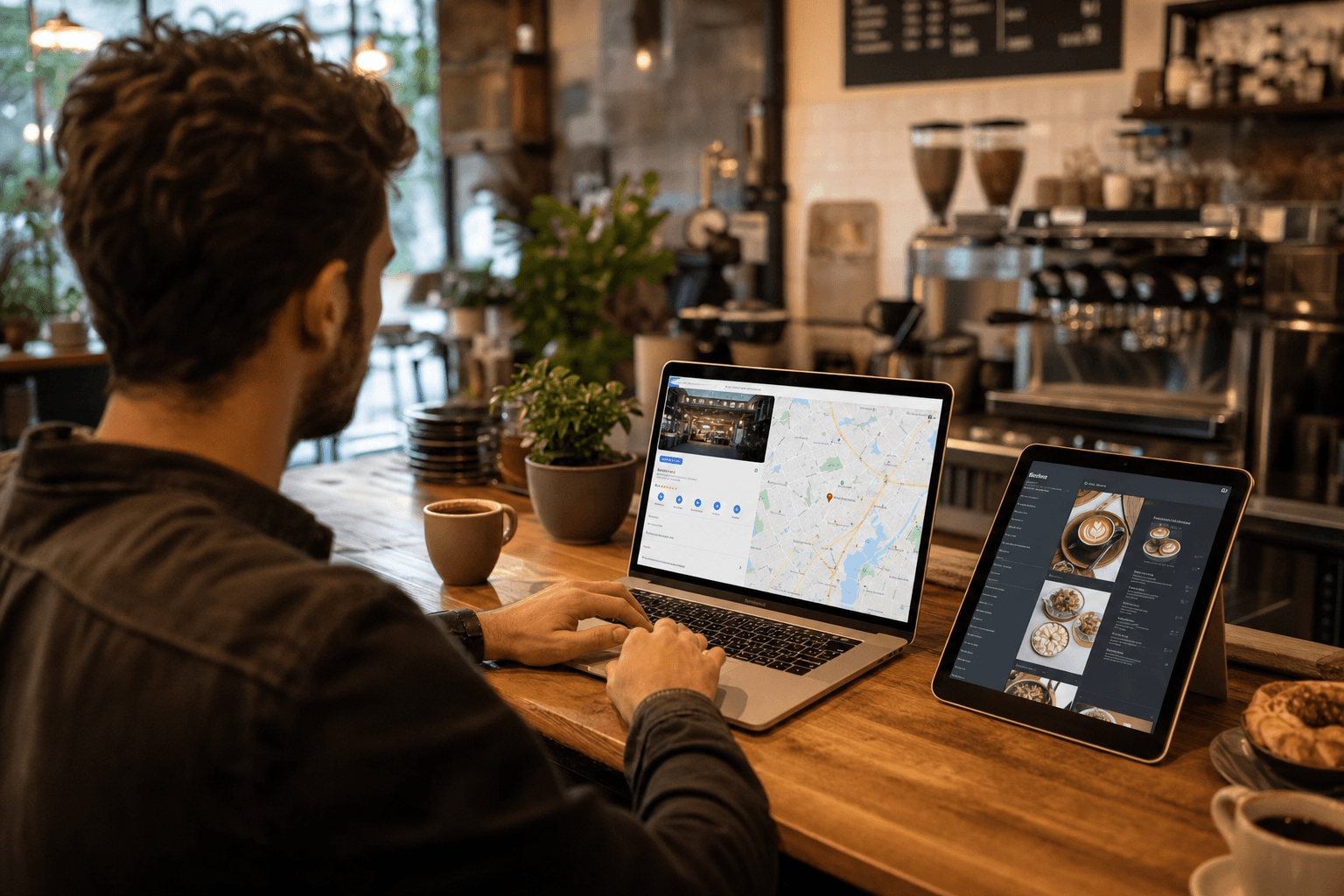
Why These Two Things Need to Work Together
Most restaurant and cafe owners treat their Google Business Profile (GBP) and their menu page as separate tasks. They fill out the Google listing when they first open, forget about it, and build a menu page sometime later without connecting the two. That's a missed opportunity every single day.
Here's the reality: when someone searches "tacos near me" or "coffee shop open Sunday," Google's local results are often the first — and sometimes only — thing they see. Your Google Business Profile is the front door. Your digital menu page is the inside of the restaurant. If the front door doesn't point clearly to the inside, people leave before they ever walk in.
This guide covers exactly how to write and structure your GBP so it drives real traffic to your menu page, builds trust before a customer ever arrives, and closes the gap between "just browsing" and "I'm going there tonight."
Get the Basics Right First
Before worrying about strategy, your profile needs to be technically complete and accurate. Google rewards completeness — and so do customers. An incomplete profile signals neglect, and that's not the first impression you want.
Name, Address, and Phone (NAP)
Your business name, address, and phone number must be exactly consistent across your GBP, your menu page, and anywhere else you appear online. Even small differences — "St." vs. "Street," or a missing suite number — can hurt your local search ranking and confuse customers.
Category Selection
Choose your primary category carefully. Google uses it heavily in ranking decisions. "Restaurant" is too broad if you're a ramen shop or a brunch cafe. Use the most specific primary category that fits (e.g., "Ramen Restaurant," "Breakfast Restaurant," "Coffee Shop"), then add secondary categories for other things you offer, like "Takeout Restaurant" or "Cafe."
Hours and Special Hours
Keep your hours current, including holidays and seasonal changes. Nothing destroys trust faster than showing up to a "currently open" business that's actually closed. Set special hours in advance for holidays — Google lets you do this weeks ahead of time.
Website and Menu URL Fields
This is where your menu page becomes critical. Google gives you two separate URL fields: one for your website and one specifically for your menu. Use both. If you don't have a full website yet, your menu page URL can go in both fields. A hosted online menu page is a perfectly legitimate destination for your website field — it gives customers exactly what they're looking for.
Writing a Business Description That Actually Converts
Your GBP description is 750 characters max. Google shows about the first 250 in the panel before a "more" click. That first 250 characters need to do the heavy lifting.
Most business owners write descriptions like this: "We are a family-owned Italian restaurant serving authentic pasta and pizza in downtown Chicago since 2008." That's fine, but it's forgettable. It tells people what you are, not why they should choose you.
Lead with what makes you different
Start with your most compelling differentiator. Are you the only wood-fired pizza spot in the neighborhood? Do you source beans from a single farm in Ethiopia? Do you serve breakfast all day? Lead with that.
Example: "Wood-fired Neapolitan pizza made with imported Caputo flour and San Marzano tomatoes — cooked in 90 seconds at 900°F. Dine-in, takeout, and weekend catering in Lincoln Park."
That's specific, sensory, and local. It tells the reader something they can't get everywhere.
Mention your menu page explicitly
You can't add hyperlinks in the description field, but you can still reference your menu. Something like: "Browse our full menu and seasonal specials at [your domain]." This nudges people to click through to your menu page rather than just reading the Google-hosted menu snippet.
Include neighborhood and occasion keywords naturally
Think about how your customers actually search. "Great for date night in Wicker Park." "Quick lunch near the financial district." "Dog-friendly patio in East Nashville." These phrases don't need to feel forced — they're genuinely useful information that also happens to match common search queries.
Update it seasonally
Your description isn't permanent. Update it when you launch a seasonal menu, add a new service, or change your hours model. A description that mentions your summer patio or holiday prix-fixe menu feels current and relevant.
Linking Your Menu Page the Right Way
Google Business Profile has a dedicated "Menu URL" field under the Info section. This is separate from your website URL and it matters. When Google detects a valid menu link, it can display a "Menu" button prominently in your listing — that's a direct shortcut for hungry customers.
What makes a good menu page destination
The page you link to should:
- Load fast. If your menu page takes more than 2–3 seconds to load on mobile, people bounce. A lightweight, purpose-built restaurant menu page will always outperform a bloated PDF or a slow website.
- Be mobile-first. The vast majority of GBP clicks come from mobile devices. Your menu must be readable on a phone without zooming or horizontal scrolling.
- Be current. A menu page showing last year's prices or items you no longer serve is worse than no menu at all. It creates friction and erodes trust before the customer even arrives.
- Match the branding in your GBP photos. Visual consistency builds confidence. If your photos show a bright, modern space and your menu page looks like a 2009 PDF, there's a disconnect.
Don't just link to a PDF
PDFs are hard to read on mobile, can't be indexed well by Google, and can't be updated without re-uploading. A hosted menu page is almost always the better choice for your GBP menu link.
Photos: The Underrated Connection Between GBP and Your Menu
Photos are one of the highest-impact elements of a Google Business Profile, and most businesses either neglect them or upload low-quality images once and never update them.
Match your photos to your menu items
The most effective GBP photos are of specific menu items — especially your best-sellers and highest-margin dishes. When someone sees a photo of your signature burger or your matcha latte in your GBP, they're already forming intent. If that same item appears prominently on your menu page with a matching photo, you've created a seamless, trust-building experience.
Photo categories to cover
- Food and drinks: Your top 8–10 items, shot in natural light, styled simply. No need for a professional photographer — a decent smartphone with good lighting works fine.
- Interior: Show the space at its best. Daytime shots with natural light tend to perform well.
- Exterior: Help people identify the building. Include your signage.
- Team: A photo or two of staff creates warmth and personality.
Add photos consistently, not all at once
Google's algorithm favors fresh activity. Adding 30 photos at once and then going dark for a year is less effective than adding 2–3 photos every month. Tie new photo uploads to menu changes, seasonal launches, or new items.
Google Posts: Your Menu Page's Best Promotional Tool
Google Posts are short updates that appear directly in your business panel in search results. Most businesses never use them. That's a mistake.
Posts are ideal for:
- Announcing a new menu item or seasonal special
- Promoting a limited-time offer
- Highlighting a dish that's back by popular demand
- Sharing a new menu page link after an update
Each post can include a photo, a short description (150–300 words is ideal), and a call-to-action button with a link. Link directly to your menu page from these posts. A post that says "Our fall soup menu is live — butternut squash bisque, roasted tomato, and French onion" with a "View Menu" button pointing to your menu page is a direct conversion path from a Google search to a customer deciding to visit.
Posts expire after 7 days (event posts expire after the event date), so build a habit of posting weekly or at least bi-weekly.
The Menu Editor Inside Google Business Profile
For food businesses, Google offers a built-in menu editor where you can list sections, items, descriptions, and prices directly inside your GBP. This data can appear in the "Menu" tab of your listing.
Should you fill it out? Yes — but treat it as a summary, not a replacement.
Add your most important sections and top items with accurate prices. This helps customers who are doing quick comparisons in Google without clicking through. But always make sure your Google-hosted menu points back to your full, hosted menu page for the complete experience. The two should complement each other, not contradict each other — so if prices change, update both.
Reviews and How They Connect to Your Menu Page
Reviews are a trust signal that influences both search ranking and customer decisions. But there's a specific way to use them in the context of your menu page strategy.
Respond to reviews that mention specific dishes
When a reviewer says "the truffle fries were incredible," respond with something like: "So glad you loved the truffle fries — they're one of our most popular items. We just updated our menu with a few new small plates too, worth checking out next visit!" This keeps the conversation going and subtly signals to anyone reading that your menu is active and evolving.
Use review language to improve your menu descriptions
Read your reviews for the words customers naturally use to describe your food. If three different reviewers call your chicken sandwich "crispy," that word belongs in your menu description. This creates a feedback loop between what customers say on Google and what you say on your menu page — and it makes both more authentic.
Ask for reviews at the right moment
The best time to ask for a review is right after a positive interaction — at the end of a meal, after a compliment, or via a follow-up message. A QR code at the table or on a receipt that links directly to your Google review page removes all friction from the process.
Keeping Both in Sync: An Ongoing Workflow
The biggest mistake businesses make is treating their GBP and menu page as one-time setups. Both require regular maintenance to stay effective. Here's a simple workflow to keep them aligned:
- When you update your menu: Update your hosted menu page first, then update the Google menu editor, then write a Google Post announcing the change.
- When you change your hours: Update GBP immediately. If your menu page shows hours, update that too.
- When you run a promotion: Add a Google Post with a link to your menu page. If the promotion is item-specific, make sure that item is visible and prominent on your menu page.
- Monthly: Upload 2–3 new photos. Check that all URLs in your GBP are still working. Respond to any unanswered reviews.
- Seasonally: Refresh your business description. Audit your menu page for accuracy. Add seasonal photos.
This doesn't need to take more than 30 minutes a month once you're in the habit. The compounding effect of a well-maintained profile and a current menu page is significant over time.
Frequently Asked Questions
Can I use my menu page URL as my website URL in Google Business Profile?
Yes, absolutely. If you don't have a separate website, your hosted menu page is a perfectly valid destination for the website field in your GBP. It gives customers exactly what they need — your offerings, hours, and contact info — and it's better than leaving the field blank or linking to a social media profile.
How often should I update my Google Business Profile?
At a minimum, review it monthly. Update hours, photos, and the menu editor whenever things change. Add a Google Post at least twice a month — weekly is better. Businesses that post regularly tend to rank better in local results and get more engagement from their listings.
Does the menu URL I add to Google Business Profile affect my search ranking?
Not directly as a ranking factor, but it affects engagement — and engagement signals matter. A listing with a working menu link gets more clicks, more time spent, and more return visits than one without. Those behavioral signals contribute to how Google evaluates your listing's relevance and quality.
What if my menu changes frequently — should I still fill out Google's built-in menu editor?
Yes, but keep it to your core, stable items. Use the Google menu editor for your permanent best-sellers and most popular sections. For specials and rotating items, rely on your hosted menu page (which is easy to update) and Google Posts to communicate changes. Don't let the Google menu editor fall out of sync with what you're actually serving.
Should my menu page and Google Business Profile have the same photos?
They should be consistent in style and quality, but they don't need to be identical. Your GBP benefits from a wide variety of photos (food, interior, exterior, team), while your menu page should focus tightly on food and drink photography that supports each item. Using the same hero images or signature dish photos in both places reinforces brand recognition and visual consistency.
Ready to build a menu page that's worth linking to? Browse MenuHoster's templates and get a fast, mobile-ready menu page live in minutes — one that's designed to work seamlessly with your Google Business Profile and turn local searches into real customers walking through your door.
MenuHoster Team
Helping restaurants go digital