Email Marketing for Restaurants: Building a List That Returns
Updated:
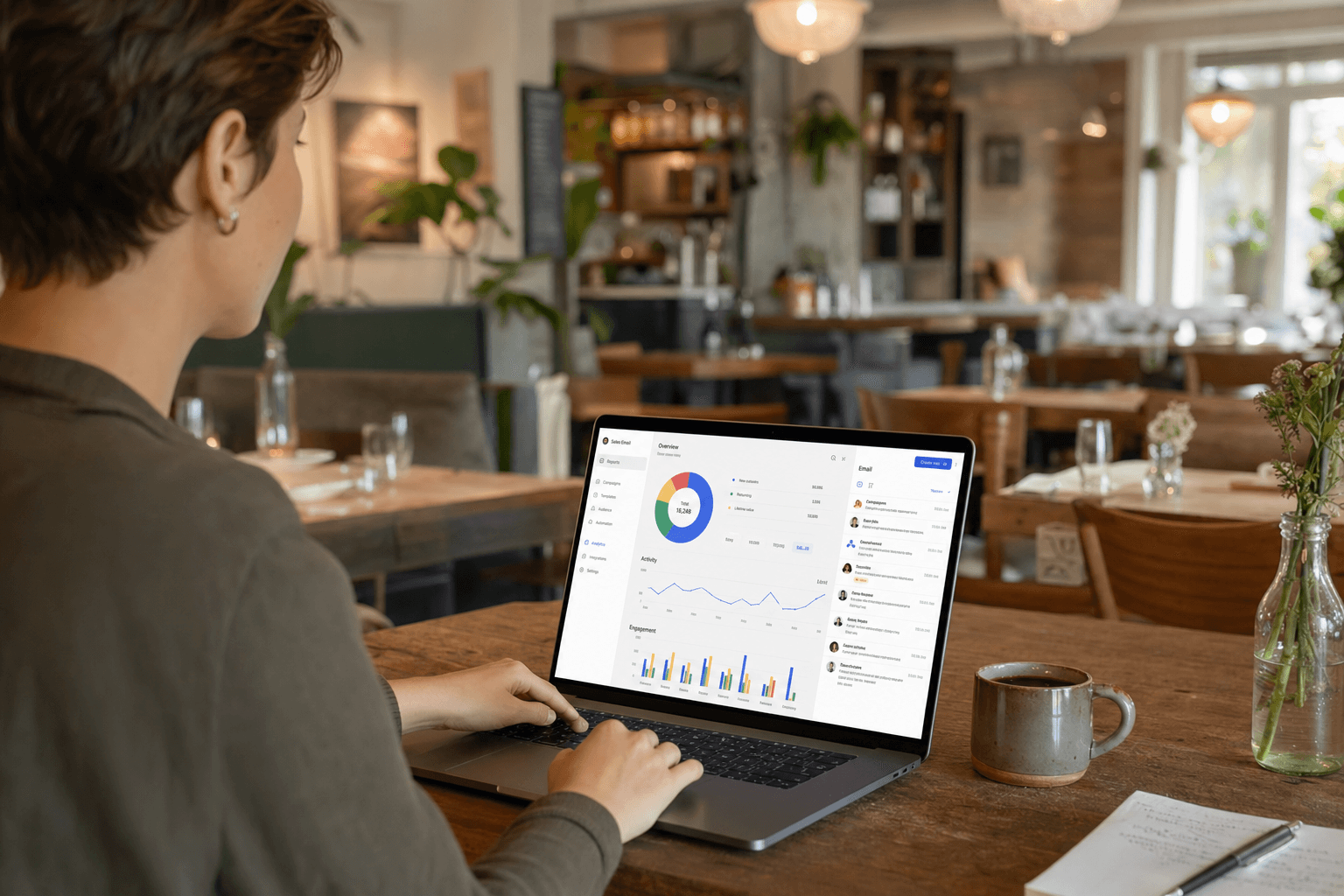
Social media algorithms change. Ad costs keep climbing. But an email you send lands directly in someone's inbox—no bidding, no boosting, no hoping the platform decides to show it. For an independent restaurant owner running lean, email is one of the highest-return marketing tools available. The catch is that most restaurants never build a real list, or they collect addresses and then do nothing with them.
This guide covers the whole loop: how to collect emails without annoying your guests, what to actually send, how often to send it, and how to measure whether it's working. No fluff, no expensive tools required.
Why Email Still Works for Restaurants
It's worth being clear-eyed about this. Email is not glamorous. It doesn't go viral. But the numbers are hard to argue with. Industry benchmarks consistently show restaurant emails achieving open rates between 20–35%—far above the organic reach of most social posts. More importantly, the people on your list already chose to hear from you. They've eaten at your place, liked what they found, and handed over their contact information. That's a warm audience you own, not rent.
Compare that to a Facebook or Instagram following. The platform controls who sees your posts, and that reach has been shrinking for years unless you pay for ads. Your email list is an asset that lives in a spreadsheet or a simple tool—completely independent of any platform's algorithm or policy change.
For restaurants specifically, email drives three things that matter: repeat visits, higher average spend (you can promote specials and upsells directly), and word-of-mouth (a well-timed email gets forwarded to a friend planning a birthday dinner).
Building Your List from Zero
The single biggest mistake restaurants make is waiting for a "system" before they start collecting. You can start today with a $0 tool and a clipboard if necessary. Here's where real email addresses actually come from.
At the Table and Point of Sale
This is your highest-converting touchpoint. A guest who just finished a meal they enjoyed is the most receptive they'll ever be. A few practical methods:
- Paper sign-up card with the check or receipt. Simple, low-tech, works. Ask for first name and email only—more fields kill completion rates.
- Tablet or phone at the counter for quick-service or café setups. A form open on a screen with one or two fields converts well.
- Receipt footer: Print a short URL or QR code on receipts linking to a sign-up page. "Join our list for exclusive specials" is enough copy.
Your QR Code Menu
If you're already using a QR code menu, you have a natural place to invite sign-ups. A simple prompt at the bottom of your digital menu—"Want to hear about our weekly specials? Drop your email here"—catches guests while they're actively engaged with your food. It costs nothing extra and runs on autopilot.
Online Ordering Checkout
If you take online orders, the checkout flow is prime real estate. An opt-in checkbox ("Send me updates and exclusive offers") during checkout is one of the most efficient list-building tools you have. The guest is already in a transactional mindset and has already typed their email address. Conversion rates here are consistently higher than any passive sign-up form.
Your Website and Menu Page
A sign-up form on your website—especially your menu page—captures people who are researching before they visit. Keep the ask small: name and email, one line of benefit copy, one button. Don't bury it at the bottom of the page. A sticky banner or a mid-page embed both outperform a footer form.
Social Media
Use your Instagram and Facebook bio link to point to a sign-up page, not just your homepage. Run an occasional post specifically asking people to join your list in exchange for something tangible—a free appetizer on their next visit, early access to a new menu, or a discount on their birthday month. These posts don't need to be frequent, but they convert better than generic "follow us" calls to action.
What Not to Do
Don't buy email lists. Don't scrape addresses from review sites. Don't add people who gave you their email for a different purpose (a job application, a vendor inquiry) without explicit consent. Beyond the legal exposure in many jurisdictions, purchased lists have terrible deliverability and will tank your sender reputation, making it harder for your real subscribers to receive your emails.
What to Send and When
Most restaurant owners who do collect emails get stuck here. They either send nothing for months, or they blast a promotional email every week until people unsubscribe. Neither works. The goal is a cadence that feels like a useful, occasional message from a place they like—not spam, not silence.
A Realistic Sending Schedule
For most independent restaurants, two to four emails per month is the sweet spot. Enough to stay top of mind, not so much that you burn through goodwill. A simple monthly rhythm might look like:
- Week 1: Monthly newsletter — what's new, a featured dish, a short story from the kitchen.
- Week 2 or 3: A specific offer or event — happy hour, a seasonal special, a new menu item launch.
- Week 4: Optional — a behind-the-scenes update, a staff highlight, or a holiday tie-in.
Types of Emails That Actually Get Opens
The "something new" email. New menu item, new seasonal drink, new weekend brunch. People who already like your food want to know what's next. Keep it short: one photo, two sentences of description, a link to your menu or ordering page.
The event email. Live music, a wine pairing dinner, a holiday prix fixe, a charity night. Send this 7–10 days out and again 2–3 days before. These emails have some of the highest click-through rates because there's a clear reason to act now.
The exclusive offer. A discount or perk that's only available to your email subscribers. This rewards the people who signed up and creates a real reason to stay subscribed. Even a modest "show this email for a free dessert this week" creates a sense of insider access.
The story email. A short piece about where you source an ingredient, how a dish got on the menu, or what a typical Tuesday looks like for your kitchen team. These perform surprisingly well because they're different from the promotional content that fills most inboxes. They build genuine connection with your regulars.
The birthday email. Automated, personal, and high-converting. Collect birth month (not necessarily the full date) at sign-up and send a special offer in their birthday month. Open rates on birthday emails are routinely double the average.
Subject Lines That Get Opened
The subject line determines whether the email gets read at all. A few principles that hold up in practice:
- Be specific. "Our new fall menu is here" beats "Exciting news from [Restaurant Name]."
- Create mild urgency without being pushy. "This weekend only" or "Last chance for our summer menu" works because it's true.
- Use the recipient's name sparingly. First-name personalization in the subject line can lift open rates, but it feels hollow if the rest of the email is generic.
- Keep it under 50 characters so it doesn't get cut off on mobile.
- Avoid all-caps, excessive exclamation points, and words like "FREE" in all caps—these trigger spam filters.
Tools and Setup
You don't need an expensive marketing platform to run restaurant email well. The tools that work for most independent operators:
- Mailchimp (free tier): Handles up to 500 contacts and 1,000 emails per month for free. Enough to get started and run for months before you'd need to upgrade.
- Brevo (formerly Sendinblue): More generous free tier (300 emails/day), slightly better deliverability reputation for small senders.
- Klaviyo: More powerful automation, better for restaurants with online ordering who want to trigger emails based on order behavior. Free up to 250 contacts.
Whichever tool you choose, set up these three things before you send your first campaign:
- A confirmed sender domain. Sending from [email protected] (not a Gmail address) dramatically improves deliverability and looks professional.
- An unsubscribe link. Required by law in most countries and automatically included by reputable platforms. Never remove it.
- A welcome email. Automatically sent when someone subscribes. Thank them, tell them what to expect, and give them something small (a discount, a menu link, a "staff pick" dish recommendation). First impressions matter here just as much as they do at the front door.
Making Your Emails Work With Your Digital Presence
Email doesn't work in isolation. Every email you send should connect back to something—your menu, your ordering page, your reservation link. If you're promoting a new dish, link directly to your digital menu so readers can see it immediately. If you're running a promotion tied to online orders, link to your ordering page and make sure the experience is smooth on mobile.
Restaurants that use zero-commission online ordering have a particular advantage here: every email-driven order goes directly to you, with no platform taking a cut. That changes the math on how much you can afford to offer in email-exclusive promotions.
Think of your email list as the engine and your digital presence as the destination. The email gets people interested; your menu page and ordering flow convert that interest into revenue. A clunky or outdated menu page will undercut even a great email campaign.
Measuring What Matters
Email platforms give you a lot of data. Here's what actually matters for a restaurant:
- Open rate: Are people opening your emails? A healthy open rate for restaurants is 25–40%. Below 20% suggests your subject lines need work or your list has gone stale.
- Click-through rate (CTR): Are people clicking your links? 2–5% is typical. If you're sending an event email and nobody's clicking the "reserve a table" link, something is off with the offer or the copy.
- Unsubscribe rate: Under 0.5% per email is normal. A spike usually means you sent too frequently, the content wasn't relevant, or people don't remember signing up.
- Revenue per email: If you have online ordering, you can track how many orders came in after each send. This is the number that actually tells you whether email is worth your time.
Review these numbers after every send. You don't need a spreadsheet—just a quick look at your platform's dashboard. Over time, patterns emerge: which subject lines work for your audience, which day of the week gets the best opens (often Tuesday or Wednesday for restaurants), which types of offers drive orders.
Keeping Your List Healthy
A list of 200 engaged subscribers is worth more than 2,000 people who never open your emails. Inactive subscribers hurt your deliverability—email providers use engagement signals to decide whether your messages go to inboxes or spam folders.
Every 6 months or so, run a re-engagement campaign. Send a single email to subscribers who haven't opened anything in 90+ days. Subject line: "Still want to hear from us?" Give them a clear reason to stay (an offer, a new menu launch) and a clear option to unsubscribe. Remove everyone who doesn't engage. It feels counterintuitive to shrink your list, but your open rates, deliverability, and overall results will improve.
Frequently Asked Questions
How do I get my first 100 email subscribers as a new restaurant?
Start at the table. Train your staff to mention the list when dropping the check—"We send out weekly specials if you want to stay in the loop." Add a sign-up form to your website and a prompt to your QR code menu. Run one Instagram post with a small incentive for signing up. Most restaurants can reach 100 subscribers within the first month of actively collecting, without spending anything.
What's the best day and time to send restaurant emails?
Tuesday through Thursday between 10 a.m. and 2 p.m. tends to perform well across the industry. Wednesday is particularly consistent for restaurant emails. That said, your own audience may behave differently—test two or three send times over a few months and let your open rate data guide you.
How do I write emails if I'm not a good writer?
Write like you talk. A short, conversational email from a real person beats polished marketing copy almost every time. Two or three sentences about what's new, a photo, a link—that's a complete email. You don't need to be a copywriter. You just need to be genuine and specific about your food and your restaurant.
Is email marketing legal? Do I need to worry about spam laws?
Yes, there are laws—CAN-SPAM in the US, GDPR in Europe, CASL in Canada. The main requirements are: only email people who opted in, include your physical address in every email, include an unsubscribe link, and honor unsubscribe requests promptly. Reputable email platforms (Mailchimp, Brevo, etc.) handle the technical compliance automatically. The key on your end is to only add people who genuinely chose to hear from you.
Should I offer a discount to get people to sign up?
A small incentive—10% off their next visit, a free appetizer, a birthday perk—does increase sign-up rates. The trade-off is that incentive-driven subscribers are sometimes less engaged long-term than people who signed up purely because they like your restaurant. Use incentives, but keep them modest and make sure your ongoing content gives people a reason to stay subscribed beyond the initial offer.
Ready to make email work harder for your restaurant? MenuHoster gives you a digital menu, QR code tools, and an online ordering page that turn every email campaign into a seamless experience for your guests. See MenuHoster's plans and start building the digital presence your email list deserves.
MenuHoster Team
Helping restaurants go digital