How to A/B Test Your Menu Layout and Pricing
Updated:
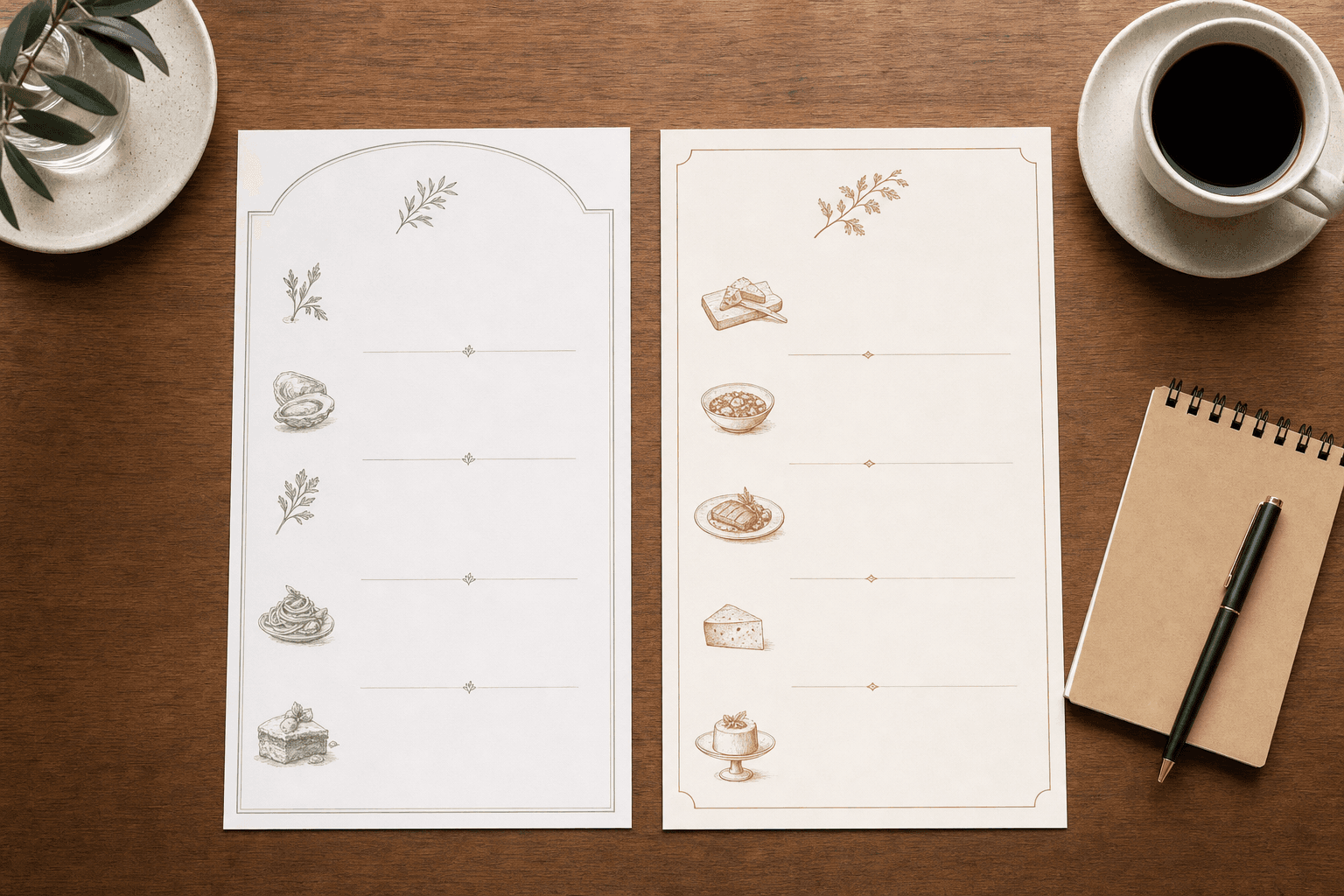
Most restaurant owners change their menu based on gut feeling—a dish isn't moving, so the price gets cut. The layout feels cluttered, so items get reshuffled. These are reasonable instincts, but they leave real money on the table. A/B testing lets you replace guesswork with evidence: you run two versions of your menu simultaneously, measure which one performs better, and make a permanent decision based on actual sales data.
This guide walks you through how to set up, run, and interpret menu A/B tests in a real restaurant environment—no software engineering background required.
What Is Menu A/B Testing (and Why Bother)?
A/B testing—sometimes called split testing—means showing two slightly different versions of something to comparable groups and measuring which version drives better results. In a restaurant context, "results" usually means higher average check size, more orders of high-margin items, or fewer order modifications that slow down the kitchen.
The reason to bother is simple: small layout and pricing changes can produce surprisingly large revenue swings. Research in menu engineering consistently shows that where an item appears on the page, how its price is formatted, and whether it's accompanied by a photo or description can shift order frequency by 20–30%. A/B testing lets you capture those gains systematically rather than stumbling onto them by accident.
Digital menus make this dramatically easier than it used to be. When your menu lives online—as a digital menu rather than a laminated card—you can update it in seconds, track which version is active on which day, and roll back instantly if something isn't working.
What to Test: Choosing the Right Variable
The cardinal rule of A/B testing is change one thing at a time. If you simultaneously move your most profitable dish to a new position, rewrite its description, and raise its price by $2, you won't know which change drove the result. Pick a single variable per test.
Layout and Position
- Prime real estate: The upper-right corner and the top of the first column are where eyes land first on a physical or digital menu. Test moving a high-margin item into that position versus a mid-page position.
- Category order: Does putting appetizers before drinks increase starter orders? Does moving desserts to a sidebar rather than a back page lift dessert sales?
- Visual hierarchy: Test a version with photos next to your top three dishes against a text-only version. Photos can increase orders of featured items by 30%, but they can also cheapen the perception of a fine-dining menu.
- Item grouping: Test grouping items by ingredient (e.g., all chicken dishes together) versus grouping by course or price tier.
Pricing and Price Presentation
- Charm pricing: $14.95 versus $15. The difference in perception is larger than $0.05. Test which format your specific clientele responds to.
- Removing the dollar sign: Studies from Cornell show that menus listing prices as "14" rather than "$14" lead to higher spending because the dollar sign triggers a pain-of-paying response. Test this on your digital menu.
- Price anchoring: Place a high-priced item at the top of a section to make everything below it feel more reasonable. Test whether this increases orders of mid-tier items.
- Bundle pricing: Test "Burger + Fries + Drink: $18" against listing each item individually. Bundles often increase total check size even when the bundle price is slightly higher than the sum of parts.
Item Descriptions
- Test a short, evocative description ("slow-braised for six hours, finished with smoked paprika butter") against a plain label ("Braised Short Rib").
- Test descriptions that emphasize origin ("local grass-fed beef") against those that emphasize preparation technique.
- Test no description at all for certain items—sometimes brevity signals confidence and premiumness.
For more on the psychological levers behind pricing formats, see our article on the psychology of menu pricing.
Setting Up Your Test Properly
Define a Clear Hypothesis
Before you change anything, write down exactly what you expect to happen and why. For example: "Moving the Truffle Fries to the top-right of the starters section will increase orders of that item by at least 15% because customers scan that zone first." A written hypothesis forces clarity and prevents you from cherry-picking results after the fact.
Choose Your Metric
Pick one primary metric per test. Good options include:
- Orders of the specific item being tested (most direct)
- Average check size per table or per transaction
- Attachment rate (e.g., what percentage of entrée orders include a starter)
- Gross margin per cover (requires knowing your food cost per item)
Decide on Your Testing Window
Run each version for at least two full weeks—ideally three—to account for day-of-week variation. A Tuesday lunch crowd behaves differently than a Saturday dinner crowd. If you test Version A on Monday–Thursday and Version B on Friday–Sunday, you're not testing your menu; you're testing your customer mix.
A cleaner approach: alternate by week. Version A runs week one, Version B runs week two, Version A again week three, Version B week four. This controls for seasonal drift and one-off events.
Keep Everything Else Constant
Don't run a test during a week when you're also launching a new promotion, changing your hours, or onboarding new staff. External variables will contaminate your results. If you're using a digital menu maker, you can schedule version switches in advance so the change happens at midnight rather than mid-service.
Determine Your Sample Size
You need enough transactions to draw a reliable conclusion. As a rough rule of thumb, aim for at least 100 covers per version before drawing conclusions on item-level tests, and at least 200 covers per version for check-size tests. For a busy restaurant doing 80 covers a night, two weeks per version is usually sufficient. For a quieter café doing 30 covers a day, you may need four to six weeks.
Running the Test in Practice
Digital Menus Make Switching Easy
The biggest practical advantage of a digital menu is that switching between versions takes minutes, not a print run. With a platform like MenuHoster, you can maintain two saved versions of your menu and swap between them on a schedule. There's no reprinting cost, no disposing of outdated laminated copies, and no risk of staff handing out the wrong version.
If you're still using a static PDF, consider this a good moment to convert. Our PDF-to-QR-code menu tool is a fast on-ramp, but a fully editable digital menu gives you far more flexibility for ongoing testing.
Train Your Staff
Your servers need to know which version is active and what you're testing. They shouldn't be steering customers toward or away from the tested item—that introduces bias. Brief them simply: "This week we're running the menu with the Truffle Fries at the top. Don't mention it unless customers ask. Just take orders normally."
Record Everything
Track daily: which version was active, total covers, orders of the tested item, and total sales. A simple spreadsheet works fine. If your POS system exports daily reports, pull those and tag them by version. You don't need fancy analytics software—you need consistent record-keeping.
Analyzing Your Results
Once you've collected data from both versions, the analysis is straightforward. Calculate the order rate for the tested item under each version: orders of the item divided by total covers. If Version A produced a 12% order rate and Version B produced an 18% order rate across comparable cover counts, Version B is the winner—and the difference is large enough to be meaningful.
For check-size tests, compare the average transaction value across both versions. Even a $1.50 increase in average check across 60 covers a day adds up to over $32,000 in additional annual revenue.
Statistical Significance: A Practical Shortcut
You don't need to run a formal significance test for every menu experiment. A practical rule: if one version outperforms the other by more than 10% across at least 100 covers per version, treat it as a real signal and act on it. If the difference is smaller than 5%, the two versions are essentially equivalent and you should test something else.
If the difference is between 5–10%, run the test for another two weeks before deciding.
Common Mistakes That Invalidate Menu Tests
- Testing during atypical periods. Holidays, local events, and bad weather all distort your customer mix. Mark these days in your data and exclude them from analysis.
- Changing multiple variables at once. You won't know what caused the result. Test one thing at a time, always.
- Stopping too early. A two-day result is noise. A two-week result is signal. Patience is the hardest part of testing.
- Ignoring margin. An item that sells more isn't automatically better if its food cost is high. Always track gross margin alongside order volume.
- Not documenting the test. Six months from now, you won't remember which version you tested or when. Keep a simple log.
Many of these pitfalls overlap with broader common restaurant menu mistakes that quietly erode revenue.
What to Do With Winners (and Losers)
When a version wins, implement it permanently and move on to the next test. Don't rest on one win—your menu has dozens of variables, and each one is an opportunity. Build a testing backlog: a prioritized list of hypotheses ranked by potential revenue impact. Work through it systematically, one test at a time.
When a version loses, that's also valuable information. A description change that doesn't move the needle tells you your customers aren't making decisions based on that factor. A price increase that doesn't reduce order volume tells you you've been underpricing that item. Negative results are not failures—they're data.
Over time, a disciplined testing practice compounds. Twelve tests a year, each producing a modest improvement, can meaningfully shift your restaurant's economics without a single dramatic overhaul.
Building a Testing Culture at Your Restaurant
The restaurants that benefit most from menu testing aren't the ones that run a single experiment—they're the ones that make testing a regular operational habit. That means:
- Scheduling a monthly "menu review" where you look at item performance data and propose the next test.
- Involving your kitchen team—they often have strong intuitions about which dishes should be featured more prominently.
- Using your restaurant menu as a living document, not a fixed artifact that only changes when you do a full redesign.
- Celebrating wins with the team so that the testing mindset spreads beyond the owner or manager.
For inspiration on what to highlight once you've found your winners, our guide on how to highlight signature dishes on your menu covers the design and copywriting side in depth.
Frequently Asked Questions
Do I need special software to A/B test my menu?
No. All you need is a digital menu you can edit quickly, a spreadsheet to track results, and a consistent testing schedule. Dedicated A/B testing platforms exist but are overkill for most independent restaurants. The discipline of the process matters far more than the tools.
Can I A/B test a printed menu?
Yes, but it's expensive and slow. You'd need to print two batches, distribute them consistently across comparable service periods, and track results manually. Digital menus make the same process free and nearly instant, which is why switching to a digital format is a prerequisite for any serious testing program.
How many tests should I run at the same time?
One at a time. Running simultaneous tests on different parts of the menu creates interaction effects—a layout change in starters might influence how customers read the mains section. Keep it sequential until you have a large enough operation and data infrastructure to isolate variables reliably.
What's the easiest first test to run?
Move your highest-margin item to the most prominent position on your menu (top-right or top of first column) and measure order rate for two weeks, then move it back for two weeks. This test is low-risk, requires no price changes, and often produces a clear result quickly.
How do I know if my sample size is large enough?
Aim for at least 100 covers per version for item-level tests. If your restaurant is quieter, extend the testing window rather than shortening it. A result based on 40 covers per version is too noisy to act on confidently.
Ready to start testing? MenuHoster makes it easy to update, switch, and manage multiple versions of your digital menu without reprinting a single page. See our pricing and start building a smarter, higher-performing menu today.
MenuHoster Team
Helping restaurants go digital