The Psychology of Menu Pricing: Charm Pricing, Anchors, and Decoys
Updated:
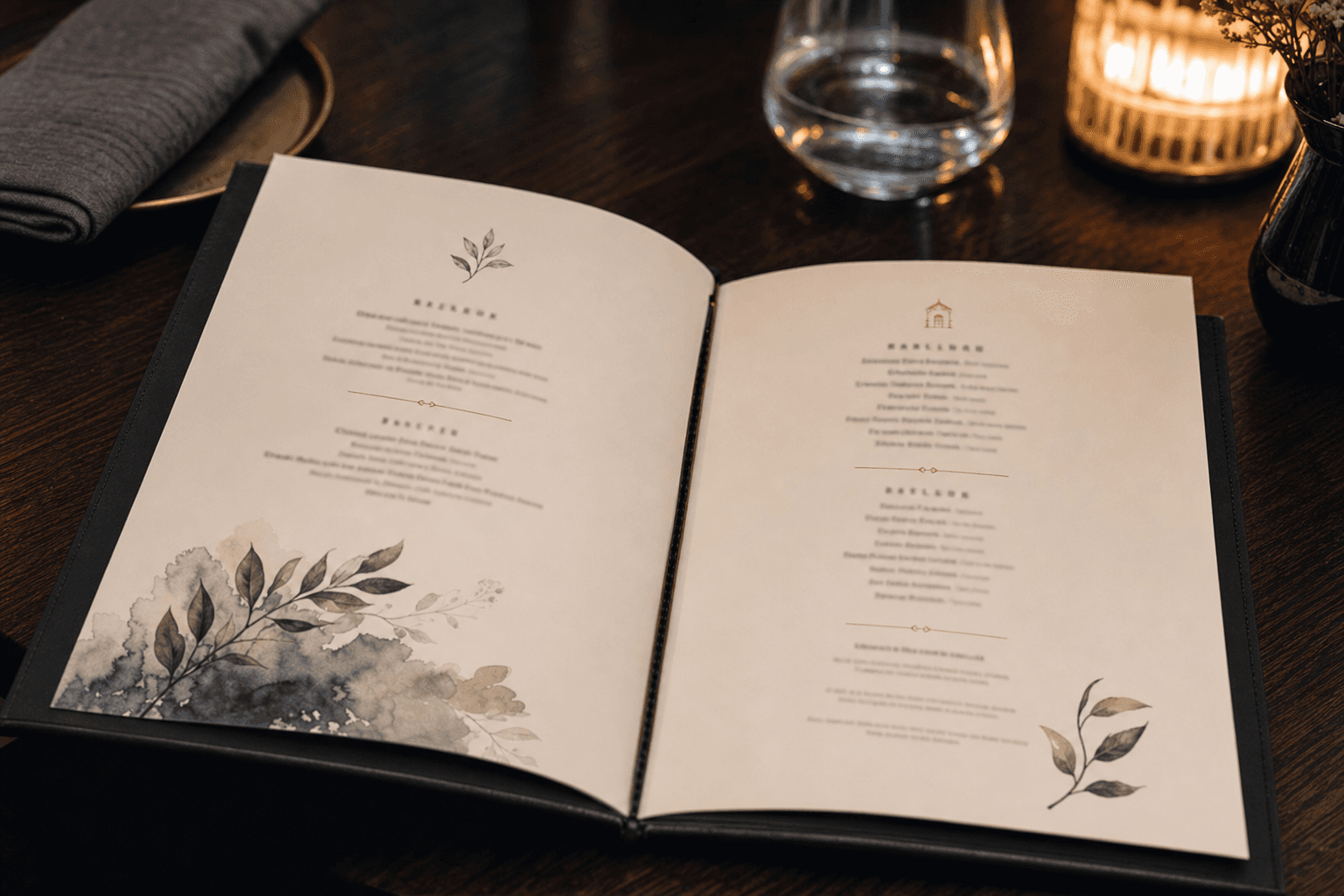
Every number on your menu is a decision. Not just a reflection of your food costs, but a signal that shapes how guests perceive value, what they feel comfortable ordering, and how much they ultimately spend. Menu pricing psychology isn't a gimmick—it's a body of well-researched behavioral economics that applies directly to how diners read and respond to your menu.
This article breaks down three of the most powerful psychological pricing techniques—charm pricing, price anchoring, and decoy pricing—and shows you exactly how to apply them in a real restaurant context. We'll also cover a few common mistakes that quietly undermine your pricing strategy, even when the food is excellent.
Why Pricing Psychology Matters on Menus
Guests rarely do the math at the table. They're hungry, they're in a social setting, and they're making fast, emotionally influenced decisions. Research in behavioral economics consistently shows that people don't evaluate prices in absolute terms—they evaluate them relative to context. The number $28 feels expensive or reasonable depending entirely on what surrounds it.
That means your menu layout, the order of items, the presence of certain high-price dishes, and even how you format the numbers themselves all influence what gets ordered. Understanding this gives you real leverage—not to manipulate guests, but to present your menu in a way that fairly reflects value and nudges customers toward items that are good for both them and your margins.
A well-structured digital menu makes it especially easy to test and refine these techniques, since you can update prices, descriptions, and item placement instantly without reprinting anything.
Charm Pricing: The 99-Cent Effect and When to Use It
Charm pricing refers to setting prices just below a round number—$14.99 instead of $15, or $24.95 instead of $25. The logic is simple: our brains process the leftmost digit first, so $14.99 registers closer to $14 than $15, even though the difference is a single cent.
Studies have replicated this effect across retail, e-commerce, and food service. It works. But the question for restaurants isn't just does it work—it's when should you use it.
When charm pricing fits
- Fast casual and casual dining: In price-sensitive, high-volume environments, charm pricing reinforces the perception of value. A $9.99 burger reads as a deal; a $10.00 burger reads as a round, deliberate number that invites comparison.
- Promotional or limited-time items: If you're running a special or a happy hour price, charm pricing signals a discount or deal mentality that matches the context.
- Delivery and online ordering pages: Customers browsing online are more likely to be in a comparison-shopping mindset, where charm pricing has a stronger effect.
When to avoid charm pricing
- Fine dining and upscale casual: Round numbers—$32, $48—communicate confidence and quality. They signal that you're not trying to trick anyone, and that the price is what it is because the food is worth it. Many upscale menus drop the dollar sign entirely for the same reason.
- When it conflicts with your brand: If your restaurant positions itself as artisanal, premium, or farm-to-table, $13.99 can feel out of place. $14 or simply "14" reads cleaner and more intentional.
The takeaway: charm pricing is a tool, not a rule. Match it to your concept and your customer's expectations.
Price Anchoring: The Most Powerful Tool You're Probably Underusing
Price anchoring is the practice of placing a high-priced item on your menu specifically to make other items look more reasonably priced by comparison. The anchor doesn't need to sell well—it just needs to exist.
Here's how it works in practice: if your most expensive entrée is $52 (a dry-aged ribeye), your $34 salmon suddenly feels like a sensible, mid-range choice—even if $34 is actually at the high end of what you'd normally charge. Without the anchor, $34 might feel like the expensive option. With it, $34 feels like the smart move.
How to set an effective anchor
- Place it at the top of a section or in a visually prominent position. Guests read menus in a rough "F" or "Z" pattern, so items in the upper-right or top of a column get seen first and set the mental frame for everything that follows.
- Make the anchor item genuinely compelling. If it looks like a throwaway item with an inflated price, guests will notice. The anchor works best when it's a real dish that some guests will actually order—it just happens to also serve a pricing function.
- Use it to elevate your mid-tier items. Your goal is to make your $28–$36 range feel like the sweet spot. The anchor creates that perception without you having to say a word.
Anchoring in other menu sections
Anchoring isn't just for entrées. A $16 craft cocktail at the top of your drinks list makes your $11 house cocktails feel accessible. A $95 tasting menu on the back page of your menu reframes everything else on the front. Even a premium add-on—truffle fries for $14—can anchor the rest of your sides menu.
If you're building or updating your menu, check out our guide to restaurant menu structure for more on how layout and section order interact with pricing perception.
Decoy Pricing: The Third Option That Changes Everything
Decoy pricing is one of the most studied phenomena in behavioral economics. It was formalized by researcher Dan Ariely and has since been confirmed across dozens of real-world contexts. The core idea: introducing a third, strategically priced option can dramatically shift which of the other two options people choose.
The classic example is a size pricing structure:
- Small coffee: $3.50
- Medium coffee: $5.25
- Large coffee: $5.75
Without the medium, most people choose the small. With the medium priced close to the large, the large suddenly looks like the obvious value—you're getting much more for just 50 cents extra. The medium is the decoy. Its job is to make the large look like a deal, not to sell itself.
Applying decoys in a restaurant menu
- Portion sizes: If you offer two sizes of a dish, consider adding a third at a price point that makes your preferred (higher-margin) size look like the better value.
- Tasting menus and prix fixe: A three-course menu at $55, a four-course at $70, and a five-course at $75 makes the five-course look like a steal. The four-course is the decoy.
- Bottle vs. glass pricing: A glass of wine at $14, a half-bottle at $32, and a full bottle at $38 makes the bottle look like the obvious move. The half-bottle exists to anchor the bottle.
- Combo meals and add-ons: A burger for $13, a burger + fries for $17, and a burger + fries + drink for $19 uses the middle option as a decoy to drive the full combo.
The decoy effect is particularly effective in digital menus where all options are visible simultaneously. When guests can see all three options at once—without a server rushing them—the comparison is more deliberate and the decoy has more time to do its work.
Removing Dollar Signs and Other Formatting Tricks That Reduce Price Pain
A Cornell University study found that guests spent significantly more when menus listed prices as numerals only ("14") rather than with a dollar sign ("$14") or spelled out ("fourteen dollars"). The dollar sign is a pain trigger—it activates the part of the brain associated with loss. Remove it, and the price feels less like money leaving your wallet.
Other formatting choices that affect perception:
- Avoid price columns. When prices are aligned in a column on the right side of the menu, guests scan the column and order by price rather than by what they actually want. Embed prices directly after the item description instead.
- Use smaller font for prices. Not unreadably small—just slightly smaller than the item name. This de-emphasizes the price and keeps attention on the dish itself.
- Don't use leader dots. Those dotted lines connecting item names to prices (like in old diner menus) draw the eye straight to the number. They're a relic worth dropping.
- Highlight items with boxes or icons, not low prices. If you use a visual callout (a box, a star, a "chef's pick" label), use it on high-margin items regardless of their price. It signals recommendation, not discount.
The Menu Engineer's Pricing Mindset
Menu engineering—the discipline of analyzing which items are both popular and profitable—pairs directly with psychological pricing. Once you know which items are your stars (high popularity, high margin) and which are your plowhorses (high popularity, low margin), you can use pricing psychology to steer guests toward the stars.
For example:
- Place a high-margin item next to your anchor to make it look like the sensible choice.
- Use a decoy to push guests toward a higher-margin size or bundle.
- Write more compelling descriptions for your stars to justify their price point and reduce price sensitivity.
Strong item descriptions do a lot of the heavy lifting here. A dish described as "pan-seared Atlantic salmon with charred lemon beurre blanc and heirloom fingerling potatoes" justifies $34 in a way that "salmon with lemon butter and potatoes" simply doesn't. For a deeper look at this, see our article on how to write menu item descriptions that sell.
Combining strong copy with smart pricing structure is how you build a menu that consistently drives toward higher-value orders—without ever feeling pushy.
Common Pricing Mistakes That Undermine Your Strategy
Even restaurants that understand pricing psychology often make structural mistakes that cancel out their efforts. Watch for these:
- Too many items at similar price points. If everything on your entrée menu is between $22 and $26, there's no anchor and no decoy—just a flat field where guests pick based on preference alone. You lose the ability to steer.
- Raising prices without updating descriptions. If you raise a dish from $18 to $23 but leave the description unchanged, the price increase feels unjustified. Update the description to reflect quality, sourcing, or preparation detail.
- Inconsistent pricing logic across sections. If your appetizers are priced with charm pricing but your entrées use round numbers, the menu feels unpolished. Pick an approach and apply it consistently within each section.
- Ignoring the digital menu experience. Psychological pricing principles apply just as strongly—sometimes more so—to digital menus and online ordering pages. If your digital menu is just a PDF scan, you're losing all the formatting control that makes these techniques work. A proper online menu maker lets you control layout, emphasis, and item order precisely.
- Never testing changes. Pricing psychology isn't set-and-forget. Run a price change for four to six weeks, track average check size, and compare. Digital menus make this easy because you can update instantly and roll back just as fast.
Putting It All Together: A Practical Checklist
Here's a quick reference for applying these techniques when you next review your menu:
- Audit your price range. Does each section have enough spread to allow anchoring? Aim for at least a 2x range between your lowest and highest item in each category.
- Identify your anchor items. Place one genuinely premium item near the top of each major section.
- Look for decoy opportunities. Anywhere you offer two sizes or tiers, consider adding a third that makes your preferred option look like the value choice.
- Check your formatting. Remove dollar signs if your concept supports it. Embed prices after descriptions. Kill the price column.
- Match charm pricing to your concept. Use .99 or .95 endings in casual settings; use round numbers in upscale ones.
- Strengthen descriptions on high-margin items. Price perception is inseparable from perceived value—better copy justifies higher prices.
- Update your digital menu to match. All of this work should be reflected in your online presence, not just your printed menu. Use a platform that gives you full control over layout and pricing display.
If you're working with a menu template, make sure it supports flexible item placement and description formatting—not just a list of items and prices.
Frequently Asked Questions
Does charm pricing work in fine dining?
Generally, no. Upscale restaurants typically use round numbers or drop the dollar sign entirely. Charm pricing (.99, .95) signals value and discount, which conflicts with a premium positioning. In fine dining, a price like $48 reads as more confident and intentional than $47.95.
How many items should I have on my menu for pricing psychology to work effectively?
A focused menu of 20–30 items gives you enough range to use anchors and decoys without overwhelming guests. Very large menus (50+ items) dilute the effect because guests can't hold enough options in working memory to make meaningful comparisons. Fewer, better-positioned items generally outperform long menus both psychologically and operationally.
Can I use these techniques on a digital or QR code menu?
Absolutely—and in some ways digital menus are better suited to these techniques. You can control item order, use visual callouts, embed prices within descriptions, and update everything instantly without reprinting. The key is using a platform that gives you layout control, not just a static PDF.
How do I know if my pricing changes are actually working?
Track your average check size before and after any pricing restructure. Also monitor which items are ordered most frequently—if your anchor is working, you should see an uptick in mid-tier items. Give any change at least four weeks before drawing conclusions, and change only one variable at a time so you can isolate what's driving the shift.
Is decoy pricing ethical?
Yes, as long as all options are genuine and fairly priced. Decoy pricing doesn't force anyone to order anything—it simply structures choices in a way that highlights value. Guests are always free to choose the smaller or cheaper option. The technique becomes problematic only if the "decoy" option is misleadingly described or priced in bad faith.
Ready to put these pricing principles into practice? MenuHoster's online menu maker gives you full control over item placement, descriptions, pricing display, and visual emphasis—so you can build a menu that works as hard as your kitchen does. Start for free and see how a well-structured digital menu can lift your average check without changing a single ingredient.
MenuHoster Team
Helping restaurants go digital