How to Sunset Discontinued Menu Items Without Confusing Loyal Customers
Updated:
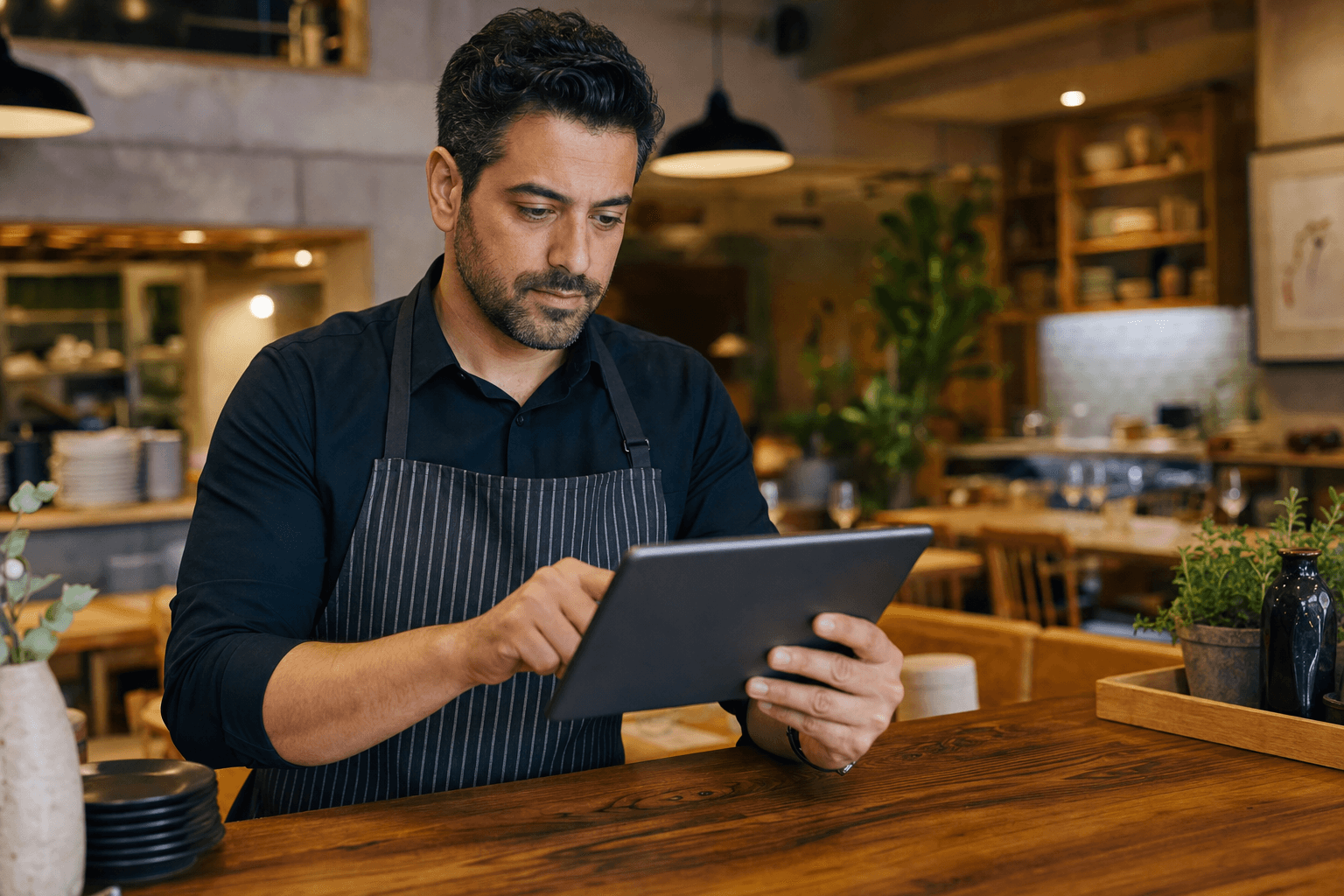
Every restaurant eventually faces the same uncomfortable moment: a dish that once earned its place on the menu no longer makes sense to keep. Maybe the ingredient costs have gone through the roof. Maybe the prep time is killing your kitchen during a rush. Maybe it just doesn't sell anymore. Whatever the reason, the decision to cut an item is usually straightforward — the execution is where things get messy.
Loyal customers have favorites. The guest who orders your mushroom risotto every Friday night is not going to be thrilled when it disappears without warning. Handle it poorly, and you risk frustrating regulars, generating negative reviews, or creating awkward moments at the table when a server has to explain why something on the old printed menu no longer exists. Handle it well, and most customers will barely notice — or they'll appreciate the transparency and move on gracefully.
This guide walks you through exactly how to remove discontinued items from your menu in a way that's clean, professional, and respectful of your customers' loyalty.
Why Sunsetting Matters More Than You Think
Most restaurant owners treat menu removals as a back-of-house decision with no customer-facing implications. In reality, it touches almost every guest interaction. Consider what happens when you don't manage the transition:
- Customers arrive expecting a dish they saw on your website or Google listing — and it's gone.
- Servers field repeated questions about why a popular item disappeared.
- Old printed menus or PDF menus circulating online still list the item, creating false expectations.
- Loyal guests feel like something was taken from them without explanation.
None of these are catastrophic on their own, but together they erode trust. A digital menu makes this process far more manageable — changes propagate instantly and everywhere — but you still need a deliberate process. Let's build one.
Audit Before You Cut
Before you remove anything, do a quick audit. Not every underperforming item deserves to be cut, and not every cut should happen at the same time.
Check actual sales data
Pull your POS reports for the last 90 days. Look at unit sales, not just revenue. An item might generate decent revenue because it's priced high, even if almost nobody orders it. Conversely, a low-margin item might be ordered constantly and serve as a reason people choose your restaurant over a competitor. Know what you're actually removing before you remove it.
Identify which items have emotional attachment
Some dishes are "anchor" items — they're not your top sellers, but they're the reason certain regulars come in. Ask your front-of-house staff which dishes customers ask about most, compliment most, or specifically mention when making reservations. These items need more careful handling than a side dish nobody ever orders.
Decide on timing
Avoid cutting items during peak seasons or right before a holiday rush. If you're removing something in January, you have a natural cover story: the new year, a seasonal refresh, a lighter menu. Timing a removal alongside a broader menu update makes it feel intentional rather than reactive.
Give Customers a Heads-Up
You don't need to make a big announcement, but a short lead time goes a long way. Here's a practical approach:
Use a "Last Chance" or "Leaving Soon" badge
If you're on a digital menu, add a simple badge or note to the item two to four weeks before removal. Something like "Enjoy it while it lasts" or "Leaving the menu soon" signals the change without creating drama. Customers who love the dish will order it one more time — or several more times. It also softens the blow when it's gone.
Brief your servers
Your front-of-house team should know which items are being removed and when, ideally a week before it happens. They can mention it naturally during service: "Just so you know, the lamb shank is coming off the menu at the end of the month — tonight might be a great night to have it." That kind of heads-up feels like insider knowledge, not a corporate memo. Customers appreciate it.
Post a short social update
A single Instagram or Facebook post saying "Saying goodbye to our [dish] — catch it one last time this week" generates engagement and manages expectations simultaneously. It doesn't need to be elaborate. A decent photo and two sentences is enough.
Update Every Channel at the Same Time
This is where most restaurants stumble. They update the in-house menu but forget the website, the Google Business Profile, the third-party delivery apps, and the PDF menu they emailed to corporate clients six months ago. The result is a patchwork of conflicting information that confuses customers and makes your operation look disorganized.
When you use an online menu maker, your menu lives in one place and updates everywhere at once. The moment you remove an item, it's gone from your QR code menu, your website embed, and any shareable link — no lag, no forgotten channels. That's the single biggest operational advantage of a digital menu over printed or PDF menus.
The channels you need to update
- Your digital or QR code menu — this should be the master record
- Your website — if you have a separate menu page, sync it immediately
- Google Business Profile — remove the item from your Google menu listing
- Third-party delivery platforms (DoorDash, Uber Eats, Grubhub) — each has its own dashboard; update them the same day
- Printed menus — if you still use physical menus, mark the item as unavailable or reprint; don't let old menus circulate
- Any PDF menus — if you've distributed a PDF, update it and re-share; consider switching to a QR code menu so future updates don't require redistribution
Set a removal date and do all of these updates on the same day, ideally before service begins. Don't stagger them.
Handle the Transition on the Floor
Even with perfect communication, some customers will show up on day one expecting the old item. Here's how to handle it without friction.
Train staff on a short, honest script
Servers shouldn't be caught off guard. Give them a one-sentence explanation: "We recently updated our menu and that item is no longer available, but I'd love to suggest something similar." That's it. No over-explaining, no apologizing excessively — just a clean acknowledgment and a redirect.
Prepare a "closest alternative" recommendation
For every high-attachment item you're removing, identify the closest substitute on your current menu. Brief your staff on it. If a customer loved the mushroom risotto, your server should be ready to say, "Our truffle pasta has a similar earthy richness — a lot of guests who loved the risotto have been enjoying that." This turns a potential disappointment into a discovery.
Don't apologize excessively
Menus change. It's a normal part of running a restaurant. Treating a menu update like a crisis trains customers to react to it like one. A matter-of-fact, friendly tone from your staff signals that this is routine — because it is.
What to Do With High-Demand Items You're Removing
Sometimes you're cutting an item not because it's unpopular, but because it's become operationally unsustainable. In those cases, the removal requires more careful handling.
Consider a limited-time return
If an item has genuine emotional attachment, removing it permanently can backfire. Instead, consider retiring it from the regular menu and bringing it back as a seasonal or special-event offering. This keeps the door open and actually builds anticipation. You can set up a limited-time menu specifically for these occasions without disrupting your core menu structure.
Offer a "last run" window
For truly beloved items, a one-week farewell window — properly communicated on social media and by your staff — can generate a surge of orders, boost revenue, and give loyal customers closure. It also makes the removal feel like a celebration rather than a loss.
Document the recipe internally
Even if you're removing an item from the menu, preserve the recipe in your internal records. Ingredient costs change. Staffing situations change. You may want to bring it back in a year. Don't lose the institutional knowledge.
Keeping Your Menu Clean After the Change
Once an item is gone, resist the temptation to leave visual ghosts of it — crossed-out items, "sold out" labels that never get removed, or placeholder text. A clean menu communicates confidence. A menu full of struck-through items looks like an afterthought.
This is another reason to use a proper restaurant menu platform rather than a static PDF or image. You can remove items cleanly, reorder sections if needed, and present a polished menu without any evidence of what used to be there. Customers see a current, intentional menu — not a document with scars from previous versions.
It's also worth reviewing your menu structure after a removal. If you cut three items from a section that now only has two, consider whether that section still makes sense as its own category or whether those items should be folded into another section. Removals are a natural opportunity to tighten your overall menu organization.
Use Removals as a Menu Improvement Opportunity
The best restaurant operators don't just remove items — they use the occasion to improve the overall menu. Every removal creates space, both literally and conceptually. Ask yourself:
- Does removing this item create a gap in a category that a new dish could fill?
- Are there items elsewhere on the menu that are underexposed because the menu is too crowded?
- Does the removal change the balance of the menu (e.g., now you have too many protein-heavy dishes and no light options)?
- Is this a good time to introduce a replacement item and give it visibility?
A menu removal handled well is a menu refresh. Customers who might have felt a pang of loss over the discontinued item can be won over by something new if it's introduced with the same care and enthusiasm.
Frequently Asked Questions
How much notice should I give customers before removing a menu item?
Two to four weeks is a reasonable window for most items. For high-attachment dishes with a loyal following, a month-long farewell period — communicated on social media and by your staff — gives customers time to enjoy it one last time and reduces the shock of its absence.
Should I explain why an item is being removed?
You don't need to, but a brief honest explanation can help. "We've simplified our menu for the season" or "We're focusing on dishes where we can maintain our quality standards" are both credible and positive. Avoid blaming suppliers or costs directly — it can come across as complaining rather than communicating.
What if customers keep asking for a discontinued item?
If requests are persistent and frequent, it's worth evaluating whether the item could return as a seasonal special or off-menu option. Consistent demand is data. That said, if the item was cut for operational reasons, be consistent: train your staff to acknowledge the request warmly and redirect to the best available alternative.
How do I make sure my online menu reflects the removal immediately?
The simplest solution is to manage your menu from a single digital platform. When you update one source, all touchpoints — your website, QR codes, shareable links — update automatically. If you're still managing separate versions of your menu across different platforms, a removal becomes a multi-step process with a high chance of something being missed.
Can I temporarily hide an item instead of deleting it?
Yes, and for seasonal items or dishes with sourcing issues, hiding rather than deleting is often the smarter move. A good digital menu platform lets you toggle items on and off without losing the item's details, photos, or pricing. This is especially useful if you plan to bring the item back later.
Ready to make menu changes — additions, removals, seasonal swaps — without the headache of reprinting or updating a dozen different platforms? MenuHoster's digital menu puts you in control of your menu in real time. Make a change once and it's live everywhere, instantly. See our pricing and get started today — your regulars will thank you for the smooth experience.
MenuHoster Team
Helping restaurants go digital