How to Use QR Codes on Salon Business Cards to Turn Handouts into Bookings
Updated:
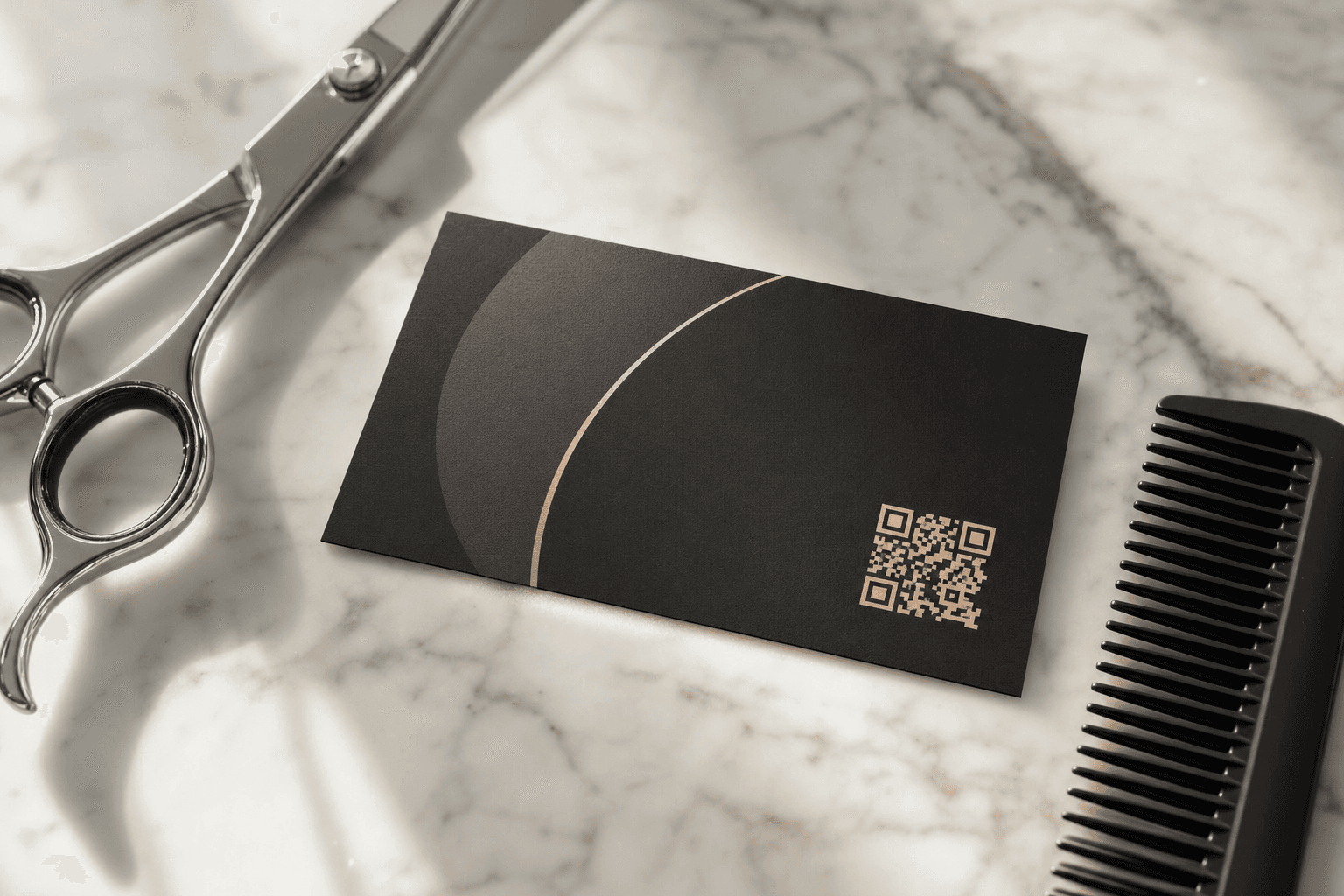
Business cards still matter in the salon industry. You hand them to clients after a great cut, leave a stack at the front desk, slip one into a gift bag, or give a few to a happy customer who promises to send friends your way. The problem is that most salon business cards are dead ends. They show a phone number, maybe a website, and that's it. The potential client pockets the card, gets home, forgets the name of the stylist, and never books.
A QR code changes that equation entirely. Instead of hoping someone remembers to Google you later, a QR code on your business card sends them directly to your services menu, your pricing, your photos, and a booking button — right from the moment they scan it. This guide walks you through exactly how to set that up, what to link to, and how to design a card that actually converts.
Why QR Codes on Business Cards Work for Salons
The gap between "I got a card" and "I booked an appointment" is where most referrals die. A phone number requires someone to call during business hours. A plain website URL requires them to type it out, land on a generic homepage, hunt for services, and eventually find a booking link — if you even have one.
A QR code collapses all of that into a single tap. The person scans it with their phone camera (no app needed on modern smartphones), and they land exactly where you want them: your salon services menu with prices, photos, and a clear path to book.
Here's why this matters specifically for salons and beauty businesses:
- Referrals happen in the moment. A client tells their friend about you right after their appointment, hands over your card, and that friend scans it on the spot. You want them to land somewhere compelling while the enthusiasm is fresh.
- Services need context. A haircut is not just a haircut. When someone scans your QR code and sees your full menu — balayage, keratin treatments, color corrections with real pricing — they self-qualify and arrive with realistic expectations.
- You can update the destination without reprinting cards. If you link to a hosted digital menu (more on this below), you can change your prices, add new services, or update your booking link anytime without ordering new cards.
What to Link Your QR Code To
This is the most important decision you'll make. The QR code is only as good as the page it points to. Here are your main options, ranked by effectiveness:
1. Your Digital Services Menu with a Booking Link
This is the gold standard. A well-structured digital menu for your salon shows every service, the price range, estimated time, and a description. It gives a prospective client everything they need to decide to book. If your menu also has a visible "Book Now" button linking to your scheduling tool (Vagaro, Square Appointments, Booksy, Fresha — whatever you use), the conversion path is seamless.
2. A Dedicated Landing Page
If you don't have a full website, a single-page digital presence that includes your services, a short bio or team intro, photos of your work, and a booking link works extremely well. It's more personal than a menu alone and gives first-time visitors context about who you are.
3. Your Instagram or Google Business Profile
These are better than nothing but are weak choices for conversions. Instagram requires the person to follow you or scroll your feed to find pricing. Google Business Profile is good for trust but doesn't have a direct booking flow embedded. Use these as supplements, not the primary destination.
4. A Direct Booking Link
Sending someone straight to your booking page can work if your scheduling tool shows service names and prices clearly. But many booking tools are clunky on mobile, and a cold prospect who hasn't seen your work yet may bounce. A menu or landing page that warms them up first tends to convert better.
Bottom line: Link to a hosted digital menu or landing page that includes pricing, photos, and a booking button. That combination does the most work.
How to Generate a QR Code for Your Salon Card
Once you know what URL you're linking to, generating the QR code itself takes about two minutes. Here's the process:
- Build your destination page first. Don't generate a QR code until your menu or landing page is live, tested on mobile, and has a working booking link. A QR code that leads to a broken page or a desktop-only site will hurt you.
- Use a reliable QR code generator. MenuHoster's QR code menu generator creates a scannable code tied directly to your digital menu. You can also use tools like QR Code Generator, Canva's built-in QR tool, or Adobe Express. For print, always download an SVG or high-resolution PNG — never a low-res JPEG.
- Test it before you print. Scan the code with at least two different phones (iPhone and Android). Check that it loads fast, looks right on mobile, and that the booking link works. Do this before you send files to the printer.
- Use a dynamic QR code if possible. Dynamic codes let you change the destination URL later without reprinting your cards. If you ever switch booking platforms or update your menu URL, you're covered. Most paid QR code tools offer dynamic codes; some free tools only offer static ones.
Designing a Business Card That Actually Gets Scanned
A QR code crammed into the corner of a cluttered card is easy to ignore. Design matters. Here's how to make the QR code a feature of the card rather than an afterthought:
Give the QR Code Enough Space
The minimum recommended size for a QR code on print materials is 1 inch × 1 inch (about 2.5 cm × 2.5 cm). On a standard business card (3.5 × 2 inches), that's a significant chunk of real estate — and that's fine. Make it prominent. A QR code that's too small won't scan reliably, especially in low light.
Add a Clear Call to Action Next to It
Don't assume people know what to do with a QR code. A short label makes a big difference. Try:
- "Scan to see our full menu & book"
- "Tap your camera here to book online"
- "See services & pricing →"
Keep it short. One line is enough. The goal is to tell them what they'll get when they scan.
Keep the Card Uncluttered
If your QR code links to a full digital menu with all your services and pricing, you don't need to list services on the card itself. Free up that space. A clean card with your name, title, phone number, and a prominent QR code is more effective than one stuffed with text.
Front vs. Back Placement
Many designers place the QR code on the back of the card. This works well — it gives you the entire back for the code, the CTA, and maybe a short tagline, while the front carries your branding and contact info. Alternatively, some salons put the QR code on the front alongside the logo for maximum visibility. Either approach is fine; consistency matters more than placement.
Color and Contrast
QR codes need strong contrast to scan reliably. Dark code on a light background is the safest choice. You can use brand colors — a deep navy code on a cream background, for example — but avoid light-on-light combinations. Always test the colored version with multiple phones before printing.
Where and When to Hand Out QR Code Business Cards
The card is only as useful as the moment you hand it out. Here are the highest-value distribution opportunities for salon owners:
After Every Appointment
Hand a card to every client as they leave — not just new ones. Say something like, "If you know anyone looking for a stylist, this has a QR code that takes them straight to our menu and booking page." You're giving them a referral tool, not just a card.
At the Front Desk
Keep a small card holder at the reception desk. Clients waiting for their appointment, or people who walk in to ask about pricing, can grab a card and scan it on the spot. This is especially effective for walk-in barbershops and nail salons where browsing services on the spot is common.
At Local Businesses and Events
Leave a small stack at complementary local businesses — boutiques, gyms, bridal shops, wedding venues. When you attend local markets, pop-ups, or networking events, your QR code card does more work than a plain card because it gives people an immediate, interactive experience.
With Retail Product Purchases
If you sell retail products in your salon, slip a business card into every bag. The customer already trusts you enough to buy from you — a QR code that links to your full services menu is a natural next step toward rebooking or trying a new service.
Gift Cards and Packages
When you sell a gift card or a service package, include a business card with a QR code. The recipient is a warm lead who's never been to your salon — make it as easy as possible for them to explore what you offer and book.
Tracking Whether Your QR Code Is Working
One of the advantages of a digital QR code over a plain phone number is measurability. If you use a dynamic QR code tool or a platform like MenuHoster, you can see how many times your code has been scanned, when, and (sometimes) from what type of device.
Here's a simple way to track conversion: create a UTM parameter on your destination URL. For example, if your menu URL is yoursalon.menuhoster.com, you can append ?utm_source=business-card&utm_medium=qr to the URL before generating the code. Then in Google Analytics or your website dashboard, you'll see exactly how much traffic is coming from your business card QR codes versus other sources.
Even without analytics, you can do a simple manual check: ask new clients how they found you and booked. If "I scanned the card" starts showing up regularly, you know it's working.
Common Mistakes to Avoid
- Linking to a page that's not mobile-optimized. Nearly 100% of QR code scans happen on a phone. If your destination page doesn't load well on mobile, you've wasted the card.
- Using a static QR code with a URL you might change. If you switch booking platforms or redesign your website, a static code becomes a dead link. Use dynamic codes or a stable hosted URL.
- Printing the QR code too small. Under 1 inch, scanning becomes unreliable. When in doubt, go bigger.
- No call to action. A bare QR code with no label gets ignored. Tell people what they'll get.
- Linking to a page with no booking option. The whole point is to turn a handout into a booking. If your destination page has no clear "Book Now" button, you've broken the conversion chain.
- Forgetting to test on multiple devices. Always scan your final print file on both iPhone and Android before approving the print run.
Putting It All Together: A Simple Action Plan
- Build or update your digital salon menu with current services, pricing, and a booking link. Use a template from MenuHoster's salon templates if you don't have one yet.
- Generate a dynamic QR code pointing to that menu URL.
- Design your business card with the QR code prominently placed, at least 1 inch square, with a short CTA label.
- Test the code on iPhone and Android before printing.
- Order your cards and establish a habit of handing them out after every appointment.
- Check your scan analytics monthly and adjust your destination page if conversion feels low.
The entire setup — menu, QR code, and card design — can be done in an afternoon. The ongoing cost is minimal. And unlike a social media post that disappears in 24 hours, a well-designed business card with a QR code keeps working every time it changes hands.
Frequently Asked Questions
Do I need a special app to scan a QR code on a business card?
No. Modern iPhones (iOS 11 and later) and most Android phones running Android 9 or later can scan QR codes directly with the built-in camera app — no third-party app needed. Just open the camera, point it at the code, and tap the notification that appears.
What's the difference between a static and a dynamic QR code?
A static QR code encodes the destination URL directly into the code pattern. If you ever change the URL, the code becomes useless and you have to reprint. A dynamic QR code points to a redirect URL that you can update anytime through the QR code platform, without changing the printed code. For business cards, dynamic is almost always the better choice.
How small can I print a QR code and still have it scan reliably?
The general minimum is 1 inch × 1 inch (2.5 cm × 2.5 cm) for print materials. Smaller than that and scanning becomes inconsistent, especially in poor lighting. On a standard business card, 1 to 1.25 inches is a practical target that leaves room for other design elements.
Should the QR code link to my Instagram instead of my menu?
Instagram can be a useful supplement, but it's not the best primary destination for a booking conversion. A prospective client who lands on Instagram still has to scroll your feed, find pricing (which most salons don't post clearly), and then navigate elsewhere to book. A digital services menu with embedded booking is a much shorter path from scan to appointment.
Can I use the same QR code on my business cards and other marketing materials?
Yes, as long as the destination page works well in all contexts. If you're using a dynamic QR code, you can use the same code across business cards, flyers, mirrors, and signage. Some salons create separate codes for different placements so they can track which channel drives the most scans, but a single code is perfectly fine to start with.
Ready to give every business card you hand out a direct path to a booking? MenuHoster's plans let you build a professional digital salon menu, generate a QR code, and start turning handouts into appointments — no web design experience required. Set it up today and make every card count.
MenuHoster Team
Helping restaurants go digital