How to Use Your QR Menu to Highlight High-Margin Dishes and Drive More Profit
Updated:
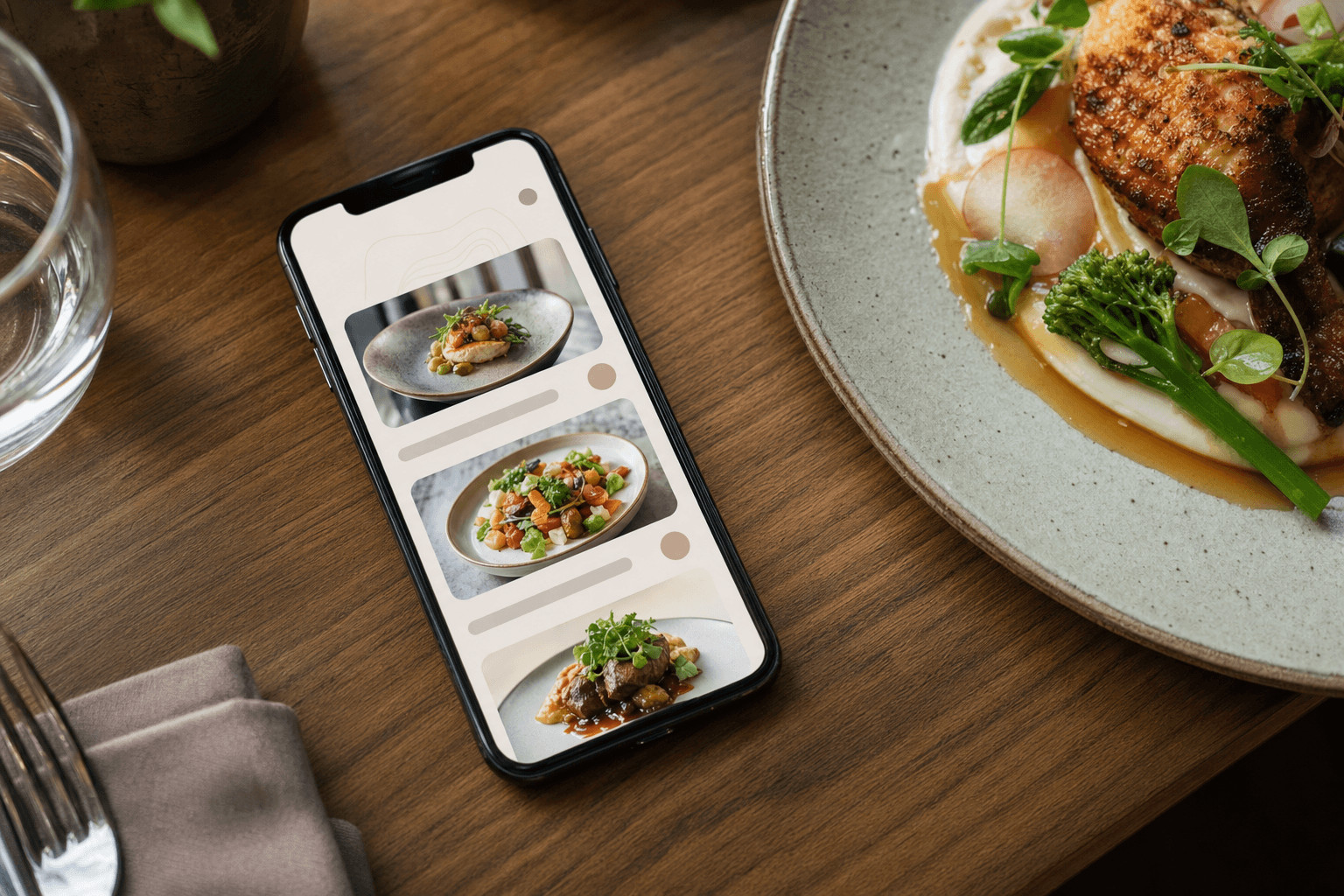
Your QR menu isn't just a digital version of your paper menu. It's a selling tool — one that's in your guest's hands from the moment they sit down to the moment they order. The question is whether you're using it passively (just listing dishes) or actively (guiding guests toward the items that make your business the most money).
Menu engineering has existed for decades, but the shift to contactless digital menus has actually made it easier to execute. You can update layouts instantly, test different placements, add photos selectively, and use labels and descriptions strategically — all without reprinting a thing. This guide walks you through exactly how to do that.
Know Your Margins Before You Design Anything
This sounds obvious, but many restaurant owners design their menus based on what they're proud of, what sells the most, or what looks good — not what actually makes the most money. Before you touch your QR menu layout, you need a clear picture of your margin structure.
For each dish on your menu, calculate:
- Food cost percentage: ingredient cost divided by selling price. Aim for 28–35% for most categories.
- Gross profit per item: selling price minus ingredient cost. A $22 pasta with $4 in food cost gives you $18 gross profit. A $38 steak with $18 in food cost gives you $20. The steak earns more per plate, but only slightly — and it's harder to sell.
- Popularity vs. profitability: Use the classic menu engineering matrix. "Stars" are high-margin and high-popularity. "Plowhorses" are popular but low-margin. "Puzzles" are high-margin but rarely ordered. "Dogs" are low on both.
Your goal with your QR menu is simple: sell more Stars, and convert some Puzzles into Stars by giving them better visibility. Everything else is tactics.
Use Visual Hierarchy to Direct Attention
On a digital menu viewed on a phone, guests scroll vertically. Their eyes naturally land first on whatever appears at the top of a section, on items with images, and on anything visually distinct from surrounding items. You can use all three of these tendencies deliberately.
Position high-margin items at the top of each section
The first one or two items in any menu category get disproportionate attention. If your most profitable starter is a burrata with roasted tomatoes, it should be listed first — not buried behind the soup of the day. This single change costs nothing and can meaningfully shift what guests order.
Use photos selectively — not universally
One of the biggest mistakes restaurants make with digital menus is adding photos to every item. When everything has a photo, nothing stands out. Instead, add high-quality images only to your Stars and the Puzzles you want to promote. The visual contrast alone draws the eye. A beautiful photo of a high-margin dish surrounded by text-only items will get clicked and considered far more often.
Use "Featured" or "Chef's Picks" sections
Create a short section at the top of your menu — before starters, mains, or drinks — called something like "Tonight's Picks," "Chef's Favorites," or "Most Loved." Populate it exclusively with high-margin items. Guests who are undecided (which is most guests) will use this as a shortcut. You're doing the work of a well-trained server, silently and at scale.
Write Descriptions That Sell, Not Just Describe
Menu copy is one of the most underused profit levers in the restaurant business. On a QR menu, guests read descriptions more carefully than they do on a printed menu — they're holding the screen close, they're engaged, and they have time. Use that.
Lead with the most appealing detail
Don't start with the protein. Start with the experience or the ingredient that makes the dish special. Instead of "Grilled salmon with lemon butter and capers," try "Pan-seared Scottish salmon, finished with a brown butter and caper sauce, served with whipped potato." The second version costs the same to produce but feels worth more.
Use sensory and origin language
Words like "slow-braised," "wood-fired," "hand-rolled," "locally sourced," and "aged" increase perceived value. Guests are willing to pay more — and more importantly, they're more likely to choose — an item that sounds crafted rather than assembled. Reserve this language for your high-margin items so it doesn't lose its effect.
Don't over-describe low-margin items
Give your Plowhorses shorter, plainer descriptions. You're not hiding them — guests can still find and order them — but you're not doing extra selling work on items that hurt your margins. Let the copy do the quiet work of directing attention.
Use Labels and Badges Strategically
Most digital menu platforms let you add labels or badges to individual items: things like "Popular," "Chef's Recommendation," "New," or "House Favorite." These are small but powerful nudges.
The key is restraint. If 60% of your menu is labeled "Popular," the label means nothing. Use badges on no more than 10–15% of your items, and apply them almost exclusively to high-margin dishes. Here's a simple framework:
- "Chef's Pick" or "House Favorite": Use on your highest-margin Stars. Implies quality and endorsement without feeling pushy.
- "New": Use on recently added high-margin items to generate trial. Remove after 4–6 weeks.
- "Most Ordered": Use on a Star that is genuinely popular — social proof is credible only when it's true.
- Avoid using badges on low-margin items just because they sell well. You're not trying to sell more Plowhorses; you're trying to shift the mix.
Structure Your Drinks Menu for Maximum Margin
Beverages — especially cocktails, wine by the glass, and specialty non-alcoholic drinks — are often the highest-margin items on any menu. A cocktail with $3 in ingredient cost selling for $14 is a 79% gross margin. Yet many restaurants bury their drinks at the back of the menu or treat them as an afterthought.
On a QR menu, give drinks their own prominent section and apply the same visual hierarchy principles: photos for signature cocktails, strong descriptive copy, and "Featured Drinks" or "Cocktail of the Season" groupings at the top. If you have a digital ordering flow, consider whether drinks can be prompted before or alongside food ordering — a well-timed nudge can add a drink to almost every order.
The same logic applies to desserts. Desserts have excellent margins and are almost always an impulse decision. Put them somewhere guests will see them mid-meal, not just at the end. A short "Something Sweet" teaser section embedded between mains and sides can plant the idea early.
Remove or De-Emphasize Loss Leaders and Dogs
Not every item on your menu deserves equal real estate. Items that are low-margin and low-popularity — the "Dogs" in menu engineering terms — are often there out of habit or because someone on the team likes them. If they're not making you money and guests aren't ordering them, they're cluttering your menu and diluting attention from items that matter.
Consider removing them entirely. A shorter, more focused menu is almost always more profitable than a long one. If you can't remove them (perhaps for dietary or customer expectation reasons), move them lower in their section, give them minimal description, and don't add photos.
For Plowhorses — popular but low-margin — the goal isn't to kill them but to manage them. Keep them visible enough that guests who want them can find them, but don't lead with them. If possible, look at whether the recipe can be adjusted to improve the margin without changing the guest experience.
Use Pairing Suggestions and Add-Ons
One of the advantages of a digital menu over a printed one is the ability to include add-on prompts and pairing suggestions without making the menu feel cluttered. Under a high-margin main, you might include a line like: "Pairs well with our Grilled Asparagus (+$6) or a glass of Côtes du Rhône."
This kind of soft upsell works because it's helpful rather than pushy. You're not asking the guest to spend more — you're giving them a cue that makes their meal feel more complete. Choose add-ons and pairings that are themselves high-margin. A side of truffle fries at $7 with $1.50 in food cost is a much better add-on than a side salad at $5 with $2.50 in food cost.
If your platform supports it, structured add-ons at the item level (the way many online ordering systems work) are even more effective than inline copy suggestions. Guests are prompted to customize before they confirm — and customization almost always increases the check total.
Update Your Menu Regularly to Test and Improve
The biggest advantage of a QR menu over a printed one is that it costs nothing to change. Use that. Treat your menu layout as something you actively manage, not something you set once and forget.
Every few weeks, review what's selling and what isn't. If a high-margin Puzzle item still isn't moving despite better placement and a photo, try rewriting the description. If a new label isn't driving orders, swap it out. If a section ordering isn't working, rearrange it. This is exactly the kind of iterative improvement that's impossible with printed menus and completely frictionless with a digital one.
If you're using a platform like MenuHoster's QR code menu generator, changes you make to your menu are reflected instantly — no reprinting, no redistributing, no version confusion. The QR code stays the same; only the content behind it updates.
Align Your Menu with Server Recommendations
Your QR menu and your floor staff should be working from the same playbook. If your menu is visually pushing the pan-seared duck breast but your servers are recommending the burger (because it's easier to describe), you're leaving money on the table.
Brief your team on which items you're featuring and why. Train them to echo the menu's visual cues with verbal ones: "The duck is really popular tonight" reinforces what the guest already saw highlighted on the menu. Consistency between the digital experience and the human experience makes both more effective.
Frequently Asked Questions
How many items should I feature as "Chef's Picks" or "Recommended"?
Keep it to 3–5 items across your entire menu. The power of a featured label comes from scarcity — if too many items are highlighted, none of them feel special. Choose your highest-margin Stars and one or two Puzzles you want to promote, and leave everything else unlabeled.
Should I add photos to all my menu items?
No. Use photos selectively on your highest-margin and most visually appealing items. When every item has a photo, the visual contrast disappears and guests spend more time scrolling than deciding. Aim for photos on 20–30% of your items at most, focused on the dishes you most want to sell.
Does menu placement really affect what guests order?
Yes, consistently. Research in menu engineering shows that items placed first in a category are ordered significantly more often than items placed in the middle. On a mobile screen, this effect is even stronger because guests tend to order from what they see without scrolling all the way to the bottom of a section.
How often should I update my QR menu layout?
Review your menu performance at least once a month. Make layout and copy changes whenever you notice a high-margin item underperforming, when you add or remove dishes, or when a season changes and you want to promote different items. The beauty of a digital menu is that updates are instant and free.
Can I use my QR menu to promote daily specials or limited-time items?
Absolutely — and you should. A "Today's Special" or "Limited This Week" section at the top of your menu is a powerful way to drive attention to high-margin items you want to move quickly. Because you can update a digital menu in minutes, you can change these specials daily without any additional cost.
Ready to put these strategies into practice? MenuHoster's QR code menu generator makes it easy to build a beautifully structured digital menu, add photos and labels to your best dishes, and update everything instantly from any device. See our pricing and start turning your menu into your most effective sales tool today.
MenuHoster Team
Helping restaurants go digital