Go Contactless in 2 Minutes
Replace shared paper menus with a personal, phone-based experience. Guests scan a QR code and view your menu on their own device — no app, no download, no contact.
Free forever · No credit card · Takes 2 minutes
See it live, before you build a thing.
Every template is a real demo business. Switch the device, scan it onto your phone, then make it yours.
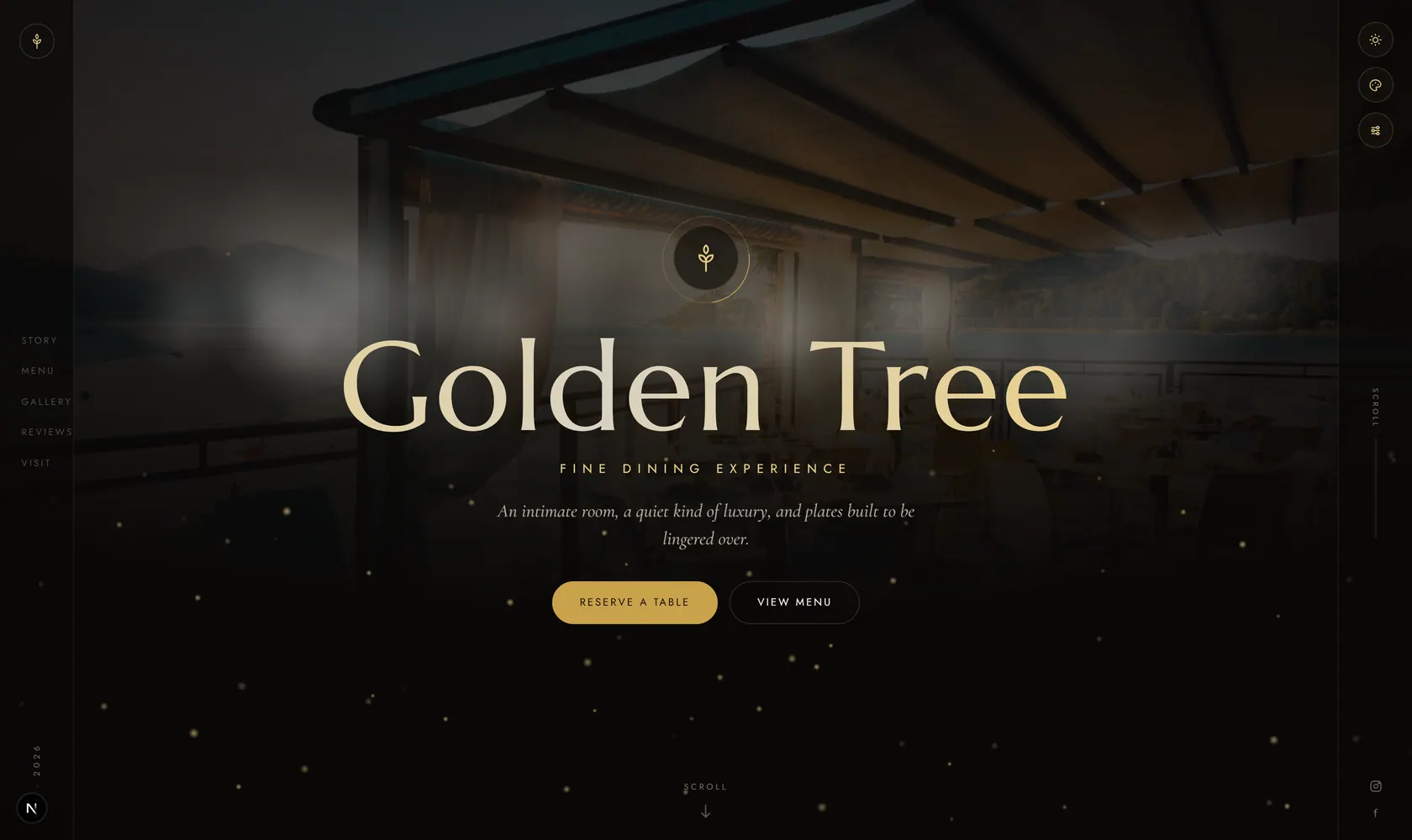
this demo on your phone
Why Switch to Contactless Menus?
Better hygiene, lower costs, instant updates, and happier guests.
Hygienic & Safe
No shared menus between guests. Each person views the menu on their own phone — eliminating a common touch point. Better hygiene for your guests and peace of mind for your business.
Instant Updates
Change prices, mark items as sold out, or add seasonal specials — updates appear instantly for every guest. No reprinting menus, no outdated information, no wasted paper.
Save on Printing Costs
Stop spending hundreds per year on printing, laminating, and replacing paper menus. A digital contactless menu costs nothing to update. MenuHoster's free plan has zero cost.
Eco-Friendly
No paper waste from disposable menus or outdated prints. A contactless digital menu is the sustainable choice — good for the environment and your bottom line.
Guest Analytics
See how many guests view your menu, which items get the most attention, peak viewing times, and scan trends. Use data to optimize your offerings.
Works on Any Phone
No special app needed. Guests scan the QR code and your menu opens in their phone's browser — iPhone, Android, any device. Universal compatibility, zero friction.
How Restaurants Use Contactless Menus
Real scenarios showing how contactless QR menus improve the dining experience.
The Busy Dinner Rush
It's Friday night and every table is full. Instead of waiting for a server to bring menus, guests scan the QR code on the table and start browsing immediately. They're ready to order faster, your staff spends less time distributing menus, and no one touches a shared surface.
The Morning Café
A café with limited counter space replaces its chalkboard menu with a QR code at the entrance. Customers scan while waiting in line, browse pastries with photos, and know exactly what they want by the time they reach the register. The menu updates when the fresh baguettes sell out.
The Cocktail Bar
A dimly lit cocktail bar places QR codes on coasters. Guests scan and browse a beautifully designed drinks menu with photos and descriptions — no squinting at a dark-printed paper menu. The bartender updates tonight's specials from their phone during setup.
Where to Place Your Contactless Menu QR Code
Strategic placement ideas for maximum guest adoption.
Table Tents
Stand-up cards on every table
Stickers
Adhesive QR on tables or windows
Wall Signs
Entrance or waiting area
Coasters
QR-printed drink coasters
Menu Holders
Replace paper inserts with QR cards
Counter Display
For takeout & quick-service
Digital Screens
QR on TV displays
Website & Social
Share link online
Create Your Contactless Menu in 3 Steps
Upload Your Menu
Upload a PDF, photo, or image of your existing menu. MenuHoster's AI extracts items, prices, and descriptions automatically. You can also type items manually or paste from a website.
Get Your QR Code
MenuHoster generates a branded, scannable QR code for your menu. Download it as PNG or SVG and print on table tents, stickers, wall signs, or coasters.
Place & Go Live
Place QR codes on tables, at the entrance, or anywhere guests dine. They scan and view your menu instantly on their phone. Update your menu anytime — the QR code never changes.
Contactless Menus for Every Business
Any business that serves food or drinks can benefit from contactless QR menus.
Join Restaurants Going Contactless
Average setup time
Free forever plan
Commission on orders
Simple pricing
Start free. Upgrade only when you grow.
Host your menu online free forever. Paid plans are shown at our annual rate so you get the lowest per-month price from day one.
Free
- 10K views/mo
- 10K QR scans/mo
- Up to 100 orders/mo
- 1 active menu
No credit card required
Pro
- 50K views/mo
- 50K QR scans/mo
- Up to 1K orders/mo
- Up to 15 menus
Max
- 100K views/mo
- 100K QR scans/mo
- Up to 25K orders/mo
- Up to 50 menus
Monthly, annual, and lifetime billing available. We notify you before limits are reached — your menu never suddenly disappears.
See full pricing detailsContactless Menu FAQ
Common questions about contactless digital menus for restaurants.
A contactless menu is a digital version of your restaurant menu that guests access by scanning a QR code with their smartphone. No physical menu is touched or shared between guests — they view your menu directly on their own device.
No. When guests scan the QR code, your menu opens directly in their phone's web browser. There's no app to download, no account to create, and no login required. It works on any smartphone.
Sign up for a free MenuHoster account, upload your menu as a PDF or photo (our AI extracts items automatically), and download your QR code. Print it on table tents, stickers, or cards. The whole process takes about 2 minutes.
Yes. MenuHoster's free plan includes 1 menu, 1 QR code, unlimited scans, and AI-powered menu import. No credit card required, no time limit. Upgrade only when you need multiple menus or online ordering.
Absolutely. Your QR code links to a dynamic menu page. When you update items, prices, or availability in your MenuHoster dashboard, the changes appear instantly for anyone who scans the same QR code.
For hygiene, cost, and convenience — yes. Contactless menus eliminate shared surfaces, save on printing costs, allow instant updates, and provide analytics on what guests are viewing. Many restaurants use both for different situations.
All types — from fine dining to food trucks. Restaurants, cafés, bars, hotels, resorts, and catering companies use contactless QR menus. Any business that serves food or drinks can benefit.
Create Your Contactless Menu — Free Forever
Upload your menu, get a QR code, and go live in 2 minutes. No app downloads for your guests, no shared menus, no printing costs.
Free forever · No credit card · Works on any phone
More Solutions from MenuHoster
MenuHoster is a QR code menu generator that makes contactless dining easy. Upload your menu or use our online menu maker to build a digital menu from scratch. Great for hotels, cafés, bars, and food trucks. Now with free online ordering. View pricing plans.