Neighborhood SEO for Cafes: How to Show Up When Locals Search for Coffee
Updated:
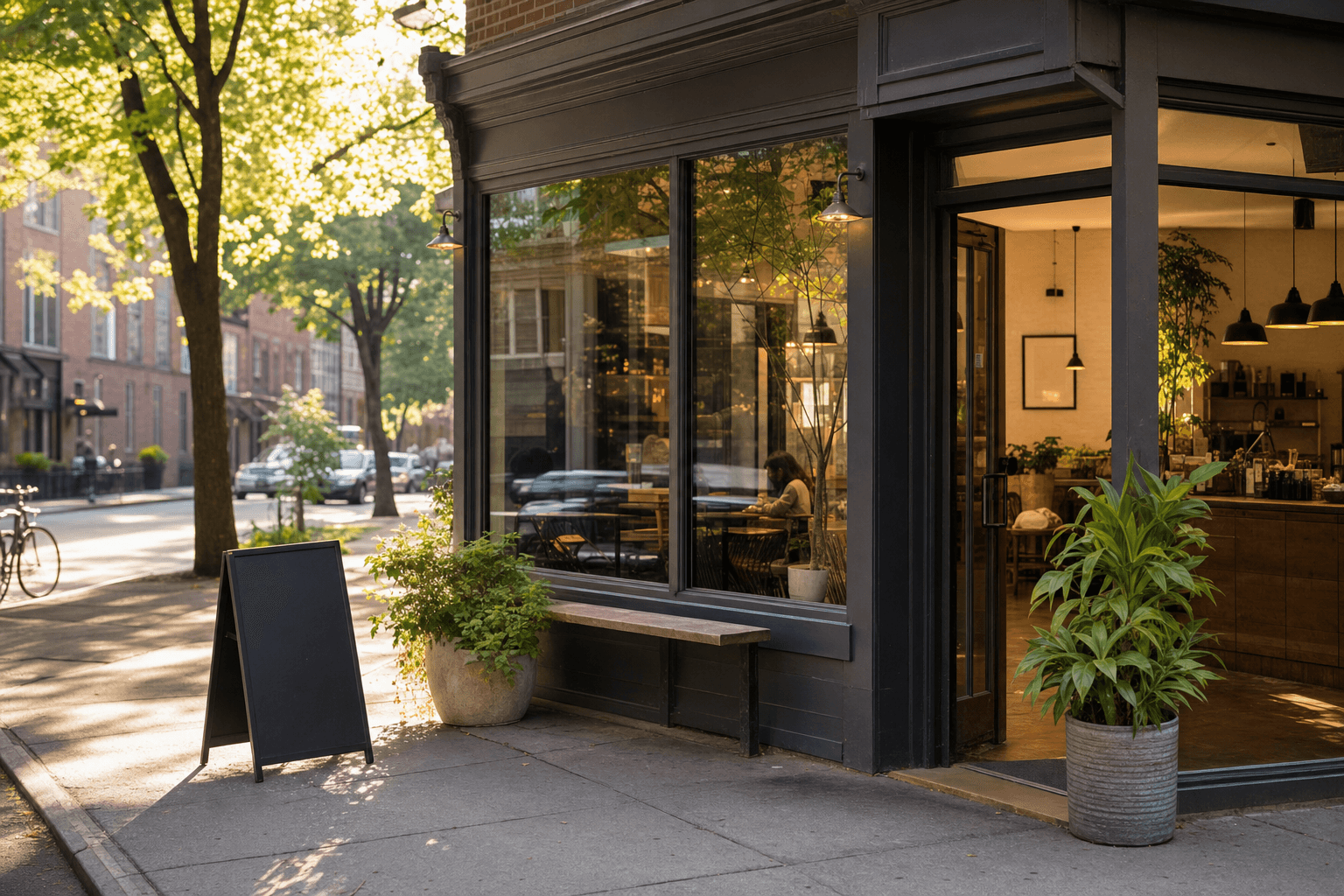
When someone two blocks from your cafe pulls out their phone and types "coffee near me," you want to be the first result they tap. Not the Starbucks three miles away. Not a closed listing from 2019. You.
That's what neighborhood SEO is about—making sure your cafe is visible, credible, and compelling to the people who are already close enough to walk through your door. The good news: independent cafes have a genuine structural advantage over chains in local search, because Google's local algorithm rewards relevance, proximity, and authenticity. You just have to show up correctly.
This guide walks you through every layer of neighborhood SEO, from the foundational stuff most cafe owners skip to the ongoing tactics that compound over time. No agency required.
Why Local SEO Is Different from Regular SEO
Standard SEO is about ranking a webpage in organic search results. Local SEO is about appearing in what Google calls the "Local Pack"—the map block with three business listings that shows up at the top of results for searches like "coffee shop near me," "best espresso in [neighborhood]," or "cafe open Sunday morning."
The Local Pack gets the most clicks on the page. If you're not in it, you're largely invisible to people searching on their phones while they're already in your neighborhood.
Google determines Local Pack rankings using three factors:
- Relevance: Does your listing match what the person searched for?
- Distance: How close is your cafe to the searcher?
- Prominence: How well-known and trusted is your business online?
You can't control distance. But you have significant control over relevance and prominence—and that's where most independent cafes leave points on the table.
Start with Your Google Business Profile
Your Google Business Profile (GBP) is the single most important piece of local SEO real estate you own. It feeds the Local Pack, Google Maps, and the knowledge panel that appears when someone searches your cafe by name. If it's incomplete or inaccurate, everything else you do will underperform.
Claim and verify it
Go to business.google.com and claim your listing if you haven't already. Verification usually takes a few days via postcard or phone. Don't skip this—unverified profiles have limited visibility.
Fill out every field completely
This sounds obvious, but most cafes leave significant gaps. Make sure you've covered:
- Business name: Use your real-world name. Don't stuff keywords in here (e.g., "Joe's Cafe — Best Coffee in Brooklyn") — Google may penalize this.
- Primary category: "Coffee shop" is usually your best primary category. Add secondary categories like "Cafe," "Espresso bar," or "Breakfast restaurant" as appropriate.
- Address and service area: Confirm your address is exact and matches what's on your website and other directories.
- Hours: Keep these up to date, including holiday hours. Incorrect hours are one of the fastest ways to lose a customer's trust.
- Phone number and website: Use a local phone number, not a forwarding service that changes.
- Attributes: Check every relevant attribute — Wi-Fi, outdoor seating, dog-friendly, wheelchair accessible, dine-in, takeout, delivery. These filter results when people search with specific needs.
Write a keyword-rich business description
You have 750 characters. Use the first 250 well, because that's what shows without a "read more" click. Naturally include your neighborhood name, your city, and what makes you distinct. Example: "A specialty coffee shop in Williamsburg, Brooklyn, serving single-origin espresso, seasonal pour-overs, and house-made pastries. We've been part of the neighborhood since 2017."
Add your menu directly to your GBP
Google lets you link to your menu or add menu items directly. A complete, accurate menu improves relevance signals and gives searchers a reason to choose you before they've even visited. If you have a digital cafe menu hosted online, link directly to it so Google can crawl the content.
Build Local Relevance into Your Website
Your website backs up your GBP and sends independent signals to Google about where you are and what you do. Even a simple one-page site can do this job well if it's built correctly.
Use your neighborhood name naturally throughout your site
Don't just say "we're a coffee shop." Say "we're a coffee shop in [neighborhood], [city]." Include your full address in the footer of every page. Use your neighborhood name in your page titles, headings, and naturally within body copy. If you're in the Fremont neighborhood of Seattle, you want Google to understand that clearly.
Create a proper homepage title tag and meta description
Your homepage title tag should include your business name, what you are, and where you are. Example: Anchor Coffee Co. | Specialty Coffee Shop in Fremont, Seattle. Your meta description should reinforce this with a brief, compelling pitch.
Add structured data markup
Schema markup is code that helps Google understand your business. A "LocalBusiness" or "CafeOrCoffeeShop" schema block on your homepage tells Google your name, address, phone, hours, and menu URL in a machine-readable format. You don't need to be a developer—tools like Google's Structured Data Markup Helper can generate it for you.
Link your menu from your website prominently
A dedicated menu page on your website is a local SEO asset. It gives Google more content to index and gives visitors a reason to stay on your site longer. If you're using a digital menu platform, make sure the link is easy to find—ideally in your main navigation.
Get Your Citations Right
A "citation" is any mention of your business name, address, and phone number (NAP) online. Consistent citations across directories tell Google that your business is legitimate and where it says it is. Inconsistent citations—different phone numbers, old addresses, misspelled names—create confusion and hurt your rankings.
The directories that matter most for cafes
- Google Business Profile (most important)
- Apple Maps / Apple Business Connect
- Yelp
- Bing Places
- TripAdvisor
- Foursquare
- Facebook Business Page
- OpenTable or Yelp Reservations (if you take reservations)
Claim each one, verify your NAP is identical across all of them, and add photos and descriptions wherever the platform allows.
Check for duplicate listings
If your cafe moved, changed its name, or was listed by a previous owner, you may have duplicate or outdated listings floating around. Search for your business on each major directory and request removal or merging of any duplicates.
Reviews Are a Ranking Signal—Treat Them That Way
Google's local algorithm uses review quantity, recency, and quality as prominence signals. A cafe with 200 recent reviews will almost always outrank a competitor with 30 old ones, even if the competitor has a slightly better-optimized profile.
Make asking for reviews a system, not an afterthought
The best time to ask is right after a positive interaction—when a customer compliments your latte, when a regular picks up their usual order, when someone says they love the vibe. Have a short link ready (Google gives you one in your GBP dashboard) and make it easy to access via a QR code at the counter or on your receipt.
Respond to every review
Google notices engagement. Responding to reviews—both positive and negative—signals that your business is active and attentive. For negative reviews, a calm, constructive response can actually build trust with prospective customers reading your profile. For a deeper dive on this, see our guide on turning one-star reviews into loyal customers.
Use keywords naturally in your review responses
When you respond, you can naturally echo relevant terms. "Thanks for stopping by our Fremont coffee shop—we're glad you loved the oat milk cortado!" This isn't keyword stuffing; it's natural language that happens to reinforce your local relevance signals.
Use Your Digital Menu as a Local SEO Tool
Most cafe owners don't think of their menu as an SEO asset. It is. A well-structured, publicly accessible digital menu gives Google additional content to index about your cafe—your drinks, your food, your ingredients, your specialties.
If someone searches "best oat milk latte in [neighborhood]" and your menu page contains the words "oat milk latte" alongside your location, you have a shot at appearing in results that a cafe with no online menu simply cannot compete for.
Using a QR code menu that lives at a public URL also means Google can crawl it. Make sure your menu URL is linked from your website and from your GBP listing so Google finds it.
Keep your menu updated. A menu that lists items you no longer serve—or doesn't list your current seasonal drinks—is a missed opportunity and can frustrate customers who show up expecting something specific.
Create Neighborhood Content That Builds Authority
Content marketing for cafes doesn't have to mean blogging three times a week. Even a small amount of locally-focused content can meaningfully improve your search visibility over time.
A neighborhood landing page
If you're in a specific neighborhood within a larger city, consider a dedicated page that speaks directly to that community. "Coffee in Capitol Hill, Seattle" or "Your neighborhood cafe in Astoria, Queens." Include local landmarks, neighborhood events you participate in, and what makes your location special. This page can rank for hyper-local searches that your homepage might not.
Google Business Profile posts
GBP lets you publish posts—short updates, offers, events, new menu items. These appear directly on your profile in search results and on Maps. Post at least twice a month. Each post is another signal of activity and another opportunity to include relevant local keywords. Announce your new seasonal drink. Promote your weekend live music. Share a photo of your new pastry case.
Answer questions in the Q&A section of your GBP
Anyone can ask a question on your Google Business Profile. Answer every one promptly. Better yet, proactively add your own Q&A pairs covering common questions: "Do you have parking?" "Is there Wi-Fi?" "Do you do oat milk?" Google indexes these answers, and they can show up in search results.
Build Local Links and Mentions
Links from other local websites to yours are one of the strongest authority signals in local SEO. You don't need dozens—a handful of quality local links can move the needle significantly.
- Local news and blogs: Getting mentioned in a neighborhood publication or food blog earns you a backlink and exposure. You don't need a PR agency for this—a well-timed pitch about a new menu launch or a community event you're hosting can land coverage.
- Local business associations: Your neighborhood business association or chamber of commerce likely has a member directory. Get listed.
- Community partnerships: If you source beans from a local roaster, supply pastries from a nearby bakery, or co-host events with other businesses, ask those partners to link to you and you link back.
- Event listings: When you host events—open mic nights, cupping sessions, weekend pop-ups—submit them to local event calendars. These often earn you a backlink and local visibility.
Track What's Working
You can't improve what you don't measure. Fortunately, Google gives you free data.
- GBP Insights: In your Google Business Profile dashboard, the "Performance" section shows how many people found you via search vs. Maps, what search terms they used, how many clicked for directions, and how many called you. Check this monthly.
- Google Search Console: If you connect your website to Search Console (free), you can see which search queries are driving clicks to your site, which pages rank, and whether Google has any technical issues crawling your site.
- Review velocity: Track how many new reviews you're getting each month. If it stalls, reactivate your ask-for-reviews system.
Set a monthly 30-minute calendar block to review these numbers. Small, consistent improvements compound over time.
Frequently Asked Questions
How long does it take for neighborhood SEO to show results?
Most cafes see meaningful movement in their Local Pack rankings within 60–90 days of completing their Google Business Profile, fixing citation inconsistencies, and actively collecting reviews. Some improvements—like adding a menu link or fixing your address—can have an impact within weeks. Content and link-building efforts take longer, typically 3–6 months, but compound over time.
Do I need a website, or is a Google Business Profile enough?
A complete GBP will get you far, but a website adds important credibility signals and gives Google more content to index about your business. Even a simple one-page site with your name, location, hours, menu link, and a few photos is better than no website at all. Google tends to rank businesses with websites slightly higher than those without, all else being equal.
Should I pay for Google Ads to show up in local search?
Paid search can complement organic local SEO, but it's not a substitute. Local Pack results are organic—you can't buy your way into the map block. Google Local Services Ads appear separately and can be worth testing for specific searches, but the highest-ROI move for most independent cafes is investing time in organic local SEO first.
How important are photos on my Google Business Profile?
Very. Profiles with photos receive significantly more clicks and direction requests than those without. Upload high-quality photos of your interior, exterior, drinks, food, and team. Update them regularly—Google favors profiles with recent activity. Encourage customers to add their own photos too; user-generated photos carry weight.
Can my digital menu help with local SEO?
Yes. A publicly accessible digital menu gives Google additional content to index—your specific drinks, ingredients, and offerings—which helps you appear for more specific searches. Linking your menu from your GBP and your website ensures Google finds and crawls it. Keeping it current means the information Google shows searchers is accurate, which reduces friction and builds trust.
Ready to give your cafe a stronger local presence? Create your digital cafe menu on MenuHoster in minutes—get a clean, mobile-friendly menu page that links directly from your Google Business Profile, helps Google understand what you serve, and gives every nearby searcher a reason to choose you. See our pricing and get started today.
MenuHoster Team
Helping restaurants go digital