Text Message Marketing for Salons: What to Send and When
Updated:
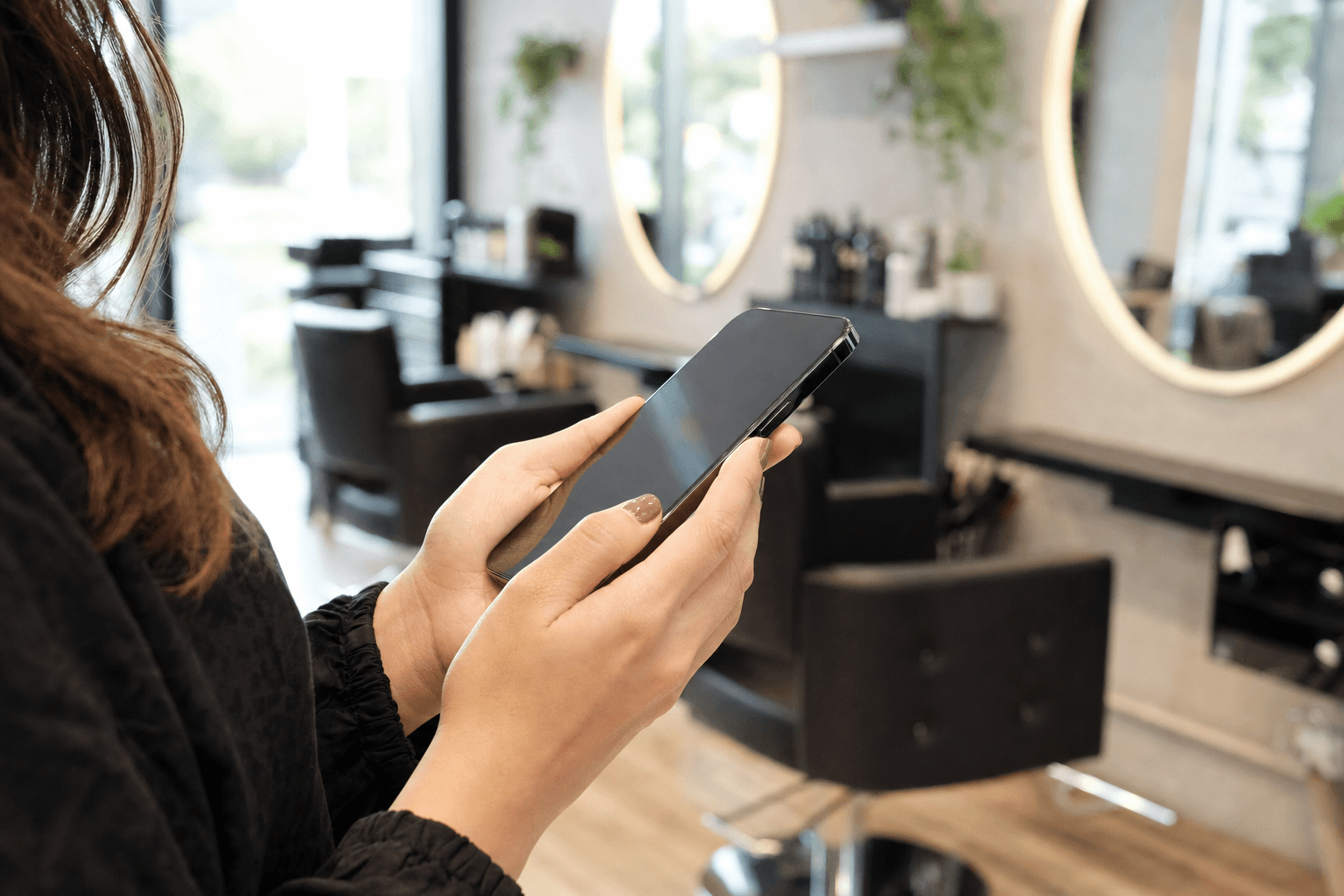
Email open rates hover around 20–25%. The average text message? It gets opened within three minutes, and the overall open rate sits above 95%. For a salon owner trying to fill last-minute gaps, re-engage lapsed clients, or promote a new service, that difference is enormous.
But most salons either ignore SMS marketing entirely or do it wrong — blasting generic discount codes with no strategy and then wondering why people unsubscribe. This guide breaks down exactly what to send, when to send it, and how to build a text marketing system that feels personal rather than spammy.
Why SMS Works Especially Well for Salons
Salon services are personal, recurring, and time-sensitive. That combination makes text messaging a near-perfect fit for a few reasons:
- Appointments are scheduled in advance. You know exactly when a client is due back, which means you can time your outreach with precision.
- Last-minute cancellations hurt revenue directly. A quick text to a waitlist can fill a slot in minutes.
- Clients already have a relationship with you. A text from their stylist doesn't feel like spam — it feels like a heads-up from someone they trust.
- The purchase cycle is short. Unlike a car or a vacation, a haircut or a facial is a low-friction decision. A well-timed text can convert to a booking the same day.
The key is to treat SMS as a relationship channel, not a broadcast channel. Every message you send should give the client a reason to be glad they're on your list.
Building Your Subscriber List the Right Way
Before you can send a single message, you need explicit written consent. In the US, the Telephone Consumer Protection Act (TCPA) requires it, and most reputable SMS platforms enforce it. Collecting consent isn't just a legal obligation — it's also good business, because opted-in subscribers are far more likely to engage.
Where to collect opt-ins
- At checkout: "Can I grab your mobile number for appointment reminders and the occasional special offer?" Most clients say yes.
- On your booking form: Add a checkbox: "Send me appointment reminders and exclusive offers via text." Pre-check it if your platform allows, but make it easy to uncheck.
- On your digital menu or service page: If you have a digital salon menu, add a simple sign-up prompt at the bottom. Clients browsing your services are already interested.
- Via a keyword shortcode: Put a sign at your front desk: "Text GLOW to 55555 for exclusive offers." Clients opt themselves in with zero friction.
- On your QR code landing page: If you use a QR code menu in your salon, include an SMS opt-in link alongside your services.
What to promise — and deliver
When clients opt in, tell them exactly what they're signing up for: "Appointment reminders, last-minute openings, and exclusive offers — no more than 4 texts per month." Then stick to it. Frequency creep is the fastest way to earn unsubscribes.
The Seven Types of Texts That Actually Work
Not all SMS messages serve the same purpose. Here are the seven categories worth building into your strategy, with real examples for each.
1. Appointment Reminders
This is table stakes. A reminder 48 hours out and another 2–4 hours before the appointment can cut no-shows by 30–50%. Keep it short and include a confirmation or cancellation link.
Example: "Hi Maya! Just a reminder your balayage appointment with Jess is tomorrow at 2pm at Bloom Studio. Reply C to confirm or call us at 555-0192 to reschedule."
2. Rebooking Prompts
This is the most underused text in the salon industry. You know your service intervals — a root touch-up every 6 weeks, a facial every 4 weeks, a gel manicure every 3 weeks. Set up automated messages that go out a few days before a client is due back.
Example: "Hey Priya! It's been about 4 weeks since your last gel appointment — your nails are probably ready for some love 💅 Book your next visit: [link]"
This single automation, done consistently, can dramatically improve your client retention rate without any manual effort.
3. Last-Minute Availability Alerts
Cancellations happen. Instead of leaving a slot empty, text your waitlist or a segment of local clients who've booked that service before.
Example: "We just had a cancellation for TODAY at 3pm — a 60-min deep tissue massage is open. First to reply gets it! Book here: [link]"
Keep a separate "last-minute" opt-in list for clients who explicitly want these. Some people love the spontaneity; others find it annoying. Let them self-select.
4. New Service or Product Announcements
Launching a new treatment? Adding a new stylist with a different specialty? Stocking a new product line? Your existing clients are your warmest audience. A well-written text can generate bookings before you've posted anything on social media.
Example: "Big news at Glow Bar 🎉 We're now offering scalp micropigmentation. Limited intro appointments available — book yours before they're gone: [link]"
Pair this with an updated salon service menu so clients can read the full details before they book.
5. Seasonal Promotions and Limited-Time Offers
Holidays, slow seasons, and local events are all legitimate reasons to send a promotional text. The key is genuine scarcity or time-sensitivity — don't manufacture urgency that isn't real.
Example: "Mother's Day weekend is almost here 🌸 Gift a spa package for someone special — book by Thursday and save $20. Spots are limited: [link]"
Limit promotional texts to 1–2 per month at most. If every message is a discount, clients start waiting for the deal instead of booking at full price.
6. Win-Back Messages
A client who hasn't visited in 3–6 months is at risk of churning permanently. A simple, personal-feeling text can bring many of them back.
Example: "Hi Dana, we haven't seen you in a while and we miss you! We've added some new services since your last visit — here's a $15 credit toward your next appointment: [link]"
Segment this carefully. You don't want to send a win-back message to someone who just booked last week because of a data lag.
7. Review Requests
Google reviews are one of the most powerful local marketing tools available. Send a text within an hour of a client leaving — while the experience is still fresh.
Example: "Thanks so much for coming in today, Keisha! If you loved your results, we'd really appreciate a quick Google review — it helps us a lot 🙏 [link]"
Don't ask for a "5-star review" specifically — that violates Google's guidelines. Just ask for an honest review.
Timing: When to Send Each Type of Message
The when matters as much as the what. Here's a practical timing guide for each message type:
- Appointment reminders: 48 hours before and again 2–4 hours before. Avoid sending after 8pm or before 9am.
- Rebooking prompts: 3–5 days before the client's typical return interval. Earlier gives them time to plan; later feels more urgent.
- Last-minute availability: As soon as the cancellation happens, ideally during business hours. Texts sent at 7pm for a 9am slot the next morning still work — just keep them brief.
- New service announcements: Tuesday through Thursday, between 10am and 2pm. Avoid Mondays (inbox overload) and Fridays (people are mentally checked out).
- Seasonal promotions: 7–10 days before the relevant date, with a follow-up 2–3 days before if you have remaining availability.
- Win-back messages: Mid-week, mid-morning. Avoid sending these on weekends when people are busy and less likely to plan ahead.
- Review requests: Within 60 minutes of the client leaving. The sooner, the better — enthusiasm fades fast.
Writing Texts That Get Responses
Good salon SMS copy follows a few consistent rules:
- Use the client's first name. Every major SMS platform supports personalization tokens. Use them. "Hi Sarah" outperforms "Hi there" every time.
- Keep it under 160 characters when possible. Longer messages get split into multiple texts, which looks unprofessional and can confuse recipients.
- One message, one action. Don't ask clients to book, leave a review, and follow you on Instagram in the same text. Pick one goal per message.
- Include a link. Every text that requires action should have a direct link — to your booking page, your menu, or your Google profile. Don't make clients search.
- Sound like a human. "We miss you!" reads better than "You are due for a service." Warmth converts.
- Always include an opt-out. "Reply STOP to unsubscribe" is legally required in most jurisdictions and builds trust.
Tools and Platforms to Run Your Salon SMS Marketing
You don't need enterprise software to run effective text marketing. Here are the main categories of tools to consider:
Booking software with built-in SMS
Platforms like Vagaro, Fresha, Boulevard, and GlossGenius all include SMS reminders and some promotional messaging. If you're already using one of these, start there — the client data is already in the system.
Dedicated SMS marketing platforms
Tools like Podium, Klaviyo (with SMS add-on), SimpleTexting, and EZTexting give you more control over segmentation, automation, and campaign design. These are worth the extra cost once your list exceeds a few hundred subscribers.
Two-way texting tools
Podium and similar tools let clients text back, which is useful for quick booking confirmations, questions about services, and handling complaints before they become reviews. If you have front-desk staff, this is worth exploring.
Whatever platform you choose, make sure it integrates with your booking system so you're not manually managing two separate databases.
Connecting SMS to Your Digital Menu and Online Presence
Text messages are most effective when they link to a destination that closes the sale. A bare booking link works, but a link to a polished digital salon menu that shows service descriptions, pricing, and photos does more — it answers questions before they arise and makes it easier for clients to choose exactly what they want.
If you're announcing a new service via text, link to the specific service on your menu rather than your homepage. The fewer clicks between "I'm interested" and "I'm booked," the higher your conversion rate.
You can also use SMS to drive engagement with your other marketing assets. A text like "Check out our updated spring menu 🌷 [link]" pointing to your professionally designed menu page reinforces your brand and gives clients a reason to explore services they haven't tried yet.
What Not to Do
A few common mistakes that will erode your list and your reputation:
- Texting too frequently. More than 4–6 texts per month is too many for most clients unless they've opted into a high-frequency list explicitly.
- Sending texts at odd hours. A 10pm promotional text feels invasive, not exciting.
- Using a no-reply number. If clients can't text back, they feel like they're being marketed at, not communicated with.
- Sending the same message to everyone. A color client and a waxing-only client have different needs. Basic segmentation — even just by service type — makes your messages more relevant.
- Neglecting to track results. Most SMS platforms show delivery rates, click-through rates, and opt-out rates. Review these monthly and adjust what isn't working.
Measuring Success
The metrics that matter most for salon SMS marketing:
- Click-through rate (CTR): What percentage of recipients clicked your link? A good benchmark is 15–30% for salon audiences with warm lists.
- Booking conversion rate: Of those who clicked, how many actually booked? Track this by using UTM parameters on your links.
- Opt-out rate: If more than 2–3% of recipients unsubscribe from a single campaign, the message missed the mark — too frequent, wrong audience, or wrong offer.
- No-show rate: Track whether appointment reminder texts are actually reducing no-shows. Most salons see a measurable drop within the first month.
- Revenue per campaign: For promotional texts, calculate the direct revenue generated. If a last-minute availability text fills two $150 appointments, that's a clear ROI.
Frequently Asked Questions
Do I need permission to text my existing salon clients?
Yes. Even if you already have a client's phone number, you need explicit opt-in consent before sending marketing texts. Appointment reminders tied to a booking they made are generally considered transactional and require less formal consent, but promotional messages require clear opt-in. When in doubt, ask at checkout and document it in your booking system.
How many texts per month is too many?
For most salon clients, 4–6 texts per month is the upper limit before opt-out rates start climbing. Appointment reminders don't count against this — clients expect and appreciate those. Limit purely promotional texts to 1–2 per month.
What's the best time of day to send salon marketing texts?
Tuesday through Thursday between 10am and 2pm consistently performs well for promotional messages. Appointment reminders can go out in the morning (9–10am) for same-day appointments. Avoid evenings after 8pm and early mornings before 9am.
Can I use SMS to sell retail products, not just services?
Absolutely. A text like "We just restocked the Olaplex No. 3 you love — grab one before it sells out again 🛒 [link]" can drive meaningful retail revenue. Just make sure you have a clean way for clients to purchase — either through an online ordering page or by calling the salon directly.
What if clients reply to my texts with questions?
This is a good problem to have. Make sure your SMS platform supports two-way messaging and that someone on your team is monitoring responses during business hours. A client who texts back is engaged — answer promptly and you'll often convert them to a booking on the spot.
Ready to give your clients a seamless experience from the first text to the final booking? Build your digital salon menu on MenuHoster and link it directly in your SMS campaigns — so every text you send leads clients to a polished, mobile-friendly page that makes booking effortless. See our pricing and get started today.
MenuHoster Team
Helping restaurants go digital