The Independent Restaurant Owner's Guide to Google Maps Advertising on a Small Budget
Updated:
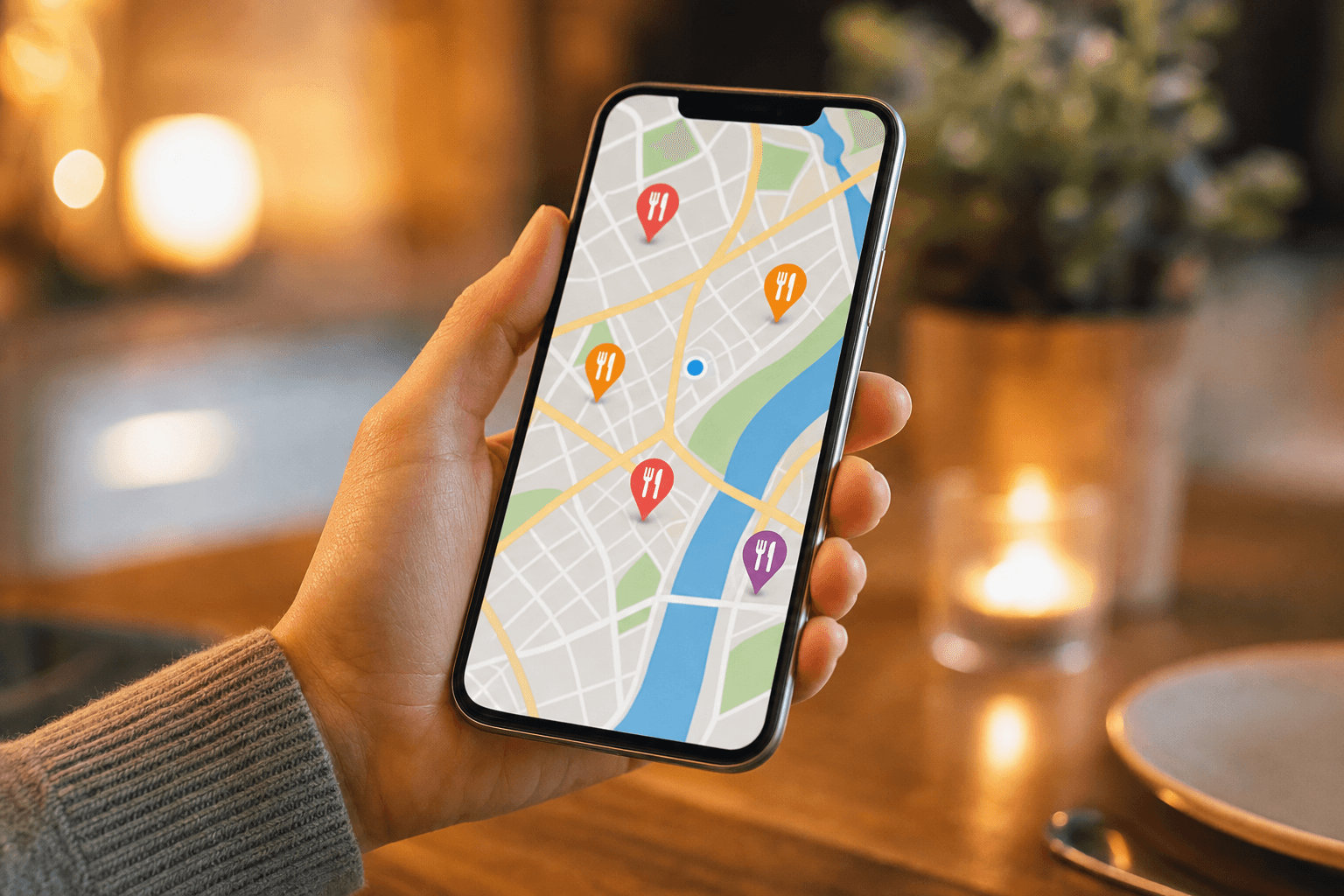
When someone nearby searches "tacos near me" or "best brunch spots open now," Google Maps is often the first thing they see — before Yelp, before Instagram, before your website. For independent restaurant owners, that real estate is enormously valuable. The problem is that most guides to Google Maps advertising are written for marketing managers with agency budgets. This one is written for you: the owner who's also the head of marketing, operations, and probably the dishwasher on a busy Saturday.
This guide walks you through exactly how Google Maps advertising works, what you actually need to set up before spending a single dollar, and how to stretch a modest budget to get real, measurable foot traffic.
Understand What Google Maps Advertising Actually Is
First, a quick clarification: "Google Maps advertising" isn't a single product. It's an umbrella term for a few overlapping things:
- Local Search Ads (via Google Ads): Paid listings that appear at the top of Google Maps results, marked with a small "Sponsored" label. These are pay-per-click (PPC) ads tied to your Google Business Profile.
- Google Business Profile (GBP) optimization: Not paid advertising, but the single most important thing you can do. A fully optimized profile ranks higher organically and makes paid ads perform better.
- Performance Max campaigns with store goals: A more automated Google Ads campaign type that shows ads across Search, Maps, YouTube, and Display. Useful at higher budgets but complex for beginners.
For most independent restaurants with budgets under $500/month, the sweet spot is a combination of a polished Google Business Profile and targeted Local Search Ads. That's what this guide focuses on.
Nail Your Google Business Profile First
Paid ads amplify what's already there. If your Google Business Profile is incomplete, your ad spend is wasted. Before you touch your credit card, spend an hour getting this right.
Complete every field
Google rewards completeness. Fill in your hours (including holiday hours), phone number, website URL, price range, cuisine type, and service options (dine-in, takeout, delivery). Restaurants with complete profiles are significantly more likely to be considered reputable by Google's algorithm.
Add high-quality photos — and keep adding them
Listings with photos receive 42% more requests for directions and 35% more website clicks, according to Google's own data. Upload photos of your actual food, your dining room, your storefront, and your team. Aim for at least 10 photos to start, then add new ones monthly. Avoid stock images — real photos convert better.
Link to a menu that actually works on mobile
Google Business Profile has a dedicated menu link field. Most diners who find you on Maps will tap that link on their phone. If it opens a slow-loading PDF, a broken page, or a desktop-only website, you've lost them. Link to a fast, mobile-friendly digital menu that loads instantly and looks great on any screen.
Collect and respond to reviews
Reviews are a direct ranking factor. Ask every satisfied guest to leave a Google review — train your staff to mention it, put a note on your receipt, or use a QR code at the table that links directly to your review page. Respond to every review, positive or negative. Google notices engagement, and so do potential customers.
Use Google Posts weekly
Google Posts are free mini-announcements that appear on your profile. Use them to promote specials, events, new menu items, or limited-time offers. Posts expire after seven days, so make it a weekly habit. This signals to Google that your listing is active, which helps both organic and paid rankings.
Set Up Local Search Ads Step by Step
Once your profile is solid, you're ready to run ads. Here's how to do it without burning through your budget in the first week.
Link your Google Business Profile to Google Ads
Go to your Google Ads account (create one at ads.google.com if you don't have one). Under "Linked accounts," connect your Google Business Profile. This is what enables your ads to appear on Maps with your location, hours, and directions button attached.
Choose "Local" as your campaign goal
When creating a new campaign, select "Store visits and promotions" as your goal, then choose "Local campaign" or "Performance Max with a store goal." For a first campaign, a straightforward Search campaign with location extensions is often easier to control and understand.
Set a realistic daily budget
You don't need a big budget to get started. A daily budget of $10–$20 is enough to test whether ads are driving clicks and direction requests in your area. Set a monthly cap so you never get surprised. Google will sometimes spend slightly over your daily budget on high-traffic days, but it balances out over the month.
Target by radius, not just city
Most of your customers come from within 3–5 miles of your restaurant. Use radius targeting centered on your address rather than targeting an entire city. This ensures your budget is spent on people who can actually walk through your door, not someone across town who's unlikely to make the trip.
Use the right keywords
For a restaurant, your best-performing keywords are typically:
- Cuisine + "near me" (e.g., "Italian restaurant near me")
- Specific dishes + location (e.g., "wood-fired pizza downtown [city]")
- Occasion-based searches (e.g., "date night restaurant [city]," "family brunch [neighborhood]")
- Competitor brand names (advanced — use carefully)
Use phrase match or exact match keyword types to avoid wasting budget on irrelevant searches. Broad match can drain a small budget quickly.
Write ad copy that matches search intent
Your headline should answer the searcher's question directly. "Fresh Tacos in [Neighborhood] — Open Late" is better than "Welcome to Casa Maria Restaurant." Include your unique selling point (house-made pasta, 20 taps, outdoor seating) and a clear call to action ("See Menu," "Get Directions," "Order Online").
Use Location Extensions and Call Extensions
Extensions are free add-ons to your ads that take up more visual space on the results page and give users more ways to engage. For restaurants, the most important ones are:
- Location extensions: Show your address, hours, and a map pin directly in the ad. Required for Maps placement.
- Call extensions: Add your phone number so mobile users can call with one tap. Critical for reservation-based restaurants.
- Sitelink extensions: Add links to specific pages like your menu, online ordering, or reservations page.
- Promotion extensions: Highlight a specific offer ("10% off lunch Mon–Fri") directly in the ad.
Extensions increase your ad's click-through rate without costing extra. Set them all up before you launch.
Track What Actually Matters
The biggest mistake small restaurant owners make with Google Ads is running campaigns without tracking results. You don't need to become a data analyst — you just need to watch a few key numbers.
Direction requests
In your Google Business Profile Insights, you can see how many people clicked "Get Directions" from your listing or ad. This is the clearest signal that an ad drove someone toward your door.
Website clicks and menu views
Track how many people clicked through to your menu or website. If you're using MenuHoster's restaurant menu page, you can see traffic data and understand which items people are viewing before they arrive.
Phone calls
Google Ads call extensions can track calls made directly from your ad. If your restaurant takes reservations by phone, this is a direct conversion metric.
Cost per click (CPC) and conversion rate
Restaurant keywords in most mid-sized markets cost between $0.50 and $3.00 per click. If you're paying significantly more, tighten your keyword targeting. If clicks aren't converting to direction requests or calls, the issue is usually your profile or landing page — not the ad itself.
Budget Allocation Strategy for Under $500/Month
Here's a practical breakdown of how to allocate a modest monthly budget:
- $150–$200/month on Google Search Ads: Target your top 5–10 keywords with tight radius targeting. Run ads during your peak hours only (use ad scheduling to avoid wasting budget when you're closed).
- $0 on Google Business Profile optimization: This is free. Spend time, not money. Update photos, post weekly, respond to reviews.
- Remaining budget on testing: Once you have baseline data (after 30 days), experiment with one variable at a time — a different headline, a new keyword, a promotion extension.
Avoid the temptation to "boost" posts on Facebook or Instagram instead of running Google Maps ads. Social media ads reach people who aren't necessarily looking for a restaurant right now. Google Maps ads reach people who are actively searching for somewhere to eat — the intent is much higher.
Common Mistakes That Waste Your Budget
Small budgets have no room for error. Avoid these common pitfalls:
- Not setting a location radius: Without radius targeting, your ads can show to people miles away who will never visit.
- Running ads 24/7: Use ad scheduling to run ads only during hours when customers are likely to search and you're actually open.
- Ignoring negative keywords: Add negative keywords like "recipe," "jobs," "franchise," and "delivery driver" to prevent irrelevant clicks.
- Sending ad traffic to a bad landing page: If your website is slow or your menu is a PDF, fix that first. Consider using a fast, mobile-optimized online ordering page as your ad destination — it's a direct conversion opportunity.
- Never checking the search terms report: Look at what actual searches triggered your ads. You'll find irrelevant terms wasting your budget and new keyword ideas you hadn't considered.
Organic Maps Ranking: The Free Foundation
Paid ads give you a boost, but organic Maps ranking is what sustains you long-term. Google's local ranking algorithm weighs three factors:
- Relevance: How well your profile matches what the searcher wants. This is why your menu, cuisine type, and service descriptions need to be accurate and detailed.
- Distance: How close you are to the searcher. You can't change your location, but you can make sure your address is pinned correctly.
- Prominence: How well-known and trusted your business is online. Reviews, citations (consistent NAP — name, address, phone — across directories), and website authority all contribute here.
Check that your restaurant is listed consistently on Yelp, TripAdvisor, Facebook, and any local directories. Inconsistent addresses or phone numbers confuse Google and hurt your ranking.
Pairing your Google Business Profile with a well-structured menu page also helps with local SEO. If you want to understand how to write menu content that ranks, see our guide on writing a menu that ranks in local Google searches.
Frequently Asked Questions
How much should a small restaurant spend on Google Maps ads per month?
A starting budget of $150–$300/month is enough to generate meaningful data and drive real traffic for most independent restaurants in mid-sized markets. In highly competitive urban areas, you may need $400–$500/month to be competitive. Start at the lower end, run for 30 days, and scale what works.
Do I need a Google Ads account to appear on Google Maps?
No. You can appear organically on Google Maps for free through a well-optimized Google Business Profile. Google Ads are only required if you want to appear in the sponsored (paid) positions at the top of Maps results.
What's the difference between Google Maps ads and regular Google Search ads?
Regular Search ads appear in Google's text search results. Google Maps ads appear specifically within the Maps interface — they show your location pin, address, hours, and directions button alongside the ad. For local restaurants, Maps ads typically drive more foot traffic because they're tied directly to location intent.
How long does it take to see results from Google Maps advertising?
You'll typically see click and direction request data within the first week. Meaningful foot traffic patterns usually emerge after 3–4 weeks. Give any campaign at least 30 days before making major changes — Google's algorithm needs time to optimize delivery.
Can I run Google Maps ads without a website?
Yes. You can run Local Search Ads using your Google Business Profile as the destination, without a separate website. However, having a mobile-friendly menu page significantly improves conversion rates. Even a simple hosted menu page with your hours, location, and food photos will outperform a bare profile listing.
Ready to make sure every dollar you spend on Google Maps advertising lands on a great first impression? MenuHoster gives independent restaurants a fast, mobile-optimized menu and ordering page that works perfectly as your ad destination — no web developer required. Set up your digital menu in minutes and give every searcher a reason to walk through your door.
MenuHoster Team
Helping restaurants go digital