The Restaurant Owner's Guide to Nextdoor: Marketing to Your Literal Neighborhood
Updated:
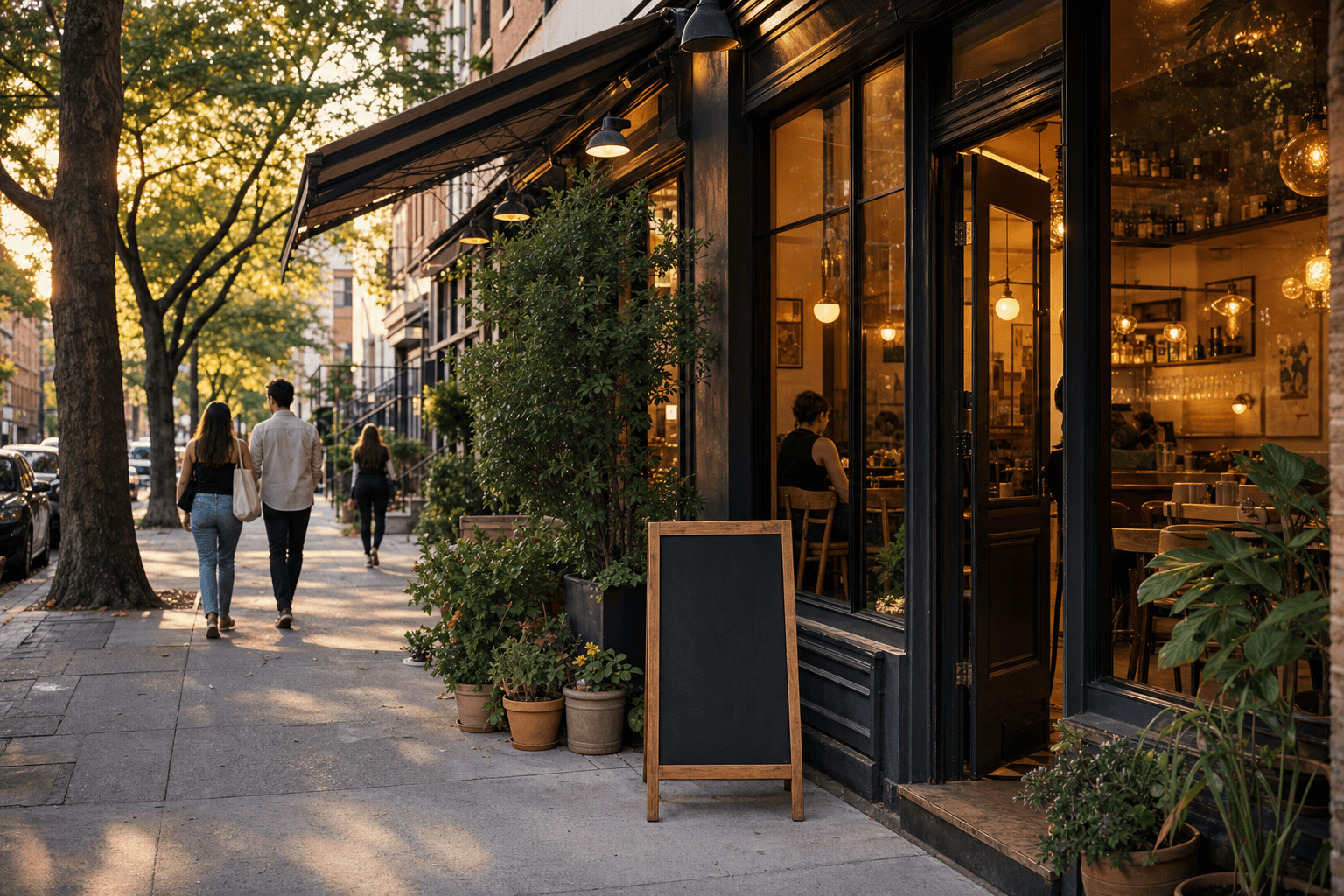
Instagram gets the glamour. Google gets the search traffic. But if you run a neighborhood restaurant, there's a platform that most of your competitors are completely ignoring: Nextdoor.
Nextdoor is a social network built around physical neighborhoods. Its entire premise is that people who live near each other should be able to talk to each other — share recommendations, ask questions, warn about local issues, and yes, discover local businesses. For a restaurant whose best customers literally live within a mile or two, that's an extraordinary opportunity.
This guide is a practical playbook for using Nextdoor to build a steady stream of local regulars. No fluff, no vague advice — just concrete steps you can take this week.
Why Nextdoor Is Different From Other Platforms
Before diving into tactics, it's worth understanding what makes Nextdoor structurally different from Facebook, Instagram, or TikTok — because those differences shape everything about how you should use it.
- Verified addresses. Every Nextdoor user is verified to a real home address. This means the people seeing your posts actually live in your neighborhood. You're not broadcasting to a national audience hoping locals stumble across you — you're talking directly to the people who walk past your front door.
- Recommendation culture. Nextdoor is heavily driven by neighbor-to-neighbor recommendations. When someone asks "Where should I take my parents for dinner?" the answers come from real people who live nearby. Getting mentioned in those threads is more powerful than any ad you could run.
- Lower noise, higher trust. Compared to Facebook or Instagram, Nextdoor has less content competing for attention. A well-timed post from a local business can genuinely stand out. And because posts come from verified neighbors or local businesses, the trust level is higher than a random social media ad.
- It's still early. Most independent restaurants haven't built a real presence on Nextdoor. That means lower competition and a real first-mover advantage for those who show up consistently.
Setting Up Your Nextdoor Business Page the Right Way
Your Nextdoor Business Page is free to create. Go to nextdoor.com/business and claim your listing. If your restaurant already appears (Nextdoor often auto-generates listings from public data), claim it rather than creating a duplicate.
Fill out every field
This sounds obvious, but most business pages are half-empty. Fill in your hours, phone number, website, and a clear description of what you serve and who you are. Don't write corporate marketing copy — write the way a neighbor would describe your place. "We're a family-run Thai spot on Oak Street. Everything's made from scratch. We've been here since 2018." That kind of language resonates on Nextdoor.
Add your menu link
One of the most underused fields is the website link. Don't just point to your homepage — link directly to your menu. If you have a digital menu hosted online, this is the perfect place to use it. Neighbors who find your page are often in decision-making mode ("What's for dinner tonight?"), and making it dead simple to browse your menu converts curiosity into reservations.
Choose the right categories
Nextdoor lets you select business categories. Be specific. "Italian Restaurant" is better than "Restaurant." If you offer takeout or delivery, make sure those service options are indicated — many Nextdoor users specifically search for those.
The Three Types of Nextdoor Content That Actually Work
Nextdoor is not Instagram. Don't post polished lifestyle photography with generic captions. The content that performs well here is community-oriented, genuine, and useful. Here are the three formats that consistently work for restaurants:
1. The neighborhood update
These are posts that give neighbors genuinely useful information. New menu item launching? Seasonal hours changing? Hosting a private event that means limited seating next Saturday? These posts feel like a neighbor keeping the community informed, not a business trying to sell something. That tone is everything on Nextdoor.
Example: "Hey neighbors — just a heads up that we're closing early this Sunday (4pm) for a private event. But we'll be back to full hours Monday. We've also just added a new weekend brunch menu — happy to share details if anyone's curious!"
2. The exclusive neighbor offer
Nextdoor explicitly allows businesses to post offers to local neighborhoods. These work best when they feel genuinely local — not like a coupon anyone could find on Groupon. Frame the offer as something reserved specifically for the neighborhood.
Example: "For our Oak Park neighbors only: show your server this post this week and get a free dessert with any entrée. No coupon needed, just mention Nextdoor."
This approach does two things: it rewards the people who are already your most likely repeat customers (people who live nearby), and it creates a trackable signal so you know the promotion is working.
3. The community participation post
Get involved in neighborhood conversations that aren't directly about your restaurant. If someone asks for local business recommendations and you can genuinely recommend a neighboring shop, do it. If there's a community event being organized, offer to donate a gift card or cater a small portion. If a neighbor posts about a local issue that affects your block, respond thoughtfully.
This kind of participation builds what money can't buy: the sense that you're a real part of the neighborhood, not just a business operating in it. Over time, this is what turns neighbors into regulars and regulars into advocates who recommend you unprompted in those "where should I eat?" threads.
Getting Into the Recommendation Threads
The most valuable real estate on Nextdoor isn't your business page — it's the organic recommendation threads where neighbors ask each other for suggestions. "Best pizza near me?" "Good date night spots in the area?" "Where can I get takeout that's not a chain?" These threads drive real decisions.
You can't fake your way into these threads. But you can set yourself up to appear in them naturally:
- Ask your regulars to leave Nextdoor recommendations. Just like you'd ask for a Google review, ask happy customers to mention you on Nextdoor the next time someone asks for a local restaurant recommendation. Many loyal customers don't even know they can do this until you tell them.
- Respond when you're mentioned. If a neighbor recommends your restaurant in a thread, jump in and say thank you. Add a detail — a current special, a note about your hours, a link to your menu. It shows you're paying attention and it keeps the conversation going.
- Monitor relevant keywords. Set up Nextdoor notifications for your neighborhood and check in a few times a week. When you see a thread where your restaurant is a natural fit, you can respond as the business owner — just be transparent about who you are. "Hi, I'm the owner of [Restaurant Name] — we'd love to have you in!" is perfectly appropriate and usually well-received.
Nextdoor Ads: Are They Worth It for Small Restaurants?
Nextdoor offers paid advertising through its "Local Deal" and "Neighborhood Sponsored Post" products. For most independent restaurants on a tight budget, here's the honest assessment:
Local Deals (paid offers delivered to nearby households) can work well for specific, time-limited promotions — a grand reopening, a holiday special, a new menu launch. The targeting is genuinely local, and the cost is typically lower than Facebook or Google ads for the same geographic reach. Budget $50–$150 for a two-week campaign and track it with a simple offer code or verbal mention.
Sponsored Posts are pricier and better suited to restaurants with a slightly larger marketing budget. If you're running a one-time event or trying to reach a new neighborhood that's just opened up near you, they're worth testing.
That said, organic presence almost always outperforms paid on Nextdoor. A business that posts regularly, engages authentically, and earns genuine neighbor recommendations will outperform a business that only runs ads. Treat paid options as a boost for specific moments, not a substitute for showing up consistently.
Connecting Nextdoor to Your Broader Local Marketing
Nextdoor works best when it's part of a coordinated local marketing approach, not a standalone effort. Here's how to connect it to the rest of what you're doing:
Link to your online ordering page
When you post about a special or a new menu item, always include a direct link to order. If you have online ordering set up, this turns a casual Nextdoor browse into a transaction. Many neighbors scroll Nextdoor in the evening — exactly when they're deciding what to order for dinner.
Reinforce your Google presence
Nextdoor and Google work together more than most restaurant owners realize. When a neighbor discovers you on Nextdoor and then searches for you on Google, they'll land on your Google Business Profile. Make sure that profile is complete, your hours are accurate, and your menu is linked. A strong Google presence makes the Nextdoor discovery convert into a visit. Check out our guide on building a restaurant menu page that works across all these discovery points.
Use QR codes to close the loop
If you run a Nextdoor offer ("show this post for a free dessert"), consider creating a simple QR code that neighbors can scan in-store to access your full menu or a special landing page. This bridges your offline and online presence and gives you a way to track which customers came from Nextdoor. A QR code menu makes this seamless — no app required for the customer, no manual tracking required for you.
Coordinate with your hyper-local offline efforts
Nextdoor is the digital version of the same instinct behind door hangers, community board flyers, and neighborhood event sponsorships. If you're already doing any of those, Nextdoor amplifies them. Mention your door hanger campaign on Nextdoor. Post about the community event you're sponsoring. The more touchpoints a neighbor has with your name, the more likely they are to think of you when they're hungry.
Common Mistakes to Avoid
Nextdoor has its own culture, and businesses that ignore it tend to get flagged or ignored. Here's what not to do:
- Don't post too frequently. Once or twice a week is plenty. More than that starts to feel like spam, and Nextdoor users are quick to flag businesses that over-post.
- Don't be purely promotional. Every post shouldn't be an offer or a sales pitch. Mix in genuine community content — a thank-you to neighbors after a busy weekend, a note about a local charity you're supporting, a shout-out to another neighborhood business you love.
- Don't ignore negative comments. If a neighbor posts a complaint about your restaurant on Nextdoor — in a thread or directly on your page — respond promptly and professionally. Nextdoor communities are tight-knit. How you handle criticism in public is watched closely.
- Don't use stock photography. Real photos of your actual food, your actual staff, your actual space perform dramatically better on Nextdoor than polished stock images. Authenticity is the currency of the platform.
- Don't forget to update your hours. Holiday hours, special closures, extended summer hours — keep your Nextdoor page current. Nothing frustrates a neighbor more than showing up to find you closed when your listing said you were open.
Building a Simple Nextdoor Content Calendar
You don't need a complicated system. Here's a simple monthly rhythm that takes about 30 minutes a week to maintain:
- Week 1: Post a neighborhood update — new menu item, seasonal change, upcoming event, or a simple "what's good this week" post.
- Week 2: Post a neighbor-exclusive offer. Keep it simple and trackable.
- Week 3: Engage in the community — respond to recommendation threads, comment on neighborhood discussions, thank someone who mentioned you.
- Week 4: Share something personal or behind-the-scenes — a story about a dish, a photo of your kitchen team, a note about where you source an ingredient.
That's it. Four posts a month, each with a different purpose. Consistent, varied, and genuinely useful to the people who live around you.
Measuring Whether Nextdoor Is Working
Nextdoor doesn't have the analytics dashboard of Facebook or Google. But you can still track impact with a few simple methods:
- Ask new customers how they heard about you. Add "Nextdoor" to your list of options if you do any kind of intake survey or casual check-in with first-time guests.
- Use offer codes. Any promotion you post on Nextdoor should have a unique code or phrase ("say 'neighbor' at the counter") so you can count redemptions.
- Watch your Google search traffic. A successful Nextdoor campaign often shows up as an uptick in branded Google searches — people who heard about you on Nextdoor then Googling your name to find your hours or menu.
- Track page views on Nextdoor. Your Business Page does show basic metrics — how many people viewed your page, clicked your website link, or saw your posts. Check these monthly to see what content is resonating.
Frequently Asked Questions
Is Nextdoor free for restaurants to use?
Yes, creating and maintaining a Nextdoor Business Page is completely free. You can post updates, respond to neighbors, and appear in organic recommendation threads at no cost. Paid advertising options (Local Deals and Sponsored Posts) are available if you want to extend your reach, but they're optional and most restaurants see strong results from organic activity alone.
How is Nextdoor different from a Facebook neighborhood group?
The key difference is verification. Every Nextdoor user is verified to a real home address, which means the audience is genuinely local and the content is more trusted. Facebook neighborhood groups can include anyone and are often noisier and less curated. Nextdoor's geographic specificity makes it particularly valuable for businesses that rely on nearby foot traffic.
How often should a restaurant post on Nextdoor?
Once or twice a week is the sweet spot. Nextdoor's community norms are different from Instagram or Facebook — users are quicker to flag content they find spammy. Quality and relevance matter more than volume. A single well-timed, genuinely useful post will outperform five generic promotional ones.
Can I respond to negative mentions of my restaurant on Nextdoor?
Absolutely — and you should. Respond promptly, stay professional, acknowledge the concern, and offer to make it right. Nextdoor communities are small and tight-knit, so how you handle public criticism has an outsized effect on your reputation. A graceful response to a complaint often impresses neighbors more than the complaint itself damages you.
Should I link to my menu from my Nextdoor Business Page?
Yes, always. Neighbors who find your page are often in decision-making mode — they want to know what you serve before they commit to coming in. A direct link to your digital menu removes friction and converts browsing into bookings. If you also offer zero-commission online ordering, link to that too — many neighbors will order directly from your page if the option is right there.
Nextdoor is one of the few marketing channels where being a small, independent, neighborhood restaurant is a genuine advantage over chains. Your neighbors want to support you — they just need to know you exist and feel like you're part of the community. Start showing up consistently, and that goodwill compounds quickly.
Ready to make sure neighbors can find your menu and order directly when they discover you? MenuHoster gives you a beautiful digital menu, a built-in online ordering page, and a QR code — all in one place, with no commissions taken from your orders. See our pricing and get set up in minutes so every Nextdoor visitor lands somewhere that converts.
MenuHoster Team
Helping restaurants go digital