Web Presence Essentials for Cafes and Coffee Shops
Updated:
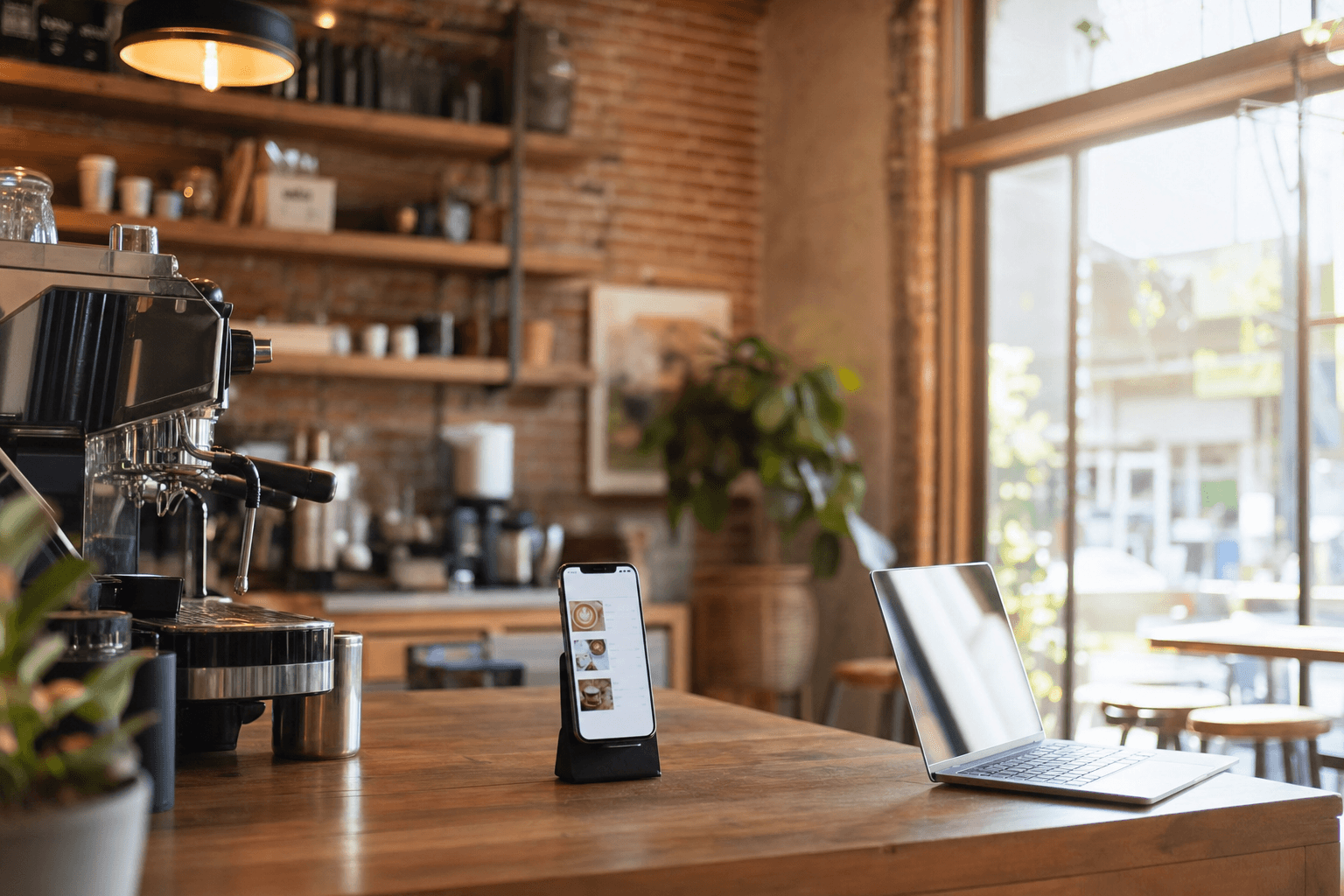
Most coffee shop owners didn't open their doors because they love building websites. They opened because they love great coffee, a good atmosphere, and the community that forms around both. But in 2025, having zero web presence isn't really an option — customers look you up before they walk in, and if they can't find you, they'll find someone else.
The good news: you don't need a complex, expensive website to compete. What you need is a focused, functional online presence that answers the questions customers actually ask. This guide breaks down exactly what that looks like for a cafe or coffee shop — no fluff, no tech overwhelm.
What Customers Actually Look for Before Visiting
Before spending a single hour on web design, understand what your potential customers are trying to find out. Based on how people search for local cafes, the questions are almost always the same:
- What's on the menu? (and how much does it cost)
- What are your hours?
- Where are you located? (and is parking easy)
- What does the place look like? (vibe check via photos)
- Can I order ahead or pick up?
- Do you have Wi-Fi? Outlets? Space to work?
That's it. Answer those six questions clearly, and your web presence is already doing more work than most independent cafes. Everything else — a blog, a complex loyalty portal, animated hero sections — is optional and often counterproductive if it slows down the basics.
The Minimum Viable Web Presence
You don't need to launch a full website on day one. Many successful cafes start with a hosted menu page — a single, mobile-optimized page that shows your menu, hours, location, and contact info. It's fast to set up, easy to update, and covers the most important customer questions instantly.
If you're weighing whether a hosted menu page is enough versus building a full site, the answer depends on your goals — but for most independent cafes just getting started, a well-built menu page outperforms a half-finished website every time. Check out our breakdown of digital menus for cafes and restaurants to see what a complete, customer-ready page looks like.
At minimum, your web presence should include:
- A live, up-to-date menu — accessible on mobile without pinching or zooming
- Accurate hours and location — synced across your website, Google Business Profile, and Yelp
- At least 4–6 quality photos — your drinks, food, and interior
- A way to contact you — phone number, email, or an inquiry form
- A link to order online — if you offer pickup or delivery
Google Business Profile: Your Most Important Free Tool
Before you touch your website, claim and fully complete your Google Business Profile (formerly Google My Business). When someone searches "coffee shop near me" or types your cafe's name, your Google Business listing is often the first thing they see — and it shows up before your website in most cases.
A complete, active profile means:
- Your hours, address, and phone number are correct (update these every time something changes)
- You have at least 10–15 photos, including your storefront, interior, and top menu items
- You're responding to reviews — both positive and negative
- You've added your menu link, which should point to your digital menu page
- You're using the Posts feature for seasonal specials, events, or new drinks
Google rewards active, complete profiles with better placement in local search results. Spending 20 minutes a month keeping your profile current is one of the highest-ROI marketing activities available to a small cafe.
Your Digital Menu: The Core of Your Online Presence
Your menu is the single most-visited page for any food or beverage business. It's where customers decide whether to come in, what to order, and how much they'll spend. A menu that's a blurry PDF, buried three clicks deep, or last updated 18 months ago is actively costing you customers.
A good digital menu for a cafe should:
- Load fast on mobile — the majority of your visitors are on phones
- Be organized logically — espresso drinks, cold brew, teas, pastries, food separately
- Show prices clearly — customers who can't find prices often just leave
- Include photos for signature items — even just 3–5 great images make a difference
- Be easy for you to update — seasonal drinks change, prices change, items sell out
Using an online menu maker built for food businesses means you can update your menu in minutes without touching code or calling a web developer. That flexibility matters more than most cafe owners realize until the first time they need to swap out a seasonal special at 7am on a Tuesday.
QR Codes: The Bridge Between Physical and Digital
Once your digital menu is live, generate a QR code that links directly to it. Print it on table cards, add it to your counter, put it on your window, and include it in your Instagram bio. QR codes make it effortless for in-store customers to pull up your menu on their own phone — reducing wait times during rush hours and giving customers a way to browse before they reach the counter.
A QR code menu generator tied to your live menu means the code never goes stale — when you update your menu, the QR code automatically points to the new version. No reprinting required.
Do You Actually Need a Full Website?
This is a fair question, and the honest answer is: maybe not right away. A hosted menu page with a strong Google Business Profile will handle 80% of what a full website does for most cafes. The remaining 20% — a longer brand story, a blog, a catering inquiry form, an events calendar — matters more as you grow.
That said, there are situations where a full website makes sense sooner rather than later:
- You offer catering or wholesale and need a professional inquiry process
- You have multiple locations and need to organize them clearly
- You're building a brand story that goes beyond a menu page
- You want to run your own online ordering without a third-party app
If you're in that middle ground — not sure if a simple page is enough — read our article on whether you need a website if you already have a hosted menu page. It walks through the decision honestly.
Local SEO Basics for Coffee Shops
You don't need to become an SEO expert. But a few fundamentals will help your cafe show up when people search for coffee in your area.
NAP Consistency
NAP stands for Name, Address, Phone number. Make sure these are identical across your website, Google Business Profile, Yelp, Facebook, and any other directory you're listed on. Even small differences — "St." vs "Street," a missing suite number — can confuse search engines and hurt your local ranking.
Use Location-Specific Language
Your website and menu page should mention your neighborhood, city, and nearby landmarks naturally. Not in a keyword-stuffed way, but in the way you'd actually describe your location to a friend: "We're on the corner of Main and 5th in Riverside, two blocks from the farmers market." This kind of language helps Google connect your business to local searches.
Get More Reviews (and Respond to Them)
Google reviews are a direct local ranking signal. More reviews — especially recent ones — help you appear higher in "near me" searches. The simplest way to get more reviews: ask. A small sign near the register, a note on your receipt, or a QR code that links directly to your Google review page all work. Respond to every review, positive or negative. It signals to both Google and potential customers that you're an active, engaged business.
Add Schema Markup If You Have a Full Website
If you're building a full site, add LocalBusiness schema markup to your homepage. It's a small block of structured data that tells search engines exactly what kind of business you are, your hours, location, and menu URL. Most website builders have plugins or built-in fields for this — you don't need to write code manually.
Social Media: How Much Is Enough?
Social media is not your website. It's a channel that drives traffic to your web presence, not a replacement for it. That said, for cafes, Instagram in particular is worth the investment because coffee and food are inherently visual.
A realistic social media strategy for a small cafe:
- Instagram: 3–4 posts per week. Focus on latte art, seasonal drinks, pastries, and the occasional behind-the-scenes shot. Your bio should link to your menu page.
- Facebook: Mirror your Instagram posts and use it for local event promotion and community engagement. Facebook's local discovery features still drive real foot traffic for cafes.
- Google Posts: Often overlooked. A quick post about your new seasonal drink or weekend hours update takes 2 minutes and shows up directly in Google search results.
You don't need to be on TikTok, Pinterest, X, and LinkedIn. Pick the two channels where your customers actually are, and do those well rather than spreading yourself thin.
Online Ordering and Pickup: Worth Setting Up Early
If you haven't set up online ordering yet, it's worth doing sooner than you think. Pre-orders and scheduled pickups smooth out your morning rush, increase average order value (customers who order online tend to add more items), and give you a direct channel that doesn't take a 20–30% commission like third-party delivery apps.
The key is keeping it simple. A pickup ordering page that integrates with your existing menu — so you only manage one place — is far better than a complicated system that requires constant maintenance. Our guide to cafe online ordering setup and promotion walks through the practical steps.
Photos: The Fastest Way to Improve Your Web Presence
You can have the cleanest website in the world, but if your photos are dark, blurry, or nonexistent, customers will move on. Good photography is the single highest-leverage improvement most cafes can make to their online presence.
You don't need a professional photographer for every shot. A modern smartphone in good natural light can produce excellent results. A few practical tips:
- Shoot near a window in the morning when light is soft and warm
- Use a neutral or clean background — a wooden table, a marble counter, a plain tile surface
- Shoot from directly above (flat lay) or at a 45-degree angle — both work well for drinks and food
- Take 10–15 shots of each item and pick the best one
- Edit lightly: increase brightness slightly, boost contrast a touch, and sharpen
Aim for at least one great photo of each menu category — espresso drinks, cold drinks, pastries, and your interior. These images will work across your menu page, Google Business Profile, and social media simultaneously.
Keeping It All Current
A web presence that's out of date is worse than no web presence at all. Customers who show up for a seasonal drink that's no longer available, or who arrive during hours you've changed, will leave frustrated — and some will leave a negative review.
Build a simple maintenance habit:
- Monthly: Check that your hours and menu are accurate everywhere — your website, Google, Yelp, Facebook
- Seasonally: Update your menu for seasonal offerings and remove anything you've discontinued
- Immediately: Update hours for holidays, closures, or special events as soon as they're confirmed
If you're using a hosted menu platform, updates take minutes and propagate automatically to your QR codes and linked pages. That's a significant advantage over static PDF menus or hardcoded website pages.
Frequently Asked Questions
Do I need a full website for my coffee shop, or is a menu page enough?
For most independent cafes, a well-built hosted menu page combined with a complete Google Business Profile handles the majority of what customers need. A full website becomes more valuable when you're adding catering services, multiple locations, or want to run your own online ordering system. Start simple and expand as your needs grow.
How do I get my cafe to show up in "coffee near me" searches?
The most impactful steps are: claim and fully complete your Google Business Profile, ensure your name, address, and phone number are consistent across all directories, actively collect Google reviews, and add location-specific language to your website or menu page. These basics outperform most paid advertising for local discovery.
What should my cafe's digital menu include?
At minimum: all current menu items with prices, organized into clear categories (espresso, cold drinks, teas, food, etc.), photos of your signature items, and any relevant notes about allergens or customization options. Keep it mobile-friendly — most customers will view it on a phone.
How often should I update my online menu?
Any time something changes — a new seasonal item, a price adjustment, a sold-out item, a discontinued product. Using a digital menu platform makes this a 2-minute task rather than a design project. At minimum, do a full review of your menu page once a month to catch anything that's drifted out of date.
Is it worth setting up online ordering for a small cafe?
Yes, especially for morning pickup orders. Pre-orders reduce counter congestion during rush hours, tend to have higher average order values, and give you a direct revenue channel without third-party commission fees. Start with a simple pickup-only setup and add delivery later if demand justifies it.
Ready to build a web presence that actually works for your cafe? MenuHoster makes it easy to create a beautiful, mobile-ready digital menu, generate a QR code, and set up online ordering — all in one place, without needing a developer. See our pricing and get your cafe online in under an hour.
MenuHoster Team
Helping restaurants go digital