Contact Page Best Practices for Cafes, Restaurants, and Salons
Updated:
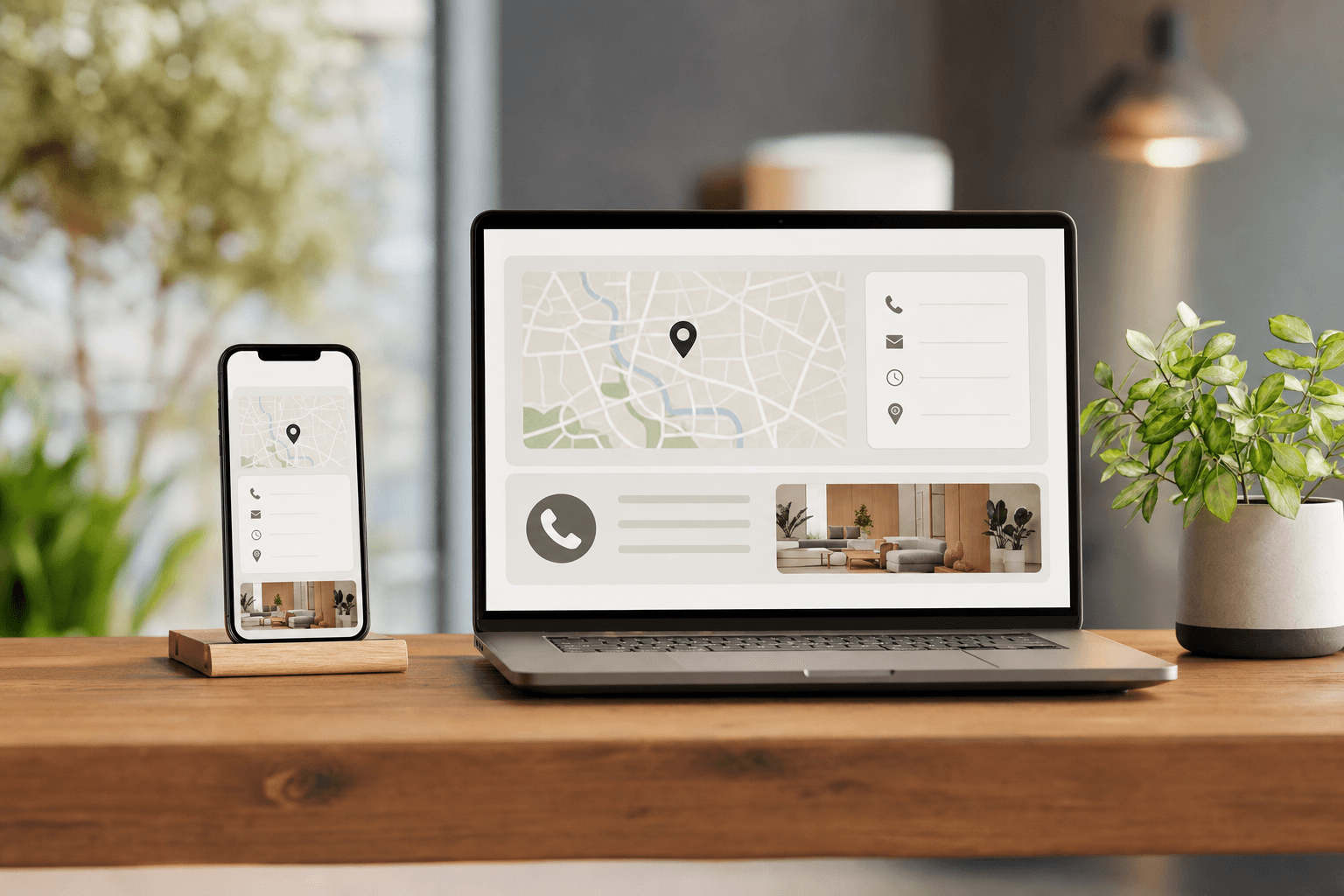
Your contact page is one of the most visited pages on your website — and one of the most neglected. For a cafe, restaurant, or salon, it's often the last thing a potential customer checks before deciding whether to visit, call, or book. Get it wrong and they quietly move on to a competitor. Get it right and it becomes a quiet, reliable conversion machine.
This guide covers exactly what to include, how to structure it, and what to avoid — with specific advice for food businesses and salons, where the stakes of a confusing or incomplete contact page are especially high.
Why Contact Pages Matter More Than You Think
Most business owners treat the contact page as an afterthought — a form, an email address, maybe a phone number. But consider what a person is actually doing when they land there: they've already decided they're interested. They want to take the next step. A weak contact page creates friction right at that critical moment.
For local businesses in particular, the contact page answers questions that are deal-breakers:
- Where exactly are you located?
- What are your hours today?
- Can I call you right now?
- How do I book a table or appointment?
- Do you have parking?
If visitors have to hunt for any of these answers, many won't bother. According to behavioral research on local search, users expect to find contact information within seconds — not minutes. A page that buries the phone number under a form, or omits hours entirely, loses real business every single day.
The Non-Negotiable Elements
Before you worry about design or tone, make sure these fundamentals are present and immediately visible:
1. Phone Number (Clickable on Mobile)
This is the single most important element for cafes, restaurants, and salons. Most visitors arrive on mobile. Your phone number must be formatted as a tap-to-call link (tel: href). Don't make someone copy-paste a number — that friction costs you calls. Place the number near the top of the page, not buried below a form.
2. Physical Address with a Map
Embed a Google Map or link directly to Google Maps directions. Write out the full street address in plain text too — don't rely solely on the map embed, because some users have JavaScript disabled or are on slow connections. If you're in a tricky location (a courtyard, a second floor, a building with multiple entrances), add a one-sentence note like "We're on the second floor — look for the blue door on Oak Street."
3. Hours of Operation
List your hours clearly, broken down by day. If your hours vary seasonally or on holidays, say so. A simple note like "Hours may vary on public holidays — check our Google listing for updates" is better than leaving people guessing. Don't just link to your Google Business Profile and call it done — many users won't click through.
4. Email Address or Contact Form
Some inquiries — catering requests, private event bookings, wholesale inquiries for cafes, large group bookings — don't fit into a phone call. Offer a contact form or a direct email address. Keep forms short: name, email, message. Every extra field reduces completions. For salons especially, a booking link is often more useful than a generic contact form.
5. Booking or Reservation Link
If you take reservations or appointments, your contact page should make this unmissable. A prominent button — "Book a Table," "Book an Appointment," "Reserve Now" — should be above the fold or at minimum the first thing after your address and hours. Don't make people scroll to find it.
Design and Layout Principles
A contact page doesn't need to be fancy. It needs to be fast to read and easy to act on. Here's how to structure it:
Lead with the Most Urgent Information
Put the phone number, address, and hours at the very top — before any form, before any paragraph of text, before anything decorative. Visitors in "contact mode" are often in a hurry. They may be standing on a street corner trying to figure out if you're open. Respect their time.
Use Visual Hierarchy
Make the phone number large. Use an icon (phone, map pin, clock) next to each piece of information so people can scan quickly. Group related items together: contact details in one block, hours in another, the map below. White space is your friend — a cluttered contact page is harder to read than a sparse one.
Keep the Form Simple
If you include a contact form, three fields is the sweet spot: name, email or phone, and message. Adding dropdowns for "inquiry type" or requiring a last name adds friction without meaningful benefit for most small businesses. You can always ask follow-up questions once you've made contact.
Mobile-First, Always
The majority of local search traffic is mobile. Test your contact page on a phone before you publish it. Check that the phone number taps to call, that the map loads correctly, that the booking button is large enough to tap easily, and that the form fields don't require excessive zooming. This is especially critical for salons and cafes, where last-minute "are you open?" searches are common.
What Cafes Specifically Need on Their Contact Page
Cafes attract a mix of regulars, remote workers scoping out a new spot, and tourists. Your contact page should speak to all three:
- WiFi availability: Mention it if you have it. Remote workers will specifically look for this.
- Parking and transit: Note the nearest parking lot or transit stop. Urban cafes especially benefit from this.
- Dog-friendly or outdoor seating: If you have a patio or welcome dogs, say so — it's a real draw and people search for it.
- Wholesale or catering inquiries: If you sell beans wholesale or do office catering, a brief mention with a dedicated email address keeps those inquiries organized.
Linking to your digital menu directly from the contact page is also a smart move — visitors who are on the fence will often check the menu before committing to a visit, and making that easy increases conversions.
What Restaurants Specifically Need on Their Contact Page
Restaurant contact pages carry more weight than most because diners make higher-stakes decisions — they're often planning ahead for a date night, a family dinner, or a group celebration.
- Reservation system link: Make it prominent. If you use OpenTable, Resy, or a similar platform, link directly to your booking page.
- Private dining or events: A dedicated section or email for private event inquiries signals professionalism and captures high-value bookings.
- Dietary and accessibility info: A brief note ("We accommodate most dietary restrictions — please call ahead") reduces pre-visit anxiety and phone calls at the same time.
- Parking details: Especially important for dinner service when guests are dressed up and don't want to hunt for parking.
It's also worth linking to your restaurant menu page from the contact section — many diners check the menu and the contact info in the same visit, and a smooth path between the two pages reduces drop-off.
What Salons Specifically Need on Their Contact Page
Salon clients are often booking ahead of an event, trying a new place for the first time, or looking for a specific service. Your contact page needs to answer their questions and lower the barrier to booking:
- Online booking link front and center: If you use Booksy, Vagaro, Square Appointments, or a similar tool, the booking button should be the most prominent element on the page. Many clients will skip calling entirely if they can book online.
- Individual stylist contact or profiles: If clients have a preferred stylist, give them a way to request that person specifically — either through the booking system or a note in the contact form.
- Cancellation policy: State it briefly on the contact page. It reduces no-shows and manages expectations before the appointment is even booked.
- Parking and entrance details: Salons are often in strip malls or shared buildings. Be specific about where to park and which entrance to use.
Salons that have a digital services menu should link to it prominently — first-time clients almost always want to browse services and prices before they reach out.
Common Mistakes to Avoid
Even well-intentioned contact pages make these errors regularly:
Outdated Hours
This is the most damaging mistake. A customer who shows up during hours listed on your website but you're actually closed is not coming back. Audit your contact page every time your hours change — not just on your Google Business Profile.
No Phone Number (or a Hidden One)
Some businesses list only a contact form, apparently to reduce phone calls. For local businesses, this backfires badly. Many customers — especially older demographics — strongly prefer to call. Hiding your phone number signals that you don't want to be reached, which is the opposite of what a contact page should communicate.
A Form That Goes Nowhere
If you have a contact form, test it regularly. Forms break when hosting configurations change, when email inboxes get full, or when plugins update. A form that silently fails means lost inquiries you never know about. Set up an auto-reply confirmation so submitters know their message was received.
No Confirmation After Submission
When someone fills out your contact form, show a clear confirmation message: "Thanks! We'll get back to you within 24 hours." Without this, users often submit the form twice or assume it failed.
Inconsistent Information Across Pages
Your contact page, your footer, your Google Business Profile, and your social media profiles should all show the same address, phone number, and hours. Inconsistency confuses both customers and search engines. Do a quarterly audit to keep everything aligned — this is a known local SEO factor.
SEO and Discoverability
Your contact page isn't just for people who've already found your website — it can also help new customers find you through search.
- Use your full business name, address, and phone number (NAP) in plain HTML text — not just inside an image or embedded map. Search engines read text, not images.
- Include your city and neighborhood naturally in the page copy: "Visit us in the Riverside District" or "Located in downtown Austin, just off Congress Avenue."
- Add schema markup if your platform supports it — LocalBusiness schema helps Google display your hours, address, and phone number directly in search results.
- Link to your contact page from your footer on every page of your site. This ensures it gets crawled and indexed properly.
For a deeper look at how your overall site structure affects discoverability, the principles in building your online menu presence apply equally to your contact page strategy.
Trust Signals That Belong on a Contact Page
A contact page is also an opportunity to reinforce trust at the exact moment a visitor is considering reaching out. Small additions make a real difference:
- A photo of your exterior: Helps first-time visitors recognize the building and reduces "I couldn't find it" no-shows.
- A brief response time note: "We typically respond within a few hours during business hours" sets expectations and reduces anxiety about whether you'll reply.
- Social media links: A link to your Instagram or Facebook lets curious visitors see your latest work or dishes before committing.
- A recent review snippet: One or two short, genuine customer quotes near the contact form can tip undecided visitors toward reaching out.
Frequently Asked Questions
Should I use a contact form or just list my email address?
Both have merit. A contact form keeps your email address off the page (reducing spam) and lets you structure the information you receive. A direct email address is simpler and more transparent. For most small businesses, a short form plus a visible phone number is the best combination. If you add a form, make sure it actually works and sends a confirmation to the submitter.
How often should I update my contact page?
Any time your hours, phone number, address, or booking system changes — immediately. Don't wait for your next "website update." Outdated contact information is one of the most common reasons local businesses lose customers, and it's entirely preventable.
Does my contact page affect my Google ranking?
Indirectly, yes. Consistent NAP (name, address, phone) information across your website and Google Business Profile is a local SEO signal. A contact page with your full address in plain HTML text also helps Google associate your site with your physical location, which improves your chances of appearing in local search results.
What's the best way to handle after-hours inquiries?
Set clear expectations on the page: "We're open Tuesday–Sunday, 8am–6pm. Messages sent outside these hours will be answered the next business day." If you use a booking platform, highlight that clients can book online 24/7 even when you're not available to answer the phone. This turns after-hours traffic into bookings rather than missed opportunities.
Should my contact page be a separate page or part of my homepage?
For most local businesses, a dedicated contact page is better — it's easier to link to, easier to find in navigation, and gives you space to include all the relevant details without cluttering your homepage. That said, your homepage and footer should always show your phone number, address, and hours at minimum, so visitors don't have to navigate away just to find the basics.
Ready to give your business a clean, professional web presence that includes everything customers need — including a well-structured contact section? Try MenuHoster to build a polished menu page and business profile in minutes, with no technical skills required. It's the fastest way for cafes, restaurants, and salons to look professional online and make it easy for customers to find, contact, and visit you.
MenuHoster Team
Helping restaurants go digital