Why Your Restaurant Website Footer Is More Important Than You Think
Updated:
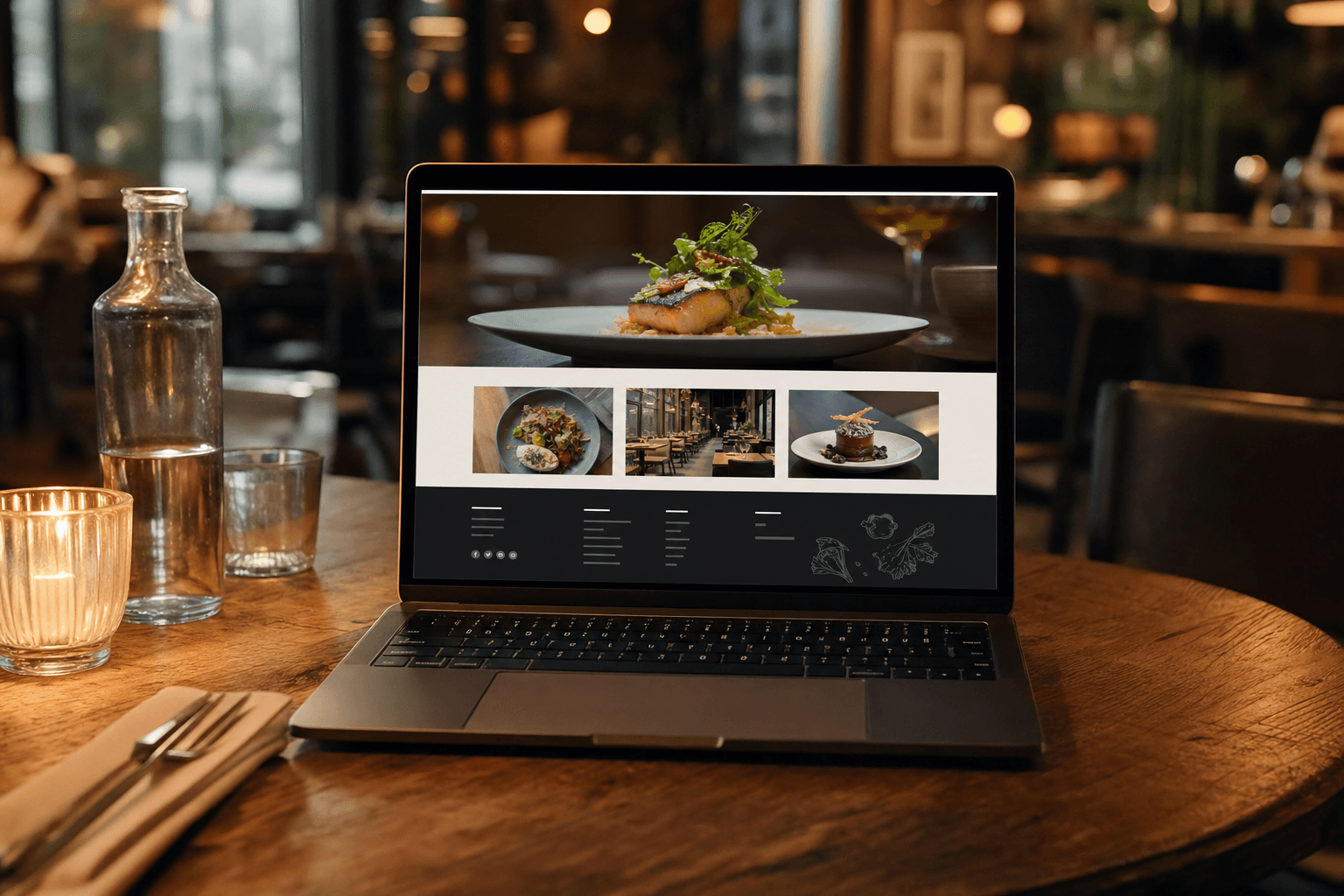
Most restaurant owners spend their energy on the top of their website — the hero image, the headline, the "Order Now" button. That's understandable. First impressions matter. But here's what gets overlooked: a huge portion of your visitors scroll all the way to the bottom of your page. And when they get there, what they find — or don't find — can be the difference between a new customer and a lost one.
Your website footer is not a dumping ground for legal disclaimers. It's one of the most consistently visited areas of any website. People scroll to the footer when they have a specific intent: they want your address, your hours, your phone number, or a way to book a table. If those things aren't there — or aren't easy to find — you've just made them work harder than they should. And most won't bother.
This guide breaks down exactly what belongs in your restaurant's footer, why each element matters, and how to structure it so it actually does something useful for your business.
Why the Footer Gets More Attention Than You Realize
There's a common misconception that the footer is "below the fold" and therefore invisible. That thinking misunderstands how people actually use websites. Visitors who are genuinely interested in your restaurant — not just passing through — scroll. They want details. And the footer is where they expect to find them.
Think about your own behavior. When you visit a restaurant website to figure out if it's open right now, where do you look? When you want the phone number to call ahead? When you want to confirm the address before you plug it into Google Maps? You scroll down. Everyone does.
The footer also carries real SEO weight. Search engines crawl every part of your page, and a footer packed with consistent, accurate local information — your address, your neighborhood, your city — reinforces your relevance for local search queries. It's a small but meaningful signal that adds up over time.
Finally, your footer is one of the few places on your site that appears on every single page. That means every piece of information you put there is always one scroll away, no matter where a visitor lands.
The Non-Negotiables: What Every Restaurant Footer Must Have
Before you think about design or extras, make sure these core elements are present and accurate.
Your Full Address
Write it out completely — street number, street name, city, state, ZIP code. Don't just link to Google Maps and call it a day. The text itself matters for SEO and for users who want to copy and paste it. If you have multiple locations, list each one clearly.
Phone Number
Make it a clickable tel: link so mobile visitors can tap to call instantly. This is a basic usability improvement that costs nothing and removes friction for anyone calling ahead to check on a reservation or ask about a menu item.
Hours of Operation
List your hours in full. Don't make people hunt for this. If your hours vary by day — say, you're closed Mondays or have shorter Sunday hours — spell that out. If your hours change seasonally, keep this updated. Outdated hours are one of the most common complaints customers have about restaurant websites, and they lead directly to bad reviews.
Email Address
A contact email gives people a non-urgent way to reach you for private events, catering inquiries, or general questions. It also signals that you're a real, reachable business — which matters more than most owners realize.
A Link to Your Menu
This one is surprisingly often missing. Someone scrolls to the bottom of your site and wants to take one more look at your menu before deciding whether to come in. Give them that link. If you use a digital menu, link directly to it from the footer so it's always accessible.
Trust Signals That Belong in Your Footer
Beyond the basics, your footer is a natural home for elements that build credibility with first-time visitors.
Social Media Icons
Link to your active social profiles — Instagram especially, since it's where most food-focused audiences live. Only include profiles you actually maintain. A dead Facebook page from 2019 does more harm than good. Keep icons small and consistent; they don't need to dominate the footer.
Review Platform Badges or Links
A simple "Find us on Yelp" or "See our Google reviews" link in the footer is a quiet but effective trust signal. It tells visitors that you're confident enough in your reputation to point people toward your reviews — which is itself reassuring.
Health and Safety Certifications
If your restaurant has a food safety certification or a consistent A-grade from your local health department, the footer is a reasonable place to note it. It's not flashy, but it matters to a segment of your audience.
Accessibility Statement
A brief note about wheelchair accessibility or dietary accommodations — "We offer gluten-free and vegan options; please ask your server" — can make a real difference to visitors who need that information before they commit to visiting.
Navigation Links That Help People Take Action
A footer navigation isn't just a repeat of your main menu — it's a second chance to direct visitors toward conversion. Think about what people are most likely trying to do when they reach the bottom of your page.
- Reserve a table — Link directly to your reservation system or booking page.
- Order online — If you offer online ordering, this link belongs in the footer as much as anywhere else.
- View the full menu — Link to your restaurant menu page so visitors can browse before they decide.
- Private dining / events — If you host private events, a footer link helps people find that option without digging.
- Gift cards — If you sell them, put a link here. People often remember they want gift cards when they're already on your site.
- Careers — A simple "We're hiring" link can save you a lot of recruitment headaches.
Keep this section clean. Five to eight links is plenty. More than that and the footer starts to feel like a sitemap rather than a helpful guide.
Local SEO Value Hiding in Your Footer
Your footer is one of the most consistent places on your website, and consistency is what search engines reward. Here's how to make the most of it from an SEO standpoint.
NAP Consistency
NAP stands for Name, Address, Phone number. Search engines compare the NAP on your website against your Google Business Profile, Yelp listing, and other directories. If they match exactly — same abbreviations, same formatting — it strengthens your local search ranking. If they differ, it creates confusion. Use your footer to anchor your canonical NAP, then make sure every other listing matches it.
Neighborhood and City Mentions
If your restaurant is in a specific neighborhood that locals search by — say, "restaurants in Wicker Park" or "coffee in Capitol Hill" — include that neighborhood name naturally in your footer copy. Something as simple as "Serving the [Neighborhood] community since 2018" adds a local keyword without feeling forced.
Schema Markup Opportunity
If you or your developer can add LocalBusiness schema markup to your footer, do it. It tells search engines exactly what your business is, where it is, and when it's open — in a structured format they can use to populate rich results. It's a technical step, but it has a real impact on how your site appears in local searches.
What Not to Put in Your Footer
Just as important as what you include is what you leave out. A cluttered footer is almost as bad as an empty one.
- Outdated promotions. If you ran a Valentine's Day special in 2022 and it's still in your footer, remove it. Stale content undermines trust.
- Walls of text. Your footer is not the place for your brand story or a long description of your cuisine philosophy. Keep copy tight.
- Too many social links. Only include platforms you actively use. Linking to a Twitter account you haven't touched in three years sends the wrong signal.
- Broken links. Audit your footer links at least once a quarter. A 404 page is a bad experience wherever it happens, but it's especially jarring when someone was trying to find your menu or reservation page.
- Tiny, unreadable text. Footer text is often styled smaller than body copy, but it still needs to be legible — especially on mobile. Aim for at least 14px and sufficient contrast.
Mobile Matters More Than Ever
More than 60% of restaurant website visits happen on mobile devices. That means your footer needs to work just as well on a 375px screen as it does on a desktop. A few practical rules:
- Stack columns vertically on mobile rather than trying to squeeze them side by side.
- Make tap targets (links, phone numbers, buttons) at least 44px tall so they're easy to hit with a thumb.
- Test your footer on an actual phone, not just a browser resize. The experience is different.
- Ensure your address links out to Google Maps on mobile — most users will want to open it directly in their maps app.
If you're building or updating your site and want a head start, MenuHoster's restaurant website templates are designed with mobile-first footers that include all the right elements by default.
The Copyright Line and Legal Basics
At the very bottom of your footer — sometimes called the "sub-footer" — you'll want a few housekeeping items:
- Copyright notice: "© 2025 [Your Restaurant Name]. All rights reserved." Simple, standard, necessary.
- Privacy policy link: If you collect any customer data — email addresses, online orders, reservation info — you need a privacy policy. Link to it here.
- Terms of service: Less critical for a simple restaurant site, but required if you sell gift cards or process online orders directly.
Don't let the legal stuff crowd out the useful content. Keep it in small text at the very bottom, clearly separated from the main footer content.
Putting It All Together: A Simple Footer Structure
Here's a clean, practical layout that works for most independent restaurants:
- Column 1 — Contact & Location: Full address (linked to Maps), phone number (tap-to-call), email, hours of operation.
- Column 2 — Quick Links: Menu, reservations, online ordering, private events, gift cards.
- Column 3 — Connect: Social media icons, review platform links, newsletter signup (optional).
- Sub-footer: Copyright, privacy policy, terms of service.
On mobile, these columns stack into a single column. The contact info comes first because that's what mobile visitors need most urgently.
If you're using an online menu maker to host your menu separately from your main site, make sure your footer links to that page directly — it keeps the experience seamless for visitors who navigate between your site and your menu.
Frequently Asked Questions
Does my restaurant website footer actually affect SEO?
Yes, in a few meaningful ways. Consistent NAP (Name, Address, Phone) information in your footer helps search engines verify your business details and improves local search ranking. Neighborhood keywords included naturally in footer copy also reinforce your local relevance. It's not the biggest SEO lever you have, but it's an easy one to get right.
How often should I update my restaurant footer?
Review it at minimum every quarter and any time something changes — hours, phone number, address, social handles. Outdated information in the footer is a common source of customer frustration and can lead to negative reviews when someone shows up at the wrong time or calls a disconnected number.
Should my menu link in the footer go to a PDF or a digital menu page?
Always link to a live digital menu page rather than a PDF. PDFs don't display well on mobile, can't be updated without re-uploading, and don't provide any SEO value. A hosted digital menu page is faster, easier to update, and gives you analytics on what people are viewing.
How many links should I include in my footer navigation?
Aim for five to eight links. More than that and the footer becomes cluttered and harder to scan. Prioritize the actions you most want visitors to take: view the menu, make a reservation, order online. Everything else is secondary.
What's the most common footer mistake restaurant websites make?
Leaving out hours of operation. It sounds basic, but a surprising number of restaurant sites either omit hours entirely or bury them on an "About" page. Hours are one of the first things potential customers look for, and if they can't find them quickly, many will simply move on to a competitor whose site makes it easier.
Your footer is the last thing visitors see before they leave your site — and often the moment they make their decision. Make it count. MenuHoster makes it easy to build a clean, professional restaurant web presence with all the right elements in all the right places — including a footer that actually works for your business. Get started free and see how much easier it is when the structure is already built for you.
MenuHoster Team
Helping restaurants go digital