How Often Should You Update Your Restaurant Menu (and Why)
Updated:
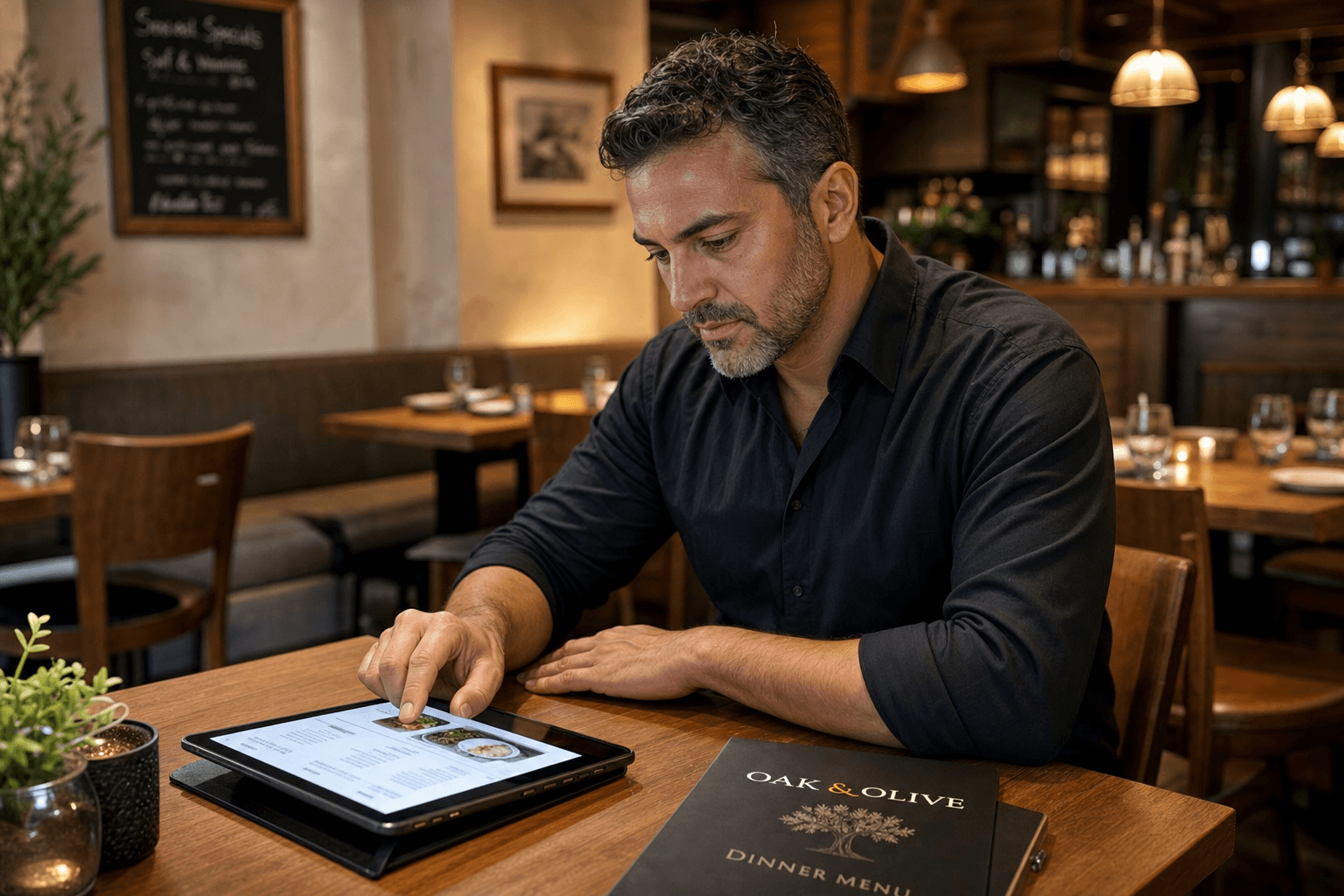
Most independent restaurant owners update their menus when something breaks — a price is embarrassingly wrong, a dish runs out, or a supplier stops carrying a key ingredient. That reactive approach costs money, frustrates guests, and leaves profit on the table. A deliberate update schedule, by contrast, keeps your costs aligned with reality, your menu focused on what actually sells, and your guests consistently impressed.
This guide covers the right update cadence for different types of changes, the warning signs that demand an immediate revision, and how switching to a digital menu makes the whole process fast enough that you'll actually do it.
Why Menu Updates Matter More Than Most Owners Think
Your menu is your most important sales document. It sets expectations, shapes ordering behavior, and directly determines your average check size. A stale menu undermines all three:
- Outdated prices erode margins. Food costs shift constantly. If you repriced your menu 18 months ago and ingredient costs have risen 15% since then, you are subsidizing every cover out of your own pocket.
- Dead items waste kitchen capacity. Keeping low-selling dishes on the menu ties up prep time, increases food waste, and clutters the guest's decision-making process.
- Missing items damage trust. Nothing frustrates a guest more than ordering something and being told it's not available. It signals disorganization and can turn a first-time visitor into a one-time visitor.
- Missed seasonal opportunities leave revenue behind. Limited-time items and seasonal specials are proven drivers of repeat visits and social media buzz. A menu that never changes gives guests no reason to come back just to try something new.
The good news: once you have a clear update schedule and the right tools, keeping your menu current takes minutes, not hours.
The Four Types of Menu Updates
Not all menu changes are equal. Grouping them by type helps you set the right cadence for each.
1. Pricing Updates
Prices should be reviewed at least every quarter and updated whenever a key ingredient cost moves more than 10–15% in either direction. Many operators wait until their annual review, then discover they've been losing margin for six months. A quarterly check-in — even a quick 20-minute comparison of your current food-cost percentages against your menu prices — is enough to catch problems early.
2. Item Additions and Removals
New items should be added when they've been tested in the kitchen and are consistently executable during a full service. Removing items is harder emotionally but easier mathematically: if a dish sells fewer than a handful of times per week, it's almost certainly costing you more in prep, waste, and menu real estate than it returns. Review your item-level sales data every one to three months and cut ruthlessly.
3. Seasonal Rotations
Seasonal updates — aligning your menu with what's fresh, affordable, and culturally relevant — should happen two to four times per year. Tying menu changes to the four culinary seasons (spring, summer, fall, winter) is a natural rhythm that also gives you a built-in marketing hook each time. Check out our dedicated guide on planning and promoting seasonal menus for a detailed playbook.
4. Structural and Design Overhauls
A full redesign — rethinking your menu's layout, categories, descriptions, and visual hierarchy — is a bigger investment and should happen less frequently: roughly every one to two years, or whenever you rebrand, significantly change your concept, or notice that your current layout is working against you. This is also the right time to apply menu engineering principles to maximize profitability.
A Practical Update Calendar
Here's a simple framework you can adapt to your own operation:
- Weekly: Remove any 86'd items from your digital menu the moment they run out. Add daily specials if applicable. This should take under five minutes.
- Monthly: Review your top 5 and bottom 5 sellers. Flag any items that may need to be cut or repositioned.
- Quarterly: Audit your prices against current food costs. Adjust as needed. Refresh descriptions for any items that have changed in preparation or presentation.
- Seasonally (2–4x per year): Swap in seasonal ingredients and limited-time items. Update photography if relevant. Push the new menu across all channels — website, QR codes, online ordering.
- Annually: Review the overall structure, category names, and menu length. Consider a full design refresh if the menu feels dated.
Triggers That Demand an Immediate Update
Beyond your scheduled reviews, certain events should prompt an update the same day — or sooner:
- A supplier stops carrying an ingredient and you have no direct substitute.
- A price spike makes a dish unprofitable at its current menu price.
- A dish is consistently failing — coming back to the kitchen, generating complaints, or being returned.
- A new regulation affects ingredients or labeling (allergen laws, calorie disclosure requirements, etc.).
- You launch a promotion or partnership that needs to be reflected on the menu immediately.
- A competitor launches something similar to one of your signature items, prompting you to differentiate.
With a printed menu, each of these triggers means a reprinting cost and a delay. With a digital menu, it means a two-minute edit.
The Hidden Cost of Not Updating
Let's put some rough numbers on this. Suppose you have a pasta dish priced at $16 with a food cost that's crept up from $4.80 to $6.40 over the past year. That's a food cost percentage that jumped from 30% to 40%. If you sell 25 of those dishes per week, you're leaving roughly $400 per month in margin on the table — simply because you haven't updated the price.
On the other side, consider a dish that costs $5 to produce and is priced at $14. Your food cost percentage is 36% — fine, but not great. A small price increase to $16 would bring that to 31%, adding $50 per week in contribution margin with zero operational change.
Neither of these adjustments requires a full menu overhaul. They require a quarterly price review and the willingness to make the change. The cost comparison between digital and printed menus
MenuHoster Team
Helping restaurants go digital