How to Design a Coffee Shop Menu Board and Digital Menu
Updated:
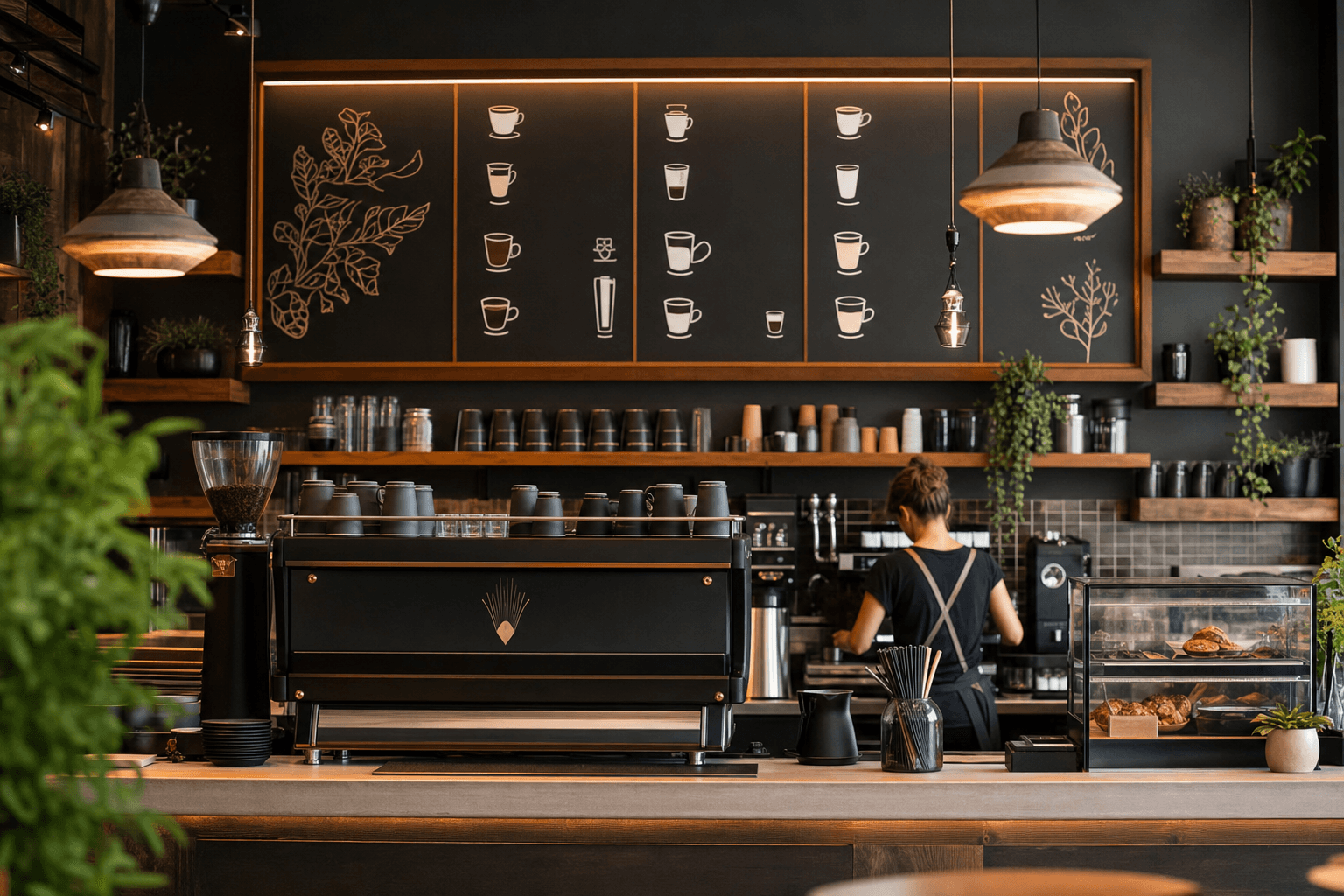
Your menu board is often the first thing a customer really studies inside your cafe — and your digital menu is what they pull up before they even walk through the door. Get either one wrong and you lose sales quietly, one confused or impatient customer at a time. Get both right and they work together to drive higher average orders, faster service, and a stronger brand impression.
This guide covers the full picture: how to structure your menu, design principles that work in the real world, the specific differences between a physical board and a digital menu, and how to keep both updated without losing your mind.
Start With Structure, Not Aesthetics
Most cafe owners jump straight to fonts and colors. That's a mistake. Before you touch a single design tool, you need a clean, logical menu structure. Good design can only amplify good organization — it can't rescue a cluttered one.
Group items the way customers think
Customers don't think in terms of your inventory. They think: Do I want coffee or tea? Hot or cold? Something to eat? Build your categories around those mental shortcuts:
- Espresso drinks (lattes, cappuccinos, flat whites, macchiatos)
- Filter / brewed coffee (drip, pour-over, cold brew)
- Non-coffee drinks (teas, matcha, hot chocolate, lemonade)
- Food (pastries, sandwiches, snacks — separated by morning vs. all-day if relevant)
- Seasonal or specials (a dedicated spot that trains customers to look for new things)
Trim the dead weight
A 40-item menu feels impressive to the owner and exhausting to the customer. Research on decision fatigue is consistent: more choices slow people down and make them less satisfied with what they pick. Audit your sales data ruthlessly. If something sells fewer than five times a week, ask whether it earns its place. A focused menu of 20–25 items almost always outperforms a sprawling one of 40+.
Lead with your best sellers and highest-margin items
This is basic cafe menu engineering: the items you most want to sell should appear first in their category and ideally in the top-right zone of any visual layout — where eyes naturally land. If your oat milk latte has a 70% margin and customers love it, it should be impossible to miss.
Designing Your Physical Menu Board
Whether you're using a chalkboard, a printed foam-core panel, or a digital screen, the principles are the same. Physical boards have one job: communicate clearly and quickly to someone standing 6–10 feet away, often with people behind them in line.
Hierarchy and readability come first
Use size and weight to create a clear hierarchy:
- Category headers: largest text, high contrast, easy to scan from a distance
- Item names: medium weight, legible at arm's length
- Descriptions and modifiers: smaller, lighter — supporting detail, not the headline
- Prices: consistent placement (always right-aligned or always below the item name — never scattered)
Font choices that actually work
Stick to two fonts maximum: one for headers, one for body text. Avoid ultra-thin script fonts for anything other than a logo accent — they're unreadable at distance. Sans-serif fonts like Helvetica, Montserrat, or Raleway are safe, clean choices. If you want warmth and personality, pair a bold serif header with a clean sans-serif for item names.
Color and contrast
Dark background with light text (or vice versa) with a minimum contrast ratio of 4.5:1 is the standard for readability. Chalkboard-style menus look great in photos but can be genuinely hard to read under dim cafe lighting. If you love the chalkboard aesthetic, use it for specials only and keep your main board higher contrast.
White space is not wasted space
Crowding items together to fit everything on one board makes the whole thing harder to read. Give each category breathing room. If you can't fit your menu cleanly, the answer is to cut items — not to shrink the font.
Practical board formats
- Chalkboard or chalk marker board: Low cost, highly brandable, easy to update. Best for cafes with a handcrafted, artisan identity. Downside: time-consuming to redo, can look messy if not maintained.
- Printed foam-core or acrylic panels: Clean and professional. Relatively affordable to reprint. Good for cafes with a stable, infrequently-changing menu.
- Digital display screens: High upfront cost but easy to update remotely, can rotate specials, and look sharp. Best ROI for high-volume cafes or those with frequent seasonal changes.
Designing Your Digital Menu
Your digital menu serves a different audience in a different context. Someone browsing your digital menu might be at home deciding where to go for coffee tomorrow morning, sitting at your table wanting to order without flagging down a barista, or standing outside checking if you have oat milk. Design for all three.
Mobile-first is non-negotiable
Over 80% of menu views happen on a smartphone. If your digital menu requires pinching and zooming, you've already failed. Every element — category tabs, item cards, photos, prices — needs to be tappable and readable on a 6-inch screen without effort.
Photography: use it strategically, not exhaustively
You don't need a photo for every item. In fact, plastering low-quality phone photos across your entire menu hurts more than it helps. Instead, invest in 4–6 high-quality images of your hero items — your signature latte, your best-selling pastry, a seasonal special — and let those carry the visual weight. Clean, well-lit photos on a neutral background work best. Natural light near a window is your friend.
Item descriptions that earn their place
A good digital menu gives you space that a board doesn't. Use short, specific descriptions (one to two sentences) that tell the customer something they couldn't guess from the name alone. "Espresso, steamed oat milk, and house-made lavender syrup — subtle floral, not sweet" is useful. "A delicious and creamy latte you'll love" is noise. For a deeper dive on this, see our guide on how to write menu item descriptions that sell.
Make customization options visible
Milk alternatives, sizes, add-ons (an extra shot, flavored syrups, cold foam) are upsell opportunities. On a physical board, listing every modifier gets cluttered fast. On a digital menu, you can surface them cleanly at the item level — and a well-placed "add oat milk +$0.75" prompt can meaningfully increase your average ticket.
QR codes: bridge the physical and digital
A QR code menu is the most practical way to connect your physical space to your digital menu. Place QR codes on tables, at the counter, on your takeout packaging, and in your window. Customers who prefer to browse on their phone — especially for longer food menus — will use them. Customers who prefer to order at the counter still can. You don't have to choose one or the other.
Menu Engineering Principles for Cafes
Menu engineering sounds academic but the core idea is simple: arrange your menu so that the items you most want to sell are the ones customers are most likely to notice and order. Here's how to apply it in a cafe context.
The "golden triangle" and eye-tracking zones
On a printed or digital menu, eyes tend to travel to the top-right first, then the top-left, then the bottom-right. For a single-panel board, the center-top is prime real estate. Put your highest-margin, most popular items there. Don't bury your signature drink at the bottom of the espresso section.
Use visual anchors to guide attention
A box, a colored background, a "house favorite" badge, or a small photo next to one or two items draws the eye. Use this sparingly — one or two highlighted items per category, not ten. The goal is to guide, not overwhelm.
Price presentation matters
Avoid using dollar signs if you can — research consistently shows that removing the "$" symbol reduces the psychological "pain of paying" and leads to higher spend. Align prices consistently rather than running a dotted line from item to price (the "menu leader line"), which trains the eye to scan prices first and items second — the opposite of what you want.
For a more comprehensive breakdown of these strategies, the guide on menu engineering basics goes deeper on layout and profitability.
Keeping Your Menu Current
A menu that's out of date erodes trust fast. Nothing frustrates a customer more than ordering something from your website or QR menu and being told it's not available. Here's how to stay on top of it.
Build seasonal updates into your calendar
Plan seasonal rotations in advance — pumpkin spice in September, a cold brew special in June — and schedule time to update your digital menu before the item launches, not after. If you're using a platform like MenuHoster, updates take minutes, not hours.
Keep your physical and digital menus in sync
This is where most cafes fall down. The digital menu gets updated but the board doesn't, or vice versa. Assign one person the responsibility of keeping both aligned. A simple checklist — physical board, QR menu, website menu, Google Business Profile menu — takes five minutes and prevents customer confusion.
Mark sold-out items in real time
On a digital menu, you can toggle items as sold out without deleting them. This is far better than leaving an item live and disappointing customers. It also signals freshness — "sold out by noon" is a form of social proof.
Branding Your Menu to Stand Out From Chains
Independent cafes have a genuine advantage over chains: personality. A Starbucks menu is designed by committee to be inoffensive everywhere. Your menu can reflect exactly who you are and what your neighborhood values.
Use your voice in item names and descriptions
A drink called "The Early Bird" or "The Fog Lifter" is more memorable than "Medium Roast Drip Coffee." Names that reference your neighborhood, your sourcing story, or your regulars create connection. Keep it authentic — forced quirkiness reads as try-hard.
Highlight what makes you different
Single-origin beans? Locally baked pastries? Housemade syrups? Say so — on the board and in your digital menu. These details justify your pricing and give customers a reason to choose you over the chain down the street.
Consistency across touchpoints
Your menu board, your QR menu, your Instagram, and your window signage should all feel like they come from the same place. Same fonts, same color palette, same tone of voice. Inconsistency makes even a great cafe feel disorganized.
Online Ordering: The Natural Next Step
Once your digital menu is clean and current, adding online ordering is a logical extension — especially for pre-orders, click-and-collect, and catering inquiries. A well-designed online ordering setup can meaningfully increase revenue without adding labor, since customers self-select and pre-pay. Even a simple "order ahead" option for your morning rush reduces line pressure and increases throughput.
Frequently Asked Questions
How many items should a coffee shop menu have?
Most successful independent cafes do well with 20–30 items across all categories. This is enough variety to satisfy different preferences without triggering decision fatigue. If you have more items than that, audit your sales data and cut the slow movers. A tighter menu is also easier to train staff on and faster to execute consistently.
Should I use photos on my cafe menu board?
On a physical board, photos are rarely practical and can look cheap unless you have professional-quality images and the right display setup. On a digital menu, strategic use of 4–6 high-quality photos of your hero items adds real value. Avoid using low-quality phone photos — they hurt your brand more than they help.
What's the best way to handle seasonal menu changes?
Plan seasonal items at least 4–6 weeks ahead so you can source ingredients, train staff, and update your menus before launch. With a digital menu platform, updating your online menu takes minutes. For your physical board, build in time to repaint or reprint before the season starts — not mid-season.
Do I need both a physical menu board and a digital menu?
Yes, and they serve different purposes. Your physical board handles the in-person ordering flow at the counter. Your digital menu handles pre-visit research, table browsing via QR code, and online ordering. They should be consistent with each other but optimized for their respective contexts.
How do I make my QR code menu work better in my cafe?
Placement is everything. Put QR codes at eye level on tables, on small tent cards at the counter, and on your takeout bags. Make sure the link loads fast and the menu is genuinely mobile-friendly — if it's just a PDF, customers won't use it twice. A purpose-built QR menu platform gives you a much better experience than a static file link.
Ready to build a digital menu that looks as good as your coffee tastes? MenuHoster gives independent cafes a fast, beautiful, and easy-to-update digital menu — with QR code generation, online ordering, and mobile-optimized templates built in. Browse cafe menu templates and get your menu live today — no design experience required.
MenuHoster Team
Helping restaurants go digital