The Best Places to Share Your Menu QR Code Online
Updated:
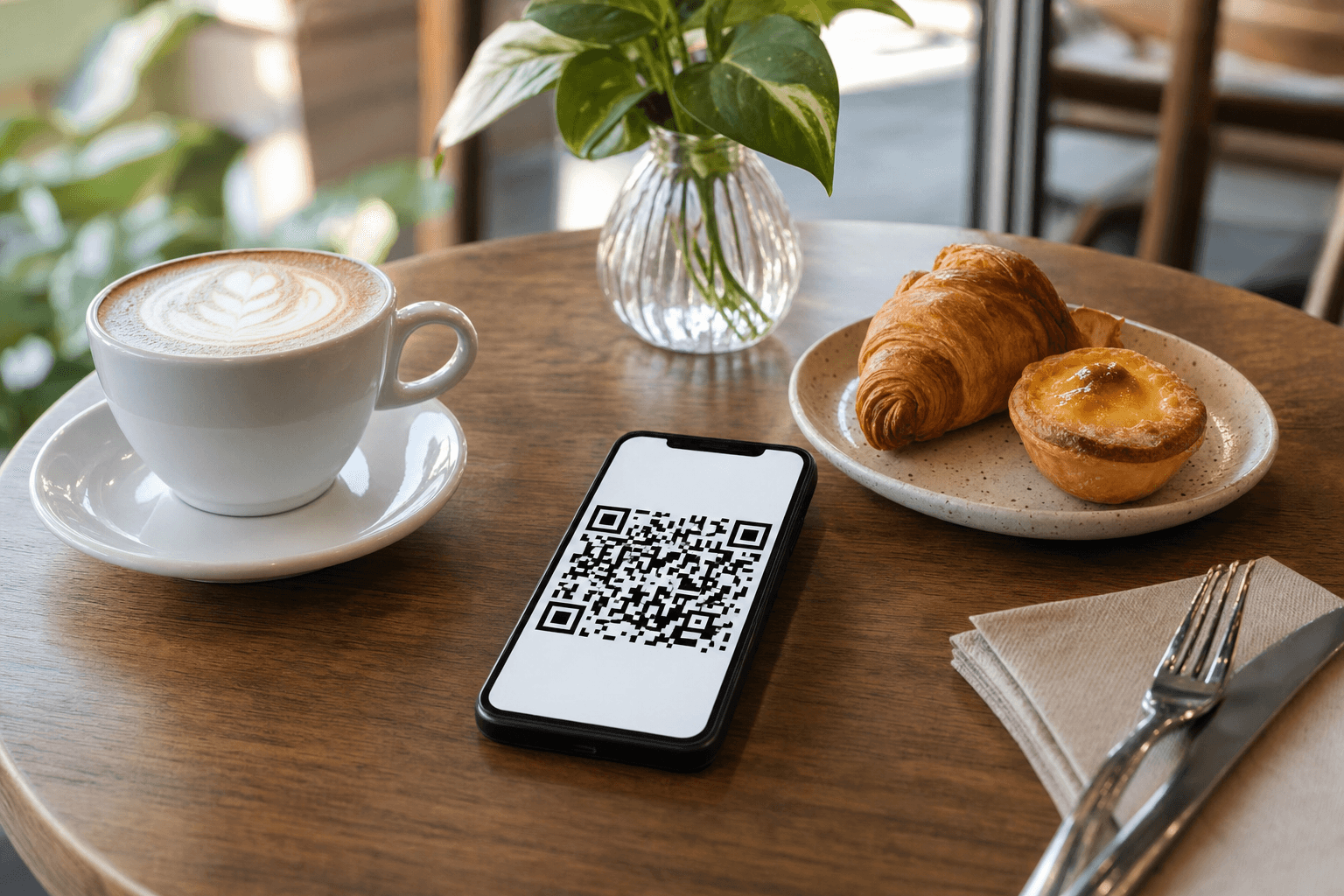
You've done the work: your menu is live, your QR code is printed, and your tables are set. But your QR code isn't just a table accessory — it's a link to your menu that can work for you 24 hours a day, across every platform where potential customers might find you. The restaurants and cafes getting the most out of their QR code menus aren't just placing them on tables. They're sharing them everywhere online.
This guide covers the most effective online channels for sharing your menu QR code, with practical advice on how to do it right on each one.
Why Sharing Your QR Code Online Actually Matters
A QR code placed only on your table reaches people who are already sitting in your restaurant. That's useful — but it's a fraction of the opportunity. Your menu QR code links to a live, browsable version of your menu. When you share that link (or the scannable code itself) online, you're giving people a reason to choose you before they ever walk in the door.
Think about how people actually decide where to eat. They check Instagram. They Google the restaurant. They look at your Facebook page. They ask for recommendations in a neighborhood group. At every one of those touchpoints, a visible, accessible menu can be the difference between a new customer and someone who clicks away to a competitor.
The QR code and the direct menu URL are essentially the same asset. Use whichever format makes sense for the channel — the scannable image where people might be on a second device, the clickable link everywhere else.
1. Your Google Business Profile
This is the single highest-impact place to share your menu online, and it's free. When someone searches your restaurant name or "restaurants near me," your Google Business Profile is often the first thing they see — before your website, before your social media.
Google Business Profile has a dedicated menu section. You can add your menu URL directly, which turns it into a clickable link right in the search results. You can also upload photos — including a clean image of your QR code — to your photo gallery.
A few specifics:
- Add your menu URL in the "Menu" field under your profile's Info tab. This creates a direct link customers can tap from search results or Google Maps.
- Post a photo of your QR code in your photo gallery with a caption like "Scan to view our full menu." People browsing your profile on a desktop can scan it with their phone.
- Use Google Posts to share seasonal updates, new items, or limited-time offers — and include your menu link in each post.
If you haven't done this yet, it's the first place to start. For step-by-step instructions, see our guide on how to add a QR code menu to your Google Business Profile.
2. Instagram
Instagram is a visual platform, which makes it a natural fit for food businesses. But most restaurants underuse it as a menu discovery channel. Here's how to fix that.
Your bio link
Your Instagram bio allows one clickable link. Make it your menu URL. Add a short call to action in the bio text: "Tap below to see our full menu." This turns every profile visit into a potential menu view.
Stories and Highlights
Post your QR code as an Instagram Story and save it to a permanent Highlight called "Menu" or "Our Food." Stories with a link sticker can go directly to your menu page. This is especially effective when you're announcing new dishes or seasonal specials — post a photo of the dish, add the link sticker, and let people tap straight through to the menu.
Feed posts
When you post a food photo, mention in the caption that the full menu is in your bio link. It sounds simple, but it consistently drives clicks. You can also occasionally post a flat-lay of your QR code itself — styled nicely on a table with some props — as a reminder that your menu is always accessible.
3. Facebook
Facebook remains one of the most-used platforms for local business discovery, especially among diners over 35. It also has more dedicated business features than Instagram for restaurants specifically.
- Add your menu URL to your Page's "Menu" tab. Facebook Pages for restaurants have a built-in menu section. Fill it in.
- Pin a post with your QR code to the top of your Page. A simple post — "Our full menu is always one scan away" with a clean image of the QR code — stays visible to every new visitor.
- Share menu updates as posts. Whenever you add a new item or change your hours menu, post about it and include the menu link. These posts get organic reach and can be boosted cheaply to a local audience.
- Add the menu link to your Page's About section under the website field or in the additional links area.
Facebook groups are also worth considering. Many cities and neighborhoods have active "food lovers" or "local recommendations" groups. When someone asks for restaurant suggestions, a member of your team (or a loyal regular) can share your menu link directly in the thread.
4. Your Own Website
If you have a restaurant website, your menu QR code and menu link should be prominent — not buried in a PDF or hidden three clicks deep. Place your menu link or an embedded QR code in at least two spots:
- The main navigation bar. "Menu" should be a top-level nav item that links directly to your digital menu.
- The homepage hero section. A "View Our Menu" button above the fold is one of the most clicked elements on any restaurant website.
If you're relying on a hosted menu page rather than a full website, that page itself functions as your web presence. Either way, make sure the URL is easy to find and share. For more on this trade-off, see our article on whether you need a website if you have a hosted menu page.
5. Email and SMS Marketing
If you collect customer emails or phone numbers — through a loyalty program, reservation system, or simple sign-up form — you have a direct line to people who already like you. Use it.
Email newsletters
Include a "View Our Menu" button in every email you send. When you announce a new seasonal menu, a special event, or a limited-time dish, link directly to the relevant section of your digital menu. People who open your emails are already interested — make it as easy as possible for them to see what you're offering.
SMS messages
SMS has very high open rates. A short message like "Our spring menu is live — check it out: [link]" is genuinely effective. Keep it brief and include the direct URL. Don't embed a QR code image in an SMS — just use the link.
6. Online Ordering and Delivery Platforms
If you're listed on third-party delivery platforms — DoorDash, Uber Eats, Grubhub, or similar — those listings often allow you to add a website URL. Point it to your menu page or your online ordering page so customers who find you there can also order directly from you, avoiding the commission fees.
This is also a good reason to make sure your digital menu is always current. If a customer sees a dish on a delivery platform that's no longer available, or a price that doesn't match, it erodes trust. A live digital menu that you control — and that you can update instantly — prevents that problem.
7. TripAdvisor and Yelp
Review platforms are often the last stop before a customer decides to visit. Both TripAdvisor and Yelp allow business owners to add a menu URL to their listing. This is a small thing that many restaurants skip — don't.
On Yelp, go to your Business Owner account and add your menu URL under the "Business Information" section. On TripAdvisor, you can add it through your Management Center. Customers browsing reviews are already in a decision-making mindset. A visible, clickable menu link at that moment can tip them in your favor.
8. WhatsApp and Direct Messaging
In many markets — especially outside the US — WhatsApp is a primary channel for customer communication. But even in the US, customers often message restaurants directly on Instagram or Facebook to ask about the menu or hours.
Set up an auto-reply or a saved message that includes your menu link. When someone messages asking "what's on your menu?" you can respond in seconds with a direct link. Some restaurants also maintain a WhatsApp Business account and include the menu link in their profile and in their automated greeting message.
9. Link-in-Bio Tools
If you're active on multiple social platforms, a link-in-bio tool (like Linktree, Beacons, or a simple custom page) lets you share one URL that leads to multiple destinations: your menu, your online ordering page, your reservation link, and your social profiles.
The key is to make "View Our Menu" the first and most prominent link. Most people visiting your link-in-bio from a food post are there to see the menu. Don't make them hunt for it.
10. Local Directories and Map Listings
Beyond Google, there are other directory listings worth updating:
- Apple Maps: Claim your listing through Apple Business Connect and add your website/menu URL.
- Bing Places: Smaller audience, but worth claiming and adding your menu link.
- Local tourism and neighborhood websites: Many cities have "best of" or neighborhood guide sites that list restaurants. If you're featured, make sure your menu link is included in your listing details.
- OpenTable / Resy: If you use a reservation platform, add your menu URL to your profile there too.
A Note on Making It Easy
Wherever you share your QR code online, keep a few principles in mind:
- Always include a fallback URL. Not everyone will scan a QR code image — especially on a desktop. Always include the direct link alongside the code image. For more on this, see our article on QR code fallback URLs and why every code needs one.
- Make sure your menu is mobile-friendly. The vast majority of people who click or scan from social media are on a phone. A menu that loads slowly or displays poorly on mobile will cost you customers. Read our guide on making your menu mobile-friendly and fast-loading for practical tips.
- Keep your menu current. Every time you share your menu link, you're implicitly promising that what's shown is what's available. Update your digital menu whenever prices, items, or hours change.
- Track what's working. If your QR code generator or menu platform provides scan analytics, use them. Knowing which channels drive the most menu views helps you focus your effort.
Frequently Asked Questions
Can I share the same QR code image across all platforms?
Yes — as long as the QR code links to a live, mobile-friendly menu page, the same image works everywhere. Just make sure the image is high-resolution enough to scan clearly when displayed at different sizes, and always include the direct URL as a text link alongside it for people on desktop.
Should I use a QR code image or just a plain URL when sharing on social media?
On social media, a plain clickable URL is usually more effective than a QR code image, because most people are already on their phone and can tap a link directly. Use the QR code image when sharing content that might be viewed on a second screen — for example, in a printed flyer you're also posting online, or in a desktop-viewed email where someone might want to scan with their phone.
How often should I update my digital menu?
Update it whenever something changes — new items, removed dishes, price adjustments, or seasonal rotations. One of the main advantages of a digital menu over a printed one is that changes are instant and free. There's no reason to let your online menu fall out of date.
Do I need a separate QR code for each platform?
No. One QR code that links to your menu page is all you need. You can share the same code image or URL across every platform. If you want to track which channel drives the most traffic, you can create UTM-tagged URLs for different platforms, but this is optional and not necessary to get started.
What if my menu changes frequently — will the QR code still work?
Yes. A QR code links to a URL, not to a static snapshot of your menu. As long as you update the menu content at that URL, the QR code will always show the latest version. This is one of the key advantages of a hosted digital menu over a PDF or printed menu.
Ready to put your menu in front of more customers? Create your free QR code menu with MenuHoster in minutes — no design skills required. Your menu will be live, mobile-ready, and easy to share across every channel covered in this guide. Start today and give every potential customer a reason to choose you.
MenuHoster Team
Helping restaurants go digital