Website Speed for Restaurants: Why It Costs You Customers
Updated:
The Three-Second Rule Nobody Told You About
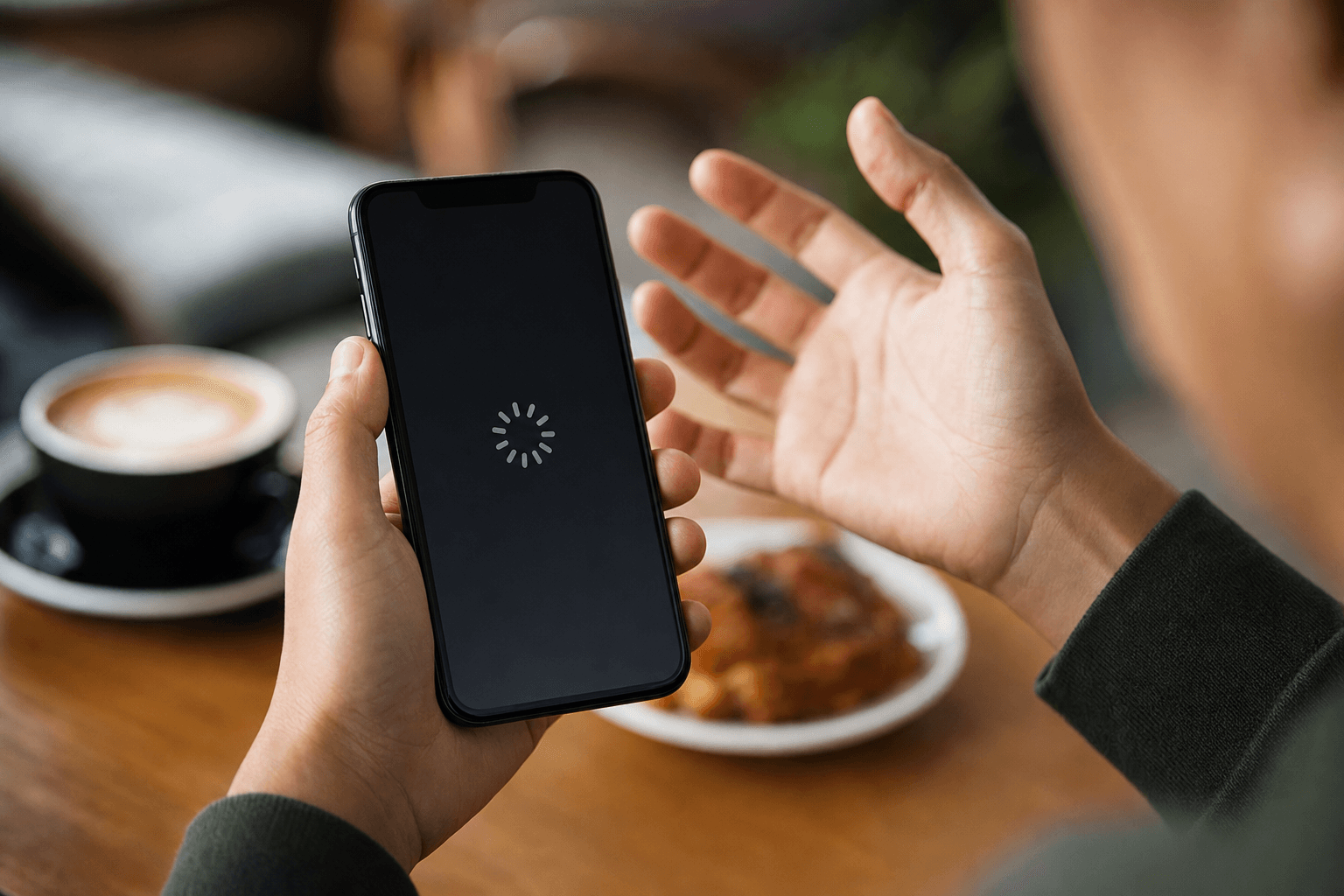
A potential customer is standing on a street corner, hungry, phone in hand. They search "pizza near me," tap your result, and wait. If your website doesn't load in roughly three seconds, there's a better-than-50% chance they hit the back button and tap your competitor instead.
That's not a theory. Google's own research found that as page load time goes from one second to three seconds, the probability of a mobile visitor bouncing increases by 32%. Push it to five seconds and that bounce probability jumps by 90%. For a restaurant, where the entire goal of a website visit is to check the menu, get the address, or place an order, a slow page doesn't just annoy people — it directly empties seats and kills online orders.
Most restaurant owners obsess over food quality, service, and ambiance. Almost none think about their website's load time. That gap is exactly where you're losing customers you never even know you had.
Why Restaurant Websites Are Especially Vulnerable
Restaurant websites tend to be among the slowest on the web, and it's not hard to understand why. They're typically built by a web designer hired once, then forgotten. Nobody's monitoring performance. Nobody's compressing new images when the seasonal menu gets a photo shoot. And the visitors who matter most — hungry people making a quick decision on their phones — are on mobile connections that punish bloated pages hardest.
The usual culprits
- Uncompressed hero images. A single 4MB photo of your dining room can single-handedly tank your load time. Restaurants love big, beautiful food photography — which is great for appetite appeal but brutal for performance when images aren't optimized.
- Embedded PDF menus. Uploading a PDF to your site and calling it a menu is extremely common and extremely slow. PDFs aren't indexed well by Google, they're miserable to read on a phone, and they force a separate file download on top of the page load.
- Third-party widgets piling up. Reservation widgets, review badges, social media feeds, live chat tools — each one adds external scripts that the browser has to fetch before the page finishes loading.
- Cheap shared hosting. Many small restaurant websites live on bargain hosting plans where the server itself is slow to respond. No amount of front-end optimization fixes a server that takes 800ms just to send the first byte.
- No caching or CDN. Without a content delivery network, every visitor's browser fetches your assets from the same origin server. A visitor in Phoenix hitting a server in New Jersey adds unnecessary latency.
What "Slow" Actually Costs You in Real Money
Let's make this concrete. Say your restaurant website gets 2,000 visits per month from people searching for your menu, hours, or ordering page. Your average order or reservation is worth $35. If your site converts 5% of visitors into an action (an order, a reservation call, a direction tap), that's 100 conversions and $3,500 in directly attributable revenue.
Now your site loads in 5 seconds instead of 2. Based on documented bounce-rate increases, you might lose 40–50% of those visitors before they ever see your content. That's 800–1,000 people per month who leave before converting. Even at a conservative 3% conversion rate on the visitors you lost, that's 24–30 missed conversions — roughly $840–$1,050 in lost revenue every single month.
That's not a rounding error. That's a part-time employee's wages, gone because images weren't compressed.
Mobile Is Where It Hurts Most
More than 70% of restaurant website traffic comes from mobile devices. People aren't sitting at a desktop researching where to eat dinner — they're deciding in the moment, often on a 4G or 5G connection that's still slower and less reliable than the fiber line in your office.
Mobile users are also the least patient. Desktop users will sometimes wait out a slow page if they're already invested. A mobile user who just wants to know if you're open on Sundays will not. They'll go to your Google Business Profile instead (if you have one), or they'll try the next restaurant on the list.
This is why having a fast, mobile-optimized menu page isn't a nice-to-have — it's the core of your digital presence. If your menu loads fast on a phone, you've solved the single most important website problem a restaurant has.
How to Measure Your Current Speed
Before you fix anything, you need a baseline. Here are three free tools that give you real data:
Google PageSpeed Insights
Go to pagespeed.web.dev, paste your URL, and run the test. You'll get separate scores for mobile and desktop (always check mobile first), plus a prioritized list of specific issues to fix. A score above 90 is excellent; 50–89 needs work; below 50 is actively hurting you.
GTmetrix
GTmetrix gives you a waterfall chart showing exactly which resources are slow and in what order they load. It's especially useful for spotting third-party scripts that are blocking your page render.
Google Search Console
If you have Search Console set up (and you should), check the "Core Web Vitals" report. This shows real-world performance data from actual visitors to your site, broken down by mobile and desktop. It also flags pages that are failing Google's thresholds — which directly affects your search rankings.
The SEO Connection: Speed Affects Your Google Ranking
Since 2021, Google has used Core Web Vitals as a ranking signal. These are three specific speed and user-experience metrics:
- Largest Contentful Paint (LCP): How long it takes for the main content (usually a hero image or headline) to appear. Target: under 2.5 seconds.
- Interaction to Next Paint (INP): How quickly the page responds when a user taps or clicks something. Target: under 200ms.
- Cumulative Layout Shift (CLS): How much the page layout jumps around as it loads — that jarring experience where you tap a button and it moves. Target: under 0.1.
If your restaurant website fails these thresholds, Google may rank a competitor's faster site above yours — even if your content is better. For local searches like "best tacos downtown" or "sushi delivery [city]," where rankings directly translate to foot traffic and orders, that's a meaningful competitive disadvantage.
A well-structured digital menu page that loads quickly and is properly indexed will outrank a slow, PDF-based menu every time.
Practical Fixes You Can Do Now
You don't need a developer for most of these. Start with the highest-impact items first.
1. Compress every image on your site
Use a free tool like Squoosh (squoosh.app) or TinyPNG to compress images before uploading them. Aim for JPEG or WebP format, and keep file sizes under 200KB for most images. A hero photo can go up to 400KB, but not more. This single step often cuts page weight by 60–70%.
2. Replace your PDF menu with a real web page
A PDF menu is a dead end for performance and SEO. Replace it with an actual HTML menu page — either built into your site or hosted on a platform designed for it. A proper web-based menu loads fast, works on every screen size, and can be found and indexed by Google. If you're looking for the fastest path to a clean, hosted menu page, an online menu maker gets you there without any coding.
3. Audit and remove unnecessary third-party scripts
Open your site and count the widgets: reservation system, review feed, social media embed, chat bubble, cookie banner, analytics, ad pixels. Each one fires a network request. Ask yourself which ones are actually driving business. Kill the rest. A reservation link (just a plain link, not an embedded widget) is often faster and just as effective as a full embedded booking calendar.
4. Upgrade your hosting or switch platforms
If your site is on a budget shared host and your PageSpeed score is below 50, the server itself may be the problem. Look at managed WordPress hosts like Kinsta or WP Engine, or consider moving to a platform purpose-built for restaurant web presence. Faster server response time (under 200ms TTFB — Time to First Byte) is the foundation everything else builds on.
5. Enable caching and use a CDN
Most modern website platforms and hosts offer caching out of the box. Make sure it's turned on. If you're on WordPress, plugins like WP Rocket or W3 Total Cache handle this. A CDN (Cloudflare has a free tier) serves your static assets from servers geographically close to your visitors, reducing latency significantly.
6. Lazy-load images below the fold
Images that aren't visible when the page first loads don't need to load immediately. Adding loading="lazy" to your <img> tags tells the browser to defer those images until the user scrolls to them. This is a one-line fix that meaningfully improves perceived load time.
The Menu Page Is Your Most Important Page
For most restaurants, the menu page gets more traffic than any other page on the site — more than the homepage, more than the about page, more than the contact page. People come to your website to see what you serve and what it costs. Everything else is secondary.
That means your menu page deserves the most attention when it comes to speed. It should load in under two seconds on a mid-range phone on a 4G connection. It should be readable without zooming. And it should never require a PDF download.
If your current menu page doesn't meet those standards, the fastest solution is often to move your menu to a dedicated, hosted menu platform rather than trying to fix a slow existing site. Platforms built specifically for restaurant menus are optimized for exactly this use case — fast loads, mobile-first layouts, and clean presentation. Browse some restaurant menu templates to see what a fast, well-structured menu page looks like in practice.
Speed and Online Ordering: A Direct Revenue Link
If you take online orders — whether through your own site or a third-party platform — page speed is directly tied to order completion rates. Every extra second of load time increases cart abandonment. E-commerce research consistently shows that a one-second delay reduces conversions by around 7%.
For a restaurant doing $10,000 per month in online orders, a two-second delay could mean $1,400 in lost orders monthly. The math is uncomfortable but straightforward.
If you're setting up or improving your online ordering flow, make sure the ordering page itself — not just your homepage — is tested for speed. It's common for the main site to be acceptable while the ordering integration is slow because it's loading a heavy third-party checkout widget.
A Simple Speed Checklist for Restaurant Owners
- Run a PageSpeed Insights test on your homepage and menu page (mobile score matters most)
- Compress all images to under 200–400KB
- Replace any PDF menus with a real web-based menu page
- Remove third-party widgets you don't actively need
- Check your server response time (TTFB should be under 200ms)
- Enable browser caching
- Add
loading="lazy"to images below the fold - Retest and track your score monthly
Frequently Asked Questions
How fast should a restaurant website load?
Aim for a fully interactive page in under three seconds on a mobile device, with a Google PageSpeed mobile score of 80 or above. The sweet spot is under two seconds for your menu page specifically, since that's where most of your visitors are headed. Every second beyond three seconds meaningfully increases the chance a visitor leaves before seeing your content.
Does website speed affect my Google ranking?
Yes, directly. Google uses Core Web Vitals — LCP, INP, and CLS — as ranking signals. A slow site that fails these thresholds can rank lower than a faster competitor in local search results, even if your content and reviews are stronger. For restaurants competing on local searches like "best brunch near me," this matters.
Is a PDF menu bad for website speed?
Yes, for several reasons. A PDF requires a separate file download on top of the page load, it's not crawlable by Google in the same way HTML content is, and it's nearly impossible to read comfortably on a phone without zooming. Replacing your PDF with a proper web-based menu page improves speed, SEO, and the customer experience simultaneously.
What's the single biggest cause of slow restaurant websites?
Uncompressed images are the most common culprit. A restaurant website with beautiful food photography that hasn't been compressed can easily be 10–15MB in total page weight, when it should be under 1–2MB. Compressing images before uploading them is the highest-impact, lowest-effort fix available to most restaurant owners.
Do I need a developer to fix my website speed?
Not always. Image compression, removing unnecessary plugins or widgets, and enabling caching are things most non-technical owners can handle with free tools and basic guidance. If your server response time is the core issue, you may need to switch hosting providers, which is straightforward but does require some setup. For restaurants whose main problem is a slow or outdated menu page, switching to a purpose-built hosted menu platform is often faster and cheaper than hiring a developer.
Ready to give your customers a fast, clean experience from the moment they find you online? MenuHoster makes it simple to build a lightning-fast, mobile-optimized menu page — no developer, no bloated website builder, no PDF uploads. See our plans and get your menu online in minutes.
MenuHoster Team
Helping restaurants go digital