QR Code Menu Load Speed: Why a Slow Menu Costs You Sales
Updated:
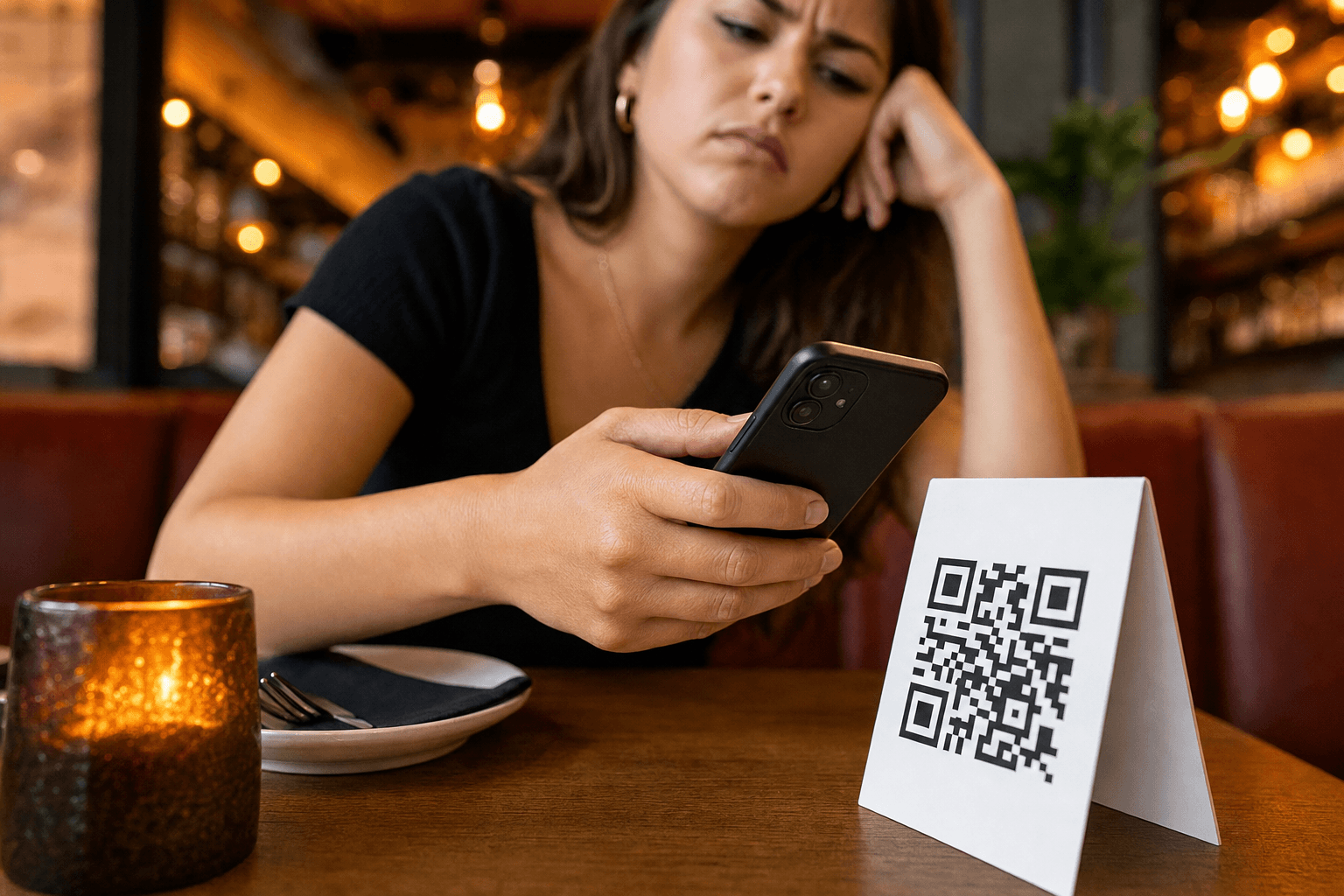
A guest sits down, picks up their phone, and scans your QR code. Three seconds pass. Then five. The page is still loading. They put the phone down, look around for a server, and when one finally arrives, they order the first thing they can remember seeing on the chalkboard near the door — not your high-margin special, not the new cocktail you spent weeks developing. Just the path of least resistance.
That scenario plays out dozens of times a day in restaurants that have adopted QR menus without paying attention to load speed. The QR code itself is not the problem. The menu behind it is. This article explains why speed matters more than almost any other technical factor in your digital menu, what causes slowness, and exactly what you can do about it.
The Numbers Behind Slow Menus
Google's research on mobile page speed has consistently shown that as page load time increases from one second to three seconds, the probability of a user bouncing increases by 32%. Push that to five seconds and the bounce probability jumps 90%. These are not restaurant-specific numbers, but the psychology is identical — and in a restaurant context, a "bounce" does not just mean someone leaves your website. It means they disengage from the ordering process entirely.
Consider the context your guests are in when they scan a QR menu:
- They are hungry, which makes impatience spike faster than usual.
- They are often on a cellular connection, not your restaurant's Wi-Fi (and even on Wi-Fi, signal strength near tables varies widely).
- They are in a social setting, so staring at a loading spinner feels awkward and embarrassing.
- They have a server hovering nearby, which creates pressure to decide quickly.
Every additional second of load time in that environment is disproportionately costly. A two-second delay at a restaurant table feels much longer than a two-second delay while browsing at home on a couch. Speed is not just a technical nicety — it is a direct driver of order volume and average check size.
What Actually Slows Down a QR Menu
Before you can fix a slow menu, you need to understand what causes it. Most slow digital menus fall into one of four categories.
Unoptimized Images
This is the single biggest culprit. A restaurant owner uploads a gorgeous photo of their signature dish — shot on a DSLR, exported at full resolution — and it lands on the menu as a 4MB file. Multiply that by ten menu items with photos, and you are asking a guest's phone to download 40MB of images before they can read a single price. Images should be compressed and resized for web display. A menu item photo rarely needs to be larger than 150–200KB. Tools like Squoosh (free, browser-based) can reduce image file sizes by 80% or more with no visible quality loss on a phone screen.
PDF Menus Hosted Behind a QR Code
Many restaurants use a QR code that simply links to a PDF of their printed menu. PDFs are slow to load on mobile, require a PDF viewer, render poorly on small screens, and cannot be updated without replacing the file and potentially the QR code. If you are currently doing this, switching to a proper digital menu is the single highest-impact change you can make. The speed improvement alone is dramatic, and you gain the ability to update items in real time.
Slow or Shared Hosting
If your menu is hosted on a slow server — or on a website builder plan that throttles bandwidth — every request takes longer to fulfill. This is especially painful during peak hours when many guests are scanning simultaneously. Dedicated menu hosting platforms are optimized specifically for this use case, with CDNs (content delivery networks) that serve your menu from servers geographically close to your guests.
Bloated Page Code
Some DIY menu solutions are built on general-purpose website builders that load unnecessary JavaScript frameworks, tracking scripts, chat widgets, and other overhead that has nothing to do with displaying a menu. All of that code has to download and execute before your guest sees anything useful. A purpose-built contactless menu platform strips away that bloat and delivers only what is needed.
How to Diagnose Your Menu's Speed
You cannot fix what you have not measured. Here are three free tools you can use right now to test your menu's load performance.
Google PageSpeed Insights
Go to pagespeed.web.dev, paste your menu URL, and run the analysis. Focus on the Mobile tab — that is the experience your guests are having. Look at the "First Contentful Paint" (FCP) metric, which measures how long until the guest sees any content. Anything over 2.5 seconds is a problem. The tool will also list specific recommendations, such as "Serve images in next-gen formats" or "Eliminate render-blocking resources."
WebPageTest
At webpagetest.org, you can simulate a load from a specific city and on a throttled mobile connection (choose "4G" to simulate a typical guest experience). This gives you a more realistic picture than testing from your own fast office connection.
Your Own Phone on Cellular
Turn off Wi-Fi on your personal phone, open a fresh incognito browser window, and scan your own QR code. Time it with a stopwatch. This is the most honest test you can do, because it replicates exactly what your guests experience. If it takes more than two seconds to show readable content, you have a problem worth fixing.
Practical Fixes You Can Implement Today
Compress Every Image Before Uploading
Make image compression a non-negotiable step in your workflow. Before any photo goes onto your menu, run it through a compression tool. Target a file size under 200KB per image. Use JPEG format for food photography (it compresses well for photographic content) and WebP if your hosting platform supports it (even smaller file sizes). Do not upload images wider than 800px — they will be displayed at a fraction of that size on a phone screen anyway.
Replace PDF Links with a Hosted Menu Page
If you are linking your QR code to a PDF, stop. A hosted menu page loads faster, looks better on mobile, is easier to update, and is more accessible to guests with disabilities. MenuHoster's PDF-to-QR-code menu converter makes this transition straightforward — you can import your existing menu content and have a fast, mobile-optimized page live within minutes.
Limit the Number of Photos
You do not need a photo for every item. In fact, menus with photos on every single item often load slower and paradoxically lead to worse ordering decisions (too much visual noise). Prioritize photos for your highest-margin items, your signature dishes, and anything you are actively trying to promote. A curated selection of 8–12 high-quality, well-compressed photos will outperform a bloated gallery of 40 mediocre ones every time.
Use a Purpose-Built Menu Hosting Platform
General-purpose website builders are not optimized for menu delivery. A platform built specifically for restaurant menus will handle caching, image delivery, and code optimization automatically — without you needing to understand any of the technical details. When evaluating platforms, test the load speed of example menus they host before committing. Check their pricing to understand what you are getting for the infrastructure behind your menu.
Keep Your Menu Structure Lean
Every section, every category, every item adds a small amount of weight to your page. This does not mean you should cut items aggressively, but it does mean you should audit your menu regularly. Items that rarely sell, seasonal items that are no longer available, and duplicate entries all add load time without adding value. A leaner menu is a faster menu — and usually a more profitable one too.
Speed and the Guest Experience Beyond the First Load
Load speed matters most on the first visit, but it also affects what happens after. A fast menu encourages guests to browse — to scroll through categories they might not have planned to look at, to notice the desserts section at the end, to spot the wine list. A slow menu creates a "get in, get out" mentality where guests order the first familiar thing they see just to end the friction.
This has a direct impact on average check size. Upsells and add-ons — the items that meaningfully improve your margins — require guests to be in a browsing mindset. If your menu takes five seconds to load, guests are already in a frustrated, transactional mindset before they have read a single item description. All the work you put into online ordering optimization and upsell placement is wasted if the page does not load fast enough to put guests in a receptive state.
Speed also affects repeat behavior. Guests who have a smooth, fast experience with your QR menu are more likely to scan it again on their next visit rather than asking for a paper menu. Guests who had a frustrating experience will remember it and default to asking for a server next time.
What "Good" Looks Like
Here are the benchmarks to aim for:
- First Contentful Paint (FCP): Under 1.8 seconds on mobile
- Largest Contentful Paint (LCP): Under 2.5 seconds on mobile
- Total page weight: Under 1MB (ideally under 500KB)
- Time to Interactive: Under 3 seconds on a 4G connection
- Real-world scan-to-readable-content: Under 2 seconds on cellular
These are achievable for any restaurant menu. They are not the standards of a high-performance web application — they are the baseline for a page that displays text and a handful of images. If your menu is not hitting these numbers, the fixes described above will get you there.
Monitoring Speed Over Time
Menu speed is not a one-time fix. Every time you add new photos, new sections, or new integrations, you risk introducing slowness. Build a habit of running a quick PageSpeed Insights check whenever you make significant changes to your menu. Set a calendar reminder to do a full speed audit quarterly. If you use a platform with built-in analytics, watch your bounce rate and time-on-page metrics — a sudden spike in bounces after a menu update is often a sign that something has slowed the page down.
Pairing your speed monitoring with broader QR menu performance tracking gives you the full picture: not just whether your menu loads fast, but whether guests are engaging with it once it does.
Frequently Asked Questions
How fast should a QR code menu load?
Your menu should display readable content within 1.8–2 seconds on a mobile device using a 4G cellular connection. The full page, including images, should ideally finish loading within 3 seconds. Anything slower creates measurable friction that reduces guest engagement and order value.
Does using a PDF for my QR menu really make it slower?
Yes, significantly. PDFs must be downloaded in full before any content is displayed, they require a PDF viewer to render, and they are not optimized for mobile screens. A purpose-built digital menu page will almost always load faster, look better, and be easier for guests to navigate than a PDF link.
Will compressing my food photos make them look bad on the menu?
Not if you compress them correctly. Modern compression tools can reduce a 4MB photo to under 200KB with no visible quality loss when viewed on a phone screen. Phone displays are typically 375–430px wide, so a 4MB image captured at 4000px wide is carrying enormous unnecessary data. Tools like Squoosh or TinyJPG make this easy and free.
Does my restaurant's Wi-Fi speed affect how fast the QR menu loads?
Only if guests connect to your Wi-Fi before scanning. Many guests scan QR codes on cellular data, especially if your Wi-Fi requires a login or is slow itself. Always test your menu load speed on cellular to get an accurate picture of what most guests experience. A fast, lightweight menu will load quickly on both Wi-Fi and cellular.
Can a slow menu actually reduce how much guests spend?
Yes. Slow load times push guests into a frustrated, transactional mindset where they order the first familiar item rather than browsing. This reduces exposure to high-margin specials, upsells, add-ons, and new items. Research consistently shows that friction in any ordering process reduces average order value. A fast menu keeps guests in a relaxed, exploratory state — which is exactly when they order dessert, a second drink, or the premium option.
Ready to give your guests a menu that loads instantly and looks great on any device? Create your free QR code menu on MenuHoster — no technical setup required, no bloated code, and hosting infrastructure built specifically for fast menu delivery. Your guests will notice the difference from the very first scan.
MenuHoster Team
Helping restaurants go digital