QR Code Menu Security: What Restaurant Owners Should Know
Updated:
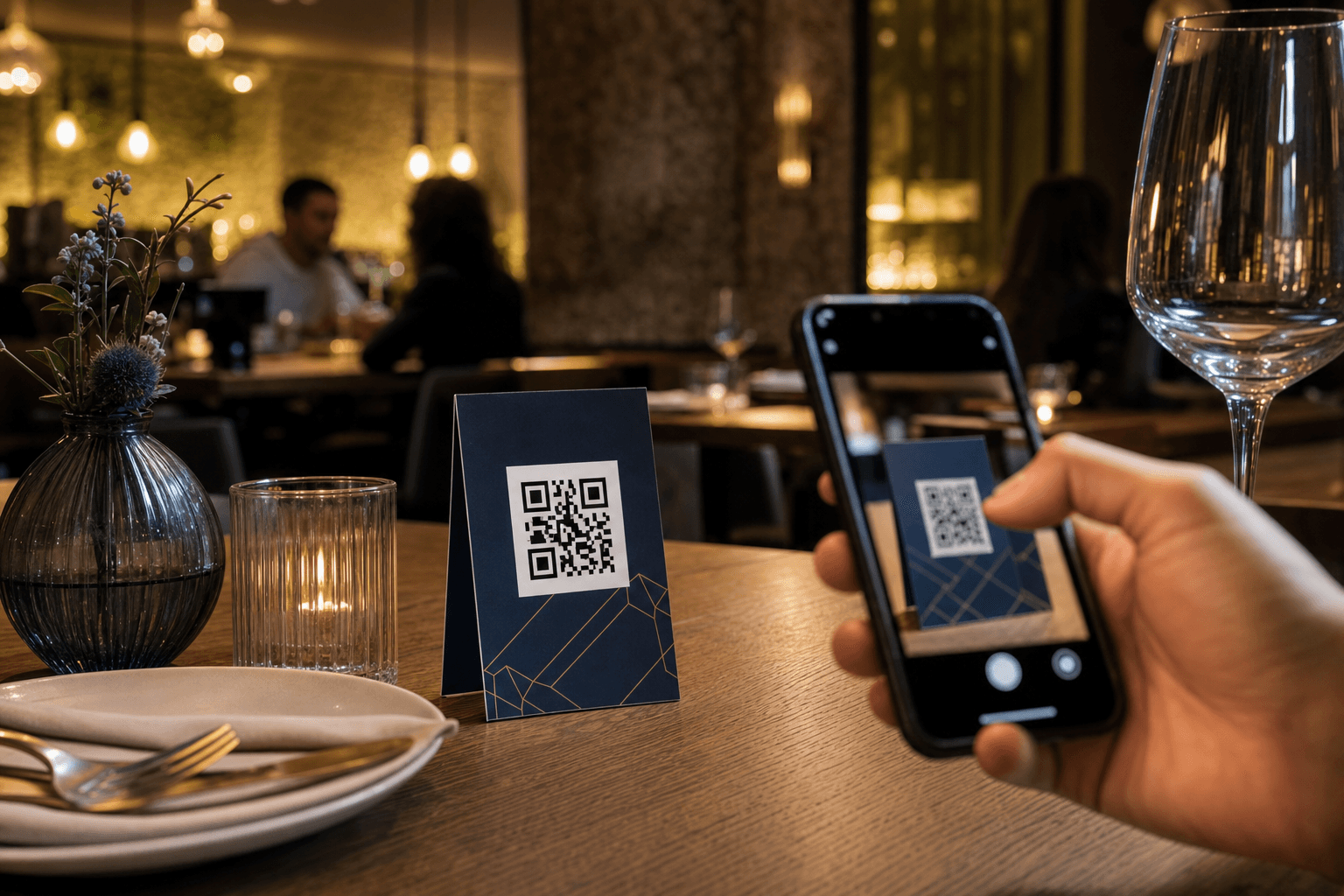
QR code menus have become a fixture in restaurants, cafes, and bars. They cut printing costs, make updates instant, and guests have largely accepted them. But as QR codes have gone mainstream, so have questions about their security. Can someone tamper with your table codes? Can a QR menu expose your guests to malware? Are you collecting customer data without realizing it?
Most of the concern is warranted but manageable. Some of it is overblown. This guide separates the real risks from the noise and gives you concrete steps to run a QR menu program that is genuinely safe for your business and your guests.
How QR Menus Work — and Where Risk Enters
A QR code is simply a machine-readable link. When a guest scans the code on your table, their phone opens a URL — ideally your hosted digital menu. That's it. The code itself contains no malware, no scripts, no data. The risk isn't in the code; it's in where the code points.
Security problems with QR menus almost always fall into one of three categories:
- Destination tampering: Someone replaces or covers your legitimate QR code with a sticker containing a malicious code that redirects guests to a phishing site or malware page.
- Insecure hosting: The URL your code points to is served over plain HTTP, or the hosting platform itself has poor security practices, exposing guest data.
- Data collection overreach: The platform or third-party scripts embedded in your menu page collect more guest data than guests expect or than privacy laws allow.
Understanding which of these applies to your setup tells you exactly where to focus your attention.
Physical Tampering: The Most Common Real-World Threat
The FBI issued an advisory in 2022 warning that criminals were placing fraudulent QR code stickers over legitimate ones in public spaces — including restaurants — to redirect victims to credential-harvesting sites. This isn't theoretical. It has happened.
The good news: it's also the easiest risk to mitigate with simple operational habits.
Inspect your codes regularly
Make QR code checks part of your daily opening routine alongside checking salt shakers and candles. Look for stickers placed over the printed code, codes that feel raised or layered, and any visual misalignment. If anything looks off, pull the item and replace it.
Use hard-to-tamper formats
Laminated table inserts, etched acrylic stands, or codes printed directly on table surfaces are significantly harder to tamper with than paper tent cards. If you use paper, consider adding a visible "Official Menu" watermark or your logo directly adjacent to the code so guests can spot a substitution.
Display your URL alongside the code
Print your menu URL in plain text next to the QR code. A guest who is security-conscious can verify the URL their phone shows before tapping through. It also reassures guests who are wary of scanning unknown codes.
Use a trusted platform with a recognizable domain
When your menu is hosted on a well-known platform like MenuHoster's contactless menu system, guests see a familiar, branded URL. A fraudulent sticker pointing to a suspicious domain becomes immediately obvious to anyone who glances at their address bar.
HTTPS and Secure Hosting: Non-Negotiable Basics
Any URL your QR code points to must use HTTPS — full stop. HTTP connections are unencrypted, meaning data sent between your guest's phone and your menu server can be intercepted. Most reputable hosting platforms enforce HTTPS automatically, but it's worth confirming.
How to check: scan your own QR code and look at the address bar. You should see a padlock icon and a URL beginning with https://. If you see http:// with no padlock, your guests are browsing on an insecure connection and you need to fix that immediately, either by enabling SSL on your hosting or switching to a platform that handles it for you.
Beyond HTTPS, consider these hosting security factors:
- Uptime and reliability: A menu that goes offline during dinner service isn't just inconvenient — it erodes guest trust in your QR program. Choose a platform with a strong uptime track record.
- Platform security practices: Does the platform you use apply regular security patches? Do they have a privacy policy that clearly states what data they collect? Ask, or read the fine print.
- No unnecessary third-party scripts: Some menu builders embed analytics, ad networks, or tracking pixels that collect guest data. Know what's running on your menu page.
Data Privacy: What Your Menu Page Collects — and What It Shouldn't
When a guest scans your QR code, the hosting server logs at minimum their IP address and the time of the scan. That's standard web server behavior. But some platforms go further, and restaurant owners are often unaware of what data is being gathered in their name.
Analytics and scan tracking
Scan analytics — knowing how many times your code was scanned, at what times, on what devices — is genuinely useful for operations. It helps you understand peak traffic, test menu placement, and measure the success of promotions. This data is typically aggregated and anonymized.
Where it gets murkier is when platforms track individual users across sessions, build behavioral profiles, or share data with third-party advertising networks. If your menu platform does this, you may have disclosure obligations under GDPR, CCPA, or other applicable privacy laws depending on your location and your guests' locations.
Online ordering and payment data
If your QR code leads to an online ordering page where guests submit their name, email, phone number, or payment details, your data responsibilities increase significantly. You need to ensure:
- Payment processing is handled by a PCI-compliant processor (Stripe, Square, etc.) — never store raw card numbers yourself.
- Any personal data collected is stored securely and only used for the stated purpose.
- You have a privacy policy guests can access, even if it's a simple one.
Guest Wi-Fi and QR codes
Some restaurants route QR menu traffic through a captive portal on their guest Wi-Fi network, requiring guests to log in before accessing the menu. This creates an unnecessary friction point and, depending on how the portal is configured, can expose guest credentials to network-level attacks. Your menu should be accessible over any mobile data connection without requiring your Wi-Fi. For more on this, see our article on QR menus and Wi-Fi.
Protecting Your Own Account and Menu Content
Security isn't only about protecting guests. Your menu management account is also a target worth securing.
Use strong, unique passwords
This sounds obvious, but many small business owners reuse passwords across platforms. If your email is compromised, a weak or reused password means your menu account can be taken over, your menu content altered, and your QR codes redirected. Use a password manager and enable two-factor authentication (2FA) on your menu platform account if it's available.
Limit access carefully
If multiple staff members manage your menu, use role-based access if your platform supports it. A front-of-house manager updating daily specials doesn't need the same permissions as the account owner. Revoke access promptly when staff leave.
Keep a backup of your menu content
Whether it's a PDF export, a spreadsheet, or a document, maintain an offline copy of your full menu. If your account is ever locked, compromised, or the platform experiences an outage, you can recover quickly. This is also useful if you ever need to convert a PDF menu to a QR code on short notice.
What to Do If You Suspect Your QR Code Has Been Tampered With
If a guest reports being redirected to an unexpected page, or you notice something off during your daily check, act immediately:
- Remove all QR code materials from tables immediately. Don't leave potentially compromised codes in place while you investigate.
- Scan the suspect code yourself on a device you're comfortable exposing to risk (or use a QR code scanner app that previews the URL without opening it). Note the destination URL.
- Report it. If the destination is clearly malicious, report it to the FBI's Internet Crime Complaint Center (IC3) and notify local law enforcement. If you're in the EU, notify your local data protection authority if guest data may have been compromised.
- Notify affected guests if you have reason to believe they were exposed to a phishing page. Be straightforward about what happened and what they should do (check their accounts, be alert for phishing emails).
- Reprint and redeploy your legitimate QR codes, and add the physical security measures described above.
Choosing a QR Menu Platform With Security in Mind
Not all QR menu platforms are equal from a security standpoint. When evaluating options — or auditing your current one — ask these questions:
- Is HTTPS enforced on all menu pages?
- What data does the platform collect from guests, and how is it used?
- Does the platform offer 2FA for account login?
- What is the platform's uptime SLA or track record?
- Does the platform use a stable, branded URL structure, or do codes point to opaque short URLs that are harder for guests to verify?
- Is there a fallback URL or redirect in place if a page moves? (See our guide on why every QR code needs a fallback URL.)
A platform that answers these questions confidently and transparently is one you can trust with your guests' experience.
Putting It All Together: A Practical Security Checklist
Here's a concise checklist you can use to audit your current QR menu setup:
- ☐ Menu URL uses HTTPS (padlock visible in browser)
- ☐ URL is displayed in plain text next to the QR code on table materials
- ☐ QR codes are printed on tamper-resistant materials (laminate, acrylic, or direct surface printing)
- ☐ Daily visual inspection of QR codes is part of opening checklist
- ☐ Menu management account uses a strong, unique password
- ☐ Two-factor authentication is enabled on the account
- ☐ Staff access is role-limited and revoked promptly when employees leave
- ☐ Offline backup of full menu content exists
- ☐ Platform's data collection practices are understood and disclosed to guests if required
- ☐ Payment processing (if applicable) uses a PCI-compliant provider
- ☐ A fallback URL or redirect is in place in case the primary URL changes
None of these steps require technical expertise. They're operational habits — the same kind of diligence you already apply to food safety, cash handling, and staff training.
Frequently Asked Questions
Can a QR code give my guests a virus?
A QR code itself cannot carry a virus — it's just a link. However, if the link points to a malicious website, that site could attempt to install malware on a guest's device or trick them into entering personal information. This is why verifying where your QR codes point, using a reputable hosting platform, and physically securing your table codes are all important.
How do I know if someone has replaced my QR code with a fake one?
Look for physical signs: a sticker placed over the original code, a code that feels raised or layered, or misalignment with the surrounding design. Scan your own codes regularly and verify the destination URL matches your menu. Displaying the URL in plain text next to the code also gives guests a way to spot discrepancies.
Do I need to have a privacy policy if I use a QR menu?
If your menu page only displays menu content and collects no personal data, the requirements are minimal. If you collect names, emails, phone numbers, or payment information through an ordering flow, you almost certainly need a privacy policy under laws like GDPR, CCPA, or similar regulations. Consult a local attorney if you're unsure of your obligations.
Is it safer to use a PDF menu linked from a QR code instead of a hosted digital menu?
A PDF served over HTTPS is reasonably secure for display purposes, but it lacks the flexibility, analytics, and update capabilities of a hosted digital menu. It also can't support online ordering. The security of either approach depends more on how it's hosted and managed than on the format itself. A well-maintained hosted menu is generally preferable. You can always convert your existing PDF menu into a proper digital menu quickly.
What should I tell staff about QR code security?
Train staff to include a QR code visual check in their table setup routine, to take any guest complaint about a redirect or unexpected page seriously and escalate it immediately, and to never share the menu management account password. A brief five-minute walkthrough during onboarding is enough to cover the basics.
Running a secure QR menu program isn't complicated — it mostly comes down to choosing a trustworthy platform and building a few simple habits into your daily operations. MenuHoster's QR code menu generator is built with security and reliability in mind: HTTPS by default, stable branded URLs, and a clean hosting environment with no intrusive third-party tracking. See our pricing and get your secure digital menu live today — your guests will thank you for it.
MenuHoster Team
Helping restaurants go digital