Seasonal Menu Planning: A Practical Guide for Small Restaurants
Updated:
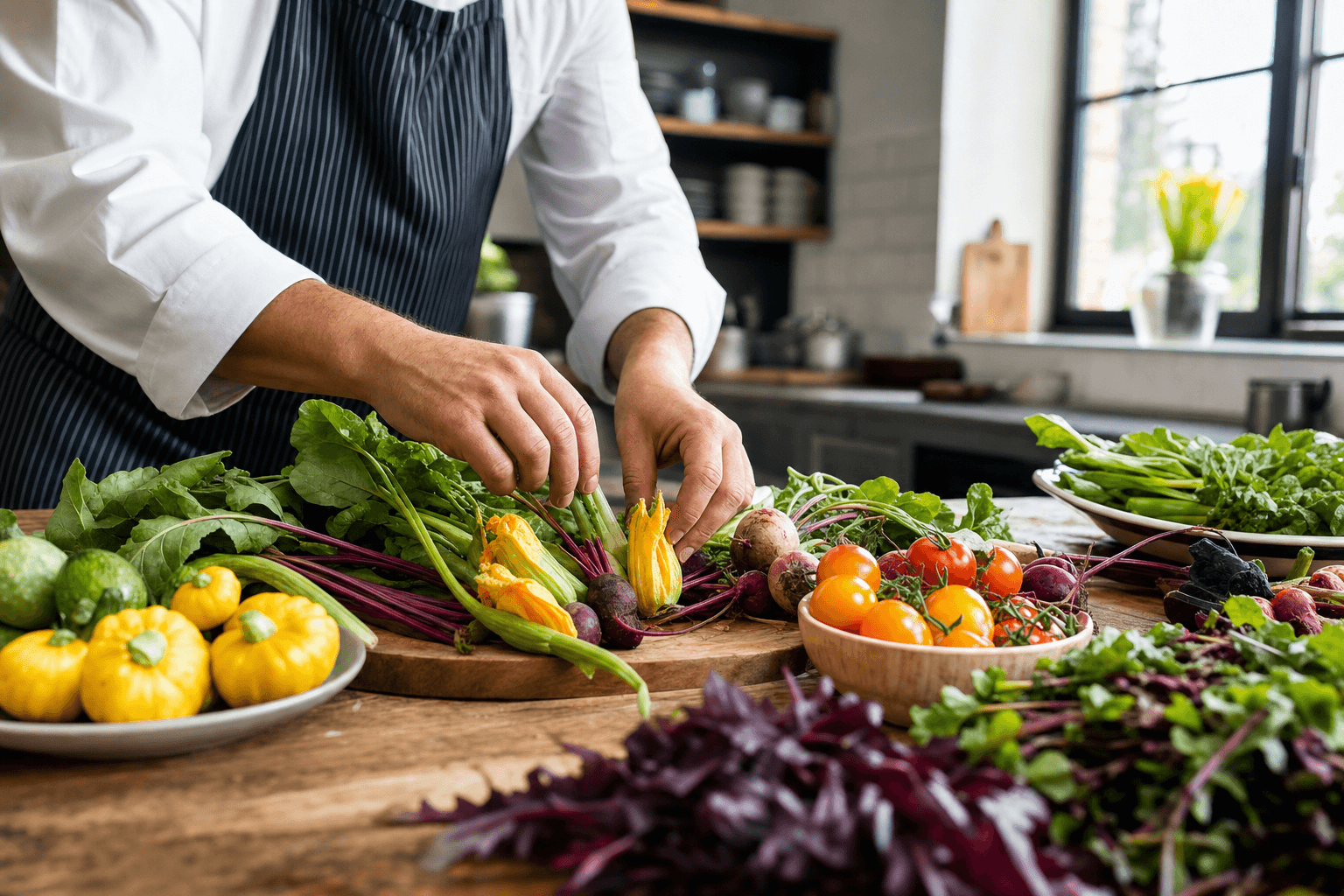
Changing your menu with the seasons isn't just a trend borrowed from fine dining. For a small, independent restaurant, it's one of the most practical moves you can make. Seasonal ingredients cost less, taste better, and give your regulars a reason to come back and see what's new. Done right, a rotating menu also sharpens your kitchen's focus and reduces waste.
This guide walks you through the full process—from planning your seasonal calendar and sourcing ingredients to pricing new dishes, training your team, and updating your menu without a printing headache.
Why Seasonal Menus Work for Small Restaurants
Large chains have the buying power to lock in ingredient prices year-round. Small restaurants don't—and that's actually an advantage. You're nimble enough to pivot quickly when a local farm has an abundance of something great, or when a supplier's price on an ingredient spikes.
- Lower food costs. In-season produce is more abundant and cheaper. Buying a flat of tomatoes in August costs a fraction of what it does in February.
- Better flavor, less effort. Peak-season ingredients need less manipulation to taste good, which simplifies prep and reduces the skill ceiling on new dishes.
- Built-in marketing moments. A new seasonal menu gives you something genuine to post about, email about, and talk about with guests—without manufactured urgency.
- Menu fatigue prevention. Regulars who visit once a week will stop coming if the menu never changes. Seasonal updates give them a reason to return and try something new.
- Reduced over-ordering. A tighter, focused seasonal menu means fewer SKUs, less spoilage, and a leaner walk-in cooler.
Build a Seasonal Planning Calendar
The biggest mistake restaurants make with seasonal menus is reacting instead of planning. You shouldn't be scrambling to write a fall menu when October arrives. Build a simple planning calendar that keeps you six to eight weeks ahead.
Map your four seasonal windows
Most restaurants operate on four seasonal shifts: spring (March–May), summer (June–August), fall (September–November), and winter (December–February). Some add a fifth "holiday" window in late November and December. Pick the cadence that fits your operation—quarterly is manageable for most small teams.
Set a development deadline
Work backward from your launch date. If you want a new summer menu live on June 1, set your final dish decisions by May 1, your costing and pricing done by May 10, staff training by May 20, and your digital menu updated by May 25. That buffer matters—something always takes longer than expected.
Identify anchor ingredients first
Start with two or three hero ingredients that define the season in your region. In the Northeast, that might be ramps and morels in spring, sweet corn and heirloom tomatoes in summer, butternut squash and apples in fall, and root vegetables in winter. Build dishes around those anchors rather than starting with a dish concept and hunting for ingredients to fit it.
Sourcing Seasonal Ingredients Practically
You don't need a farm-to-table brand identity to source seasonally. You just need a few reliable supplier relationships and a willingness to ask the right questions.
Talk to your existing distributors
Most broadline distributors publish weekly availability sheets. Ask your rep to flag when specific items are at peak availability and lowest cost. They want to move volume; you want good product at a fair price. It's a natural alignment.
Add one or two local suppliers
A single relationship with a local farm or farmers' market vendor can differentiate your menu meaningfully. You don't need to source everything locally—even one or two signature local ingredients give you an honest story to tell guests. Start small: one local vegetable supplier, one local dairy or cheese producer.
Build flexibility into your recipes
Write recipes with substitution notes built in. If your summer salad calls for peaches and the peach crop is short, your recipe should already note that nectarines or plums work as a swap. This prevents last-minute 86s and keeps your menu stable even when supply wobbles.
Negotiate minimum commitments
If you're sourcing from a small farm, they need some predictability too. Agreeing to buy a minimum quantity each week—even a modest one—often gets you better pricing and first access to premium items. It also builds the kind of relationship where a farmer will call you first when they have something special.
Designing Your Seasonal Menu
A seasonal menu isn't just a list of new dishes. It's a curated, coherent set of offerings that work together operationally and tell a clear story to guests.
Keep the scope manageable
Resist the urge to overhaul everything. Change 30–40% of your menu each season. Your bestsellers should stay—guests expect them, and they anchor your revenue. New seasonal items complement the core menu; they don't replace it entirely.
Use the season as a design theme
Flavors, textures, and even colors should feel cohesive. A summer menu might lean toward bright, acidic, and light. A winter menu toward rich, warming, and hearty. When guests scan through your menu, the seasonal items should feel like they belong together, not like random additions.
Write descriptions that sell the season
Generic descriptions waste the opportunity. "Grilled chicken with vegetables" tells guests nothing. "Grilled half chicken with roasted summer corn, shishito peppers, and a charred tomato vinaigrette" puts them in the season. Strong, specific descriptions increase order rates for new items—especially important when you're introducing dishes guests haven't tried before. For a deeper dive on this, see our guide on writing effective restaurant menu copy.
Engineer for profitability
Not every seasonal dish needs to be a star. Apply basic menu engineering: identify which new items are high-margin, which are high-popularity, and position them accordingly. Place your high-margin seasonal items in visual hotspots—top-right of a page, first item in a category, or featured prominently in a digital menu. For a full breakdown of this approach, see our article on menu engineering basics.
Pricing Seasonal Dishes Correctly
Seasonal ingredients can be cheaper than off-season alternatives, but that doesn't mean you should automatically price seasonal dishes lower. Price based on perceived value and your target food cost percentage, not just on what the ingredient costs you.
Calculate food cost percentage for every new dish
Before a seasonal dish goes on the menu, run a full recipe costing. Include every ingredient, portion sizes, and waste factors. Most full-service restaurants target a food cost between 28–35%. If a dish comes in higher, adjust the portion, the recipe, or the price before it launches—not after.
Account for seasonal price volatility
Ingredient prices fluctuate within a season, not just between seasons. If you're building a dish around an ingredient that's highly weather-dependent (stone fruit, wild mushrooms, fresh seafood), build a small buffer into your pricing or identify a swap that keeps your cost stable if the primary ingredient gets expensive mid-season.
Use limited-time pricing strategically
Seasonal dishes can carry a slight premium because of their limited availability. Guests accept higher prices for items framed as special, temporary, and ingredient-driven. A "summer white peach and burrata salad" at $18 feels reasonable in a way that a year-round "peach salad" at $18 might not. The seasonality itself is part of the value proposition.
Updating Your Menu Without the Reprinting Headache
One of the biggest friction points for seasonal menu changes is the cost and delay of reprinting physical menus. If you're updating your menu four times a year, printing costs add up fast—and you're almost always locked in to a version that's already slightly out of date.
This is where a digital menu pays for itself immediately. With a digital menu, you can add a new seasonal dish, remove a discontinued item, or update a price in minutes—without touching a printer. Your QR code stays the same; only the content behind it changes.
If you're still using a printed or PDF menu, consider the math: four seasonal updates a year, plus mid-season tweaks, plus any price adjustments, can easily run $500–$1,500 annually in printing costs for a small restaurant. A digital menu solution typically costs a fraction of that and gives you unlimited updates. See how the numbers stack up in our digital menu vs. printed menu cost comparison.
If you're not sure where to start, our online menu maker lets you build a clean, professional digital menu and update it any time—no design skills required.
Training Your Team on Seasonal Changes
A great seasonal menu falls flat if your servers can't describe the dishes confidently. Staff training is not optional—it's part of the launch.
Hold a tasting before launch
Let your front-of-house team taste every new dish before it hits the floor. Staff who have eaten something can describe it authentically. Staff who haven't will give vague, unconvincing answers when guests ask what something tastes like.
Create a one-page cheat sheet
Write a simple reference card for each new dish: key ingredients, flavor profile, dietary flags (gluten-free, dairy-free, contains nuts), and the best upsell pairing (which wine, beer, or side goes well with it). Keep it in the service station for the first two weeks of the new menu.
Brief on the story
If you're sourcing from a local farm, tell your team. "The mushrooms in this dish come from a farm twenty miles north of here" is a three-second line that adds genuine value to the guest experience. It's not marketing spin—it's a real fact that makes the meal more interesting.
Promoting Your Seasonal Menu
A new seasonal menu is a legitimate marketing event. Treat it like one.
Announce it early
Post a teaser on social media a week before launch. Show the ingredients, the prep, or a behind-the-scenes photo of the development process. People respond to process content—it builds anticipation without requiring a finished, polished photo shoot.
Email your regulars
If you have an email list, a seasonal menu launch is one of the best reasons to use it. Keep it short: two or three sentences about what's new, one or two photos, and a clear call to action (make a reservation, come in this week). Regulars who feel like insiders are more likely to visit and more likely to bring someone new.
Update your online presence
Make sure your Google Business Profile, website menu page, and any third-party listings reflect the new menu. Nothing frustrates a guest more than showing up expecting a dish they saw online that no longer exists. If your menu is digital, this update takes minutes—another reason a digital menu is worth the switch.
Feature seasonal items prominently in your digital menu
Most digital menu platforms let you add badges, featured sections, or "new" tags to items. Use them. Guests who are scanning a QR menu are often looking for something to catch their eye—a "seasonal special" label does exactly that.
Measuring What Works
After each seasonal menu runs its course, do a brief post-mortem before you plan the next one.
- Which new dishes sold well? If a seasonal item outperforms your core menu, consider whether it has a year-round version or whether it should return next year.
- Which dishes were 86'd frequently? Frequent run-outs mean you underestimated demand—good to know for next season's ordering quantities.
- Which dishes were slow? Low sellers either need better positioning (move them on the menu, train staff to recommend them) or they need to be cut. Don't carry slow items out of attachment.
- What was your food cost percentage on new items? If a dish came in above target, find out why—over-portioning, waste, ingredient price creep—and fix it or price it differently next time.
Keep a simple spreadsheet tracking these metrics for each seasonal cycle. After two or three years, you'll have a reliable picture of what your guests actually want in each season, which makes planning dramatically faster.
Frequently Asked Questions
How many dishes should I change each season?
A good rule of thumb for small restaurants is to rotate 30–40% of the menu each season. This keeps enough familiar items for regulars while giving returning guests something new to explore. Changing too much at once strains your kitchen and confuses loyal customers.
How far in advance should I plan a seasonal menu?
Aim to have your new seasonal menu fully planned—dishes decided, recipes costed, and pricing set—at least three to four weeks before launch. That gives you time for staff training, ingredient sourcing confirmation, and updating your digital menu and marketing materials without rushing.
What if a seasonal ingredient becomes unavailable mid-season?
Build substitution notes into your recipes from the start. If your primary ingredient becomes unavailable or too expensive, a pre-planned swap keeps the dish on the menu without a last-minute scramble. If no good substitute exists, it's better to remove the dish cleanly than to serve an inferior version.
Do I need a digital menu to run seasonal specials?
You don't need one, but it makes the process significantly easier and cheaper. With a digital menu, you can add or remove seasonal items instantly without reprinting costs or delays. If you're changing your menu four times a year plus running occasional specials, the savings in printing costs alone typically cover the cost of a digital menu platform within the first year.
How do I handle pricing when ingredient costs change mid-season?
Build a small cost buffer into your initial pricing—about 5–10% above your target food cost percentage—to absorb mid-season price fluctuations. If an ingredient's cost rises significantly, you have three options: raise the menu price, swap to a lower-cost ingredient, or remove the dish. With a digital menu, any of these changes can be made immediately without reprinting.
Ready to make seasonal menu updates painless? Try MenuHoster's online menu maker and build a digital menu you can update in minutes—no designer, no printer, no hassle. Your next seasonal launch can be live before the ink would even dry on a printed menu.
MenuHoster Team
Helping restaurants go digital