Static vs Dynamic QR Codes for Restaurant Menus Explained
Updated:
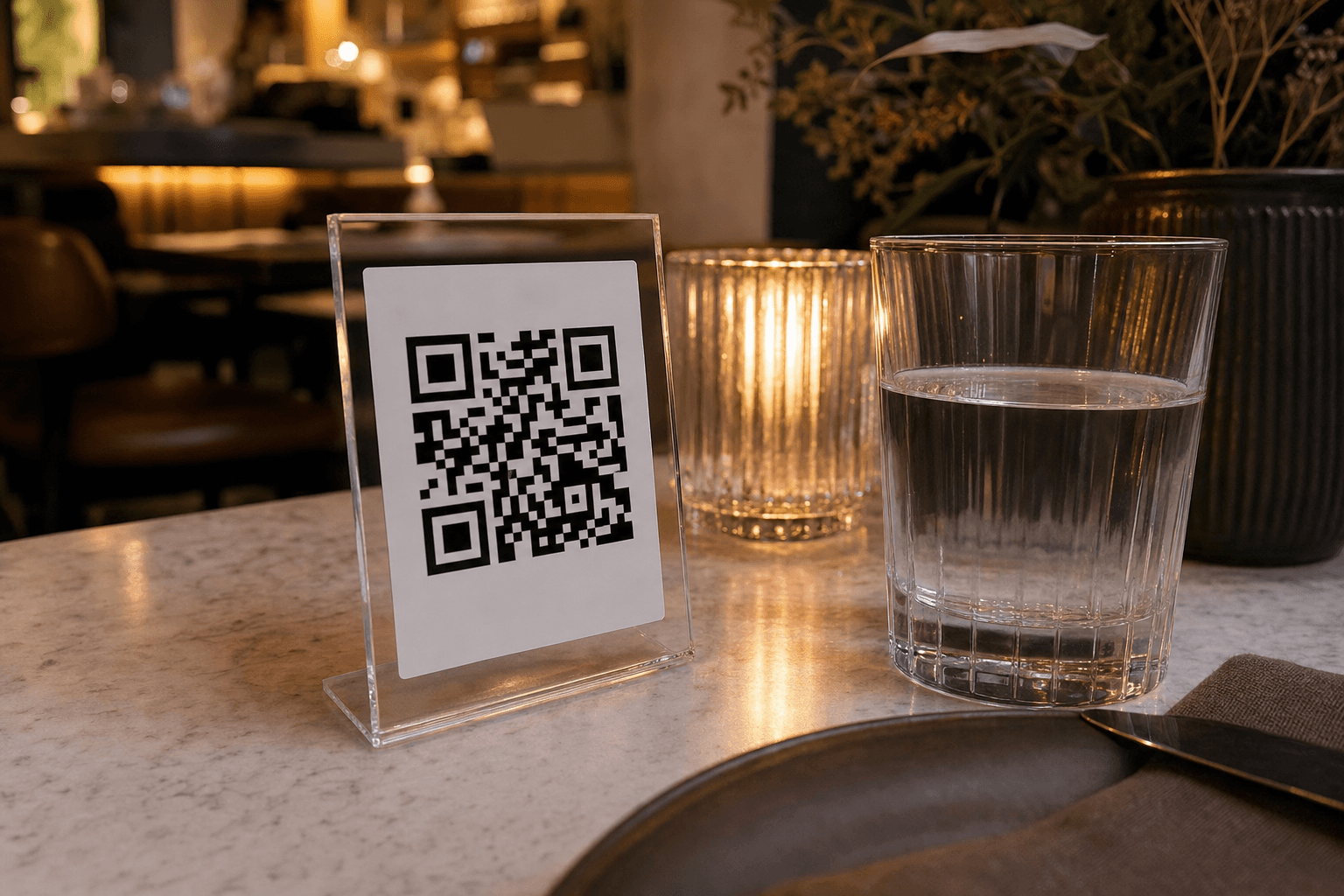
When you decide to switch to a QR code menu, one of the first technical questions you'll hit is: should I use a static or a dynamic QR code? Most restaurant owners don't know there's even a difference until they've already printed 200 table tents with the wrong type—and then have to reprint everything when the menu changes.
This guide breaks down exactly what each type does, where each one falls short, and how to make the right call for your specific situation. No jargon, no sales pitch—just a clear framework you can apply today.
What Is a Static QR Code?
A static QR code has its destination permanently baked into the code itself. The URL is encoded directly in the black-and-white pattern of the image. Once you generate it, that pattern never changes—and neither does where it points.
If you generate a static QR code that links to yourrestaurant.com/menu, that code will always and only ever point to that exact URL. You cannot edit it after the fact. If the URL changes—because you moved your menu to a new platform, restructured your website, or switched providers—the code is dead. Every printed copy becomes useless.
Characteristics of static QR codes
- Destination is fixed: The URL is encoded permanently at creation time.
- No account or subscription required: Many free tools generate them with no login.
- No scan tracking: You get zero data on how many people scanned, when, or from which table.
- Slightly simpler pattern: Because they encode the full URL, long URLs produce denser, harder-to-scan codes.
- No ongoing cost: Once created, they work indefinitely without paying anyone.
What Is a Dynamic QR Code?
A dynamic QR code works differently. The code itself encodes a short redirect URL—something like qr.example.com/abc123—that lives on a server. When a customer scans it, they're briefly sent to that redirect, which then forwards them to your actual menu URL. Because the redirect lives on a server, you can change the destination at any time without reprinting the QR code.
That single capability changes everything about how you manage a QR menu long-term.
Characteristics of dynamic QR codes
- Editable destination: Update where the code points from a dashboard, instantly, at any time.
- Scan analytics: Track total scans, unique scans, time of day, device type, and sometimes location.
- Shorter encoded URL: The redirect URL is compact, so the QR pattern is less dense and scans more reliably.
- Requires a platform or subscription: The redirect server has to be maintained by someone.
- Can be paused or redirected: Point the same code to a seasonal menu, a special event page, or an online ordering link without touching the printed material.
Side-by-Side Comparison
Here's a direct look at how the two types stack up across the criteria that matter most to restaurant operators:
- Can you update the destination? Static: No. Dynamic: Yes, instantly.
- Reprint required after menu URL change? Static: Yes. Dynamic: No.
- Scan analytics available? Static: No. Dynamic: Yes.
- Works without an ongoing account? Static: Yes. Dynamic: No.
- Cost? Static: Usually free. Dynamic: Free to paid depending on the platform.
- Scan reliability? Static: Lower for long URLs. Dynamic: Higher (short redirect URL).
- Risk of going dead? Static: High if URL changes. Dynamic: Low, but depends on provider staying in business.
Why Most Restaurants Should Choose Dynamic
For the vast majority of restaurants, cafes, and bars, dynamic QR codes are the practical choice. Here's why.
Menus change—a lot
Prices increase. Items sell out. Seasonal dishes rotate in and out. If you're using a digital menu that you update regularly, you need the QR code to keep working through every update. With a static code, any time the underlying URL changes—even slightly—you're reprinting everything. With a dynamic code, you update the destination in your dashboard and every printed code in every location automatically points to the new page.
Reprinting is expensive
Table tents, menu boards, window stickers, receipts, packaging—QR codes end up in a lot of places. Reprinting all of them because a URL changed costs real money and time. Dynamic codes eliminate that risk entirely. You print once and manage everything digitally from that point forward.
Analytics help you make better decisions
Knowing how many customers actually scan your QR code is genuinely useful data. If scan rates are low, you might need to reposition the code or add a clearer call to action. If scans spike at certain hours, that tells you something about when customers are most engaged. Static codes give you nothing. Dynamic codes—especially when paired with a platform that surfaces this data clearly—let you act on real behavior. See our guide on how to track QR code menu scans and what the data tells you for a deeper look at this.
Flexibility for promotions and events
Dynamic codes let you redirect on the fly. Running a happy hour? Point your table QR codes to a happy hour menu for three hours, then flip them back. Hosting a private event? Send guests to a custom event menu. Want to test whether linking directly to your online ordering page increases order volume? Redirect and measure. None of this is possible with a static code.
When a Static QR Code Might Be Fine
There are narrow situations where a static code makes sense:
- Your menu URL will never change. If you're hosting your menu on your own domain with a permanent URL and you're confident that URL is stable forever, a static code works. This is rare in practice.
- You're running a one-time event. A pop-up dinner, a food festival booth, or a catering event where the menu is fixed and disposable materials are acceptable—static is fine here.
- You genuinely have no budget for any platform. If cost is the absolute barrier and you're willing to accept the limitations, a static code is better than no QR menu at all.
Outside of these cases, the tradeoffs of static codes—no editability, no analytics, reprint risk—outweigh the minor cost savings.
The Hidden Risk of Static Codes: Link Rot
There's a failure mode with static QR codes that catches restaurant owners off guard: link rot. This happens when the URL the code points to no longer works—because you changed platforms, restructured your website, let a domain lapse, or switched menu providers.
When a customer scans a dead QR code, they get an error page. That's a terrible experience, and it happens silently—you won't know it's broken until a customer tells you, and most won't bother. They'll just put the phone down and either ask a server (defeating the purpose of the QR menu) or leave frustrated.
With a dynamic code, you can fix a broken destination in under 60 seconds from your phone. With a static code, you're reprinting.
What to Look for in a Dynamic QR Code Platform
Not all dynamic QR code tools are built with restaurants in mind. Here's what actually matters when evaluating a platform:
Menu hosting, not just redirection
Some QR code tools only handle the redirect—you still need to host your menu somewhere else. The better approach for most restaurants is a platform that hosts your contactless menu and generates the dynamic QR code together, so everything is managed in one place. This eliminates the risk of the menu URL changing and breaking the redirect.
Ease of menu updates
The whole point of a dynamic system is that updates are easy. If updating your menu requires a developer or takes more than a few minutes, the system is failing its core job. Look for a platform where you can add, remove, or reprice items in a simple interface without any technical knowledge.
Scan analytics
At minimum, you want total scan counts and scan trends over time. Better platforms break this down by table, time of day, and device type. This data is only useful if it's presented clearly—not buried in a dashboard that requires an analytics degree to read.
Reliability and uptime
A dynamic QR code depends on a server being up. If your QR code provider has an outage during your Saturday dinner rush, every table in your restaurant is showing a broken menu. Evaluate the provider's reliability track record before committing.
No per-scan fees
Some platforms charge based on scan volume. For a busy restaurant, this can add up quickly and creates an unpredictable cost. Look for flat-rate pricing that doesn't penalize you for being successful.
Practical Setup Tips for Restaurant QR Menus
Once you've chosen a dynamic QR code approach, a few operational details make the difference between a system that works smoothly and one that causes daily headaches.
- Use a high-contrast print: Dark code on a white or very light background. Avoid printing on dark surfaces or adding too much color to the code itself—it reduces scan reliability.
- Test every code before it goes on a table: Scan with both iOS and Android before laminating or distributing.
- Add a clear call to action: "Scan to see our menu" or "Scan to order" dramatically increases scan rates. A QR code alone without context gets ignored.
- Size matters: A minimum of 2 × 2 cm for close-range scanning, but 4 × 4 cm or larger is more reliable in low-light restaurant environments.
- Have a backup: Keep a few printed menus on hand for guests who prefer them or have trouble scanning. A QR menu is a supplement to hospitality, not a replacement for it.
For a step-by-step walkthrough of the full setup process, see our guide on 5 steps to create a QR code menu for your restaurant.
Cost Reality Check
The "static codes are free" argument is true on its face but misleading in practice. Consider what static actually costs when things go wrong:
- Reprinting 50 table tents: $50–$200 depending on material and printer.
- Staff time to swap out materials across all tables: 1–2 hours.
- Lost orders from customers who hit a dead code before you noticed: unquantifiable but real.
A dynamic QR menu platform typically costs anywhere from free (with basic features) to $20–$50/month for a full-featured restaurant plan. That's a straightforward trade for avoiding the above. Check the MenuHoster pricing page to see what's included at each tier.
Frequently Asked Questions
Can I convert a static QR code to a dynamic one?
No. A static QR code's destination is permanently encoded in the image pattern—it cannot be changed or upgraded. If you want to switch to dynamic, you generate a new dynamic QR code and reprint your materials. This is a one-time cost, and after that you won't need to reprint again when your menu changes.
Do dynamic QR codes work without an internet connection?
No—and neither do static ones for digital menus. Both require the customer's phone to have internet access to load the menu page. The difference is that a dynamic code also requires the redirect server to be online. A reliable platform with good uptime makes this a non-issue in practice.
Will my QR code stop working if I cancel my subscription?
This depends entirely on the platform. Some providers deactivate codes immediately on cancellation; others give a grace period. Before committing to a platform, ask explicitly what happens to your QR codes if you cancel. With MenuHoster, your menu and codes remain accessible as long as your account is active.
How do I know if my current QR code is static or dynamic?
Scan the code and look at the URL that loads in your browser. If it's a short redirect URL (something like qr.someplatform.com/xyz) that then forwards you to your menu, it's dynamic. If the browser immediately shows your full menu URL without any redirect, it's almost certainly static.
Does QR code type affect how fast the menu loads?
The redirect in a dynamic QR code adds a fraction of a second—typically under 200 milliseconds—which is imperceptible to users. Menu load speed is almost entirely determined by how well the menu page itself is built, not by whether the code is static or dynamic.
Ready to set up a dynamic QR code menu that you can update in seconds, track with real analytics, and never have to reprint? Try MenuHoster's QR code menu generator and have your first menu live in under 15 minutes—no developer, no design skills, no hassle.
MenuHoster Team
Helping restaurants go digital