How to Track QR Code Menu Scans and What the Data Tells You
Updated:
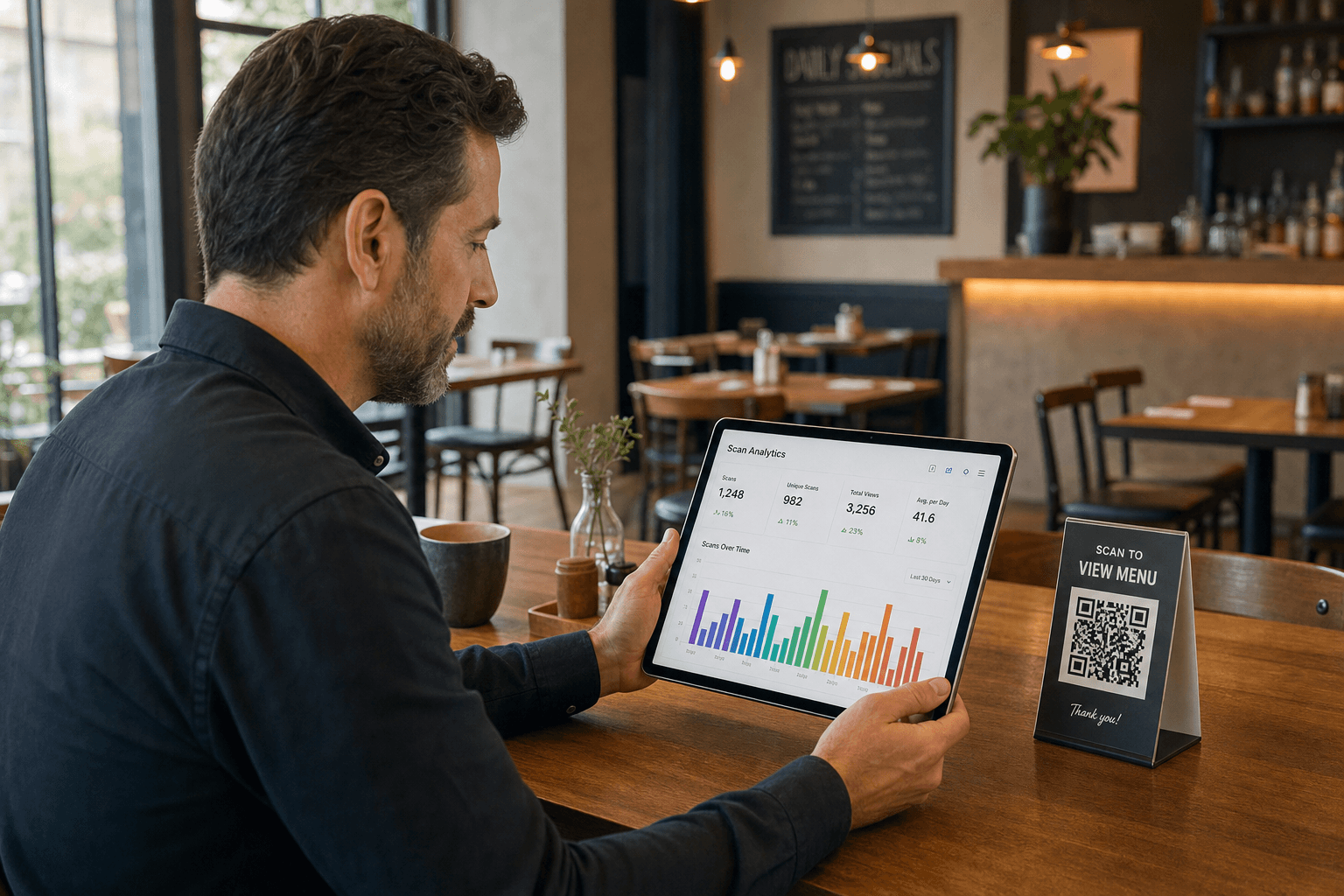
Most restaurant owners set up a QR code menu, stick it on the table, and never look at the data again. That's a missed opportunity. Every scan is a small signal — about when your guests arrive, which tables are busiest, whether your menu is engaging enough to browse, and whether your QR codes are even working in the first place.
This guide walks through exactly how to track QR code menu scans, what tools to use, which metrics are worth your attention, and — most importantly — how to act on what you find.
Why Tracking QR Scans Matters
A printed menu gives you zero feedback. You have no idea how long a guest studied it, whether they skipped straight to drinks, or whether the dessert page ever got opened. A digital menu changes that. With the right setup, every scan is a data point you can learn from.
Here's why that data is genuinely useful:
- It tells you if your QR codes are actually working. If a table has low scan rates compared to others, the QR code might be damaged, poorly placed, or the wrong size.
- It reveals your real peak hours. Scan timestamps are a proxy for when guests sit down — often more accurate than reservation data alone.
- It shows whether your menu is engaging. A guest who scans once and closes immediately is a different story from one who browses for three minutes.
- It validates marketing decisions. If you run a promotion or add a new menu section, scan data tells you whether guests are actually seeing it.
How QR Code Scan Tracking Works
When a guest scans your QR code, their device sends an HTTP request to whatever URL the code points to. Tracking that event — and the metadata around it — is the core of QR analytics.
Dynamic vs. Static QR Codes
This distinction matters a lot for tracking. A static QR code encodes the destination URL directly into the pattern. Once printed, it can't be changed and typically offers no analytics. A dynamic QR code points to a short redirect URL managed by your QR platform. When someone scans it, the platform logs the event before forwarding them to your menu. That log is where your analytics come from.
If you generated a QR code from a free online tool years ago, there's a good chance it's static and giving you nothing. Switching to a dynamic code — which you can do without reprinting your entire menu URL — is the first step toward meaningful data.
Where the Data Gets Captured
Scan data can be captured at two levels:
- The QR code level — your QR platform logs each scan with a timestamp, device type, and sometimes approximate location.
- The menu page level — your digital menu platform can use web analytics (like Google Analytics or built-in reporting) to track page views, session duration, and which menu sections guests click on.
The best setups capture both. The QR scan tells you someone opened the menu; the page analytics tell you what they did next.
Tools for Tracking QR Menu Scans
Your QR Menu Platform's Built-In Analytics
If you're using a dedicated QR code menu generator, check whether it includes scan analytics out of the box. Many modern platforms track total scans, unique scans, scan times, and device breakdown without any additional setup. This is the easiest starting point because the data is already tied to your specific menu rather than a generic URL.
UTM Parameters and Google Analytics
If your menu lives on a web page, you can append UTM parameters to the URL your QR code points to. For example:
https://yourmenu.com/menu?utm_source=table&utm_medium=qr&utm_campaign=dine-in
When a guest scans and lands on that page, Google Analytics (or any analytics platform) records the session with those source labels attached. You can then filter your analytics by this traffic source to see exactly how QR-driven visitors behave compared to guests who found your menu through Google or Instagram.
You can go further by creating unique UTM parameters per table — utm_content=table-4 — giving you per-table scan data without needing a fancy QR platform.
Dedicated QR Tracking Platforms
Tools like Bitly, QR Tiger, Beaconstac, and others let you create dynamic QR codes with a dashboard showing scan counts, device types, scan times, and geographic data. These are worth considering if your menu platform doesn't offer analytics, or if you want more granular location data across multiple venues.
Heatmaps and Session Recording
For restaurants that want to understand menu engagement deeply, tools like Microsoft Clarity (free) or Hotjar can show you scroll depth and click patterns on your digital menu page. You can literally see which sections guests scroll past and which items they tap on. This is more advanced, but it's free to set up and can surface surprising insights about menu layout.
Metrics That Actually Matter
Don't get lost in vanity numbers. Here are the metrics worth tracking and what they actually mean for your operation.
Total Scans vs. Unique Scans
Total scans count every scan event. Unique scans count distinct devices or sessions. If total scans are much higher than unique scans at a given table, guests are re-scanning — possibly because the menu didn't load properly the first time, or because they're returning to check something. A big gap is worth investigating.
Scans Per Table
If you've set up per-table QR codes, scan volume per table reveals which seats get the most use. Low-scan tables might have a broken or damaged code, poor lighting, or a placement issue. High-scan tables confirm your busiest zones. This data is especially useful when deciding where to place promotional inserts or featured item cards.
Scan Time Distribution
Plotting scans by hour of day shows your real traffic pattern. This is often more honest than reservation data because it captures walk-ins too. Use it to cross-reference with your sales data — if scans spike at 7 PM but your kitchen reports the rush feels like 7:30, there may be a bottleneck in your ordering flow worth addressing.
Device Type
Knowing whether guests scan on iOS or Android, and which browser they use, helps you optimize your menu's mobile experience. If 80% of your scans come from iPhones and your menu doesn't render well in Safari, that's a direct revenue problem. Most QR platforms and analytics tools break this down automatically.
Session Duration on the Menu Page
This is captured at the web analytics level, not the QR level. A very short average session (under 20 seconds) suggests guests are bouncing — the menu may be loading too slowly, the layout may be confusing, or the QR code is linking to the wrong page. A longer session (60–120 seconds) suggests genuine browsing, which correlates with higher check averages.
Repeat Scan Rate
If the same device scans multiple times during a visit, the guest is likely returning to the menu to add items or check prices. This is a positive engagement signal. If you're seeing very few repeat scans, consider whether your menu makes it easy to return to — or whether guests are defaulting to asking a server instead.
What the Data Tells You in Practice
Your QR Code Placement Might Be Wrong
If certain tables consistently show low scan rates despite being occupied, the problem is usually physical. The code might be too small to scan from a seated position, placed at an awkward angle, or obscured by a condiment rack. Cross-referencing scan data with table occupancy data (from your POS or reservation system) will make this pattern obvious fast. For a deeper look at placement strategy, see our guide on where to place QR code menus for maximum scans.
Your Menu Has a Drop-Off Problem
If scan counts are healthy but average order values are low, the menu page itself may be the issue. Heatmap data showing guests rarely scroll past the first section suggests your menu structure needs work — either the most profitable items are buried, or the page loads too slowly on mobile. This is a layout and engineering problem, not a marketing one.
You Have Untapped Off-Peak Potential
Scan data broken down by hour can reveal quieter periods where guests do visit but don't order much. If scans at 3 PM are non-trivial but revenue per scan is low, that's a signal to test a targeted afternoon menu, a happy hour promotion, or a featured item specifically for that time slot.
Your Menu Updates Are (or Aren't) Being Seen
When you add a new section — a seasonal menu, a cocktail list, a dessert page — scan data from the days following the update tells you whether guests are actually finding it. If engagement with that section is low, consider restructuring the navigation or adding a physical callout at the table pointing guests to the new items.
Setting Up Per-Table Tracking: Step by Step
- Choose a dynamic QR code system. Either use a QR menu platform with built-in analytics, or create dynamic QR codes via a tool like Bitly or QR Tiger that redirect to your menu URL.
- Create a unique QR code per table. Label each code with the table number in your dashboard. If using UTM parameters, append
utm_content=table-1,table-2, etc. - Print and deploy. Use durable materials — laminated table tents or acrylic stands work best. Check our article on how to make a QR code menu that customers actually scan for sizing and design guidance.
- Connect your analytics. If using Google Analytics, verify that UTM traffic is appearing correctly in your Acquisition reports. If using a QR platform, confirm that per-code scan data is visible in the dashboard.
- Set a review cadence. Check the data weekly for the first month, then monthly once you have a baseline. Look for anomalies — a table that suddenly drops to zero scans usually means a damaged code.
Turning Scan Data into Menu Improvements
Data without action is just noise. Here's a practical framework for closing the loop:
- Low scan rate on a table → Inspect the physical QR code. Reprint if damaged. Test placement and size.
- High scan rate, short session duration → Test menu load speed. Simplify the first screen. Check that the QR links to the correct page.
- High scan rate, low order value → Review menu layout and item positioning. Move high-margin items higher. Add descriptions that sell.
- Scan spikes at unexpected times → Consider a time-specific menu or promotion to capture that demand.
- Low repeat scan rate → Make it easier for guests to return to the menu mid-meal. A persistent QR code on the table (not just a tent card that gets moved) helps.
If you're still using a static PDF as your menu, you're giving up all of this insight. A properly built contactless menu gives you a live web page that can be tracked, updated, and optimized — no reprinting required.
Privacy and Data Considerations
QR scan analytics are generally less privacy-sensitive than, say, email marketing, because you're collecting aggregate behavioral data rather than personal information. That said, a few things to keep in mind:
- Most QR analytics platforms collect IP-based location data. Review your platform's data retention and privacy policies, especially if you operate in a jurisdiction with strict data laws (GDPR in Europe, CCPA in California).
- If you use Google Analytics, ensure your cookie consent banner is in place if required by local law.
- You don't need to identify individual guests to get useful data. Aggregate patterns — scan volume, time of day, device type — are enough for most operational decisions.
Frequently Asked Questions
Do I need a special QR code to track scans?
Yes — you need a dynamic QR code, not a static one. Static codes encode the destination URL directly and can't log scan events. Dynamic codes route through a redirect URL managed by your platform, which is where the tracking happens. Most dedicated QR menu platforms generate dynamic codes by default.
Can I track which menu items guests tap on, not just scans?
Yes, if your digital menu is a web page (not a PDF). Tools like Google Analytics, Microsoft Clarity, or Hotjar can track clicks and scroll behavior on the menu page. You can set up click-tracking events on specific items or sections to see which ones get the most attention. This requires a small amount of technical setup but is free with most tools.
How do I know if a low scan rate means a broken QR code or just a slow table?
Compare scan rate to table occupancy data from your POS or reservation system. If a table is consistently occupied but scan rates are near zero, the code is likely the problem. If occupancy is also low, it's just a quiet table. Physical inspection — trying to scan the code yourself from a seated position — will confirm it quickly.
Is per-table QR tracking worth the setup effort for a small restaurant?
For a restaurant with fewer than 10 tables, per-table tracking is probably overkill. A single QR code with scan-time analytics and Google Analytics on the menu page will give you enough data to act on. Per-table tracking becomes more valuable at 15+ tables, multiple dining zones, or when you're troubleshooting specific placement issues.
What should I do if my current QR menu platform doesn't offer analytics?
You have two options: switch to a platform that includes analytics, or layer on tracking yourself using UTM parameters and Google Analytics. The UTM approach works with any menu URL and costs nothing — it just requires a few minutes of setup. If you're already considering a platform upgrade, built-in analytics is a good reason to make the switch sooner rather than later.
Ready to put your QR menu to work with real data behind it? MenuHoster's QR code menu generator gives you a dynamic, trackable menu page that's easy to update and built for mobile — so every scan counts. See our pricing and get started free today.
MenuHoster Team
Helping restaurants go digital