Why Your Menu Page Matters More Than Your Homepage
Updated:
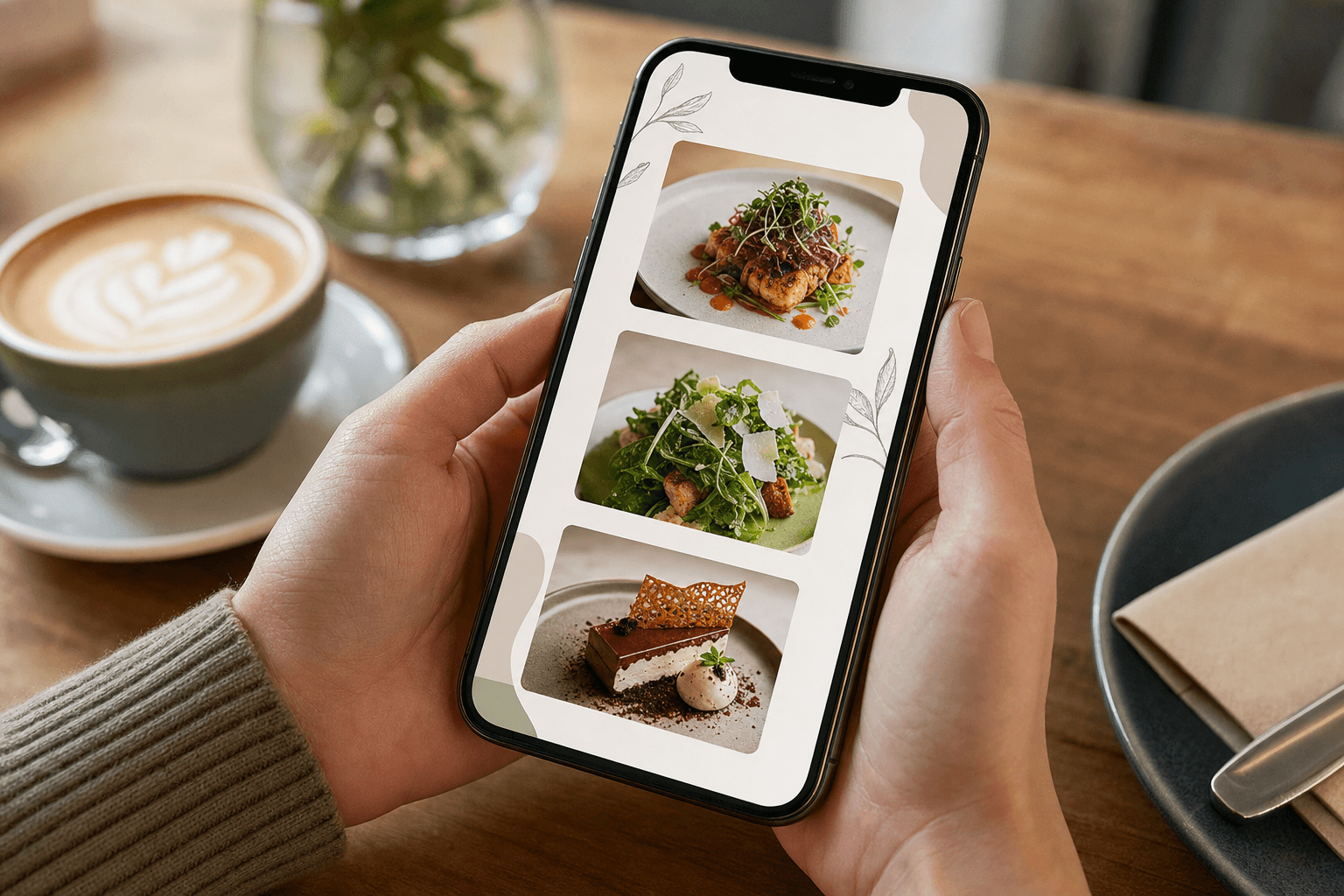
If you run a restaurant, cafe, or bar and you've spent real time agonizing over your homepage — the hero image, the tagline, the color palette — here's something worth sitting with: most of your visitors never linger there. They land, they click "Menu," and they're gone from your homepage in under ten seconds.
Your menu page is where the actual decision happens. It's where a hungry person figures out whether they're coming to you tonight or going somewhere else. And yet, for most independent restaurants, it's the most neglected page on the entire site.
This article makes the case that your menu page deserves more of your attention, your budget, and your strategic thinking than your homepage does — and it shows you exactly what to do about it.
Where Visitors Actually Go First
Think about your own behavior when you're looking for somewhere to eat. You Google a place, you skim the search result, and the first thing you want to know is: what do they serve, and how much does it cost? You're not there to read the owner's story or admire a slideshow of the dining room. You want the menu.
Analytics data from restaurant websites consistently backs this up. On most food and beverage sites, the menu page is the second most visited page after the homepage — and it often has a longer average session time than any other page. In many cases, especially when visitors arrive from Google Maps or a "restaurant near me" search, they skip the homepage entirely and land directly on the menu.
This means your menu page isn't a supporting page. It's the page. It's the one doing the heaviest lifting in terms of convincing someone to visit, to order, or to call ahead.
The Decision Happens on the Menu Page
Your homepage can build brand awareness. It can set a mood. But it rarely closes the deal. The menu page is where a visitor decides:
- Whether the food is right for them — dietary needs, cuisine type, price range
- Whether the price is acceptable — people want to know before they walk in, not after they sit down
- Whether the visit is worth it — a menu with clear descriptions, good photos, and a logical layout signals a professional, trustworthy operation
- Whether to order online right now — if you offer online ordering, the menu page is where that conversion happens
A homepage that looks polished but links to a menu that's a blurry PDF, an outdated image, or a cluttered wall of text will lose customers at the last possible moment — right when they were almost ready to commit.
What a Weak Menu Page Actually Costs You
It's easy to underestimate the damage a poor menu page does because the losses are invisible. The customer who bounced doesn't call to tell you why. They just don't show up.
Here's what a weak menu page typically looks like — and what it costs:
A PDF menu
PDFs don't load well on mobile. They require a separate app or browser plugin. They're not searchable by Google. They can't be updated without re-uploading. And they look lazy. If your menu is a PDF, you're putting friction between a hungry person and a decision to visit you. That friction has a real cost.
An outdated menu
Nothing erodes trust faster than showing up to a restaurant and discovering the menu is completely different from what was online. If you've changed prices, removed dishes, or added a new section, your online menu needs to reflect that immediately. Customers who feel misled don't come back.
A menu with no prices
Some owners hide prices online out of fear of sticker shock. This almost always backfires. People assume the worst when prices are hidden, and they go somewhere more transparent. Show your prices.
A menu that's impossible to read on a phone
More than 70% of restaurant-related searches happen on mobile devices. If your menu requires pinching, zooming, and sideways scrolling, you've already lost a significant portion of your audience.
What a Strong Menu Page Looks Like
A high-performing menu page doesn't need to be complicated. It needs to be clear, fast, and mobile-friendly. Here's what that means in practice:
Logical structure and categories
Organize your menu the way a customer thinks, not the way your kitchen operates. Starters, mains, sides, desserts, drinks — in the order someone would actually eat them. Use clear category headings so people can jump to what they want. A well-structured digital menu makes scanning effortless and keeps visitors on the page longer.
Honest, specific descriptions
You don't need to write poetry. But "grilled chicken sandwich" tells a customer almost nothing. "Grilled free-range chicken breast, house-made aioli, pickled red onion, brioche bun" tells them whether this is the dish for them. Good descriptions reduce uncertainty, and reduced uncertainty leads to more orders.
Prices — always
List them. Every item. No exceptions unless you're a genuinely high-end tasting menu restaurant where this is a deliberate positioning choice (and even then, think carefully).
Dietary and allergen callouts
A simple V for vegetarian, VE for vegan, GF for gluten-free goes a long way. It makes your menu more useful to a wider audience and signals that you've thought about your customers' needs.
Photos — used selectively
You don't need a photo of every single item. But a few strong, well-lit food photos can significantly increase the perceived value of your menu. Poor-quality photos are worse than no photos. If you can't do it well, skip it — or use a menu template that looks polished even without images.
Mobile-first layout
Your menu should load quickly and display correctly on a 375px-wide phone screen without any user effort. If you're building or rebuilding your menu page, test it on your own phone before you publish it.
The SEO Angle Most Owners Miss
Your menu page isn't just a customer-facing tool — it's an SEO asset. When someone searches "Italian restaurant downtown Chicago" or "vegan brunch near me," Google is trying to match them with relevant businesses. If your menu is a PDF or an image, Google can't read it. If it's live HTML text, Google can index every dish, every ingredient, every category.
This means a well-structured online menu can help you rank for searches you'd never otherwise appear in — searches for specific dishes, dietary requirements, or cuisine types in your area. That's free, ongoing traffic with real purchase intent behind it.
A few practical SEO moves for your menu page:
- Include your city and neighborhood in your page title and meta description
- Use real text for your menu items, not images or PDFs
- Make sure the page loads in under three seconds on mobile
- Link to your menu page from your Google Business Profile
QR Codes: Connecting Your Physical Space to Your Menu Page
If you're using physical QR codes in your restaurant — on tables, at the counter, on receipts — they should all point to a single, well-maintained menu page. This creates a tight loop: a customer scans the code, lands on your menu, and gets exactly the information they need in a format that works on their phone.
The QR code is only as good as the page it points to. A QR code that leads to a PDF or a broken link is worse than no QR code at all — it signals disorganization and erodes trust at the exact moment you want to build it.
If you haven't set up a proper QR code menu yet, the process is simpler than most owners expect. A dedicated QR code menu generator can have you live in under an hour, with a page that's designed to work on any device.
Treating Your Menu Page as a Sales Tool
The best restaurant operators think of their menu page the way an e-commerce brand thinks of a product page: it exists to convert a visitor into a customer. That means applying some of the same thinking.
Highlight your best sellers and signature dishes
Don't bury your most popular or most profitable items in the middle of a long list. Feature them. Use a "Chef's Picks" section, a visual callout, or simply list them first in their category. Guide the customer's eye toward the items you want to sell.
Make it easy to take the next step
What do you want the visitor to do after they've looked at your menu? Call and book a table? Order online? Walk in? Make that action obvious. A clear phone number, a booking link, or an "Order Now" button should be visible without scrolling.
Keep it current
A menu page that's updated regularly signals an active, well-run business. Seasonal menus, limited-time specials, and updated prices show customers that someone is paying attention. It also gives you a reason to share the page on social media: "Our spring menu is live — check it out."
Homepage vs. Menu Page: The Right Relationship
None of this means your homepage doesn't matter. It does — for first impressions, for brand storytelling, for SEO on your restaurant's name. But the homepage's job is to get people to the menu page, not to replace it.
Think of your homepage as the front door and your menu page as the dining room. You want the front door to look inviting. But the dining room is where the experience actually happens, where the decision to return is made or lost.
For many independent restaurants, especially those just building their web presence, it makes more sense to invest in a great menu page first and a full website second. A clean, fast, well-organized restaurant menu page will do more for your business than a beautiful homepage that links to a mediocre menu.
Frequently Asked Questions
Should my menu page be a separate page from my homepage?
Yes, in almost every case. Combining your menu with your homepage creates a cluttered, hard-to-navigate experience. A dedicated menu page is easier to find, easier to share, and easier to keep updated. It also performs better in search results because it can be optimized specifically for menu-related queries.
How often should I update my menu page?
Any time your prices, dishes, or hours change — update it that same day. Beyond that, a seasonal refresh every three to four months is good practice. An outdated menu page is one of the fastest ways to lose a customer's trust before they've even visited.
Is a PDF menu ever acceptable?
For a downloadable version that customers can save or print, a PDF is fine as a secondary option. But it should never be your primary online menu. PDFs are not mobile-friendly, not indexable by search engines, and not easy to update. Always have a live, text-based menu as your main page.
Does my menu page affect my Google ranking?
Yes, meaningfully. A well-structured menu page with real text helps Google understand what you serve, which cuisine type you are, and which dietary needs you cater to. This can help you rank for searches that go beyond just your restaurant's name — including dish-specific and dietary-specific queries in your area.
What's the minimum a good menu page needs?
At minimum: all current menu items organized into clear categories, prices for every item, dietary callouts where relevant, your restaurant's name and location, and a clear next step (phone number, booking link, or order button). Everything else — photos, descriptions, seasonal features — adds value on top of that foundation.
Ready to build a menu page that actually works for your business? MenuHoster makes it straightforward to create a fast, mobile-friendly menu page — no developer needed. Whether you're starting from scratch or replacing a PDF that's been letting you down, you can have a professional menu page live today. Give it a try and see the difference a well-built menu page makes.
MenuHoster Team
Helping restaurants go digital