How to Reduce No-Shows at Your Salon or Barbershop
Updated:
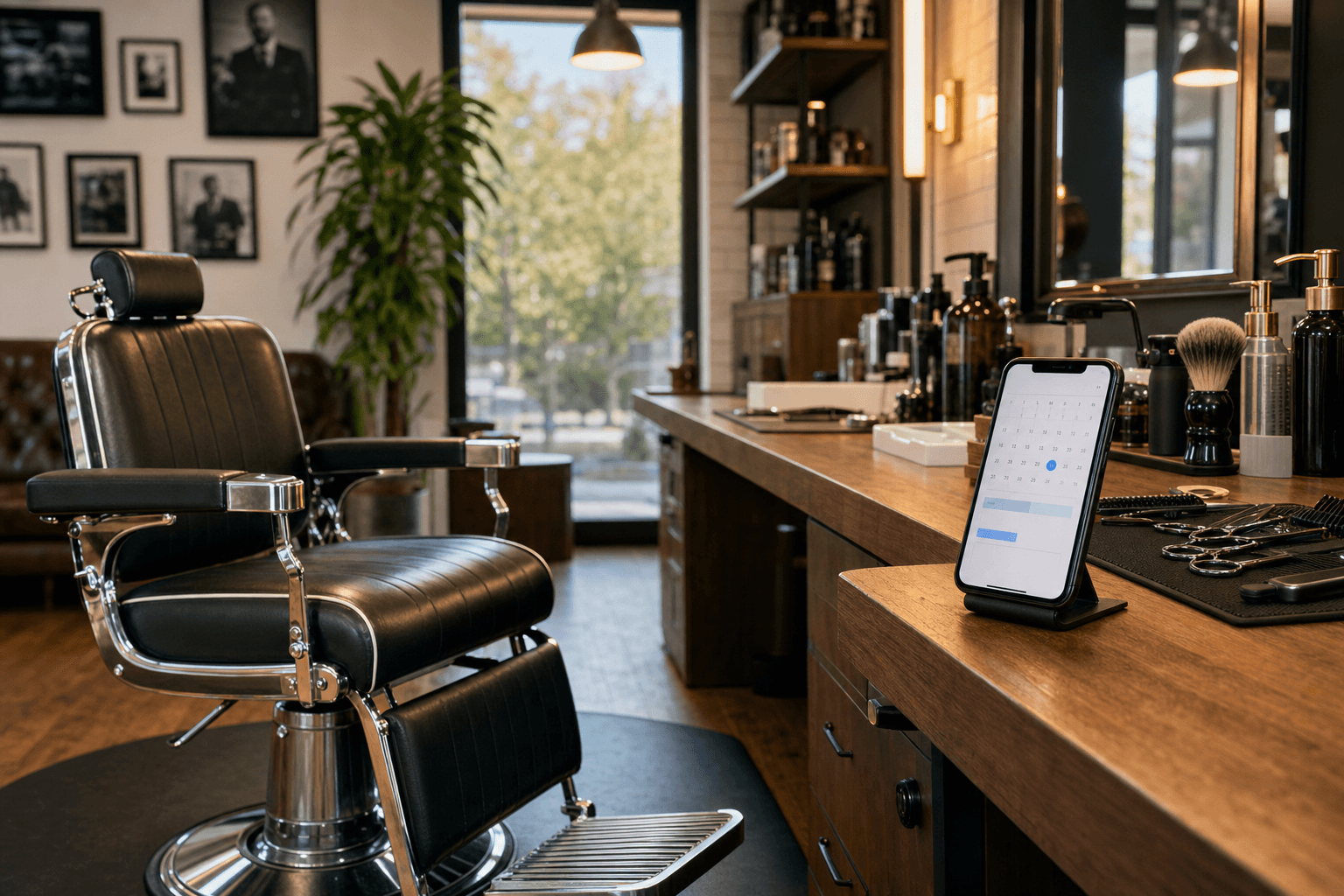
A no-show isn't just an empty chair. It's a time slot you turned away other clients for, a service you prepped for, and revenue you'll never get back. For most salons and barbershops, no-shows and last-minute cancellations represent anywhere from 5% to 20% of booked appointments — a serious drag on profitability.
The good news: no-shows are largely preventable. Not through luck, but through deliberate systems. This guide walks you through exactly what works, why it works, and how to implement it without alienating your regulars.
Understand Why Clients No-Show
Before you can fix the problem, you need to understand it. Clients no-show for a handful of predictable reasons:
- They forgot. Life gets busy. An appointment booked two weeks ago can simply slip the mind.
- They feel no financial consequence. If canceling (or just not showing up) costs them nothing, the barrier to doing so is zero.
- The booking process felt impersonal. A client who booked through a third-party app with no human interaction feels less committed than one who called and spoke with someone.
- They're unsure what they're coming in for. Vague service descriptions lead to second-guessing and bail-outs.
- Something came up and they didn't know how to cancel. If your cancellation process is unclear, some clients will just ghost you.
Each of these has a direct fix. Let's go through them systematically.
Send Reminders That Actually Work
Forgetting is the number-one cause of no-shows, and it's the easiest to solve. A well-timed reminder sequence dramatically reduces missed appointments — studies in healthcare (where no-shows are a major operational problem) consistently show reminder systems cut no-show rates by 30–50%.
The three-touch reminder sequence
- 48-hour reminder: Send a text or email two days before the appointment. Include the date, time, service, and stylist name. Ask the client to confirm or reschedule.
- 24-hour reminder: A shorter nudge the day before. "See you tomorrow at 2pm, [Name]! Reply YES to confirm or call us to reschedule."
- Same-day reminder (optional): A brief morning text on the day of the appointment works well for clients who have a history of forgetting.
SMS vs. email
Text messages have open rates above 90% and are read within minutes. Email is useful for booking confirmations with detailed information, but for reminders, SMS wins. Use both if your booking software supports it. Keep texts short, friendly, and actionable — always include a way to confirm or reschedule directly from the message.
Require confirmation
Make confirmation a two-way street. Instead of just sending a reminder, ask clients to reply or click a link to confirm. If they don't confirm by a certain time (say, 24 hours before), your front desk follows up with a call. This turns a passive reminder into an active check-in — and it surfaces potential no-shows early enough to fill the slot.
Implement a Deposit or Card-on-File Policy
This is the single most effective structural change you can make. When a client has money on the line, they show up — or they cancel in advance, which at least gives you time to rebook the slot.
Deposits
Require a small deposit (typically $10–$25, or 20–30% of the service cost) at the time of booking. The deposit is applied to the final bill if they show up, or forfeited if they no-show without adequate notice. Be clear about this policy upfront — in your booking flow, in your confirmation email, and on your service menu.
A well-designed digital salon menu is a great place to display your booking and deposit policies alongside your services, so clients see them before they ever book.
Card on file
If deposits feel too aggressive for your clientele, a card-on-file policy is a softer alternative. Clients provide a card at booking but aren't charged unless they no-show or cancel within your cancellation window. Many modern booking platforms support this natively.
Communicating the policy without friction
The key is transparency. State your policy clearly, frame it respectfully ("We hold a card to protect our stylists' time"), and apply it consistently. Most clients — especially regulars — will understand. Those who push back hard are often the clients most likely to no-show anyway.
Write a Clear Cancellation Policy
Ambiguity is your enemy. If clients don't know your cancellation window, they can't follow it — and you can't fairly enforce it. Your policy should specify:
- How much notice is required to cancel without penalty (typically 24–48 hours)
- What happens if they cancel within that window (deposit forfeited, or a cancellation fee charged to the card on file)
- What happens for a same-day no-show (full service charge, or a flat fee)
- How to cancel (text, call, online link — make it easy)
Post this policy everywhere: your booking confirmation emails, your website, your social media bio, and your physical space. If you have a digital service menu that clients browse before booking, include a brief policy note there too.
Enforce the policy consistently. Inconsistent enforcement teaches clients that the policy isn't real.
Make Rescheduling Easy
A client who can't easily reschedule will sometimes just not show up rather than deal with the friction of calling during business hours. Every barrier you add to the rescheduling process increases no-shows.
- Offer online rescheduling 24/7 through your booking system.
- Include a one-click reschedule link in every reminder message.
- Accept cancellations via text if your team can manage it.
- Train your front desk to offer immediate alternative slots when someone cancels — "We have an opening Thursday at 3pm, would that work?" converts a cancellation into a rebooking on the spot.
The easier you make it to reschedule, the more clients will do it — instead of ghosting you.
Build and Use a Waitlist
Even with the best systems, some no-shows will slip through. A waitlist turns those losses into wins. When a slot opens up — whether from a cancellation or a no-show — you should be able to fill it within minutes.
- Keep a running list of clients who want earlier appointments or are flexible on timing.
- When a slot opens, text the top two or three people on the waitlist. First to respond gets the slot.
- Some booking software automates this entirely, sending out waitlist notifications and confirming the new booking without staff involvement.
A well-managed waitlist can recover 60–80% of no-show revenue. It also makes your waitlisted clients happy — they get in sooner, and they feel like you're looking out for them.
Strengthen the Client Relationship
Clients who feel a personal connection to your salon or stylist no-show at much lower rates than one-time or low-engagement clients. Relationship-building isn't just good for retention — it's a no-show prevention strategy.
Personalize the booking experience
Use client notes in your booking system. Know what service they're coming in for, any preferences, and their history. A reminder that says "See you Thursday for your balayage touch-up with Maria!" feels very different from a generic "You have an appointment on Thursday."
Follow up after appointments
A quick text the day after an appointment — "Hope you're loving your new cut!" — builds goodwill and keeps your salon top of mind. It also opens a natural door to rebooking: "Ready to book your next visit? Here's our online link."
Reward reliability
Consider a simple loyalty program that rewards clients who show up consistently. Even something as low-tech as a punch card or a small discount after five consecutive kept appointments reinforces the behavior you want.
Use Your Online Presence Strategically
Clients who are excited about your work are far less likely to bail on their appointment. Your online presence — Instagram, Google, and your service menu — plays a direct role in building that anticipation.
When a client books after seeing a stunning before-and-after post or browsing a beautifully laid-out salon service menu with clear descriptions and photos, they're invested. They know exactly what they're getting. That clarity and excitement translates to higher show-up rates.
If your service menu is vague or hard to find, clients may book impulsively and then talk themselves out of it. A professional, easy-to-navigate menu — whether digital or via a QR code displayed in your shop — sets clear expectations and reinforces the value of the appointment they've made.
For more on building a content strategy that drives bookings, see our guide on salon Instagram marketing and before-and-after content that books clients.
Handle Repeat No-Show Clients
Despite your best systems, some clients will no-show repeatedly. You need a clear protocol for these situations.
- First no-show: Send a friendly message acknowledging the missed appointment, remind them of your policy, and invite them to rebook. Charge any applicable fee.
- Second no-show: Require a larger deposit (or full prepayment) for all future bookings. Communicate this directly and without apology — it's a business decision, not a personal one.
- Third no-show: Consider whether this client is worth continuing to serve. Chronic no-shows cost you money, block slots from reliable clients, and demoralize your staff. It's entirely legitimate to decline future bookings from clients who repeatedly waste your time.
Keep a record. If your booking software doesn't flag repeat no-shows automatically, maintain a simple internal list so your front desk knows who requires prepayment.
Audit Your Booking Process
Sometimes no-shows are a symptom of a broken booking experience. Run through your own booking flow as if you were a new client:
- Is it easy to find your services and prices?
- Is the booking confirmation clear about what was booked, when, where, and with whom?
- Are reminders going out reliably?
- Is it easy to cancel or reschedule without calling during business hours?
- Does your cancellation policy appear somewhere the client will actually see it?
Fix any friction points you find. A smoother booking experience creates more committed clients. If you haven't yet set up a proper digital service menu, explore MenuHoster's salon templates to get a professional-looking menu live quickly.
Frequently Asked Questions
What's the most effective way to reduce no-shows quickly?
Start with automated SMS reminders and a confirmation requirement. This alone can cut no-shows by 30–50% within the first month. If you want a faster, more structural fix, add a deposit requirement for new clients booking for the first time.
Should I charge a no-show fee for long-time regulars?
Yes, but with grace. Apply your policy consistently — that's what makes it credible — but you can always waive a fee once for a long-time client who has a genuine emergency. The key is that the policy exists and is communicated clearly, so it changes behavior even when you occasionally choose not to enforce it.
How much should I charge as a deposit?
A common range is $10–$25 for shorter services and 20–30% of the service price for longer or higher-cost appointments (like color treatments or keratin services). The deposit should be meaningful enough to deter no-shows but not so large that it scares off legitimate clients.
What booking software is best for reducing no-shows?
Tools like Square Appointments, Vagaro, Fresha, and Booksy all include automated reminders, card-on-file, and deposit features. The best one is whichever your team will actually use consistently. Most offer free tiers for small shops.
Can a better service menu really reduce no-shows?
Indirectly, yes. When clients can clearly see what they're booking — service descriptions, photos, pricing, duration — they make more intentional decisions. Intentional bookings have lower no-show rates than impulsive ones. A clear, professional menu also reinforces that your business is organized and serious, which sets the tone for how clients treat their appointments.
Ready to give your salon a more professional, client-facing presence? Create your digital salon menu with MenuHoster — it takes minutes to set up, looks great on any device, and gives clients the clear information they need to show up confident and on time. Check out our pricing page to find the plan that fits your shop.
MenuHoster Team
Helping restaurants go digital