How to add a menu to your Facebook Page
Here’s how to add a menu to your Facebook Page. Publish a menu link, switch into your Page and add the address under Links or connect it to an action button that accepts a URL.
Use the file above, or paste a link / type your business name below.
Free plan: 1 live menu, PDF and photo import, QR code, 1,000 views per 30 days, 25 orders a month at 0% commission. No card. Unlimited menu items on your live menu.
Pro adds branded links and scheduled prices. US monthly price $9.49 (For 12 months — then $19/mo).
Put your current menu where Facebook visitors look
Publish the menu address
Bring your latest PDF or menu photo into the uploader, check the dishes and publish. Open the guest link in a private tab to confirm the public can use it before you edit your Page.
Update your Page information
Switch into the restaurant Page. Open Edit, find Links, and add your published menu URL where the field is available. If your restaurant Page offers a dedicated Menu entry, open it and use the link or file option it provides.
Set an action button
On desktop, go to your Page and open Options, then Add action button or Edit action button. Pick an option that takes a website address, click Next, enter the menu URL and save. Test the result from outside your Page administrator view.
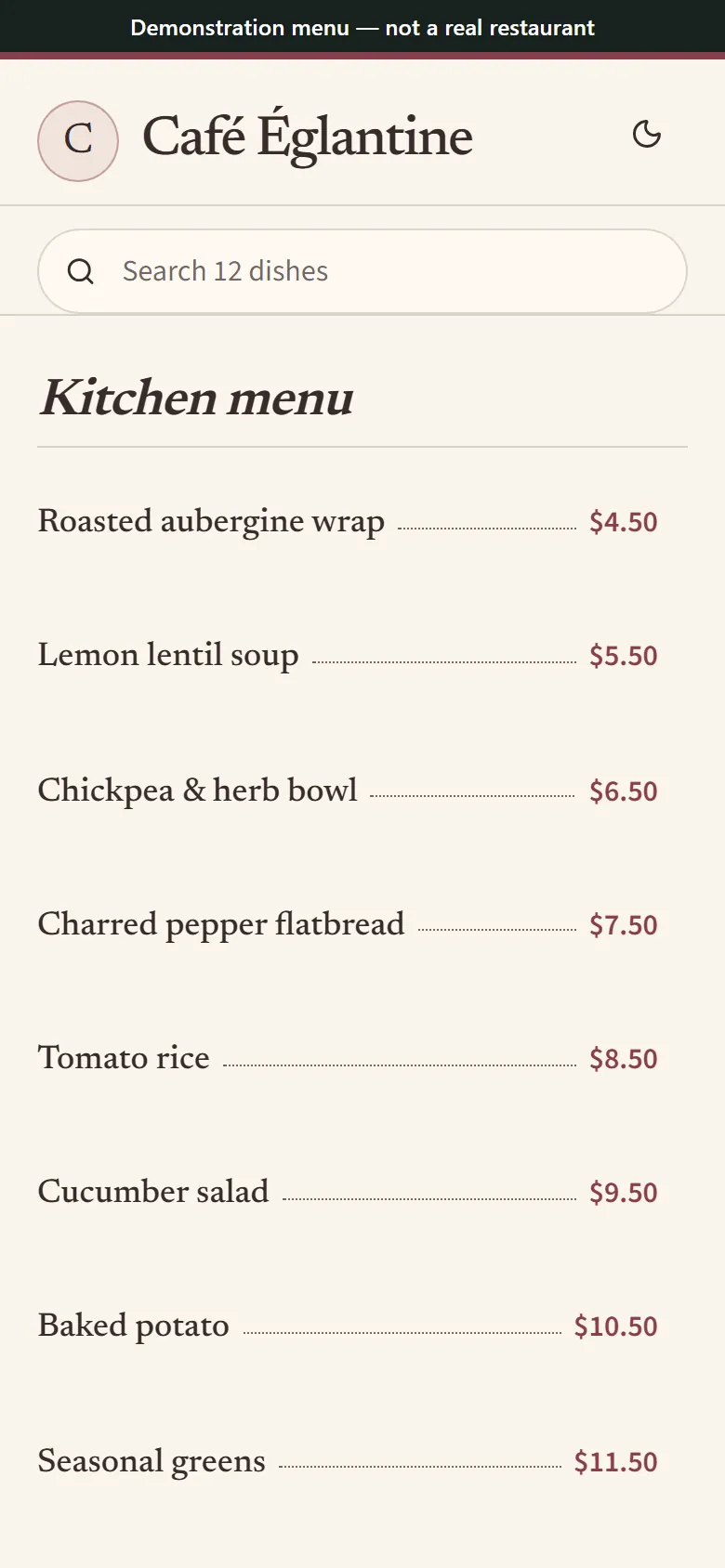
The public menu a guest can open from your restaurant Page. Synthetic menu for illustration.
Use the Page controls available to you
Meta distinguishes Facebook access from task access. On desktop, click your profile picture, choose See all profiles, switch to the restaurant and open the Page from the left menu. If you manage posts through Business Suite only, an owner with Facebook access can update the Page controls.
If there is no dedicated Menu control, include the menu link in Page Links or in a Page post. If a button already handles reservations or ordering, keep that job and give the menu its own clearly labeled placement. Recheck the link from a phone.
Maintain the link as staff and menus change
Review your Page alongside your website and Instagram after every address change. Record the destination in your team’s opening checklist and test any copied address without Page access. A posting schedule and a handover note can help keep seasonal specials aligned with the menu guests can order from.
Common questions
Where did the menu go on Facebook?
Page controls can vary. Switch into your restaurant Page, check for a Menu entry, then look under Edit for Links. If neither works for your Page, use a menu post or an action button that accepts your address.
How do I create a menu page guests can open?
Upload the dishes, check the draft and publish. Copy the public link and test it signed out before saving the link or sharing your menu on a Page post.
How do I change the Facebook Page action button?
With Facebook access, switch into the Page, open Options and choose Edit action button. Pick the job you want the button to do and complete the prompts before clicking Save.
Can I add a restaurant menu when my account has task access?
Ask a Page owner with Facebook access to handle the Page information or action button. You can prepare the correct public menu address and share it with them for the update.
How do I check the link I put on my Page?
Use a phone outside your Page admin view and follow the exact placement you chose. Check the correct location, opening hours if listed, and every menu section a diner can reach from that link.