GloriaFood is closing on April 30, 2027: move your menu and keep taking orders
GloriaFood will reach end of life on April 30, 2027. New signups have closed, and existing restaurants should move their ordering links before the shutdown. Read GloriaFood’s official notice for the announcement.
Bring your menu across now
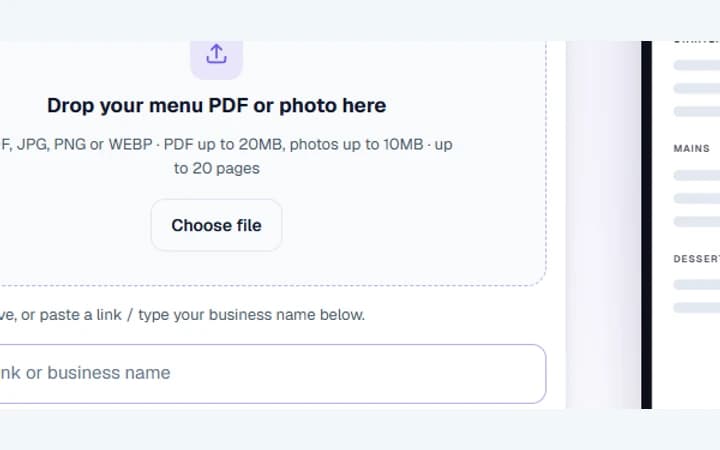
Paste your ordering link, or upload a PDF or photo.
Use the file above, or paste a link / type your business name below.
Free plan: 1 live menu, PDF and photo import, QR code, 1,000 views per 30 days, 25 orders a month at 0% commission. No card. Unlimited menu items on your live menu.
Move your menu and test the new link
Bring your menu across
Paste your public GloriaFood ordering link into the uploader, or upload a PDF or photo of your current menu. Save the preview as a private draft so you can review it before guests see it.
Check your items and prices
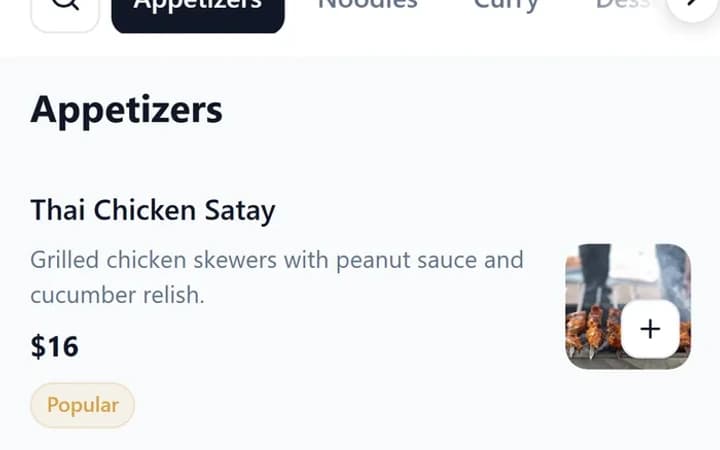
Compare the draft with your old menu and check each section, currency, item price and size price. Recreate any add-ons you use and publish the menu once it matches what your kitchen serves.
Turn on ordering
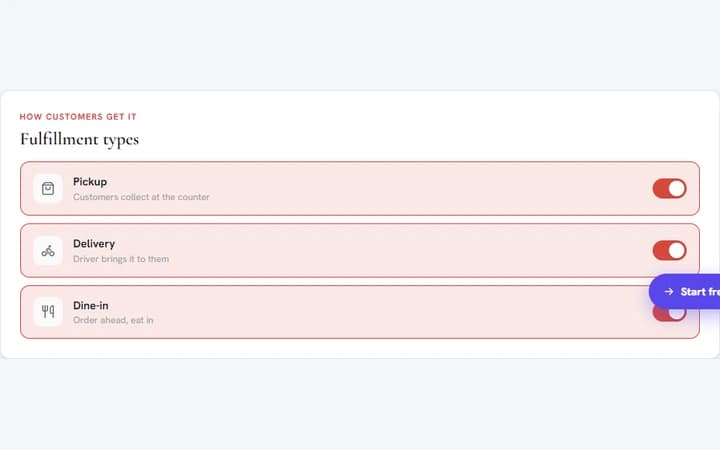
Open Orders → Setup and select pickup, delivery or dine-in. Check your hours and payment settings, then place a test order from the published menu and confirm it appears in your order dashboard.
Replace your website’s “See MENU & Order” button
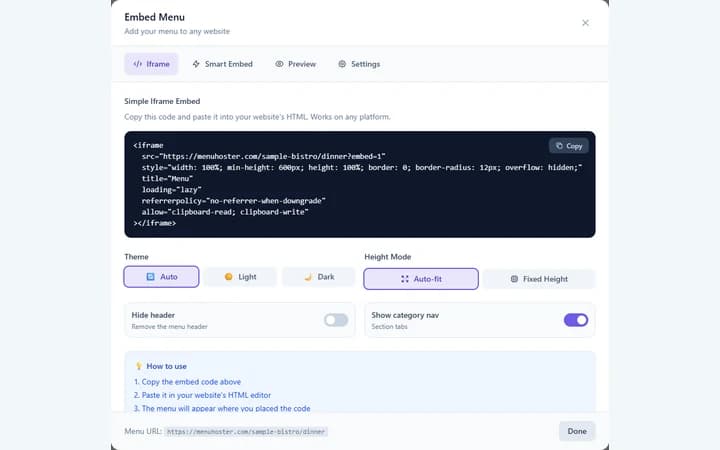
Point the button on your website to your published MenuHoster link. If you want the menu displayed on your site, use the iframe from Embed Menu and keep a plain link to open the full menu.
Update Facebook and Google
On your Facebook Page, edit the action button and replace the old ordering link with your published MenuHoster link wherever the button supports a website URL. In Google Business Profile, go to Edit profile → Contact → Menu link, replace the link and verify both links on your phone.
What carries over from GloriaFood?
| What stays the same | Pickup, delivery and dine-in orders. Pay on collection, an order dashboard, optional order alerts, scheduled orders and browser-printed kitchen tickets. |
|---|---|
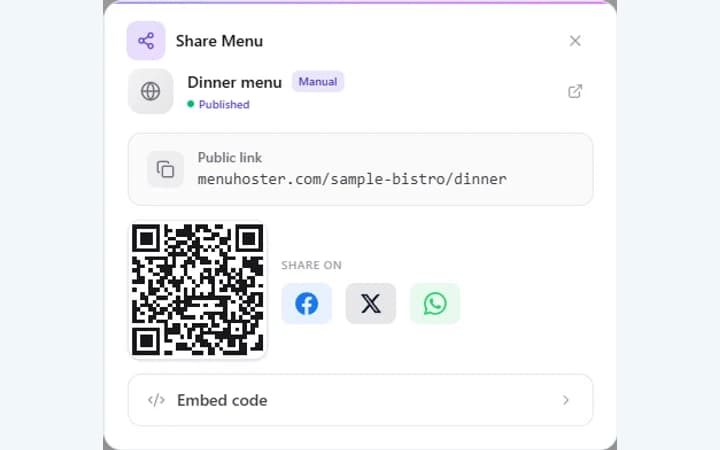
| What is different | You get a new menu link and QR code. Card payments use your connected Stripe account on Pro. You can also offer payment instructions for direct transfer and set up coupon codes or table reservations in MenuHoster. |
| What MenuHoster does not do | GloriaFood’s drawn delivery zones and delivery charges, order minimums, checkout tips, reservation deposits, the GloriaFood POS and a branded native ordering app. |
Ordering costs at a glance
- MenuHoster Free
- 25 orders a month at 0% MenuHoster commission.
- MenuHoster Pro
- Unlimited orders and Stripe card payments. US monthly price $9.49/month (For 12 months — then $19/mo). Stripe processing fees apply.
- GloriaFood card payments
- $29 a month for the legacy online card payments add-on.
Review current MenuHoster prices and trial eligibility and GloriaFood’s original pricing.
Save these before April 30
- Your menu, including prices, sizes and add-ons. Keep an original PDF or photos as a backup.
- Your customer list and its marketing consent records. Store both privately.
- Your order history for reporting and reconciliation.
- The old ordering page address. Use it to find links and QR codes that need replacing.
GloriaFood migration questions
When does GloriaFood close?
GloriaFood will reach end of life on April 30, 2027. Replace your public ordering links before that date. Check the renewal dates of any paid services you use.
What comes across when I paste my GloriaFood link?
The public menu import reads sections, dishes, descriptions and prices where the restaurant published them. Review the draft and set up modifiers, ordering and payments before you share it.
Can I take orders using MenuHoster Free?
Yes. Free includes 25 orders a month at 0% MenuHoster commission. Pro includes unlimited orders and Stripe card payments, with processing fees charged separately.
Can I reuse the QR codes already on my tables?
If you control the address that the QR code opens, update its redirect to the new menu. If the code points straight to GloriaFood, print a replacement.
Will my customers and order history transfer?
Save your customer list and order history in GloriaFood before the deadline. The public menu import only reads the catalogue.
Can I keep my current POS and website?
Yes. Keep your existing website and POS, replace the website’s ordering button and manage MenuHoster orders in its dashboard. Recheck any POS workflows your staff previously relied on.
Last updated: