Turn a menu photo into a digital menu
Turn a menu photo into a digital menu by uploading a sharp picture of your paper menu or board. Review the items and prices the reader found, then publish an editable menu with a public link.
Use the file above, or paste a link / type your business name below.
Free plan: 1 live menu, PDF and photo import, QR code, 1,000 views per 30 days, 25 orders a month at 0% commission. No card. Unlimited menu items on your live menu.
Pro adds branded links and scheduled prices. US monthly price $9.49 (For 12 months — then $19/mo).
Photograph, review and publish the menu
Take a straight-on photo
Fill the frame with one page, use even light and move away from reflections. For a wall board, step back far enough to avoid cutting off the prices and take close-ups if the lettering is small.
Check the read against the photo
Start with currencies, decimal points and add-ons at the edge of the image. Correct uncertain entries in the editor and move dishes into the right categories if the paper layout used several columns.
Publish a clear menu guests can use
Check the last dish on every page, then share the published link and test the QR code on another phone. Keep the photo as your reference and update the editable dishes after future changes.
Original layout
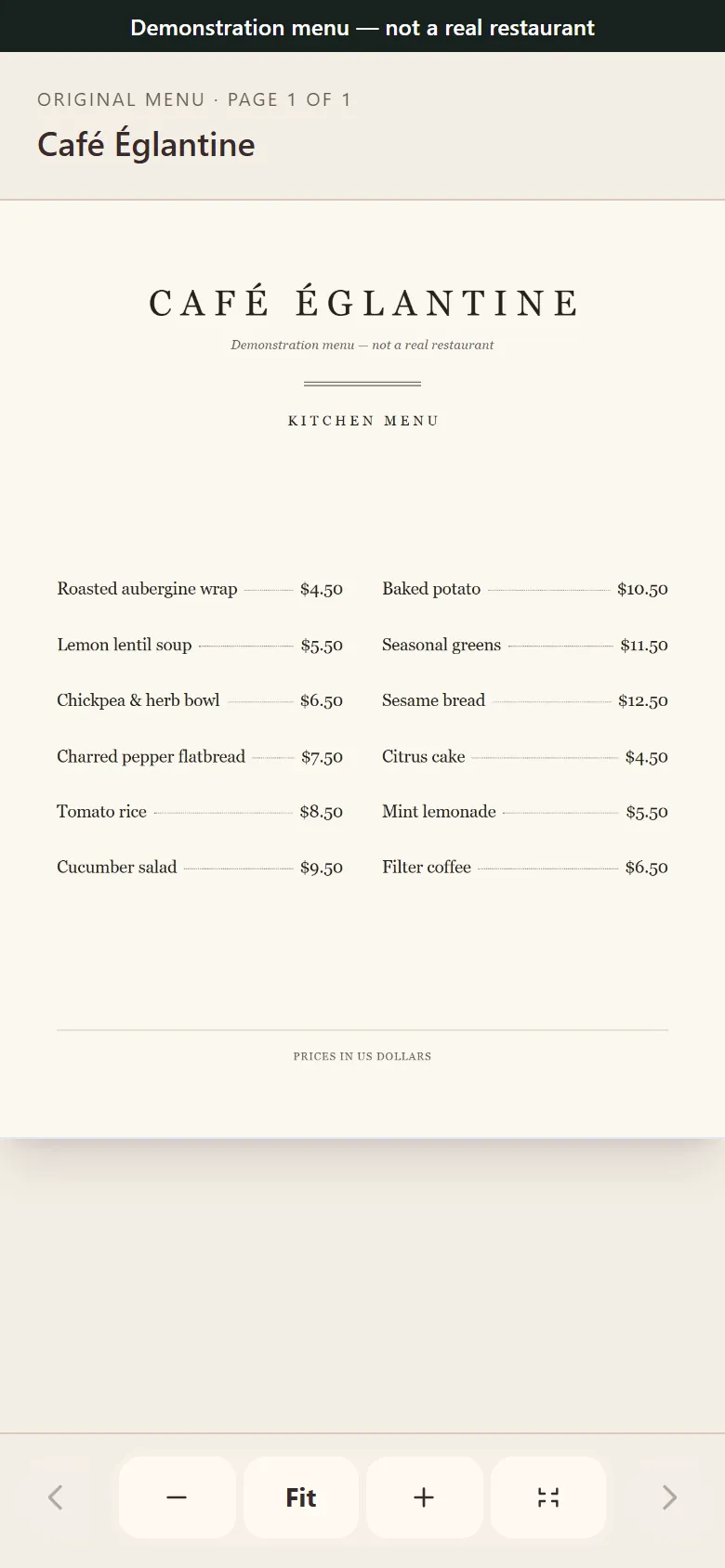
Editable menu
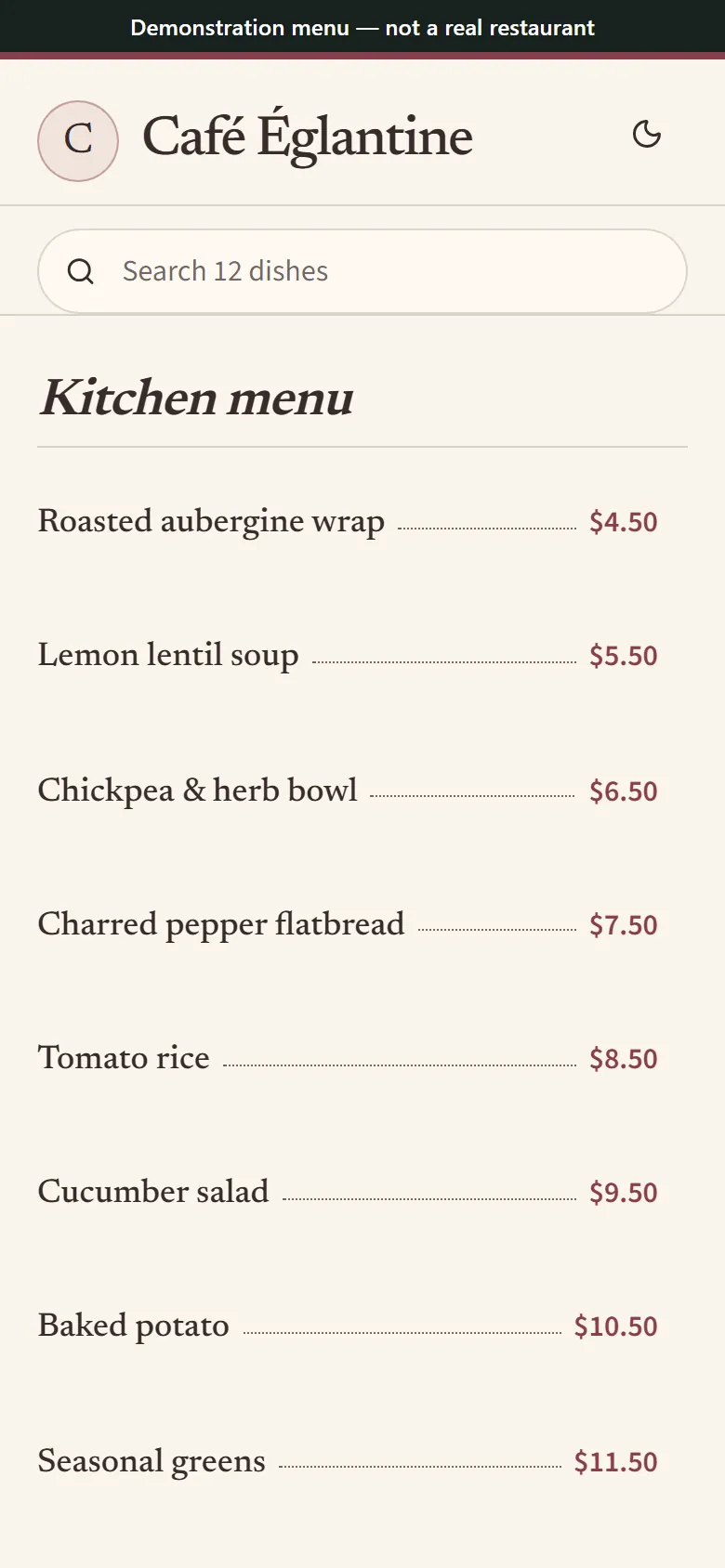
A synthetic café menu pictured as flat artwork and as editable rows on a phone. Synthetic menu for illustration.
What makes a photo readable
Printed headings and clear prices give the reader reliable cues. Take a second picture if a shadow falls across the cents or a finger covers the bottom of the page. Use the camera’s original file when you can because messaging apps may compress the text.
Chalk handwriting, crossed-out numbers and labels printed over food photography are easy to misread. A two-column board can also send a price to the neighboring item. Check each figure aloud with someone who knows the menu and replace any uncertain text.
Check the popular dishes first
Before copying the link, compare signature dishes, common add-ons and categories with near-identical names. Confirm which modifiers cost extra and which choices are included. On the phone preview, move through every section like a guest checking what they can order.
The synthetic Counter Cafe example shows a Large Oat Latte at $5.25 in the draft and $5.75 on the source board. Correct the size price in your own draft and verify it in the phone preview before publishing.
Compare the Counter Cafe source photo, draft and corrected phone menu
Common questions
How do I make a digital menu from a paper menu?
Photograph the front and back in good light. Import the photos in order, then compare the draft against the full paper menu and proofread before you publish.
How do I make a virtual menu from a chalkboard?
Photograph the board head on. Use close-ups when chalk is faint and review every item. Type any unclear special yourself and confirm the date before sharing.
How can I create a digital menu for free from a photo?
Upload your photo above and check the draft. Publish within the Free plan allowance and use the published address to share the result.
How much does a digital menu made from a photo cost?
Photo import is included in Free. Review the allowance above and see pricing for options such as scheduled prices and branding controls.
Should I photograph both sides of a folded menu?
Capture every served panel separately so the fold cannot hide item names. If the draft needs sections rearranged, put drinks, sides and full meals in the order staff use to take orders.