Menu hosting for restaurants
Menu hosting gives your restaurant one public menu address and a QR code that points to it. Upload the menu you already have and keep serving the latest version at that address.
Use the file above, or paste a link / type your business name below.
Free plan: 1 live menu, PDF and photo import, QR code, 1,000 views per 30 days, 25 orders a month at 0% commission. No card. Unlimited menu items on your live menu.
Pro adds branded links and scheduled prices. US monthly price $9.49 (For 12 months — then $19/mo).
Host your restaurant menu online
Bring the menu you serve
Use a current PDF or a clear photo covering everything you want guests to see. Keep your original file somewhere your team can find it when the kitchen changes the menu.
Review what guests will open
Choose whether to keep the artwork or convert the items into an editable phone menu. Check each category and price in the preview, then publish and copy the public address.
Share from one source
Put the public address behind your website’s Menu button and use its QR code at the counter. Scan a printed proof and open the website link on a phone before sending it to your printer.
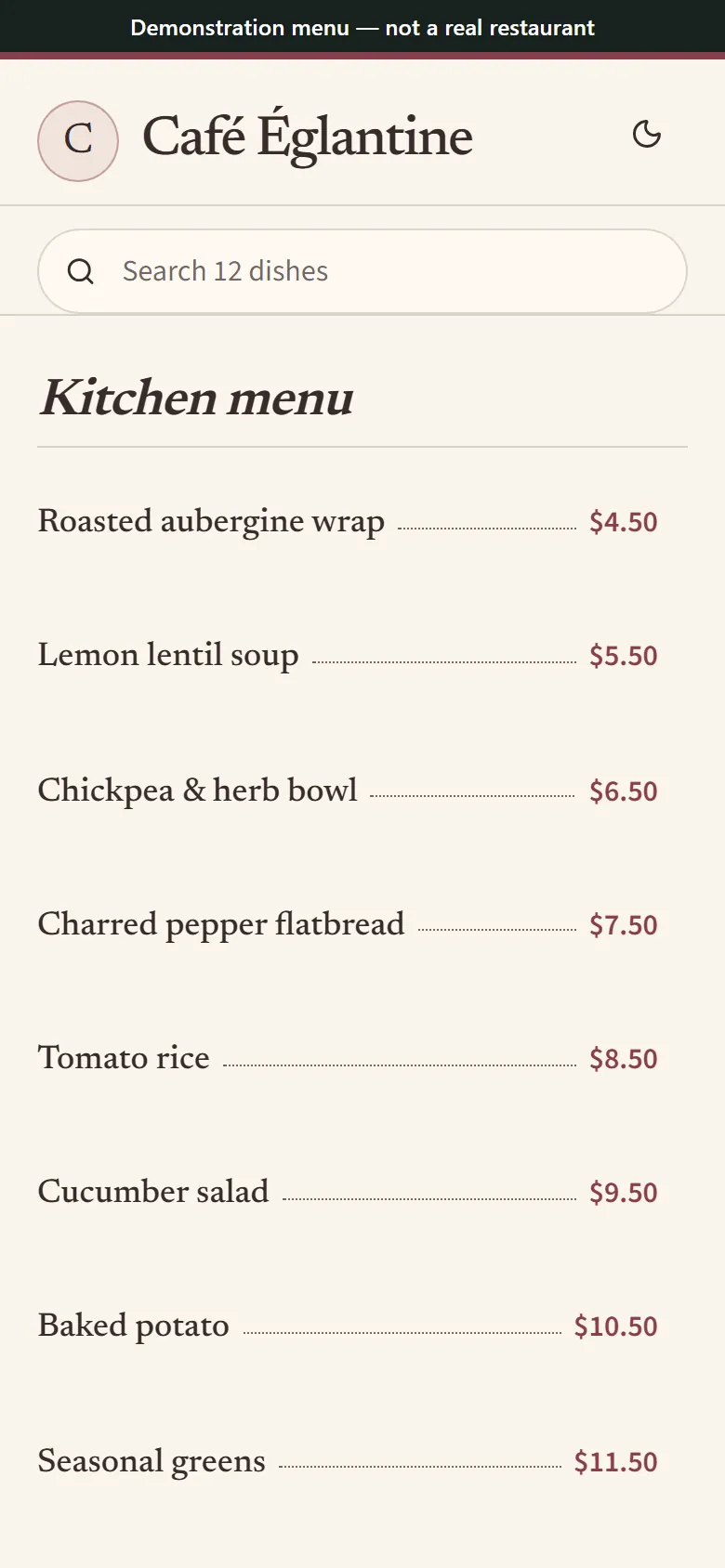
Example guest view of a published café menu. Synthetic menu for illustration.
What a hosted menu gives your team
A hosted menu is a web page your staff can open, share or update. When brunch replaces breakfast, edit and publish the same menu. The address you already shared still leads to it while that address stays the same and the menu remains active and published.
Use the MenuHoster address for long-lived table cards. An address on a custom domain also depends on your control of that domain and its connection. Keep a short printed address beside the code for guests who want to type it.
If you stop paying or close the account
If paid access ends, a published, active menu can stay at its MenuHoster address within the Free plan’s limits. Paid features end and some addresses on connected domains may redirect to their MenuHoster counterpart. Check which menu is active and test every printed code after a plan change.
Unpublishing hides the menu from guests. Deleting the menu or account removes the destination. If you move to another host, use a redirect you control or replace any printed QR code that points directly to the old address.
Common questions
Is there a free online tool to create a restaurant menu?
Yes. Start with the uploader above, review your draft and publish on Free within its allowance. Use the public link for your website or QR code.
How can I create a digital menu for my restaurant?
Import the file, review its dishes and prices, then publish. Add the published address to your restaurant profiles and keep any private editor address within your team.
How much does a digital menu cost?
MenuHoster has a Free plan with the allowance above. Check the pricing page for the paid features, current offers and renewal amounts that apply to your account.
Can I use one menu link on my website and at every table?
Yes. Copy the published link for the website and use the matching QR code for print. Confirm that both paths open the same menu before you distribute them.
What should I hand over to a new manager?
Give them normal staff access for the menu work they do, a list of where the public address is shared, and the editable source artwork. Keep a copy of the printed code with your signage files.