QR code menu from a Google Drive PDF
A QR code menu from a Google Drive PDF can open the shared file, and any access rules travel with it. For a guest-facing alternative, publish the menu under a direct web address and use the QR code for that address.
Use the file above, or paste a link / type your business name below.
Free plan: 1 live menu, PDF and photo import, QR code, 1,000 views per 30 days, 25 orders a month at 0% commission. No card. Unlimited menu items on your live menu.
Pro adds branded links and scheduled prices. US monthly price $9.49 (For 12 months — then $19/mo).
Move a Drive PDF to a guest-facing menu
Get the original PDF from Drive
In the Drive account authorized to access the file, open the current menu and download it. Confirm you have the version your restaurant is serving, including any separate beverage, lunch or takeaway pages you need.
Decide how guests will read it
Upload the downloaded file above. Keep the original layout to preserve artwork or convert dishes into rows guests can browse on their phones. Review the prices, headings and modifiers, then publish.
Test the replacement at a table
Open the published link in a private phone tab, use it on your website, and scan the new QR code. If signs at your restaurant point directly to Drive, replace the printed code when you switch the destination.
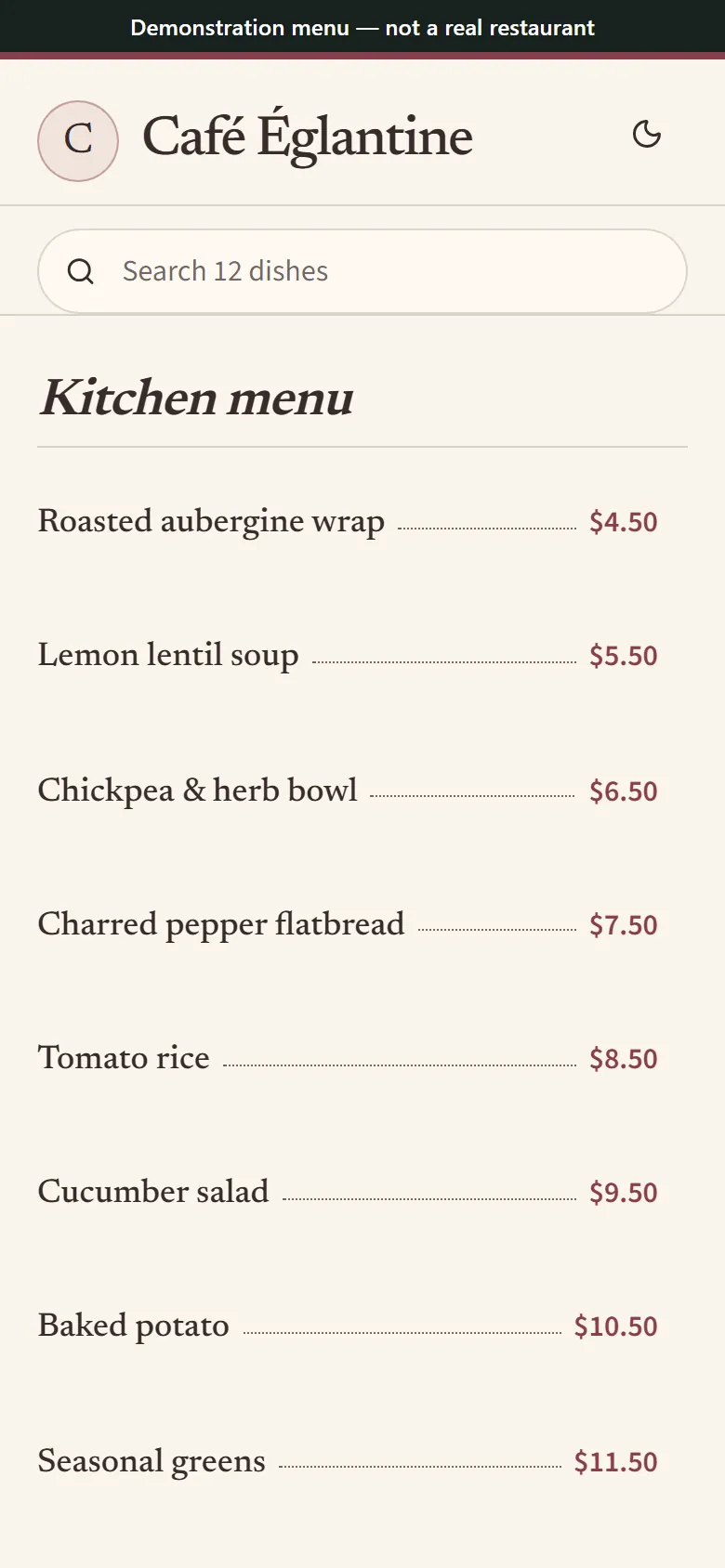
The public phone menu format guests can open from the replacement QR code. Synthetic menu for illustration.
Why a Drive file is an awkward table menu
Restricted files grant access to named people, so diners may get a sign-in or request-access screen. A public “Anyone with the link” share can open without a Google account, where your Drive administrator allows it. Test from outside the owning account and avoid changing who can see your whole folder.
Drive’s PDF viewer still fits a print layout into a phone. Tiny type and multi-column spreads can require zooming and panning. Link sharing also gives you no public restaurant landing page to submit for search. Share a dedicated menu page when discovery and guest readability matter.
Work out what the printed code contains
Scan an existing code and look at the address it opens. If the address lives on a domain or redirect you manage, point it to the new public menu and test. If the code contains the Drive address itself, print the replacement code and remove the older signs from service.
Common questions
How do I create a QR code for a PDF in Google Drive?
Share the individual PDF with the appropriate access, copy its link and put the link in a QR generator. Test outside your account. If you need an editable guest menu, publish the downloaded PDF through the uploader above instead.
Can I scan a QR code to view the menu without Google sign-in?
Anyone-with-link Drive sharing can work without a sign-in. A restricted file uses the permissions you gave it. A published MenuHoster menu opens at its public address while it is active.
How can I generate a QR code for a menu without using Drive?
Download the original file, upload it to MenuHoster and publish. Get the QR code from the published menu, then test it on a phone before you print.
How do I make a QR code show an updated PDF?
Check where the old code points. Update the file or menu behind that exact address if you control it. For a new address, change a redirect you own or replace the code.