A menu link for your Instagram bio
Make a menu link for your Instagram bio from the PDF or photo you serve today. Publish it, then add its public address to your profile’s Links or to a Story using the Link sticker.
Use the file above, or paste a link / type your business name below.
Free plan: 1 live menu, PDF and photo import, QR code, 1,000 views per 30 days, 25 orders a month at 0% commission. No card. Unlimited menu items on your live menu.
Pro adds branded links and scheduled prices. US monthly price $9.49 (For 12 months — then $19/mo).
Add your restaurant menu to Instagram
Copy a real guest link
Upload your file, review the mobile menu and publish. Copy the public address and open it in a signed-out phone tab so you catch a private draft or editor address before putting it on your profile.
Add the link to your profile
In the Instagram app, open your profile, tap Edit profile, then Links and Add external link. Paste the menu URL, use a descriptive title such as “View our menu,” then tap Done and go back.
Use the link in a Story
Start a Story with a dish photo or video. Open the sticker tray, pick Link, paste the same public URL and tap Done. Place the sticker where it is easy to see before sharing.
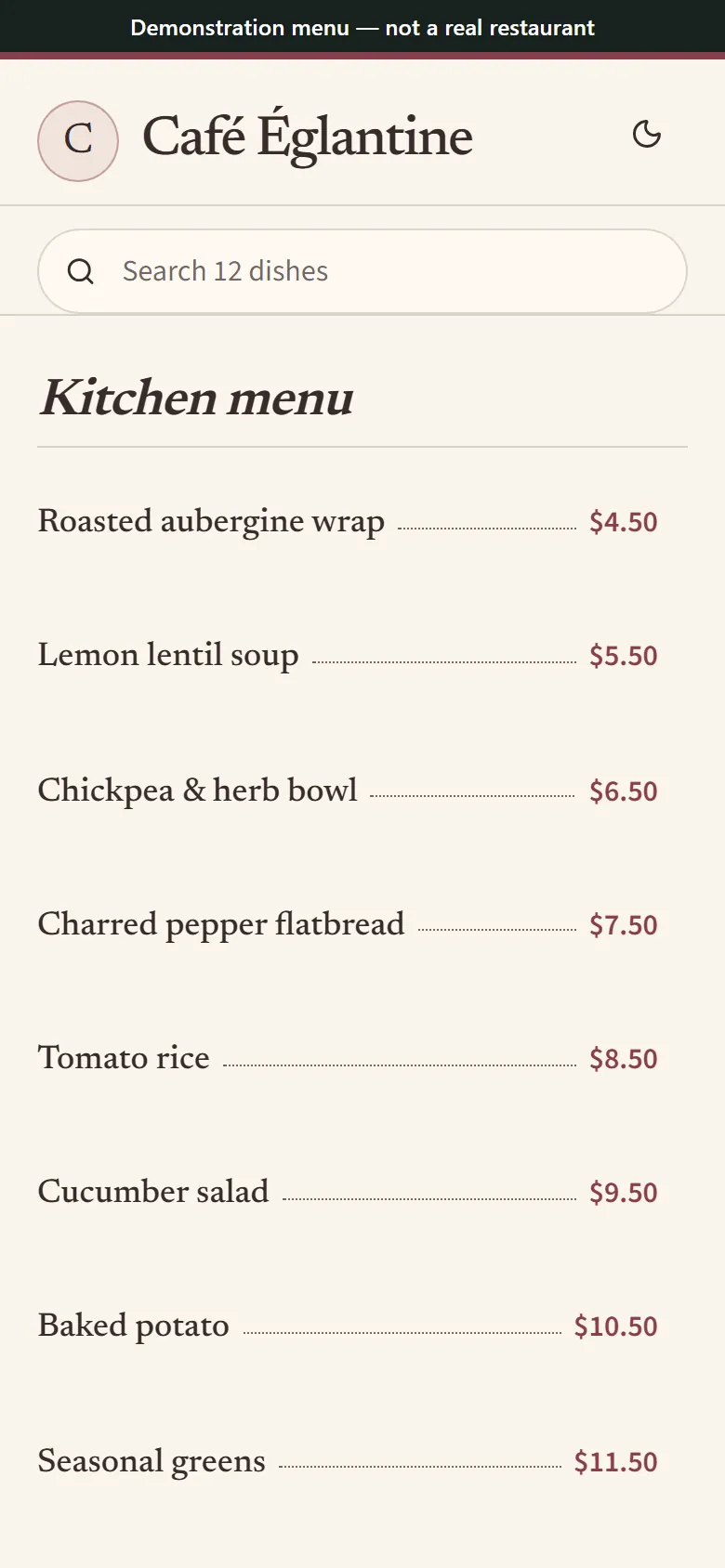
A sample café menu at the other end of a social profile link. Synthetic menu for illustration.
Give each visitor one clear next step
Someone seeing a lunch dish in a Reel usually wants dishes and current prices. Name the link for that job. If your profile has several links, put the menu in the order that matches the actions diners take most. Use a label such as “Lunch and dinner menu” when your website and reservations have their own links.
Use the same destination on a Story about a special if the item is on that menu. Keep the sticker unobstructed and open the shared Story from a guest account or ask a teammate to test it.
Keep the bio address when dishes change
Update the dishes and prices on the published menu at that same address. If you change the public address or switch to a different menu, go back to Links, replace the old entry and test it again. Include profile links in your opening or handover checklist.
Common questions
How do I create a menu link?
Upload the file, review the draft and publish it. Copy the address guests use from your published menu and open it outside your account.
What links should a restaurant put in its Instagram bio?
Start with the menu and add reservations, ordering or directions if they serve distinct needs. Give each link a name a guest can distinguish at a glance.
How do I get to the Instagram bio link settings?
In the Instagram mobile app, open the restaurant profile, tap Edit profile, then Links. Use Add external link for a new menu address or open an existing link to edit it.
What is a good Instagram bio for a restaurant?
Use your restaurant name, neighborhood and the kind of food you serve. Pair that with a clear menu link and keep hours or reservations where your staff can update them reliably.
What should I link from a Story about tonight’s special?
Pick the current menu where a guest can find that special and use a short sticker label that tells them what opens. Before the next service, check that the menu reflects what the kitchen can still prepare and update any special that has sold out.