How to Build a Salon Website That Converts Visitors into Booked Appointments
Updated:
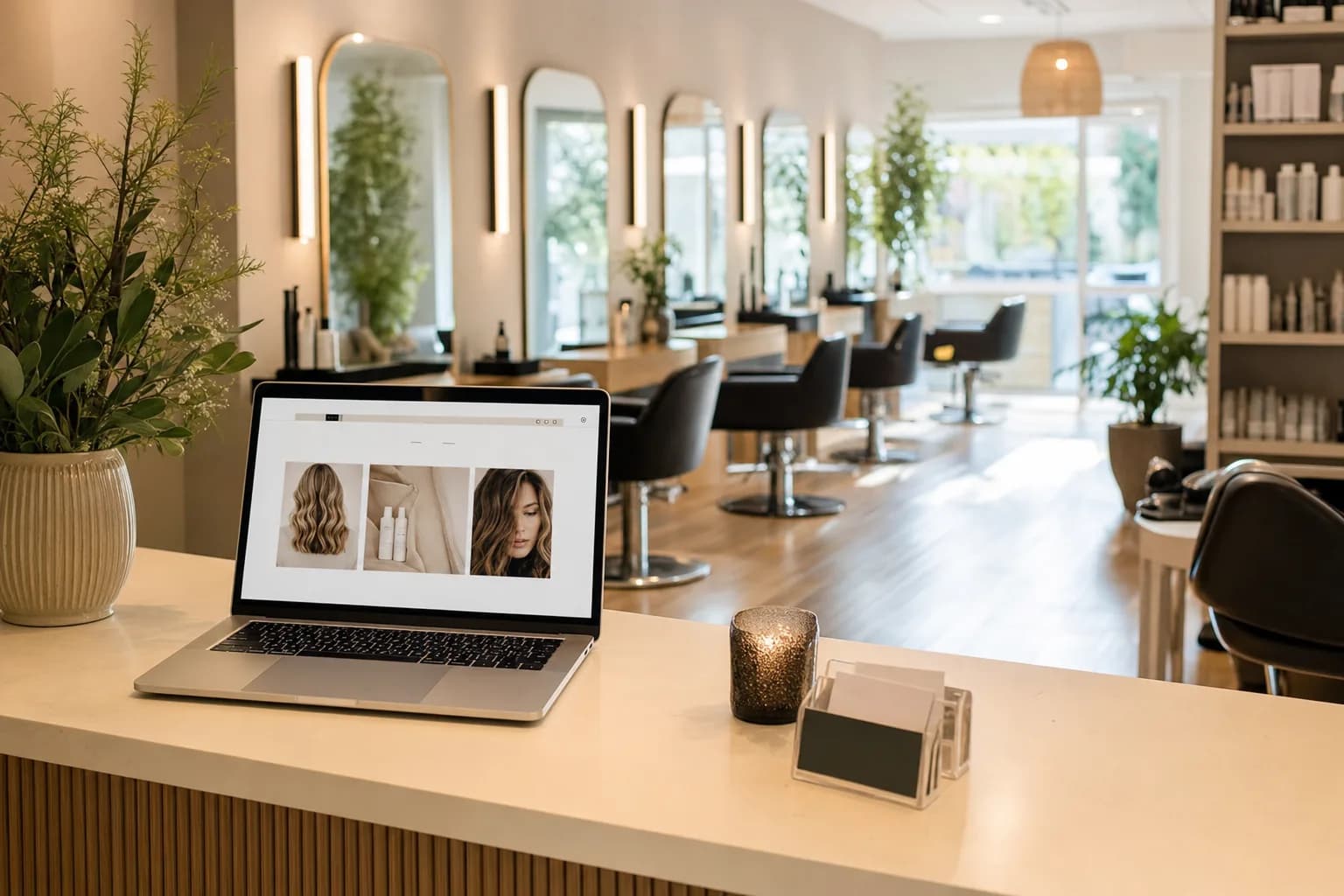
Most salon websites fail at one job: turning a curious visitor into a booked client. They look fine — maybe even beautiful — but they bury the booking button, list services without prices, and leave first-timers with too many unanswered questions. The visitor closes the tab and books somewhere else.
A converting salon website isn't about winning a design award. It's about removing every possible reason a potential client has to hesitate. This guide walks you through exactly how to do that, from page structure to service presentation to the booking flow itself.
Understand Why Visitors Leave Without Booking
Before you fix anything, it helps to understand what's actually stopping people from booking. The most common reasons are:
- No prices listed. Clients don't want to call just to find out what a balayage costs. If they can't find a price, they assume it's too high — or they simply move on.
- Unclear service descriptions. "Color service" tells a client nothing. They need to know what's included, how long it takes, and what result to expect.
- Buried or broken booking links. If your "Book Now" button requires three clicks to find, you've already lost a chunk of your audience.
- No social proof. A new client has never met you. Without reviews, photos, or credentials, there's no reason to trust you over the salon down the street.
- Slow load times on mobile. More than 60% of local searches happen on phones. If your site takes more than three seconds to load, a significant share of visitors bounces before they even see your content.
Fix these five things and you'll likely double the conversion rate of a typical salon website.
Nail the Above-the-Fold Section
The "above the fold" area is everything a visitor sees before they scroll. It's the most valuable real estate on your site. Most salon owners waste it on a full-screen photo with no text. That's a missed opportunity.
Your above-the-fold section should answer three questions in under five seconds:
- What do you do? (e.g., "Hair color, cuts, and extensions in Austin, TX")
- Who is it for? (e.g., "Specializing in lived-in color and curly hair")
- What should I do next? (e.g., a prominent "Book an Appointment" button)
Keep the headline specific. "Welcome to Luxe Salon" is not a headline — it's a placeholder. Something like "Austin's Go-To Studio for Balayage and Lived-In Color" is far more effective because it immediately tells a visitor whether they're in the right place.
Your call-to-action button should be above the fold, in a contrasting color, and it should say something action-oriented: "Book Now," "Check Availability," or "Book Your Appointment." Avoid generic labels like "Learn More."
Build a Services Page That Does the Selling for You
Your services page is where most conversions are won or lost. A simple list of service names isn't enough. Each service entry should include:
- A clear name (avoid internal jargon — "Brazilian Blowout" is fine; "Treatment Type B" is not)
- A short description of what the service involves and what result the client can expect
- Duration so clients can plan their day
- Starting price or price range so there are no surprises at checkout
- A "Book This Service" link that takes them directly to booking that specific service
This is essentially a digital menu for your salon — and it works the same way a restaurant menu works. When it's clear, well-organized, and priced, people make decisions faster and with more confidence. A well-built salon menu is one of the highest-leverage pages on your entire website.
Group services into logical categories: Hair Services, Color Services, Treatments, Add-Ons. This helps clients self-identify what they need without having to read every line. If you offer spa or nail services too, keep them in clearly separated sections — don't mix a manicure with a haircut in the same list.
Make Pricing Visible and Honest
Hiding prices is one of the single biggest conversion killers for salon websites. The fear is usually that clients will be scared off by high prices or that competitors will undercut you. In practice, the opposite tends to be true: transparent pricing builds trust, pre-qualifies clients, and reduces the number of price-shocked no-shows.
If your pricing genuinely varies based on hair length, stylist level, or complexity, say so clearly: "Starting from $85 — final price confirmed at consultation." That's honest and still gives people a ballpark. What you don't want is a services page with no prices at all and a note that says "Call for pricing." That's a conversion dead end.
If you use a digital menu for your services, you can update prices instantly without rebuilding a page — a major practical advantage over static website builders.
Build Trust Before They Even Call
First-time clients are making a judgment call about whether to trust you with their hair, nails, or skin. Your website needs to make that decision easy. Here's what actually builds trust:
Real photos of your work
Stock photos of models don't count. Show before-and-after shots, portfolio images from real clients (with permission), and photos of your actual space. Authenticity matters more than polish here. A slightly imperfect photo of a stunning real result beats a flawless stock image every time.
Google and Yelp reviews embedded or quoted
Pull your best reviews and display them on your homepage and services page. Specific reviews ("She matched my reference photos perfectly and my color lasted three months") are far more persuasive than vague ones ("Great salon!"). If you can embed a live Google review widget, even better.
Stylist bios with photos
Clients book stylists, not salons. A short bio — name, specialties, years of experience, and a genuine photo — makes your team feel real and approachable. This is especially important for attracting first-time clients who are nervous about trying someone new.
Credentials and training
If your team has completed advanced training, brand certifications (Redken, Schwarzkopf, Wella), or won awards, mention it. It signals expertise without being braggy.
Optimize Your Booking Flow
The booking flow is where interest turns into a confirmed appointment — and where a lot of salons quietly lose clients. A few principles that make a real difference:
Reduce friction at every step
Every extra click, form field, or decision point between "I want to book" and "Your appointment is confirmed" costs you conversions. Use a booking tool that lets clients select a service, choose a stylist, pick a time, and confirm — ideally in four steps or fewer.
Don't force account creation
Requiring new clients to create an account before booking is a significant drop-off point. Offer guest checkout. You can always encourage account creation after they've had a great experience.
Send an immediate confirmation
An instant confirmation email or text reassures the client that the booking went through. Include the date, time, stylist name, service, location address, and a cancellation/rescheduling link. This also sets professional expectations from the start — something that matters a lot for first-time client experience.
Add a deposit option for high-value services
For color services, extensions, or anything over 90 minutes, consider requiring a small deposit at booking. It reduces no-shows dramatically and signals to the client that their time slot is genuinely reserved.
Mobile-First Is Not Optional
Your salon website will be viewed on a phone by the majority of your potential clients. "Mobile-friendly" is the bare minimum — you want mobile-first. That means:
- Large, tappable buttons (minimum 44px height)
- Text that's readable without zooming
- No horizontal scrolling
- A click-to-call phone number in the header
- Booking flow that works smoothly on a small screen
Test your site on an actual phone — not just a browser simulator — before you consider it done. Go through the entire booking process yourself as if you were a new client. You'll almost certainly find at least one friction point you didn't know was there.
Use Local SEO to Bring In the Right Visitors
A converting website is useless if no one finds it. Local SEO is how people searching "balayage salon near me" or "nail salon open Sunday in Denver" end up on your page instead of a competitor's.
The basics that matter most:
- Google Business Profile: Claim and fully complete your profile. Add photos weekly, respond to every review, and keep your hours current. This is often the first thing a local searcher sees.
- Location keywords on your website: Use your city and neighborhood naturally in your page titles, headings, and service descriptions. "Balayage specialist in Brooklyn" is more searchable than just "balayage specialist."
- Consistent NAP: Your Name, Address, and Phone number should be identical across your website, Google Business Profile, Yelp, and any other directory. Inconsistencies confuse search engines.
- Schema markup: If you or your web developer can add LocalBusiness schema to your site's code, it helps Google understand what you do and where you are.
Use QR Codes to Bridge Offline and Online
Your website doesn't have to work in isolation. A well-placed QR code on your business cards, salon window, or appointment reminder cards can drive traffic directly to your booking page — bypassing your homepage entirely and getting clients one step closer to confirming. This is a simple, low-cost way to increase bookings from people who've already had contact with your brand in the real world.
You can generate a custom QR code that links directly to your services menu or booking page using a QR code menu generator — no technical skills required.
Keep It Updated
A website with outdated prices, discontinued services, or a "Holiday Hours" banner in March is a trust killer. Set a recurring reminder — monthly works for most salons — to review your services page, check that all booking links work, update any seasonal promotions, and refresh your photo gallery with recent work.
If updating your site is painful because of your platform, that's a sign you're on the wrong platform. Your services and pricing should be editable in minutes, not hours. Tools like MenuHoster's salon templates are built specifically for this — so you can update a price or add a new service without touching a line of code or waiting on a web designer.
Frequently Asked Questions
Do I need a full website, or can I just use Instagram and Google?
Instagram and Google Business Profile are valuable, but they're not substitutes for a website you control. Algorithms change, platforms go down, and social profiles don't give you the space to properly present your full service menu, pricing, team bios, and a smooth booking flow. A focused, well-built website remains the highest-converting digital asset most salons can have.
Should I list prices on my salon website?
Yes — at least starting prices or ranges. Hiding prices creates friction and erodes trust. Clients who are surprised by pricing at checkout are more likely to leave negative reviews or not return. Transparent pricing attracts clients who are already comfortable with your rates, which leads to fewer awkward conversations and better retention.
What's the best booking software for a salon website?
The best one is the one your clients will actually use. Prioritize tools that offer mobile-optimized booking, instant confirmations, automated reminders, and the option to collect deposits. Popular choices include Vagaro, GlossGenius, Boulevard, and Square Appointments. Whatever you choose, make sure the "Book Now" button on your website links directly to a pre-filled booking form — not just the software's generic homepage.
How many photos should I have on my salon website?
Quality beats quantity, but aim for at least 10–15 strong portfolio photos on your services or gallery page, plus real photos of your interior and team. Update your gallery every one to two months with recent work. Fresh, authentic photos signal to new visitors that your business is active and your skills are current.
How long does it take to build a converting salon website?
With the right tools and a clear plan, you can have a functional, professional salon website live in a weekend. The key is starting with a template designed for salons rather than building from scratch, writing your service descriptions before you start, and having your photos ready to upload. The most common delay is waiting on content — so gather your photos, prices, and service descriptions first.
Ready to give your salon a digital presence that actually books appointments? MenuHoster's plans include everything you need to build a polished salon menu, generate a QR code, and get your services in front of new clients — no web designer required. Start free and have your page live today.
MenuHoster Team
Helping restaurants go digital